ToolMage
Sign in

Best 1 Api Builder AI tools for Api Management

Popular Api Builder AI tools in Api Management include Xano, helping you work more efficiently.

Xano
Freemium

Xano

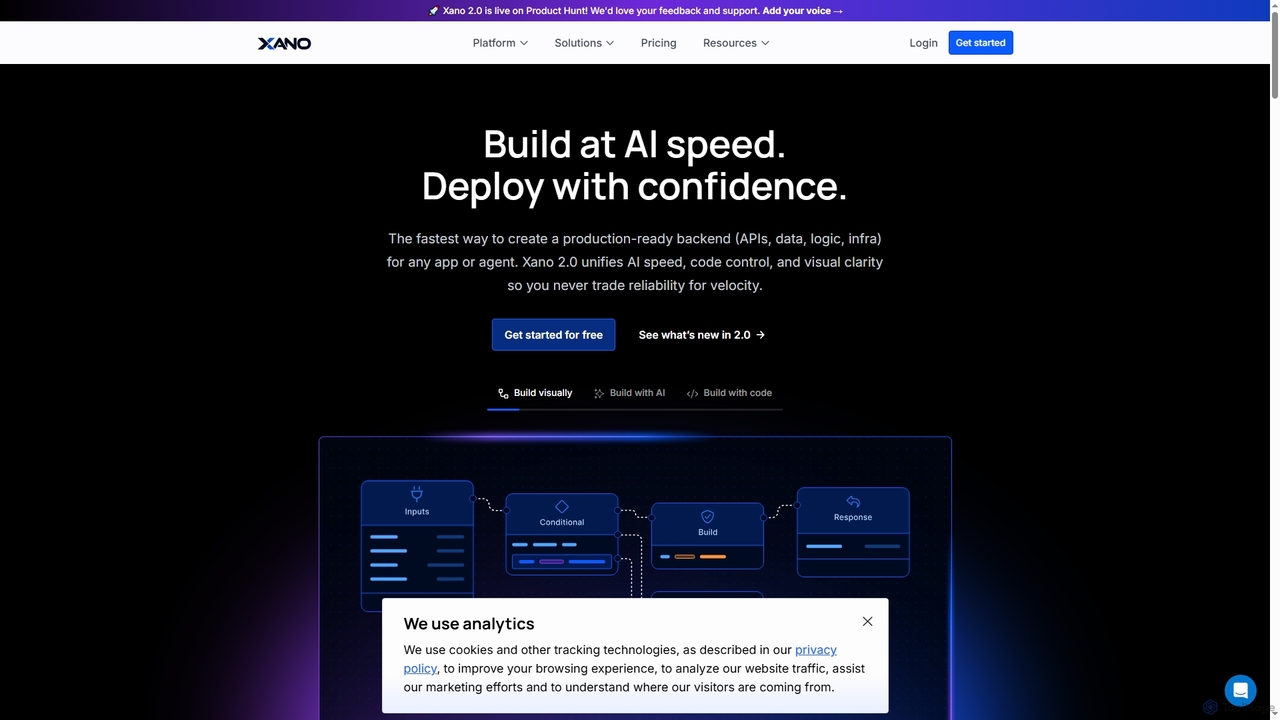
Xano is a scalable no-code backend platform that empowers developers and teams to build production-ready applications and AI agents at speed. It provides a unified solution for APIs, a managed Postgres database, visual logic, and auto-scaling infrastructure, eliminating the need for complex DevOps.

Agent Building
Visits 176KFavorites 140Likes 148

About Api Builder

API Builders are tools designed to rapidly create, design, and deploy APIs, often with a low-code or no-code approach. They abstract away complex backend coding by providing visual interfaces for defining data models, endpoints, and business logic. This enables developers and even non-developers to build functional and secure REST or GraphQL APIs in a fraction of the time. The primary value lies in accelerating development cycles, simplifying backend creation for frontend projects, and modernizing access to existing data sources.

Core Features

  • Visual Interface: Design API endpoints and data structures using drag-and-drop or graphical editors without writing extensive code.
  • Automated Database Connectivity: Instantly generate CRUD (Create, Read, Update, Delete) endpoints by connecting to existing SQL or NoSQL databases.
  • Built-in Security: Implement authentication and authorization with pre-built modules for API keys, OAuth 2.0, and JWT.
  • Automatic Documentation: Automatically generate interactive API documentation, such as OpenAPI (Swagger) specifications, as you build.
  • One-Click Deployment: Deploy the API to cloud platforms or on-premise servers with minimal configuration.

Use Cases

API Builders are widely used by frontend developers for creating backends for mobile or web apps, by product managers for rapid prototyping, and by IT teams for building internal tools or creating modern API gateways for legacy systems. They are particularly effective in scenarios requiring fast iteration, such as developing Minimum Viable Products (MVPs), automating internal workflows, or building proof-of-concept applications.

How to Choose

When selecting an API Builder, consider the required technical skill level (no-code for business users vs. low-code for developers). Evaluate its integration capabilities with your existing databases and third-party services. Assess the platform's scalability, performance, and security features like rate limiting and access control. Finally, compare pricing models, whether they are based on usage, users, or a flat subscription fee.

Featured tool rankings

Api Builder use cases

1

Rapid Backend Prototyping for MVPs

A startup founder or product manager needs to validate a new app idea quickly by launching a Minimum Viable Product (MVP). Instead of spending weeks building a backend from scratch, they use an API Builder to connect to a database and visually define endpoints for user registration, data submission, and content retrieval. This allows the frontend team to start development immediately against a functional API. The result is a working prototype launched in days instead of months, enabling faster user feedback and iteration cycles while significantly reducing initial development costs.

2

Creating APIs for Internal Tools

An operations manager needs a dashboard to view data from multiple sources like a CRM, a spreadsheet, and an internal database. An IT team member uses an API Builder to create a unified REST API that exposes the necessary data from each source. They connect the builder to these data sources, select the required fields, and generate secure endpoints. This new API is then consumed by a frontend dashboarding tool, providing the manager with a real-time, consolidated view. This process avoids complex data integration projects and delivers a functional tool in hours.

3

Modernizing Legacy Database Access

A company has critical business data stored in an old on-premise SQL database that is difficult to access for modern web applications. An IT architect uses an API Builder to create a secure REST API wrapper around this legacy database. Without writing any custom server code, they connect the builder to the database, define endpoints that correspond to specific queries, and implement API key authentication. This modern API allows new cloud-based applications and analytics platforms to securely read and write data to the old system, extending its lifespan and value without a costly migration.

4

Building Backends for Mobile Apps

A mobile app developer is creating a new social networking app and needs a backend for user authentication, profile management, and posting content. Using a low-code API Builder, the developer quickly sets up a database schema, generates endpoints for all required functionalities, and integrates a third-party service for push notifications. The builder's built-in authentication module handles user sign-up and login securely. This approach allows the developer, who may not be a backend expert, to focus on the iOS/Android user experience while having a scalable and secure backend ready in a matter of hours.

5

Automating Data Workflows Between Services

A marketing team uses several SaaS tools (e.g., a CRM, an email marketing platform, and an analytics tool) that don't integrate natively. A marketing technologist uses a no-code API Builder to create a 'glue' API. When a new lead is added to the CRM, a webhook triggers an endpoint in the custom API. The API then processes the data and calls the APIs of the other tools to add the contact to an email campaign and log the event in the analytics platform. This automates a previously manual and error-prone process, ensuring data consistency across platforms without writing complex integration scripts.

6

Exposing Data for Partner Integrations

A B2B company wants to allow its partners to access specific, non-sensitive data from their internal systems. Instead of granting direct database access, a developer uses an API Builder to create a secure, public-facing partner API. They define specific endpoints that only expose the necessary data fields and implement robust authentication using OAuth 2.0. The builder's built-in rate limiting and logging features help monitor usage and prevent abuse. This provides partners with a stable, well-documented, and secure way to integrate, fostering a stronger partner ecosystem while maintaining full control over internal data.

Api Builder FAQ

What is an API Builder?

An API Builder is a software tool, often low-code or no-code, that streamlines the creation of APIs. Instead of writing backend code from scratch, users can visually define data models, configure endpoints, and connect to databases. These tools automate many complex tasks like generating documentation, implementing security protocols (like OAuth 2.0), and deploying the API to a server. They are designed to significantly speed up the development process, especially for frontend developers, product teams, and IT professionals who need to create APIs quickly without deep backend expertise.

How do I choose the right API Builder?

To choose the right API Builder, consider these factors:

  • Target User: Are you a non-technical user needing a no-code solution, or a developer looking for a low-code tool to accelerate work?
  • Database Support: Ensure it supports your existing databases (e.g., PostgreSQL, MongoDB, MySQL) or the ones you plan to use.
  • Scalability and Hosting: Check if it offers scalable cloud hosting or options for self-hosting if you need more control over the infrastructure.
  • Security Features: Look for essential security capabilities like role-based access control, API key management, and support for standards like OAuth 2.0.
  • Customization: Evaluate how much you can customize the logic. Some builders allow for custom code or scripts for more complex operations.
What's the difference between an API Builder and a backend framework like Express.js?

The main difference is the level of abstraction and speed. An API Builder is a higher-level tool that abstracts away boilerplate code, server setup, and database configuration, allowing for very fast API creation through a visual interface. A backend framework like Express.js (for Node.js) is a lower-level tool that provides libraries and structure but still requires you to write code for routing, database logic, authentication, and server management. API Builders prioritize speed and ease of use, while frameworks offer greater flexibility and fine-grained control for complex, custom applications.

Who are API Builders best suited for?

API Builders are ideal for a wide range of users. This includes:

  • Frontend Developers: Who need to quickly create a backend for their web or mobile applications without spending much time on server-side code.
  • Product Managers & Entrepreneurs: Who want to build prototypes and Minimum Viable Products (MVPs) rapidly to test ideas and gather user feedback.
  • IT Departments & Ops Teams: Who need to build internal tools, automate workflows, or create modern API gateways for legacy systems.
  • Citizen Developers: Business users with some technical aptitude who can use no-code builders to create simple APIs for their specific needs, such as connecting spreadsheets to other applications.
Can API Builders handle complex business logic?

Yes, many modern API Builders can handle complex business logic, though the approach varies. No-code builders often use visual flow editors where you can chain together pre-built functions and conditional logic. Low-code builders go a step further, allowing developers to write custom code snippets (e.g., in JavaScript or Python) or serverless functions that can be triggered within an API endpoint. This hybrid approach allows for rapid development of standard CRUD operations while still providing the flexibility to implement custom validation, data transformations, or integrations with third-party services for more sophisticated use cases.