ToolMage
Sign in

Best 1 Art Creation AI tools

Popular Art Creation AI tools include Fast Image, helping you work more efficiently.

Fast Image
Freemium

Fast Image

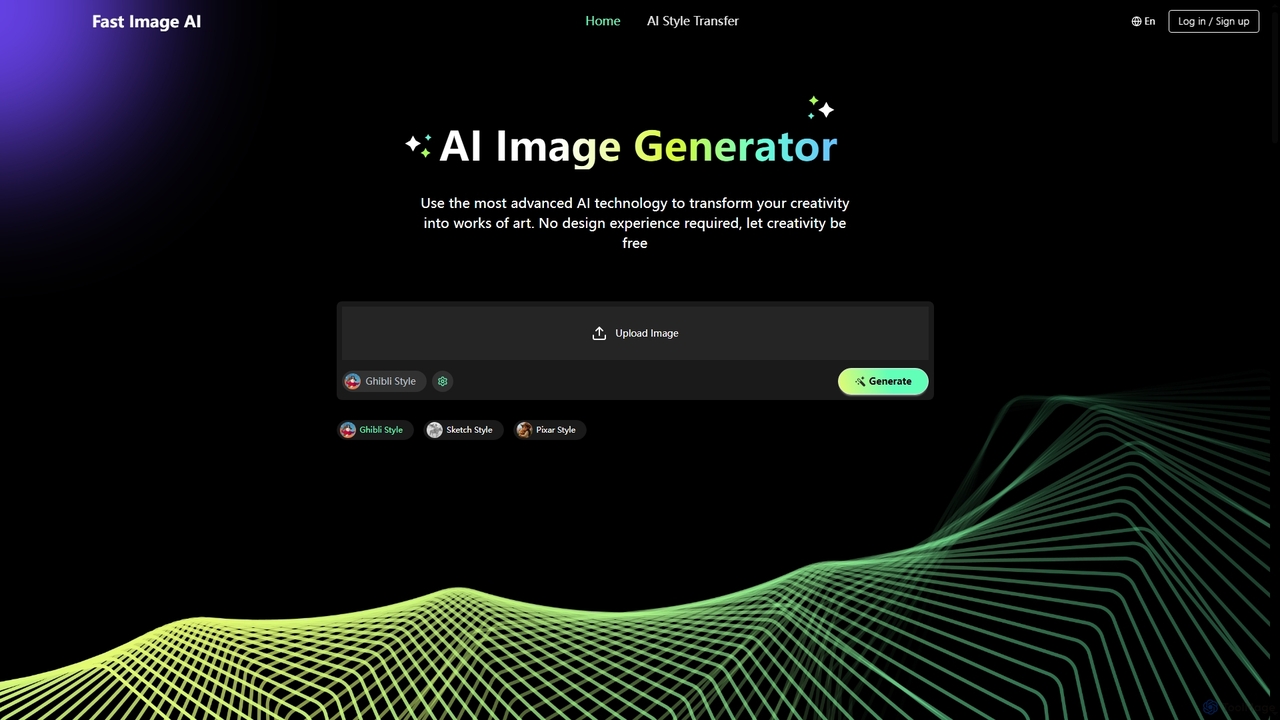
Fast Image is an intuitive online AI image generator that transforms your creativity into stunning artwork. It allows users to convert photos into various artistic styles like Ghibli, Sketch, and Pixar, or generate unique images from text descriptions. With a user-friendly interface and no design experience required, Fast Image makes AI art creation accessible and fast, operating directly in your browser.

Digital Art
Visits 16.8KFavorites 144Likes 139

About Art Creation

AI Art Creation tools are applications that leverage artificial intelligence, particularly generative models, to produce or alter visual artworks from user inputs. These tools typically use advanced algorithms like diffusion models or Generative Adversarial Networks (GANs) to interpret text prompts, sketches, or existing images and translate them into new, unique visual content. They empower artists, designers, and creators to rapidly visualize concepts, explore diverse artistic styles, and generate high-quality imagery for creative, commercial, and personal projects. This technology significantly lowers the barrier to digital art creation, enabling users to bring complex ideas to life without extensive technical skill.

Core Features

  • Text-to-Image Generation: Creates detailed images from descriptive text prompts, turning words into visual art.
  • Image-to-Image Transformation: Modifies an existing image based on a new prompt or style reference, also known as style transfer.
  • Inpainting & Outpainting: Intelligently fills in missing parts of an image (inpainting) or extends its original canvas with contextually appropriate content (outpainting).
  • Style & Parameter Control: Offers fine-grained control over artistic style, color palettes, composition, and other parameters using prompts or settings.
  • AI Upscaling: Enhances the resolution and detail of generated or existing images without significant loss of quality.

Use Cases

AI Art Creation tools are widely used by digital artists for concept art and inspiration, marketing teams for generating unique ad creatives and social media content, and game developers for creating textures and character prototypes. They also serve authors for book illustrations and hobbyists for personal creative exploration.

How to Choose

When selecting an AI Art Creation tool, consider the quality and style of its output model—whether it aligns with your aesthetic (e.g., photorealistic, anime, abstract). Evaluate the level of control and customization available, such as negative prompts and parameter tuning. Also, carefully review the tool's terms regarding commercial usage rights for the generated images and assess whether its user interface suits your skill level, from simple prompts to advanced controls.

Art Creation use cases

1

Concept Art for Game Development

A game designer needs to visualize a new fantasy world, including characters, creatures, and environments. Instead of spending weeks on manual sketches, they use an AI Art Creation tool. By inputting detailed text prompts like 'elven warrior with glowing armor in a bioluminescent forest, cinematic lighting,' the designer generates dozens of high-quality visual concepts in hours. This allows the team to quickly iterate on art direction, select a final style, and provide a clear visual brief to 3D modelers, significantly accelerating the pre-production pipeline.

2

Unique Marketing and Ad Creatives

A marketing team for an e-commerce brand needs fresh, eye-catching visuals for a social media campaign. Stock photos feel generic and expensive photoshoots are out of budget. Using an AI art generator, they can create unique lifestyle images featuring their products. For example, they can input a product image and use inpainting to place it in various AI-generated scenes, or use text prompts like 'a futuristic sneaker displayed on a neon-lit pedestal in Tokyo'. This approach allows for rapid A/B testing of different visual concepts and produces a large volume of on-brand, original content at a fraction of the cost.

3

Architectural and Interior Design Visualization

An architect wants to show a client multiple design options for a building's facade without creating complex 3D renders for each. They start with a basic architectural sketch or a simple 3D model. Using an image-to-image AI tool, they apply different text prompts like 'modernist facade with glass and steel, daytime' or 'brutalist concrete exterior, overcast sky'. The AI re-renders the initial design in these styles instantly. This process provides the client with a rich visual portfolio of possibilities, facilitating faster decision-making and saving significant time and resources in the conceptual design phase.

4

Personalized Storybook Illustrations

A parent wants to create a unique bedtime story for their child, featuring the child as the main character. They write the story but lack drawing skills. Using a text-to-image AI tool, they can generate illustrations for each page. They use consistent prompts to maintain character appearance, such as 'a young girl with curly red hair and a blue dress, exploring a magical candy forest, watercolor style'. By slightly modifying the prompt for each scene, they can create a complete, visually cohesive, and highly personalized storybook that is far more engaging for the child than a generic book.

5

Fashion and Textile Design Prototyping

A fashion designer is exploring new patterns for their upcoming collection. Instead of manually creating mood boards or fabric samples, which is time-consuming, they use an AI art tool. They can generate countless seamless patterns by prompting 'art deco floral pattern with gold and emerald green, seamless tile'. They can also visualize entire garments by uploading a sketch of a dress and using image-to-image to apply different generated patterns to it. This digital prototyping allows for rapid exploration of creative ideas and helps finalize a collection's theme before any physical materials are used.

6

Creating Abstract Art and Digital Paintings

A digital artist wants to explore abstract expressionism but finds it difficult to start on a blank canvas. They use an AI art generator as a collaborative partner. By providing abstract prompts like 'the feeling of a forgotten memory, ethereal and fragmented, oil painting style', the AI produces a base image. The artist then imports this image into their digital painting software. Using the AI-generated composition and color palette as a foundation, they paint over it, add details, and refine the piece with their own unique touch. This workflow blends AI's generative power with human creativity, opening new avenues for artistic expression.

Art Creation FAQ

What is AI Art Creation?

AI Art Creation refers to the use of artificial intelligence algorithms, particularly generative models, to create or manipulate visual art. These tools can interpret text descriptions (text-to-image), sketches, or other images to generate entirely new and unique artworks. They function as creative partners, enabling users to produce complex visuals, explore styles, and visualize ideas without needing traditional artistic skills. Key technologies include diffusion models and Generative Adversarial Networks (GANs).

How to choose the right AI Art Creation tool?

To choose the right tool, consider these factors:

  • Output Quality & Style: Does the tool excel at the style you need (e.g., photorealism, anime, abstract)? Review its gallery or community creations.
  • Control & Customization: Look for features like negative prompts, seed numbers, image-to-image, inpainting, and parameter adjustments (e.g., CFG scale) for finer control.
  • Ease of Use: Is the interface intuitive for your skill level? Some tools are simple prompt-based interfaces, while others offer more complex, layered controls.
  • Commercial Use Policy: Carefully read the terms of service to understand if you can use the generated images for commercial projects and what the licensing restrictions are.
  • Pricing Model: Compare free tiers, subscription plans, or credit-based systems to find what best fits your usage frequency and budget.
What's the difference between AI Art Generators and traditional photo editors?

The core difference is creation versus manipulation. AI Art Generators create new pixels and entire images from scratch based on a prompt, effectively generating novel content that didn't exist before. Traditional photo editors (like Adobe Photoshop) primarily manipulate existing pixels within an image—users can cut, paste, color-correct, and combine existing visual data. While modern editors are incorporating AI features (like generative fill), their primary function remains the detailed modification of an existing image by a human operator, whereas AI art tools focus on autonomous generation.

Can I use AI-generated art for commercial purposes?

The ability to use AI-generated art for commercial purposes depends entirely on the terms of service of the specific tool you use. Some platforms grant users full ownership and commercial rights to the images they create, while others may have restrictions, require a specific subscription tier, or retain some rights. The legal landscape around AI art copyright is still evolving globally. It is crucial to always read and understand the licensing agreement of your chosen AI art tool before using its output for any commercial project to ensure compliance and avoid legal issues.

What kind of inputs do AI Art Creation tools accept?

AI Art Creation tools accept a variety of inputs to guide the generation process. The most common types include:

  • Text Prompts: Detailed written descriptions of the desired image, including subject, style, colors, and composition.
  • Source Images (Image-to-Image): An existing image that the AI uses as a structural or stylistic base to create a new version.
  • Sketches or Doodles: Simple drawings that the AI interprets and transforms into a more detailed and polished artwork.
  • Negative Prompts: Text describing what you want to avoid in the final image, helping to refine the output.
  • Parameters & Settings: Numerical values or toggles that control aspects like randomness (seed), adherence to the prompt (CFG scale), and specific art models.