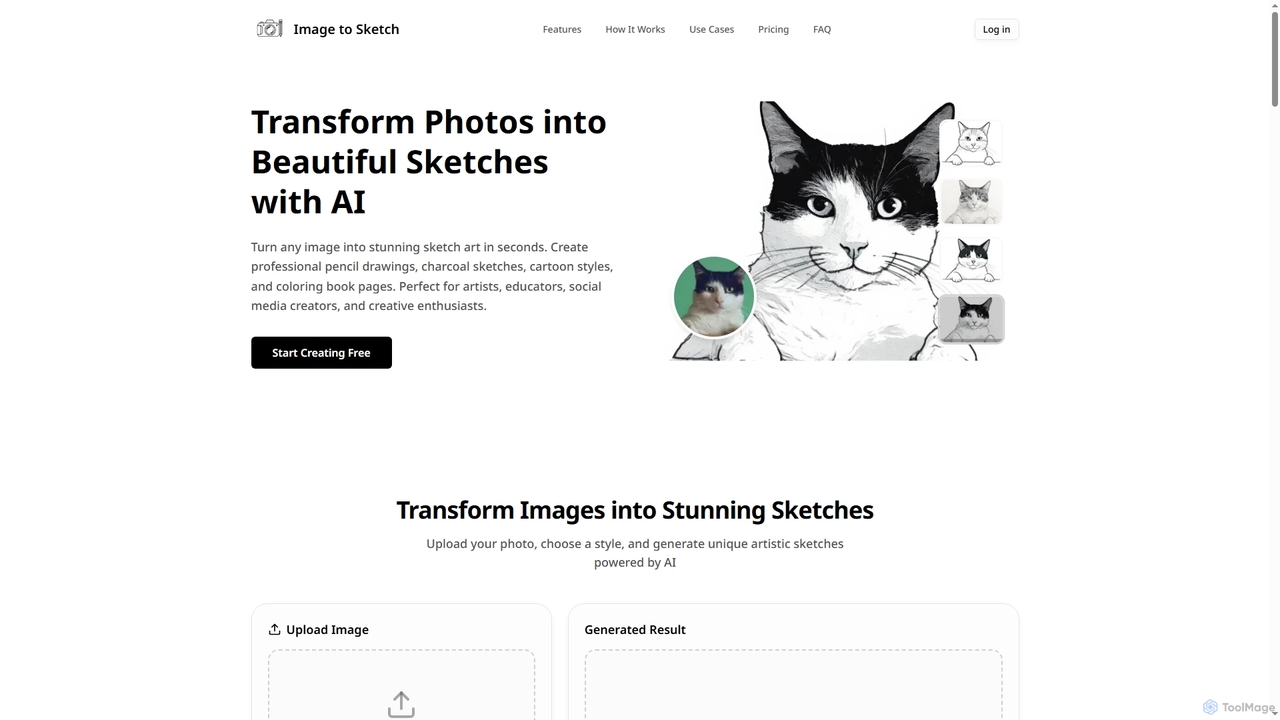
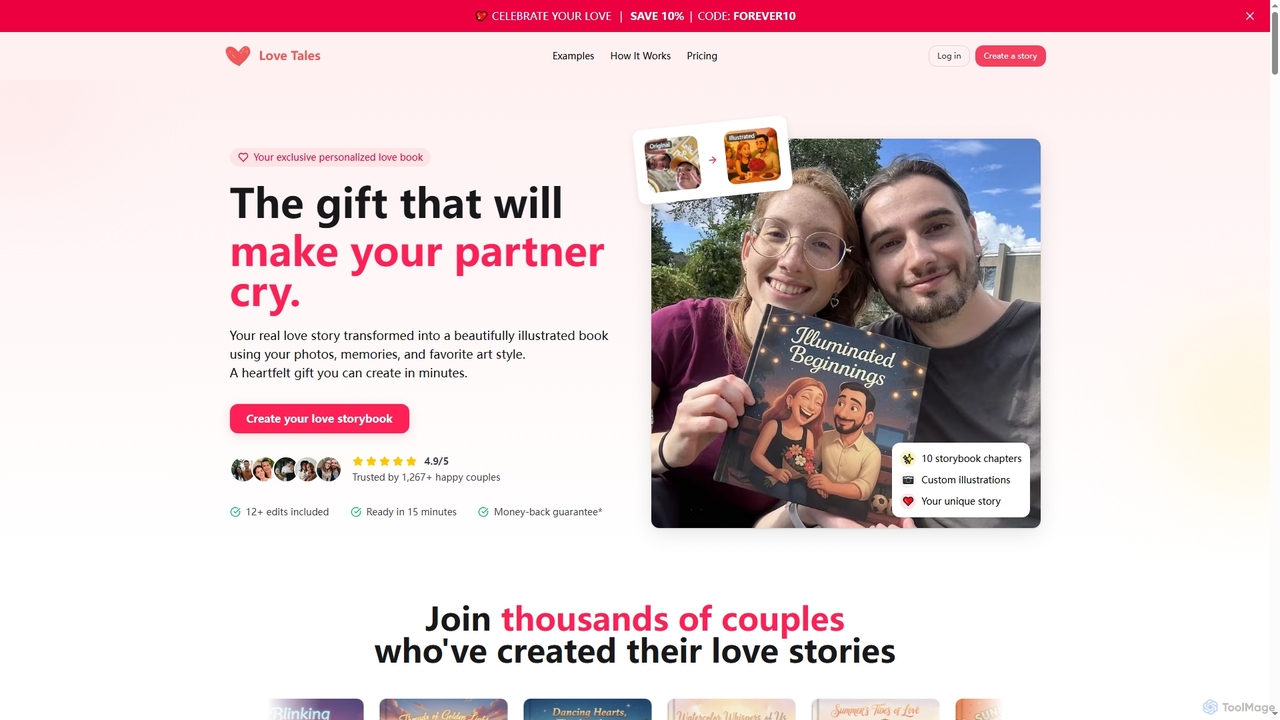
Art Generation tools are AI-powered platforms that create original visual content, including images, illustrations, and paintings, from various inputs like text prompts, sketches, or existing images. Leveraging advanced machine learning models such as Diffusion Models and Generative Adversarial Networks (GANs), these tools democratize creativity and significantly accelerate visual content production. They empower artists, designers, marketers, and hobbyists to bring imaginative concepts to life with unprecedented speed and versatility, transforming ideas into stunning visuals.
Core Features
- Text-to-Image Generation: Create diverse visual artworks simply by describing them in natural language prompts.
- Image-to-Image Transformation: Modify or stylize existing images based on new prompts or reference styles.
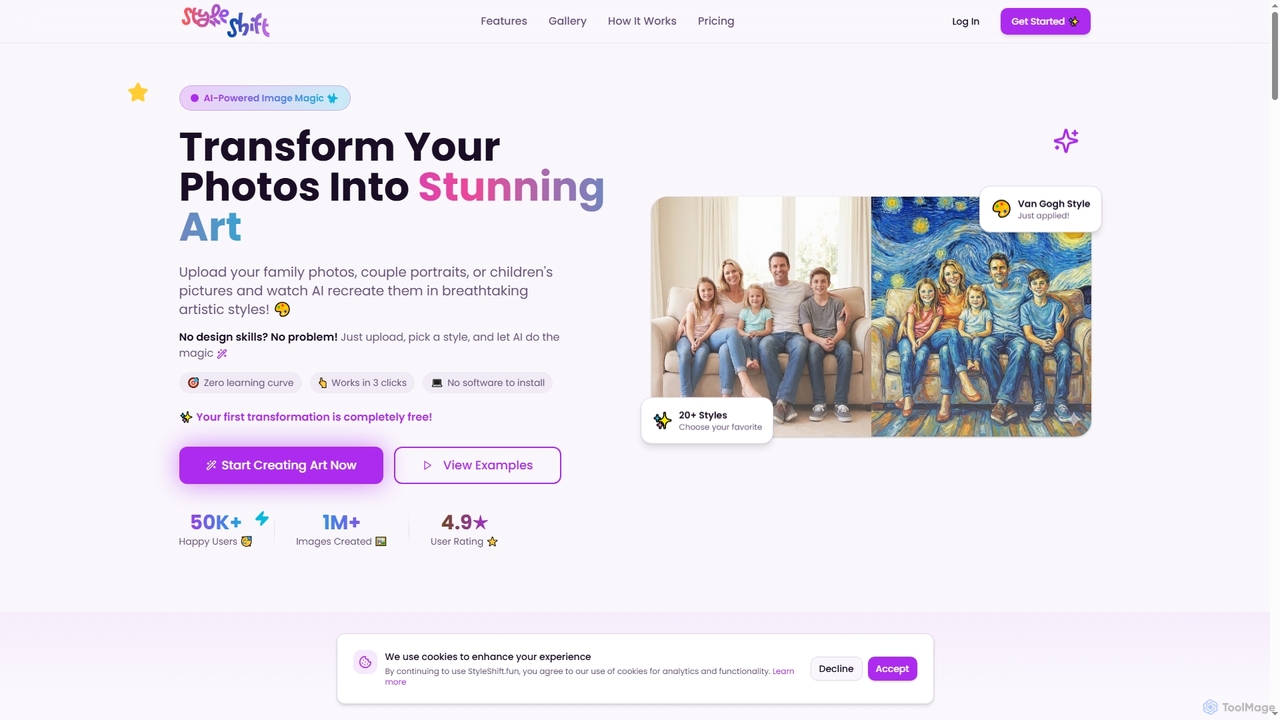
- Style Transfer: Apply the artistic style of one image to the content of another, blending aesthetics.
- Inpainting & Outpainting: Seamlessly fill missing parts of an image or extend its boundaries with AI-generated content.
- Upscaling & Enhancement: Improve the resolution and overall quality of generated or existing images.
Use Cases
These tools are invaluable across various creative and commercial sectors. Graphic designers can rapidly prototype visual concepts for branding or marketing campaigns, generating multiple iterations in minutes. Content creators can produce unique social media graphics, blog post headers, or video thumbnails without relying on stock photo libraries. Game developers utilize them to quickly generate concept art for characters, environments, and assets, accelerating the initial design phase.
How to Choose
When selecting an AI Art Generation tool, consider the desired output quality and artistic style versatility, as different models excel in distinct aesthetics. Evaluate the ease of use and the intuitiveness of the prompt engineering interface, especially for beginners. Factor in pricing models, including subscription costs and credit systems, and assess integration capabilities with existing creative workflows. Finally, review the community support and available resources for learning and troubleshooting.