Best of the Year 1 results Assistive Technology AI Tools

Popular AI tools in the Assistive Technology field include Lucyd, etc., helping you quickly improve efficiency.

Lucyd

Lucyd

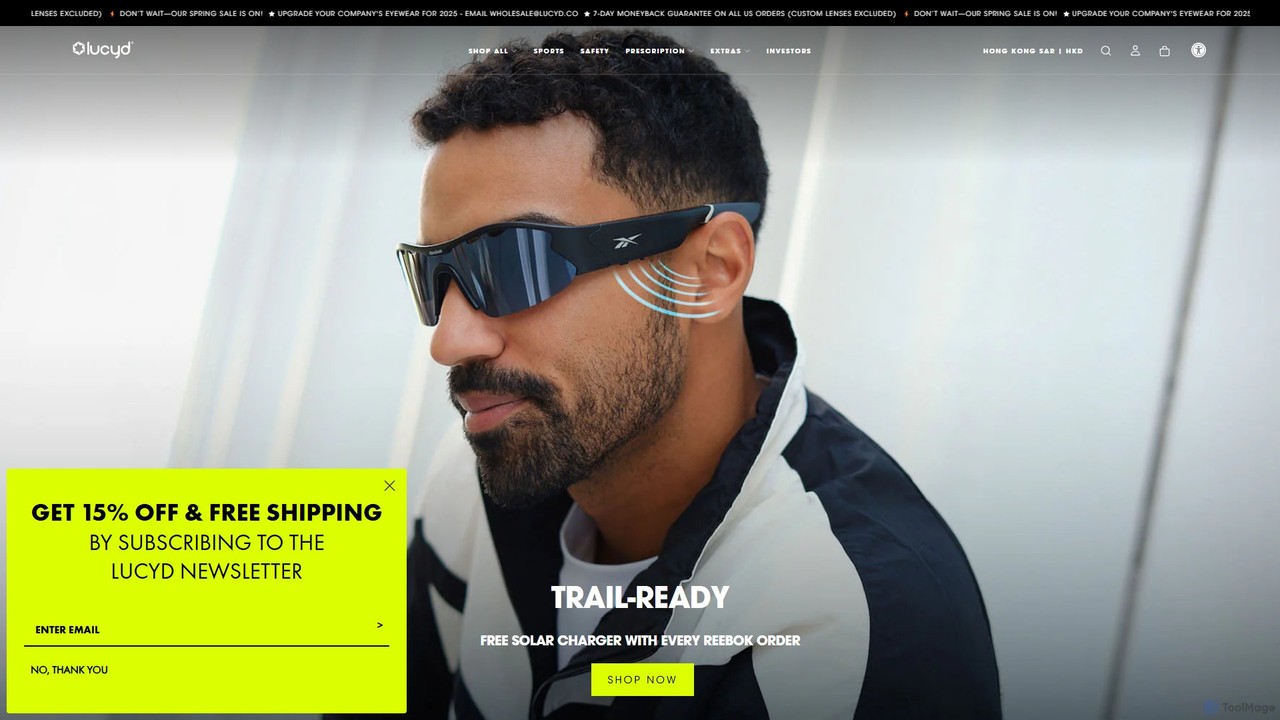
Lucyd offers a line of smart eyewear that integrates ChatGPT, allowing users to access the power of AI …

54.3K

About Assistive Technology

AI Assistive Technology tools are applications that leverage artificial intelligence to enhance the capabilities and independence of individuals with disabilities or functional limitations. These tools utilize advanced algorithms like natural language processing (NLP), computer vision, and speech synthesis to provide critical support in communication, mobility, learning, and daily tasks. Their primary goal is to bridge accessibility gaps, enabling users to interact more effectively with the digital and physical world and fostering greater inclusion in society.

Core Features

  • Text-to-Speech (TTS) & Speech-to-Text (STT): Converts written text into natural-sounding audio for visually impaired users and transcribes spoken language into text for those with hearing impairments.
  • Visual Recognition: Uses computer vision to identify objects, read text from images, recognize faces, and describe scenes for blind or low-vision individuals.
  • Predictive Communication: Assists users with motor or speech difficulties by predicting words and phrases, enabling faster and more fluid communication.
  • Adaptive Learning Interfaces: Personalizes educational content and interfaces to suit the needs of users with learning disabilities, such as dyslexia or ADHD.
  • Smart Navigation: Provides real-time auditory or haptic feedback to help visually impaired users navigate unfamiliar environments safely.

Use Cases

These tools are essential for individuals with visual, auditory, motor, cognitive, or speech impairments. In education, they help students with dyslexia comprehend texts. In the workplace, they enable professionals with mobility challenges to control computers via voice. For daily life, they empower blind individuals to identify products at a grocery store or read their mail independently.

How to Choose

When selecting an AI assistive tool, first identify the specific need it must address (e.g., reading aid, communication support). Evaluate its compatibility with your existing devices (iOS, Android, Windows). Assess the tool's accuracy and reliability—for instance, the precision of its speech recognition or object identification. Finally, consider the user interface's simplicity and the developer's privacy policy, especially when sensitive data is involved.

Assistive TechnologyUse Cases

1

Live Lecture Captioning for Students

A university student who is deaf or hard of hearing uses an AI-powered assistive technology application on their tablet during lectures. The app listens to the professor's speech and provides a real-time, highly accurate transcript on the screen. This allows the student to follow complex academic discussions, participate in class Q&A sessions by reading the captions, and easily review lecture notes later. The AI's ability to understand academic terminology and filter out background noise significantly improves comprehension compared to standard captioning services.

2

Describing the Physical World for the Blind

A blind individual uses a smartphone app powered by AI computer vision while shopping. By pointing their phone's camera at a product on the shelf, the app audibly describes it, reading the brand name, product details, and nutritional information. This technology also helps them navigate the store by identifying signs and obstacles. At home, the same tool can be used to read mail, identify currency, or even recognize the faces of friends and family, granting a level of visual independence that was previously unattainable.

3

Facilitating Communication for Non-Verbal Individuals

An individual with a condition like ALS or cerebral palsy, which impairs speech, uses an AI-powered Augmentative and Alternative Communication (AAC) device. The system tracks their eye movements or minimal physical inputs to select letters and words. The AI component intelligently predicts the user's intended words and phrases based on context and past usage, significantly speeding up sentence construction. Once a message is composed, the device speaks it aloud in a natural-sounding voice, enabling fluid conversation with others.

4

Reading Support for Individuals with Dyslexia

A student with dyslexia uses an AI-powered browser extension to make web content more accessible. The tool can read any text aloud, highlighting words as they are spoken to help with tracking. It also offers features like changing fonts to dyslexia-friendly options, adjusting text spacing, and providing a screen overlay to reduce visual stress. The AI can even summarize long articles into key bullet points, helping the student grasp core concepts quickly without being overwhelmed by large blocks of text.

5

Cognitive Support for Memory Impairment

An older adult experiencing age-related memory loss uses an AI-powered personal assistant on their smart speaker. They can verbally ask the assistant to set reminders for medications, appointments, and daily tasks like turning off the stove. The AI learns their routine and can proactively offer reminders. For example, it might say, "It's almost 10 AM, time for your morning medication." This system acts as a cognitive aid, helping the user maintain their independence and safety at home by offloading memory-intensive tasks.

6

Assisted Writing for Motor Impairments

A professional with a physical disability, such as arthritis or tremors, that makes typing difficult uses AI-powered dictation software. Unlike basic speech-to-text, this tool understands context to correctly punctuate sentences and format text with voice commands like "new paragraph" or "bold that." The AI also offers advanced word prediction and grammar correction, allowing the user to compose complex documents, emails, and reports efficiently and accurately, thereby maintaining professional productivity without physical strain.

Assistive TechnologyFrequently Asked Questions