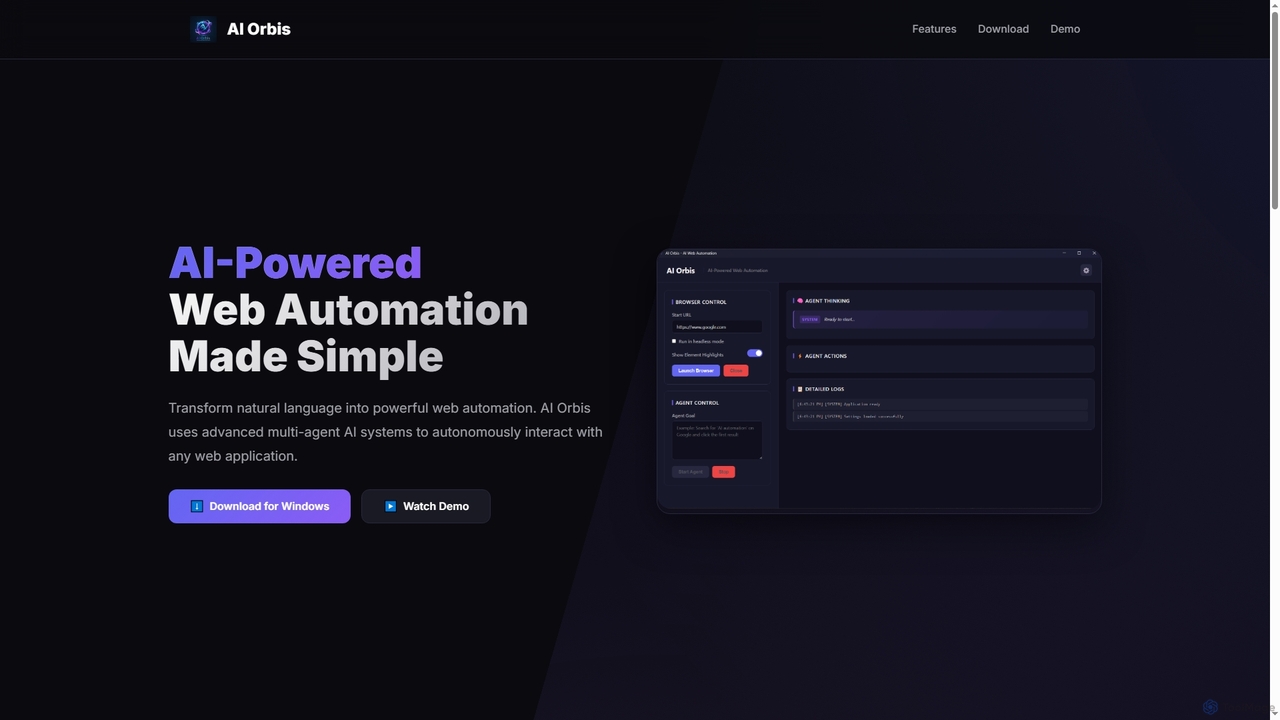
Web Automation tools are a specialized category of software designed to mimic human interactions within a web browser. They operate by identifying elements on a webpage—such as buttons, forms, and text—to perform actions like clicking, typing, and data extraction without manual intervention. This enables the automation of repetitive online tasks, from data collection to testing web applications, significantly boosting productivity. These tools often feature visual, no-code interfaces, making complex web-based workflows accessible to non-developers.
Core Features
- Visual Workflow Builder: Design automation sequences by recording actions or using a drag-and-drop interface.
- Data Extraction (Scraping): Systematically pull structured information from websites into spreadsheets or databases.
- User Action Simulation: Replicate tasks like logging in, filling out forms, navigating menus, and clicking buttons.
- Scheduled Execution: Configure bots to run automatically at specific times or intervals.
- Anti-Detection Measures: Employ techniques like proxy rotation and user-agent switching to navigate protected sites.
Use Cases
Web Automation is widely used in e-commerce for price monitoring, marketing for lead generation from social media, and data analysis for gathering public datasets. Recruiters use it to source candidate profiles, while QA teams automate regression testing for web applications.
How to Choose
When selecting a tool, consider its ease of use (no-code vs. low-code), its ability to handle dynamic JavaScript-heavy websites, and its scalability for large-volume tasks. Also, evaluate its integration capabilities with other software and review its pricing model, which may be based on execution time or task volume.