Memomagic
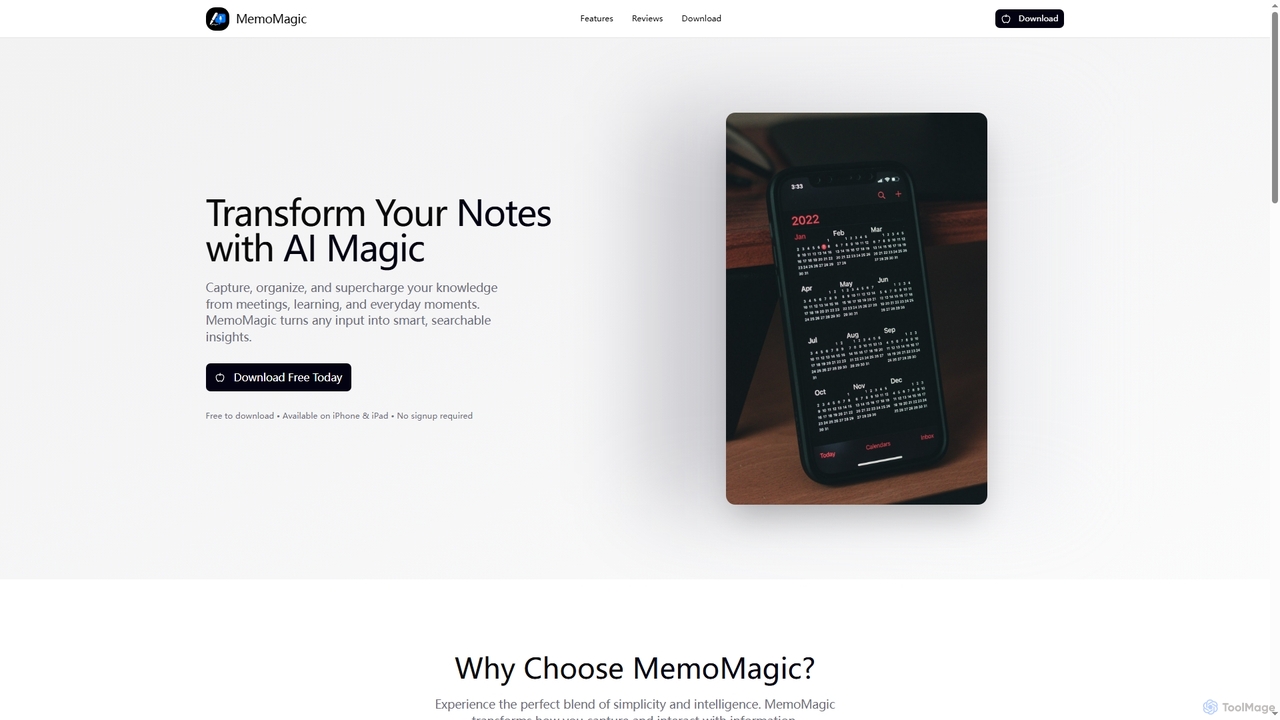
Memomagic is an AI-powered note-taking app for iPhone and iPad that captures information from multiple sources like voice, …
Memomagic is an AI-powered note-taking app for iPhone and iPad that captures information from multiple sources like voice, text, and images. It automatically summarizes, translates, and transforms notes into interactive learning tools such as quizzes, flashcards, and mind maps to boost productivity and knowledge retention.
Wave
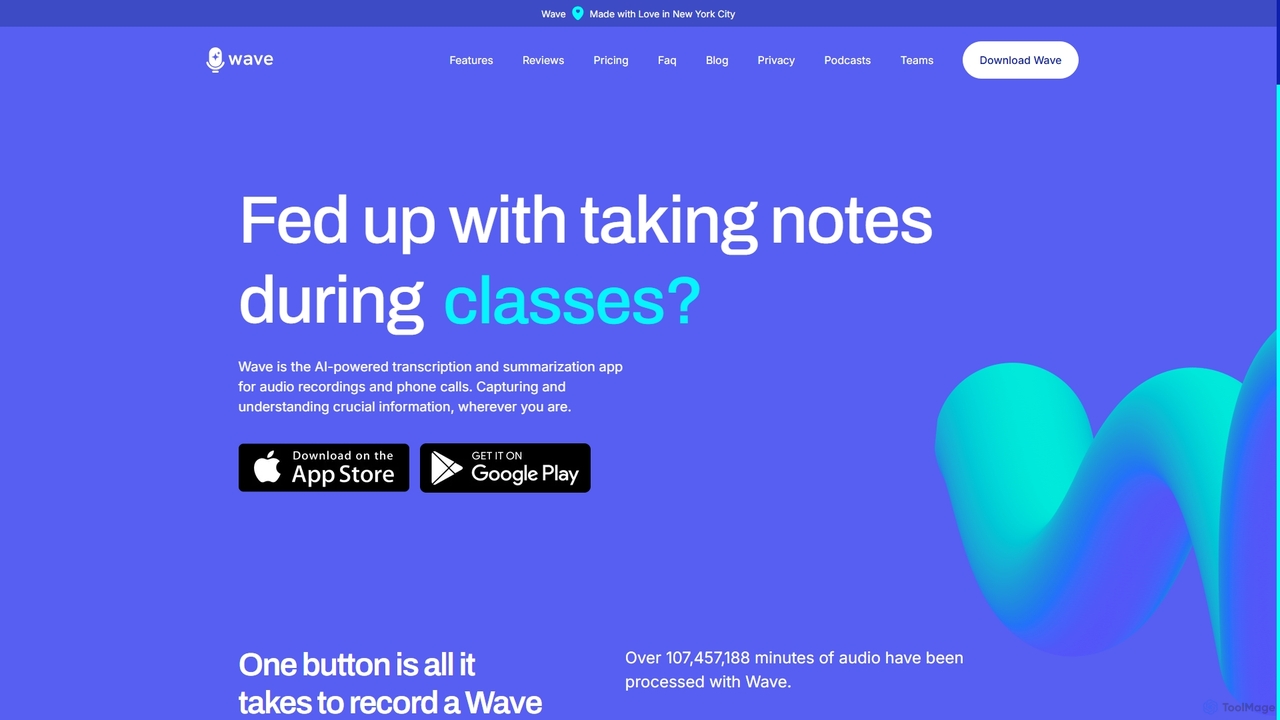
Wave is an AI-powered note-taker and transcription app for iOS and Android. It effortlessly records audio from meetings, …
Wave is an AI-powered note-taker and transcription app for iOS and Android. It effortlessly records audio from meetings, calls, and lectures, providing highly accurate transcriptions and concise, customizable summaries. With features like phone call recording, multi-language support, and cross-device sync, Wave helps you capture and understand crucial information anywhere, anytime, without the hassle of manual note-taking.
myminutes
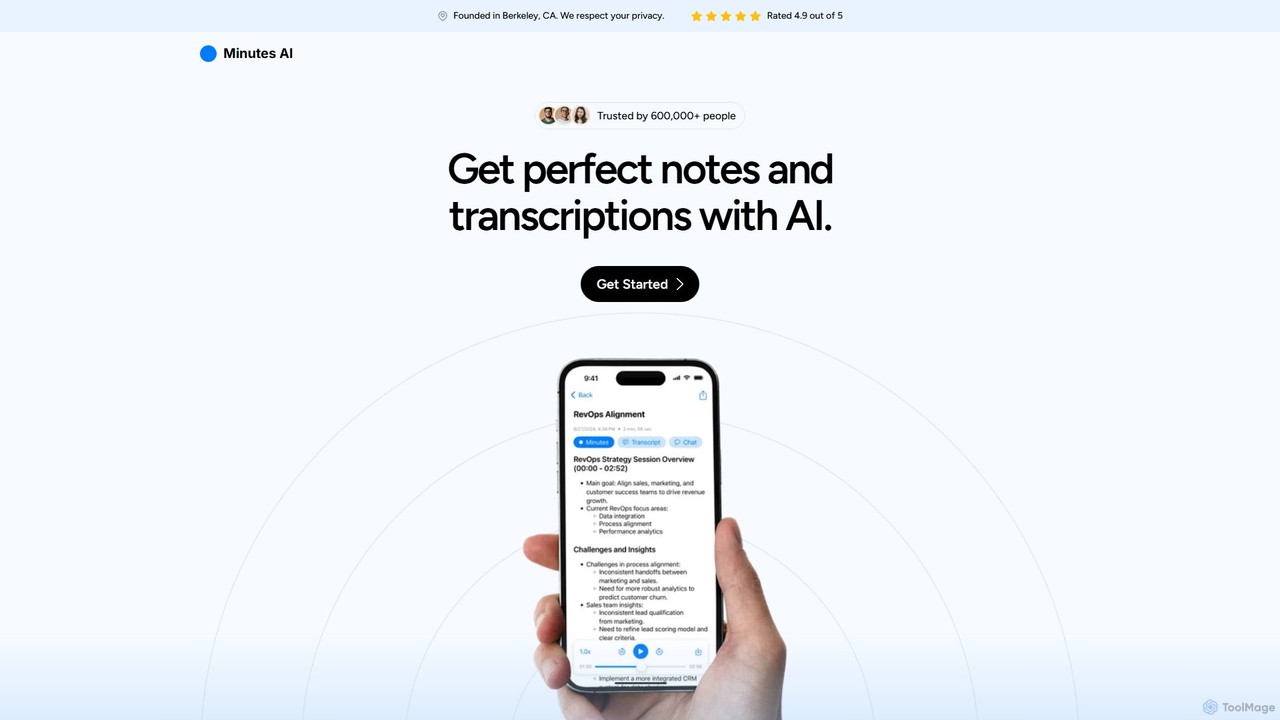
myminutes is an AI-powered tool that automates note-taking and transcription from audio. It instantly converts live recordings, audio …
myminutes is an AI-powered tool that automates note-taking and transcription from audio. It instantly converts live recordings, audio files, or YouTube videos into beautifully formatted, summarized notes and accurate transcripts, allowing you to focus on the conversation.
Stenote
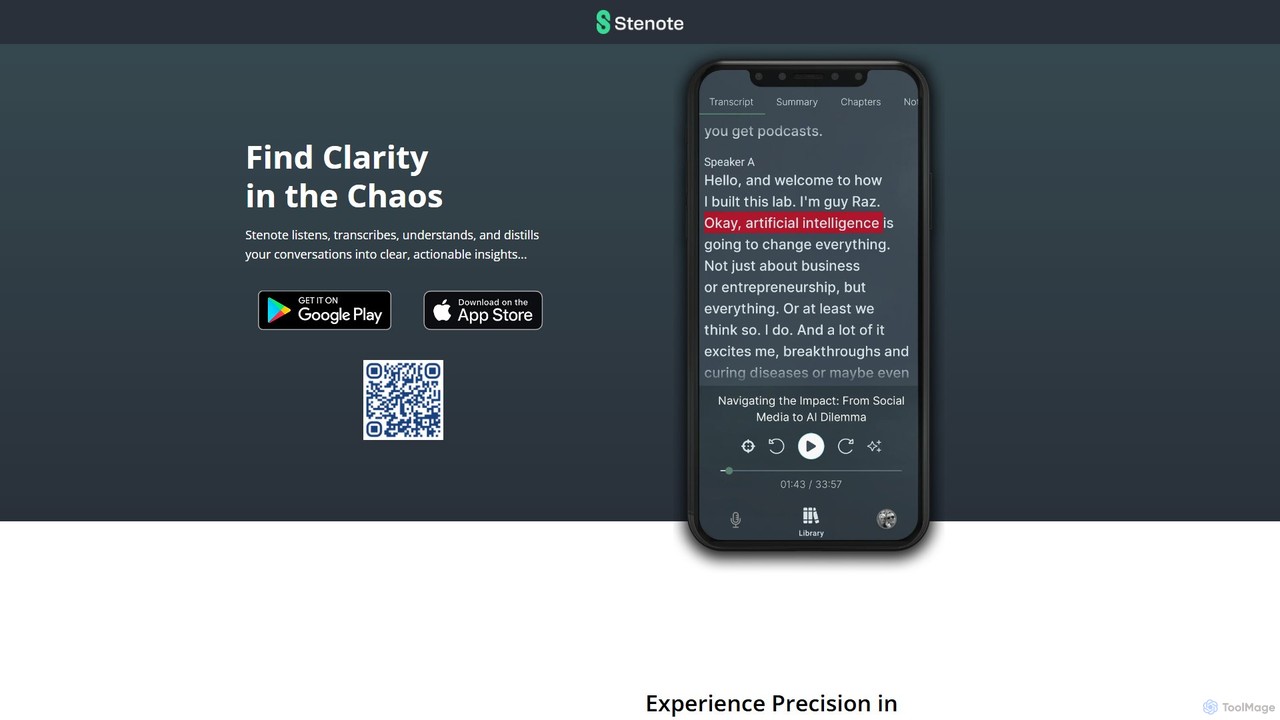
Stenote is an AI-powered mobile app that listens to, transcribes, and summarizes your conversations in real-time. It transforms …
Stenote is an AI-powered mobile app that listens to, transcribes, and summarizes your conversations in real-time. It transforms lengthy discussions, meetings, and lectures into clear, actionable insights with over 90% accuracy, helping you focus on the conversation without worrying about note-taking.
NoteX
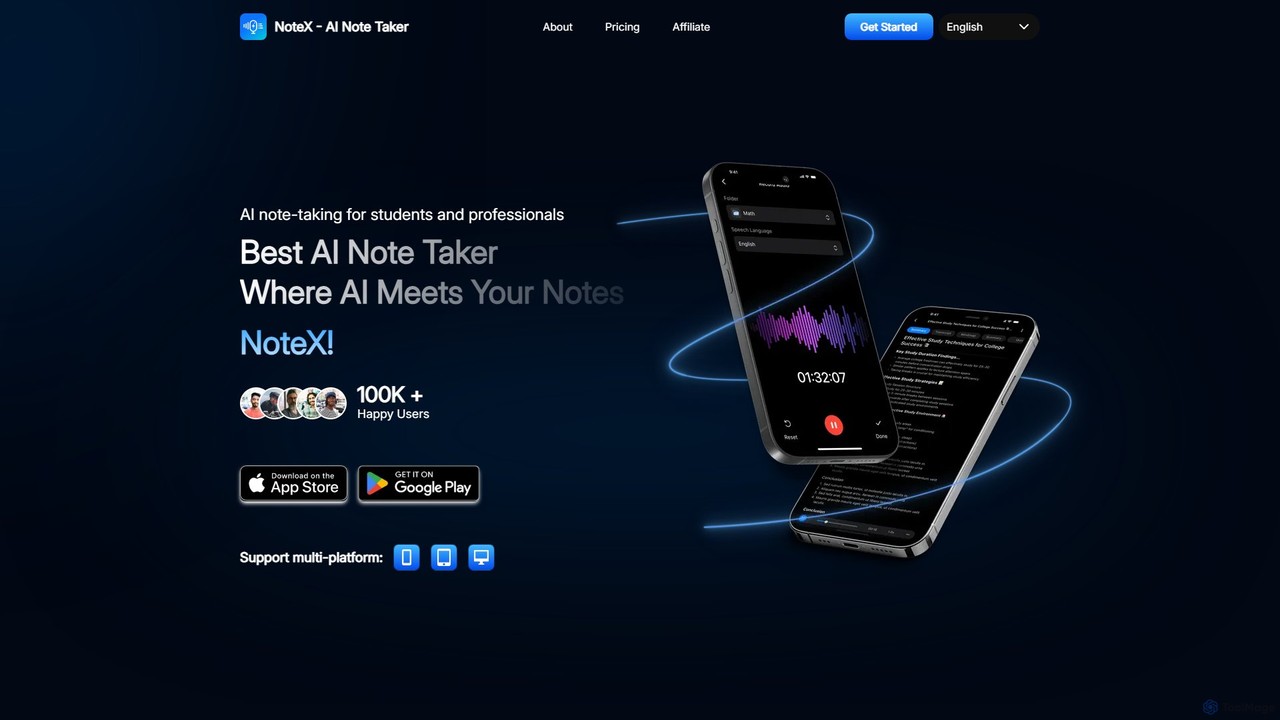
NoteX is an AI-powered note-taking application designed for students and professionals. It automatically transcribes audio and video, generates …
NoteX is an AI-powered note-taking application designed for students and professionals. It automatically transcribes audio and video, generates intelligent summaries, and creates mind maps, quizzes, and flashcards from your notes. With cross-device sync and support for over 100 languages, NoteX streamlines information capture, enhances learning, and boosts productivity.
Hurd.ai
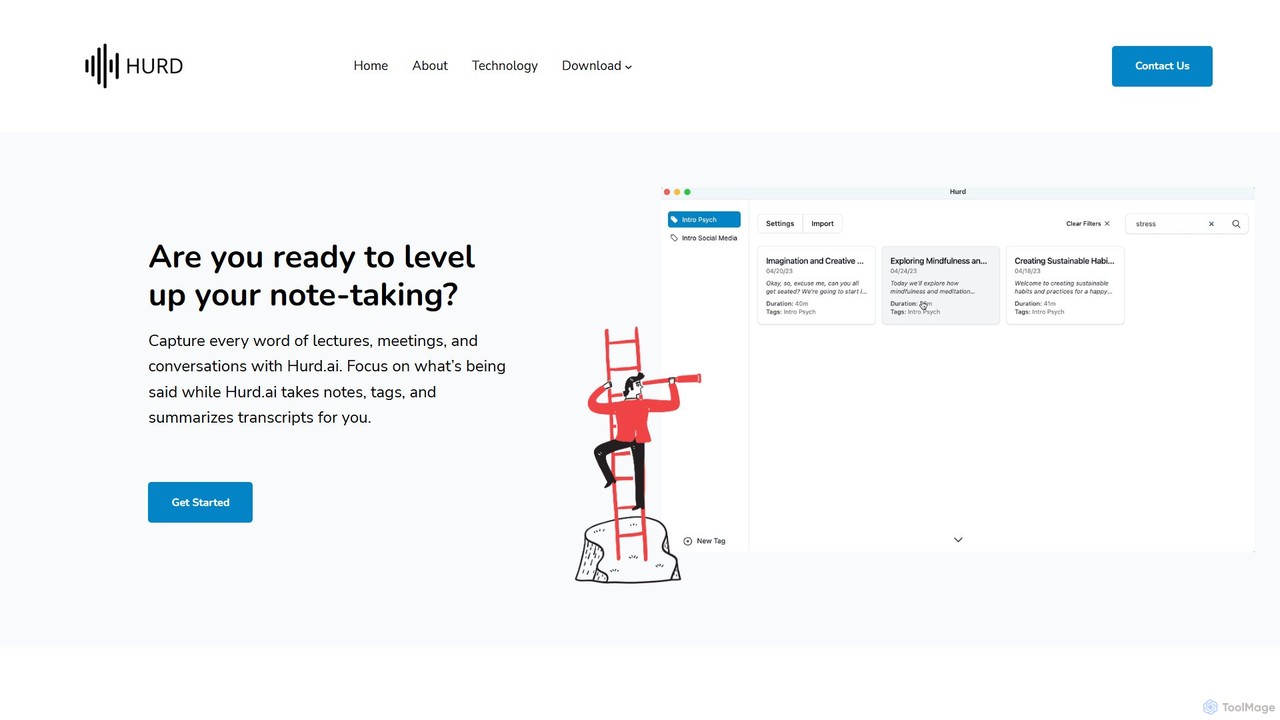
Hurd.ai is a free, privacy-focused AI transcription tool for macOS. It automatically transcribes, summarizes, and tags your lectures, …
Hurd.ai is a free, privacy-focused AI transcription tool for macOS. It automatically transcribes, summarizes, and tags your lectures, meetings, and conversations from audio/video files. Powered by OpenAI's Whisper, it offers high accuracy in over 90 languages. All processing is done locally on your device, ensuring your data remains private. Ideal for students, professionals, and anyone needing to capture spoken information without the distraction of manual note-taking.
About Meeting Assistant
A Meeting Assistant is an AI-powered tool designed to automatically transcribe, summarize, and analyze conversations from online or in-person meetings. It leverages advanced speech-to-text and natural language processing (NLP) to capture every detail accurately. This allows participants to focus fully on the discussion rather than on taking notes, while ensuring key decisions and action items are never missed. These tools transform unstructured conversations into structured, searchable data, significantly boosting post-meeting productivity within a business context.
Core Features
- Real-time Transcription: Converts spoken words into text live during the meeting, often with speaker identification.
- AI-Generated Summaries: Automatically creates concise summaries, highlighting key topics, decisions, and takeaways.
- Action Item Detection: Intelligently identifies and extracts tasks, deadlines, and assigned owners from the conversation.
- Searchable Archive: Provides a fully searchable library of all past meeting transcripts and notes for easy reference.
- Calendar & Platform Integration: Connects with tools like Google Calendar, Outlook, Zoom, and Microsoft Teams to streamline workflows.
Use Cases
Meeting Assistants are widely used by sales teams to analyze client calls, project managers to track deliverables, and remote teams to maintain alignment across time zones. They are also valuable in user research for capturing feedback, in corporate training for content creation, and for creating accessible records of official proceedings.
How to Choose
When selecting a Meeting Assistant, evaluate its transcription accuracy for your specific industry and accents. Consider the breadth of its integrations with your existing video conferencing and project management tools. Also, review the provider's security and data privacy policies, especially for sensitive discussions, and compare pricing models based on your team's meeting frequency and duration.
Meeting AssistantUse Cases
Automate Sales Call Notes and CRM Updates
For sales representatives, manually logging call details into a CRM is time-consuming. A Meeting Assistant automatically joins sales calls on platforms like Zoom, transcribing the entire conversation. After the call, it generates a summary highlighting customer pain points, budget discussions, and next steps. It can automatically identify and sync action items, such as 'send proposal by Friday,' directly to the corresponding deal in Salesforce or HubSpot. This frees up reps to focus on building relationships and ensures sales managers have searchable call data for coaching.
Generate Actionable Project Meeting Minutes
Project managers often lead back-to-back meetings, leaving little time for writing detailed minutes. A Meeting Assistant acts as an automated scribe, capturing every update and decision. Its AI can distinguish between general discussion and concrete action items, automatically creating a list of tasks with assigned owners and deadlines mentioned during the call. This summary can be shared instantly. By integrating with tools like Jira or Asana, these tasks can be converted into tickets, ensuring a seamless transition from discussion to execution and improving project accountability.
Capture User Feedback from Research Interviews
For UX researchers and product managers, analyzing hours of user interviews is a core task. A Meeting Assistant can transcribe these sessions verbatim, saving significant manual effort. More importantly, its AI can help identify key themes, user quotes, and pain points across multiple interviews. Researchers can search transcripts for specific keywords (e.g., 'frustrating,' 'confusing') to quickly locate relevant feedback. This accelerates the synthesis process, allowing teams to derive actionable insights faster and build more user-centric products.
Create an Accessible Record of Board Meetings
For corporate secretaries and executive assistants, creating accurate and compliant records of board meetings is critical. A Meeting Assistant provides a verifiable transcript as a single source of truth, reducing disputes over what was said or decided. The AI-generated summary offers a high-level overview for executives, while the full transcript serves as a detailed record for legal and compliance purposes. This ensures that all discussions, motions, and votes are captured precisely, improving governance and creating a searchable archive for future reference.
Facilitate Multilingual Team Collaboration
In global teams, language barriers can hinder effective collaboration. Some advanced Meeting Assistants offer real-time translation capabilities. As a team member speaks in their native language, the tool can transcribe their words and display the translation for others in real-time. This feature promotes inclusivity and ensures that ideas from all team members are understood, regardless of their primary language. It breaks down communication silos and fosters a more unified and efficient global work environment, making cross-border meetings as productive as local ones.
Onboard New Hires with Past Meeting Insights
For team leads and HR managers, getting new hires up to speed is a priority. Instead of relying solely on documentation, new employees can access a searchable archive of past team meetings. They can search for project names, key decisions, or team members to understand historical context and the 'why' behind current processes. This self-service knowledge base empowers new hires to learn asynchronously, reduces the burden on existing team members for repetitive explanations, and accelerates their integration and time-to-productivity.