Marfa
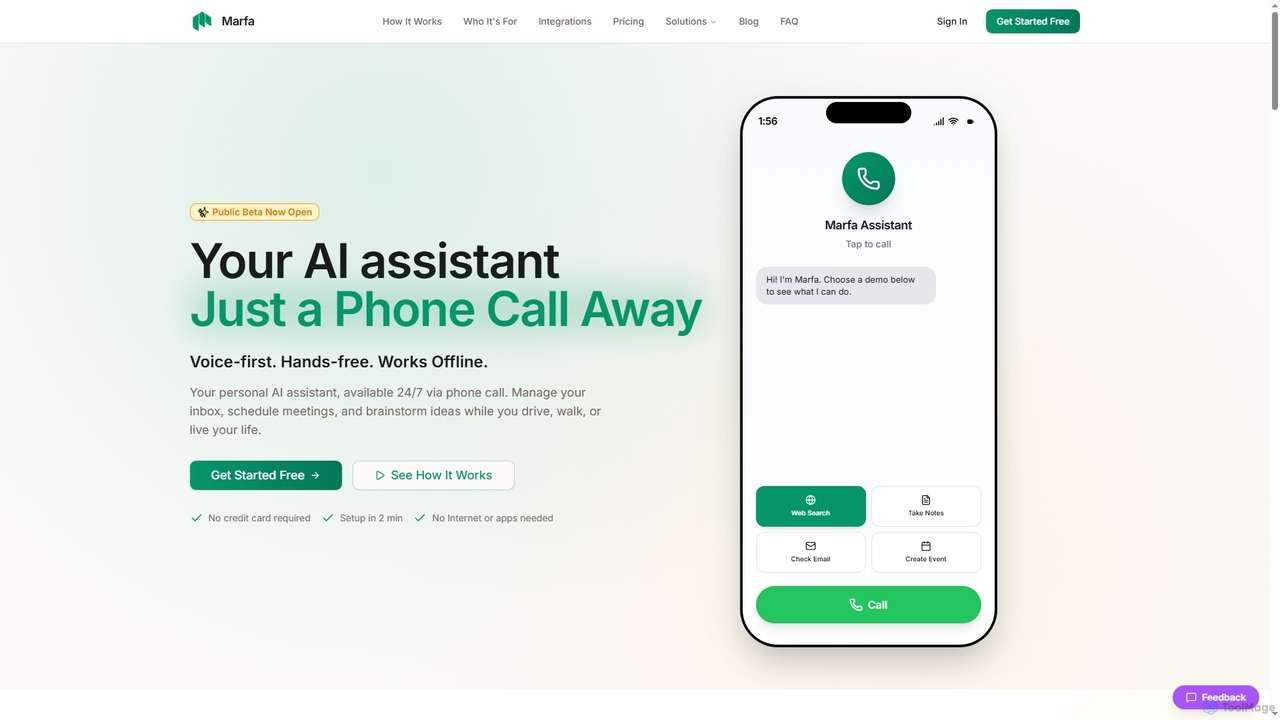
Marfa is a voice-first AI assistant designed for on-the-go productivity, accessible 24/7 via a simple phone call. It …
Marfa is a voice-first AI assistant designed for on-the-go productivity, accessible 24/7 via a simple phone call. It helps manage emails, schedule meetings, and capture ideas without needing a screen or internet connection, making it ideal for busy professionals.
Echo Crm
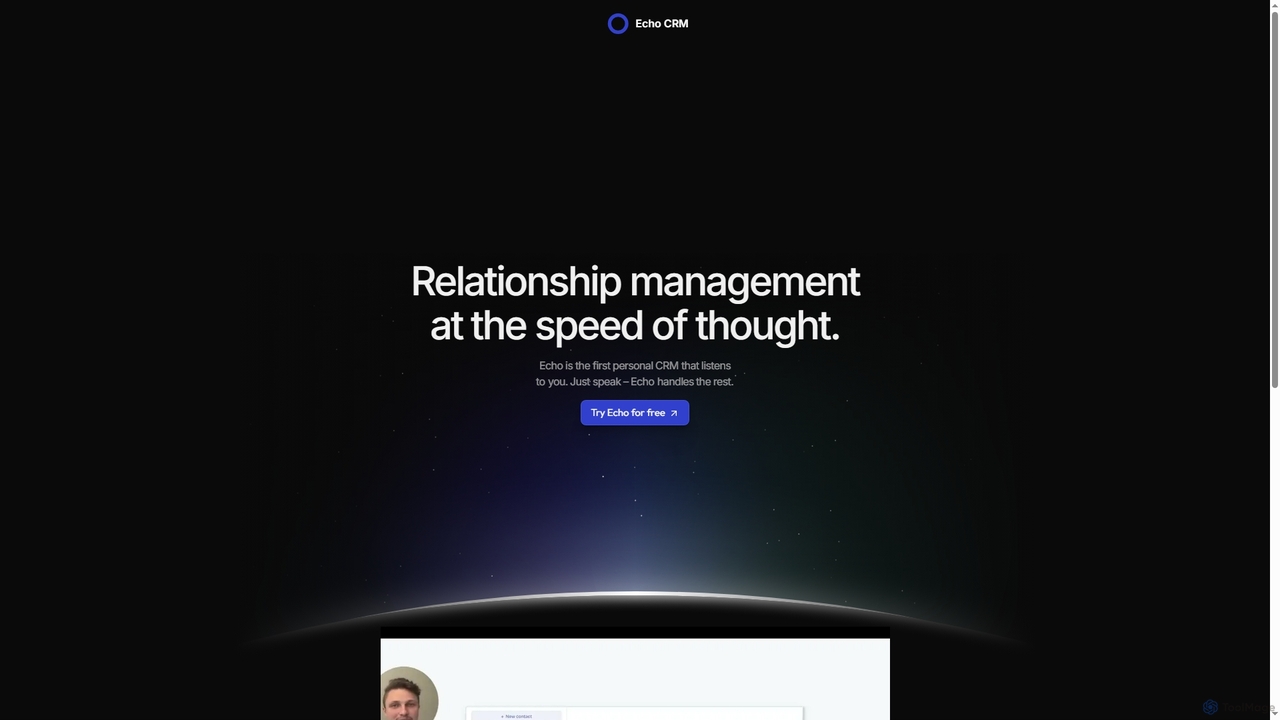
Echo Crm is the first personal CRM powered by voice. Simply speak your updates, and its AI handles …
Echo Crm is the first personal CRM powered by voice. Simply speak your updates, and its AI handles the rest, making relationship management effortless and as fast as thought. It's designed for individuals seeking a seamless way to manage their contacts.
About Personal Assistant
AI Personal Assistants are tools designed to automate and manage administrative, scheduling, and communication tasks for individuals. They leverage natural language processing and machine learning to understand requests, manage calendars, organize emails, and set reminders. These assistants act as a productivity multiplier, freeing up valuable time for users to focus on high-priority work. They integrate seamlessly with existing digital workflows like email and calendars to provide proactive support.
Core Features
- Intelligent Scheduling: Automatically finds meeting times, sends invites, and handles rescheduling based on natural language commands.
- Email Triage & Management: Sorts, prioritizes, summarizes, and drafts replies to incoming emails to keep the inbox organized.
- Task Automation: Captures action items from conversations and documents, creating to-do lists and setting smart reminders.
- Meeting Assistance: Provides real-time transcription, generates meeting summaries, and identifies key decisions and action points.
- Information Retrieval: Quickly locates files, contacts, and notes across connected applications using contextual search.
Use Cases
These tools are invaluable for busy professionals, executives, entrepreneurs, and their support staff. They are commonly used to manage complex calendars with multiple stakeholders, maintain an organized inbox amidst high email volume, and ensure follow-through on action items from meetings. For instance, a sales manager can use it to schedule client calls without manual back-and-forth, while a founder can rely on it for daily briefings on priorities.
How to Choose
When selecting an AI Personal Assistant, consider its integration capabilities with your existing tools (e.g., Google Workspace, Microsoft 365). Evaluate the sophistication of its natural language understanding for scheduling and task creation. Also, assess its privacy and security policies, especially if it will handle sensitive information. Finally, compare pricing models, from basic free plans to advanced enterprise solutions with team features.
Personal AssistantUse Cases
Automated Meeting Scheduling for Executives
An executive assistant manages a complex calendar for a C-level leader. Instead of manually cross-referencing multiple calendars and sending dozens of emails, they forward scheduling requests to the AI Personal Assistant. The AI communicates directly with attendees in natural language to find a suitable time, books the meeting, adds video conferencing links, and sends confirmations. This reduces scheduling time by over 80% and eliminates human error.
Email Inbox Triage for Busy Professionals
A consultant receives over 200 emails daily, making it difficult to focus on client work. Their AI Personal Assistant automatically analyzes, sorts, and labels incoming messages. It prioritizes emails from key clients, summarizes long discussion threads, and archives non-essential newsletters. The AI can also draft standard replies to common inquiries, allowing the consultant to manage their inbox in minutes, not hours, each day.
Action Item Capture from Team Meetings
During a weekly project sync, a project manager uses an AI Personal Assistant integrated with their meeting software. The tool transcribes the entire conversation in real-time. After the meeting, it automatically generates a concise summary, identifies all discussed action items, and suggests assigning them to the relevant team members mentioned in the call. This ensures no tasks are missed and provides a clear, searchable record of decisions.
Daily Agenda and Priority Briefing
A freelance developer starts their day by reviewing a personalized briefing compiled by their AI assistant. This summary includes the day's scheduled meetings with context from recent emails, a list of high-priority tasks due, and important reminders. The briefing pulls information from their calendar, email, and project management tool, providing a single, consolidated view to help them plan their workday effectively without manually checking multiple apps.
Coordinating Complex Travel Itineraries
A sales representative planning a multi-city business trip uses their AI Personal Assistant to manage the logistics. They forward flight and hotel confirmation emails to the assistant, which automatically parses the details and builds a comprehensive travel itinerary in their calendar. The assistant adds travel times, addresses, confirmation numbers, and sends reminders for check-ins, ensuring a smooth and organized travel experience.
Managing Client Follow-ups and Reminders
An account manager responsible for dozens of clients needs to ensure timely communication. They instruct their AI Personal Assistant, "Remind me to follow up with Client X about the proposal in three days." The AI creates the reminder and can even draft a follow-up email based on the previous conversation thread. This system automates the follow-up process, improves client relationships, and prevents opportunities from being overlooked.