Lingo.dev
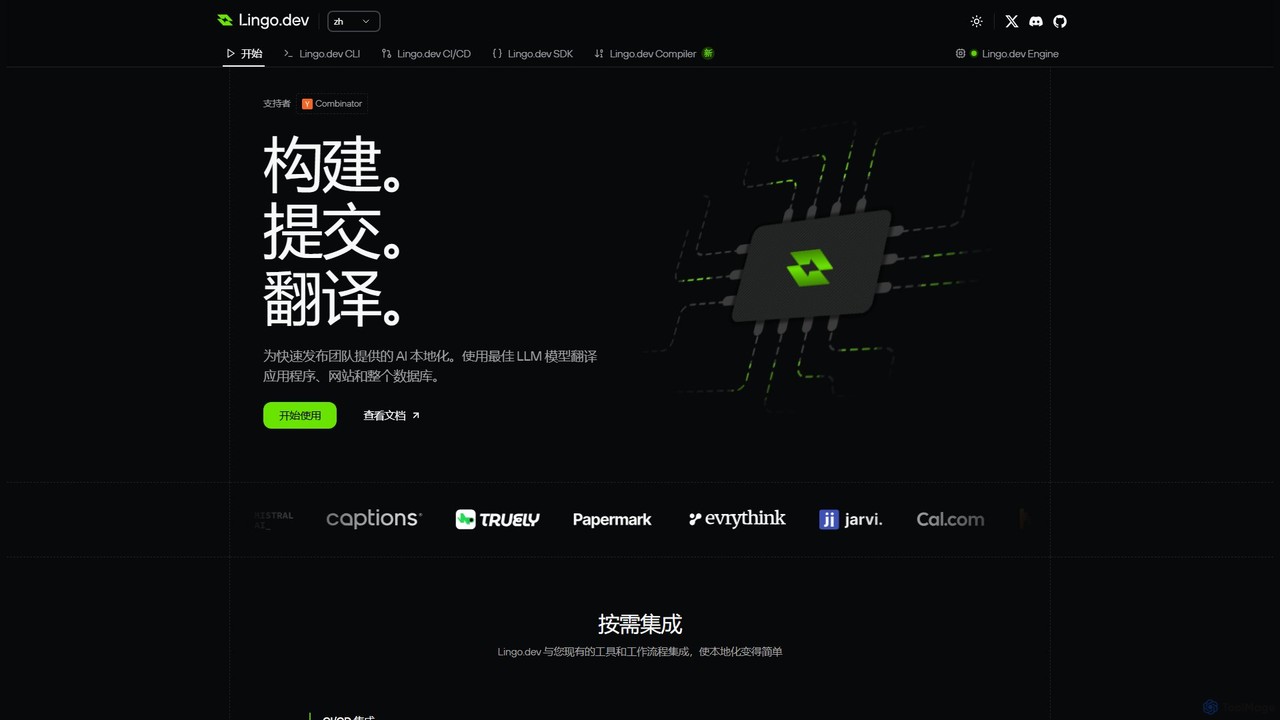
Lingo.dev is an AI-powered localization platform designed for developers. It automates the translation of web and mobile applications …
Lingo.dev is an AI-powered localization platform designed for developers. It automates the translation of web and mobile applications by integrating directly into your CI/CD pipeline and Git workflow, using advanced LLMs to provide fast, context-aware, and high-quality translations.
About Automation
AI Automation tools are a category of AI-powered solutions designed to streamline and optimize various stages of the software development lifecycle, from coding and testing to deployment and operations. These tools leverage machine learning, natural language processing, and robotic process automation (RPA) principles to automate repetitive, complex, or data-intensive tasks within the "Code" domain. Their primary value lies in enhancing developer productivity, improving code quality, and accelerating release cycles by minimizing manual intervention and human error.
Core Features
- Automated Code Generation & Refactoring: AI assists in writing boilerplate code, suggesting improvements, and refactoring existing code for efficiency and maintainability.
- Intelligent Test Automation: Tools automatically generate, execute, and analyze test cases, identifying bugs and vulnerabilities with greater precision and speed.
- CI/CD Pipeline Optimization: AI integrates into continuous integration and continuous delivery workflows to automate builds, deployments, and environment provisioning, predicting and mitigating potential issues.
- Smart Workflow Orchestration: Automating complex sequences of development and operational tasks, from dependency management to release coordination.
Applicable Scenarios
Software development teams, DevOps engineers, and QA professionals widely adopt AI automation. It's crucial for projects requiring rapid iteration, high code quality standards, or complex deployment pipelines. For instance, in large-scale enterprise applications, AI automation can manage vast codebases and ensure consistent quality across multiple teams.
How to Choose
When selecting an AI automation tool, consider its integration capabilities with your existing IDEs, version control systems (e.g., Git), and cloud platforms. Evaluate its scalability to handle growing project complexity and team size, as well as its flexibility to customize automation rules. Security features and compliance with industry standards are also paramount, especially for sensitive codebases. Finally, assess the learning curve and community support for smooth adoption.
AutomationUse Cases
Automated Code Review and Refactoring
Developers utilize AI automation tools to conduct comprehensive code reviews, automatically identifying potential bugs, security vulnerabilities, and style inconsistencies. The tools can suggest precise refactoring improvements or even apply them directly, ensuring adherence to coding standards and enhancing code maintainability without extensive manual effort. This significantly reduces the time spent on review cycles and improves overall code quality.
Intelligent Test Case Generation
QA engineers and testers leverage AI automation to analyze application requirements, user stories, and existing codebases to intelligently generate new test cases. These tools can also adapt existing tests to new features, prioritize tests based on risk, and identify optimal test paths, ensuring comprehensive test coverage and accelerating the testing phase, especially in agile environments with frequent updates.
CI/CD Pipeline Optimization
DevOps teams integrate AI automation into their continuous integration and continuous delivery pipelines to enhance efficiency and reliability. AI can predict potential build failures by analyzing historical data, optimize resource allocation for parallel testing, and automate complex deployment strategies across various environments. This leads to faster, more stable releases and reduces manual configuration errors.
Automated Infrastructure Provisioning
Cloud architects and infrastructure engineers use AI automation to define, provision, and manage cloud infrastructure as code (IaC). These tools can dynamically scale resources based on demand, optimize configurations for cost and performance, and ensure compliance with security policies. This eliminates manual setup, reduces operational overhead, and ensures consistent environments across development, staging, and production.
Smart Bug Triage and Resolution
Development and support teams employ AI automation to intelligently process incoming bug reports. The AI can analyze report descriptions, logs, and stack traces to automatically categorize bugs, prioritize them based on severity and impact, and assign them to the most relevant developers. In some cases, it can even suggest potential solutions or link to similar resolved issues, accelerating the bug-fixing process.
Personalized Developer Assistant
Individual developers integrate AI automation directly into their Integrated Development Environments (IDEs) to act as a personalized coding assistant. This includes intelligent code completion that understands context, automated generation of boilerplate code, context-aware documentation lookup, and real-time suggestions for best practices. This significantly boosts individual developer productivity and helps maintain coding consistency.