ToolMage
Sign in

Best 1 Custom Agents AI tools for Conversational Ai

Popular Custom Agents AI tools in Conversational Ai include OfficeBot, helping you work more efficiently.

OfficeBot
Paid

OfficeBot

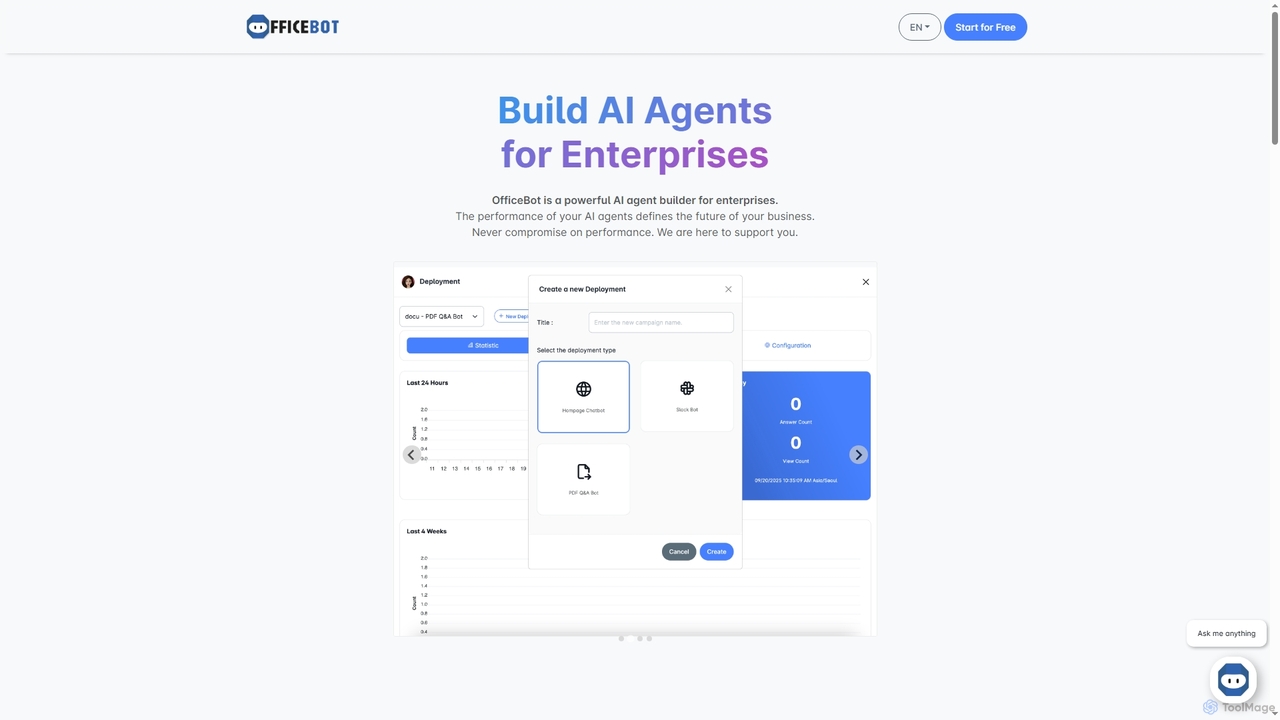
OfficeBot empowers enterprises to build custom AI agents for enhanced knowledge management and operational efficiency. It offers a platform to process documents, answer complex queries, and automate information retrieval, supported by flexible token-based pricing and expert developer assistance.

Enterprise Solutions
Visits 5.5KFavorites 131Likes 120

About Custom Agents

Custom Agents are a specialized type of conversational AI designed to perform complex, multi-step tasks autonomously. Unlike standard chatbots that primarily answer questions, these agents leverage large language models combined with access to external tools, APIs, and private knowledge bases to execute actions. They can understand a user's goal, create a plan, and use available tools to achieve it, such as booking appointments or analyzing data. This ability to act and reason makes Custom Agents powerful tools for automating sophisticated workflows and creating truly interactive digital assistants.

Core Features

  • Tool & API Integration: Connect to external services (e.g., calendars, CRMs, databases) to perform real-world actions.
  • Knowledge Base Grounding: Ingest and reason over private documents or data to provide context-aware, accurate responses.
  • Autonomous Planning & Execution: Independently devise and execute a sequence of steps to fulfill a complex request.
  • Customizable Instructions & Persona: Define the agent's specific goals, constraints, and communication style for tailored behavior.
  • Memory and Context Management: Maintain short-term and long-term memory to handle multi-turn conversations and learn from interactions.

Use Cases

Custom Agents are ideal for businesses and developers looking to automate complex internal processes or create advanced customer-facing experiences. For example, an e-commerce company can build an agent to handle returns by checking order history, generating a shipping label via an API, and updating the customer's account. In corporate environments, they can serve as IT support assistants that troubleshoot issues and create service tickets automatically.

How to Choose

When selecting a Custom Agent platform, consider the following: First, evaluate its integration capabilities—does it support the specific APIs and data sources you need? Second, assess the level of customization and control over the agent's logic and reasoning process. Third, consider the development experience, whether it's a no-code visual builder for business users or a code-first framework for developers. Finally, review the deployment options and scalability to ensure it fits your technical infrastructure.

Custom Agents use cases

1

Automated IT Support and Ticket Management

An IT administrator configures a Custom Agent to handle common employee support requests. The agent is connected to the company's internal knowledge base and the IT ticketing system's API. When an employee reports an issue like 'Wi-Fi not working', the agent first searches the knowledge base for troubleshooting steps and provides them. If the issue persists, it asks for details like the user's location and device, then uses the API to create a formatted support ticket, assigning it to the correct team. This automates Level 1 support, reducing response times and freeing up IT staff for more complex problems.

2

Proactive Sales Lead Qualification and Scheduling

A marketing team deploys a Custom Agent on their website to engage potential leads. The agent is integrated with the company's CRM and the sales team's calendar APIs. When a visitor shows interest, the agent initiates a conversation, asking qualifying questions based on predefined criteria. If the lead is qualified, the agent accesses the CRM to create a new lead record. It then checks the calendar for an available sales representative and offers specific time slots to the lead for a demo, scheduling the meeting directly upon confirmation. This streamlines the lead qualification and booking process 24/7 without human intervention.

3

Intelligent Research and Data Synthesis Assistant

A market analyst uses a Custom Agent to gather and synthesize information for a competitive analysis report. The analyst provides the agent with a list of competitors and key topics to research. The agent is equipped with tools for web browsing, accessing financial news APIs, and reading PDF documents. It systematically browses competitor websites, pulls recent news articles, and extracts key data from annual reports. Finally, it synthesizes all the gathered information into a structured summary, complete with sources, saving the analyst dozens of hours of manual research and compilation work.

4

Automated Employee Onboarding Workflow

An HR manager designs a Custom Agent to streamline the new hire onboarding process. The agent is connected to the HRIS, IT service desk, and company calendar. Once a new hire is added to the HRIS, the agent triggers a workflow. It uses an API to order a laptop from IT, schedules introductory meetings with key team members by checking their calendars, and sends a welcome email to the new hire with a checklist of first-day tasks. The agent acts as a central coordinator, ensuring all necessary steps are completed consistently and on time for every new employee.

5

Personalized Travel Itinerary Planning

A user planning a vacation interacts with a travel-focused Custom Agent. The user specifies their destination, dates, budget, and interests (e.g., 'history museums' and 'local food'). The agent is equipped with tools to access flight booking APIs, hotel reservation systems, and local event databases. It first finds and presents flight and hotel options that fit the budget. Once confirmed, it searches for relevant museum opening times and popular local restaurants, then pieces together a day-by-day itinerary, booking tickets and reservations where possible. This creates a highly personalized and fully booked travel plan in minutes.

6

Code Generation and Debugging Assistant for Developers

A software developer uses a Custom Agent integrated into their IDE. The agent has tools to read files in the current project, execute code in a sandboxed environment, and search web documentation like Stack Overflow. When the developer needs a new function, they describe it in plain English. The agent analyzes the existing codebase for context, writes the function, and tests it. If the developer encounters a bug, they can ask the agent to debug it. The agent will read the error message, inspect the relevant code, and suggest a fix, significantly speeding up the development and debugging cycle.

Custom Agents FAQ

What are Custom Agents?

Custom Agents are advanced AI systems designed to perform actions and complete tasks, not just answer questions. They are a specialized subset of conversational AI that can be given specific instructions, access to tools (like APIs or databases), and a knowledge base to operate autonomously. Unlike a simple chatbot, a custom agent can reason, create a multi-step plan, and execute it to achieve a complex goal, such as managing a calendar or processing a customer return.

How do Custom Agents differ from standard chatbots?

The primary difference lies in capability and autonomy. Standard chatbots are typically reactive, responding to user queries based on a predefined script or a knowledge base for Q&A. Custom Agents are proactive and goal-oriented. They can perform the following actions that most chatbots cannot:

  • Use Tools: They can interact with external APIs to perform actions like sending emails or updating a CRM.
  • Plan Tasks: They can break down a complex request (e.g., 'plan my trip to Paris') into a sequence of smaller, executable steps.
  • Reason and Adapt: They can reason about the best course of action and adapt their plan if they encounter an error or new information.

In short, a chatbot provides information, while a Custom Agent takes action.

What kind of tasks can a Custom Agent automate?

Custom Agents excel at automating multi-step workflows that require interaction with various digital systems. Their applications are broad and can be tailored to specific business needs. Common examples include:

  • Internal Operations: Automating employee onboarding, managing IT support tickets, scheduling meetings across multiple calendars, and generating business reports from different data sources.
  • Customer Service: Handling complex support queries that require checking order status, processing returns or exchanges, and updating customer information in a CRM.
  • Personal Assistance: Managing personal travel plans by booking flights and hotels, researching activities, and creating itineraries.
  • Data Analysis: Gathering data from multiple websites or documents, performing analysis, and summarizing the findings.
How do I choose the right Custom Agent builder?

Selecting the right platform depends on your specific needs and technical expertise. Consider these key factors:

  • Integration Ecosystem: Does the platform offer pre-built connectors for the tools you use (e.g., Salesforce, Google Workspace, Slack), or does it provide a robust API for custom integrations?
  • Development Experience: Is it a no-code/low-code platform with a visual interface suitable for business analysts, or is it a developer-centric framework (like LangChain or LlamaIndex) that offers more flexibility but requires coding skills?
  • Customization and Control: How much control do you have over the agent's reasoning process, tool selection logic, and error handling? Can you define custom personas and strict operational guidelines?
  • Deployment and Scalability: Where can you deploy the agent (website, mobile app, internal chat)? Does the platform provide the necessary infrastructure to handle your expected user load?
Is programming knowledge required to build a Custom Agent?

Not necessarily. The field has evolved to cater to different user types. There is a spectrum of tools available:

  • No-Code Platforms: These tools offer visual drag-and-drop interfaces, allowing business users and non-developers to build powerful agents by connecting pre-built blocks for logic, tools, and knowledge sources.
  • Low-Code Platforms: These provide a middle ground, offering visual builders for most tasks but allowing developers to write custom code snippets or API calls for more complex or unique requirements.
  • Code-First Frameworks: Libraries like LangChain, LlamaIndex, and Microsoft's Semantic Kernel are designed for developers. They provide the fundamental building blocks and maximum flexibility to create highly sophisticated and customized agents, but require strong programming skills.

Your choice depends on your team's technical capabilities and the complexity of the agent you wish to build.