HeyKora
HeyKora is an AI-powered landing page optimization tool that provides brutal, honest audits and actionable SEO and CRO …
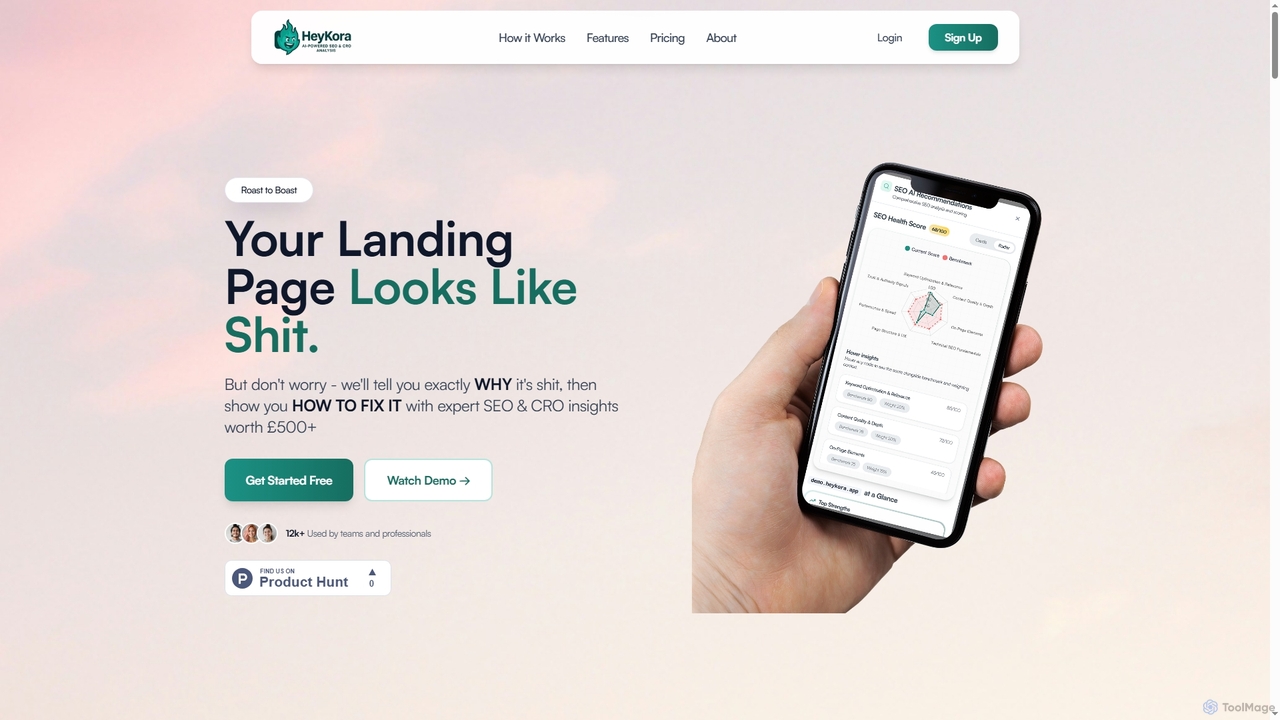
HeyKora is an AI-powered landing page optimization tool that provides brutal, honest audits and actionable SEO and CRO insights. It quickly analyzes your landing page's looks, copy, UX, and trust signals, offering prioritized fixes to boost conversions and improve performance. Get expert-level recommendations in minutes, not weeks.
About Ux Analysis
UX Analysis tools are AI-powered platforms designed to systematically collect, interpret, and visualize user interaction data to understand user behavior and improve digital product experiences. Leveraging advanced machine learning, these tools identify patterns, pain points, and opportunities within user journeys, directly contributing to conversion rate optimization by enhancing usability and satisfaction. They provide actionable insights that transform raw data into strategic decisions for product development and marketing.
Core Features
- Automated User Behavior Tracking: Automatically records and analyzes user clicks, scrolls, and navigation paths across websites and applications.
- Heatmaps & Session Replays: Generates visual representations of user engagement and allows playback of individual user sessions for deep qualitative insights.
- Sentiment & Feedback Analysis: Utilizes natural language processing (NLP) to analyze user comments, reviews, and survey responses for emotional tone and key themes.
- A/B Testing Insights: Provides AI-driven analysis of A/B test results, identifying optimal variations and suggesting further improvements based on user data.
- Predictive Analytics for UX: Forecasts potential user issues or conversion bottlenecks by identifying early warning signs in user behavior data.
Use Cases
These tools are invaluable for product managers, UX designers, marketers, and data analysts seeking to optimize digital experiences. They are commonly used to pinpoint friction points in e-commerce checkout flows, enhance mobile app onboarding processes, and refine website navigation structures for better user engagement.
How to Choose
When selecting a UX analysis tool, consider its data collection capabilities (e.g., passive vs. active), the sophistication of its AI-driven insights, integration options with existing analytics and CRM platforms, and the clarity of its reporting and visualization features. Scalability and compliance with data privacy regulations are also crucial factors.

Ux AnalysisUse Cases
Optimizing E-commerce Checkout Flows
E-commerce managers utilize UX analysis tools to meticulously track user behavior during the checkout process. By analyzing heatmaps, clickstream data, and session recordings, they can identify specific steps where users encounter friction or abandon their carts. AI-driven insights help pinpoint usability issues, such as confusing form fields or unclear calls to action, enabling data-backed design changes that significantly reduce cart abandonment rates and boost conversion.
Improving Mobile App Onboarding Experience
Mobile app developers and product teams deploy UX analysis tools to understand how new users interact with an application during their initial sessions. These tools provide detailed insights into user flows, feature adoption rates, and points of confusion. By identifying where users drop off or struggle, teams can iterate on onboarding tutorials, simplify initial setup, and streamline the user journey, leading to higher user retention and engagement from day one.
Enhancing Website Navigation and Content Discovery
Content strategists and webmasters leverage UX analysis to evaluate the effectiveness of website navigation and content discoverability. Through user flow analysis and click-path tracking, they can see which pages users visit, how they move between sections, and where they get lost. AI helps uncover unexpected navigation patterns or dead ends, allowing for data-driven adjustments to menu structures, internal linking, and content placement to improve user satisfaction and time on site.
Identifying Usability Issues in Software Products
Software product teams use UX analysis tools to continuously monitor user interaction with new features or existing functionalities. By analyzing aggregated user data, including error clicks, rage clicks, and time spent on specific elements, they can proactively identify usability issues or bugs that might not be apparent through traditional testing. This allows for rapid iteration and ensures a smoother, more intuitive user experience, reducing support requests.
Personalizing User Experiences and Recommendations
Marketing and product teams employ AI-powered UX analysis to understand individual user preferences and behavioral segments. By analyzing past interactions, purchase history, and content consumption patterns, these tools can help tailor content, product recommendations, or promotional offers to specific user groups. This personalization strategy significantly enhances user engagement, increases conversion rates, and fosters stronger customer loyalty by delivering more relevant experiences.
Validating A/B Test Hypotheses and Iterating Designs
UX researchers and growth marketers use these tools to go beyond simple A/B test results. While traditional A/B testing shows which variant performs better, UX analysis provides the "why." By analyzing user behavior on both variants (e.g., heatmaps, session replays), teams can understand *why* one performed better, gaining deeper insights into user preferences and psychological triggers. This enables more informed design iterations and accelerates the optimization cycle for higher conversion.