
Velona
Velona is an AI-powered fleet management platform that transforms traditional monitoring into proactive, intelligent operations. It leverages specialized …
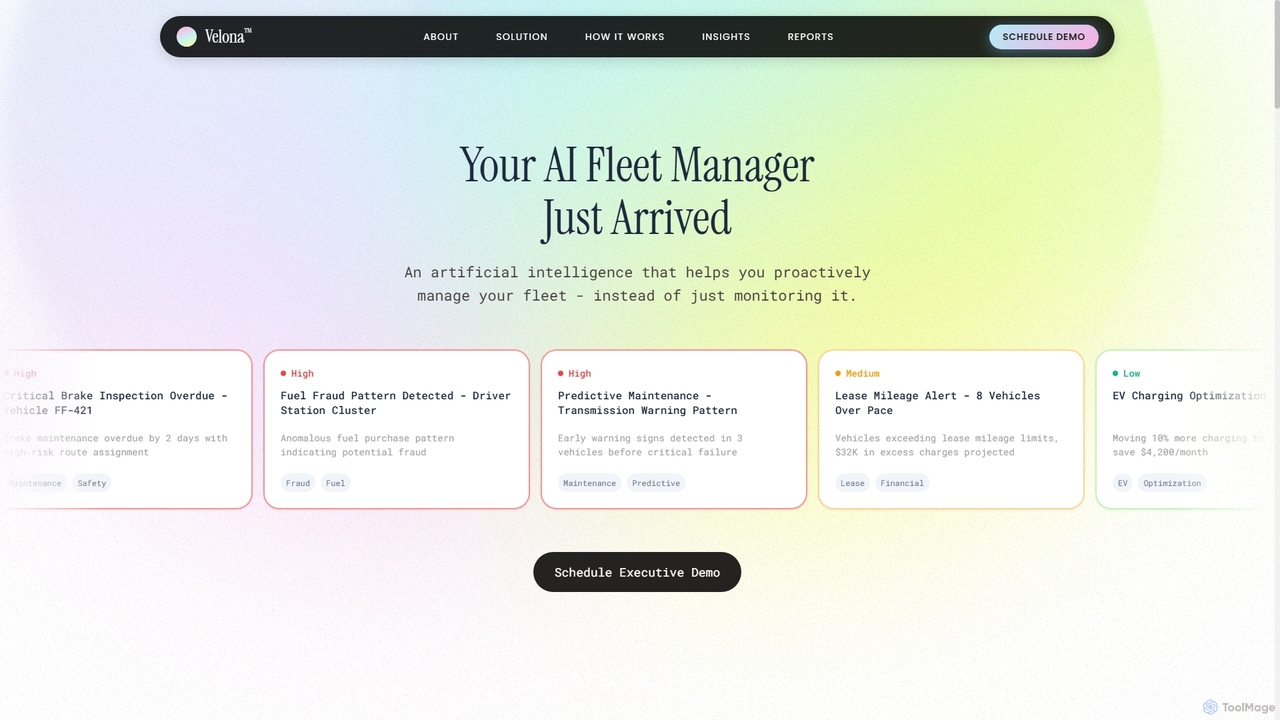
Velona is an AI-powered fleet management platform that transforms traditional monitoring into proactive, intelligent operations. It leverages specialized AI agents to detect fraud, predict maintenance needs, optimize fuel consumption, enhance driver safety, ensure compliance, and identify significant cost-saving opportunities across your entire fleet. Velona provides actionable insights and step-by-step plans through a simple, conversational interface.
About Expense Management
AI Expense Management tools are applications designed to automate the entire process of tracking, submitting, and approving business-related expenditures. They leverage technologies like Optical Character Recognition (OCR) to scan and digitize receipts, while machine learning algorithms automatically categorize spending and detect policy violations. This significantly reduces manual data entry, accelerates reimbursement cycles, and provides real-time visibility into corporate spending. As a critical component of Cost Optimization, these tools empower organizations to enforce financial policies effectively and identify opportunities for savings.
Core Features
- Receipt Scanning & OCR: Automatically extracts key data like vendor, date, and amount from photos of receipts.
- Automated Expense Categorization: Uses AI to classify expenses into predefined categories (e.g., travel, meals, software) for accurate reporting.
- Policy Enforcement: Instantly flags expenses that are out-of-policy, such as exceeding spending limits or unapproved vendors.
- Real-time Analytics & Reporting: Provides dashboards and reports that offer insights into spending trends, budget adherence, and potential fraud.
- Accounting System Integration: Seamlessly syncs approved expense data with major accounting and ERP systems like QuickBooks, Xero, and SAP.
Use Cases
These tools are widely used by companies with mobile workforces, such as sales teams and consultants, who need to file expenses on the go. Finance and accounting departments rely on them to streamline approval workflows, reduce errors, and close books faster. Project managers also use them to track project-specific spending against budgets in real time.
How to Choose
When selecting an AI Expense Management tool, consider its integration capabilities with your existing accounting software. Evaluate the accuracy of its OCR technology and the user-friendliness of its mobile app for employees. Also, assess the flexibility of its policy engine to configure custom rules and approval workflows that match your company's structure. Finally, review the pricing model to ensure it scales with your organization's growth.
Expense ManagementUse Cases
Automate Sales Team Expense Reports
A sales representative constantly on the road uses their smartphone to capture photos of receipts for client meals, fuel, and lodging. The AI expense management tool instantly scans each receipt using OCR, extracts the vendor, amount, and date, and automatically categorizes the expense. The system then compiles these entries into a weekly report, checks them against the company's travel policy, and submits it for manager approval with a single tap. This eliminates hours of manual data entry and ensures timely reimbursement.
Streamline Corporate Travel Reimbursement
A finance department manages travel requests and reimbursements for hundreds of employees. By implementing an AI expense management tool, they create automated approval workflows. When an employee submits an expense report for a business trip, the system automatically checks flight and hotel costs against pre-approved budgets and company policy. Any out-of-policy expenses are flagged for review, while compliant reports are automatically routed to the next approver, reducing the approval time from weeks to days.
Enhance Financial Audits and Compliance
An internal audit team uses an AI expense management platform to improve compliance and detect fraud. The AI analyzes thousands of expense reports, identifying anomalies such as duplicate submissions across different reports, weekend expenses for non-travel employees, or unusually high meal costs. The system's dashboard provides a high-level view of policy violations by department or individual, allowing auditors to focus their manual reviews on high-risk areas instead of spot-checking random reports, thereby increasing audit accuracy and efficiency.
Manage Project-Specific Budgets in Real-Time
A project manager for a construction company needs to track all expenses related to a specific job site, including materials, equipment rentals, and contractor fees. They use the expense management tool to create a dedicated project budget. Team members on-site capture receipts and tag each expense to the project. The manager can then view a real-time dashboard showing total spend against the budget, helping them make informed decisions to prevent cost overruns and ensure project profitability.
Simplify Small Business Bookkeeping
A small business owner wears many hats, including managing finances. They use an AI expense management app to separate business and personal expenses easily. By linking their business credit card, the tool automatically imports transactions. They can quickly swipe to categorize expenses, snap photos of cash receipts, and generate monthly expense reports. This data syncs directly with their accounting software, making tax season significantly less stressful and providing a clear, up-to-date view of their business's financial health.
Optimize Company-Wide Software Subscription Spend
An IT department integrates their expense management system with procurement to track all SaaS subscriptions. The AI tool identifies and categorizes recurring software payments from credit card statements and invoices. The platform's analytics dashboard reveals total spend by vendor, identifies duplicate subscriptions across different teams, and flags underutilized licenses. This visibility allows the IT manager to consolidate licenses, negotiate better rates with vendors, and eliminate redundant software, directly contributing to cost optimization.