StorifyMe
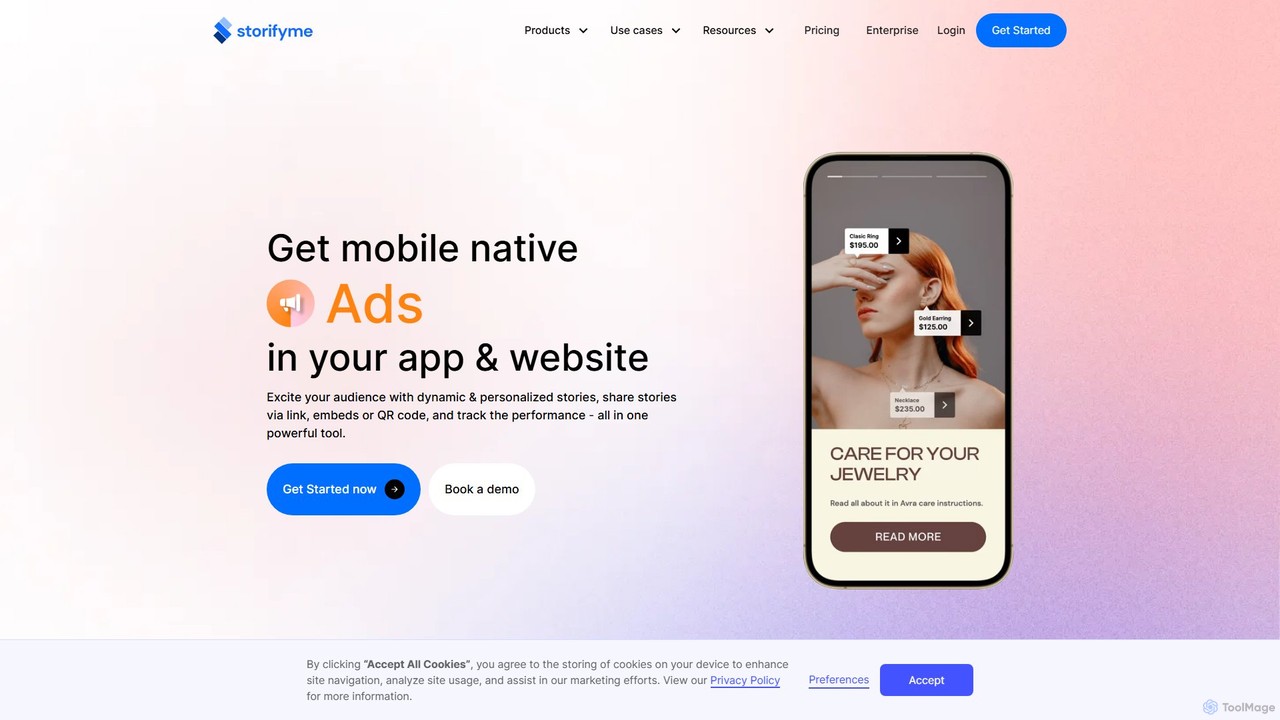
StorifyMe is an all-in-one platform for creating and embedding mobile-native, interactive content like stories, shorts, and ads directly …
StorifyMe is an all-in-one platform for creating and embedding mobile-native, interactive content like stories, shorts, and ads directly into your website and app. Powered by an AI assistant, it helps businesses boost user engagement, increase conversions, and enhance customer retention with dynamic, personalized, and shoppable video content, all manageable from a single powerful dashboard.
About User Experience
AI User Experience (UX) tools are a specialized category of software that leverages machine learning to analyze and interpret how users interact with digital products like websites and applications. These tools go beyond traditional analytics by automatically processing vast amounts of behavioral data, such as clicks, scrolls, and navigation patterns, to uncover actionable insights. Their primary value lies in identifying user friction points, optimizing conversion funnels, and enabling data-driven design decisions to enhance usability and satisfaction. As a key component of customer engagement, these tools focus specifically on improving the in-product journey.
Core Features
- Automated Behavioral Analysis: AI algorithms automatically generate heatmaps, scroll maps, and click maps to visualize user attention and engagement hotspots.
- Intelligent Session Replay: Records and analyzes user sessions, with AI automatically flagging moments of frustration like rage clicks, dead clicks, or navigation errors.
- Predictive Analytics: Uses machine learning models to forecast user behavior, such as churn probability or conversion likelihood, based on interaction patterns.
- AI-Powered A/B Testing: Optimizes testing processes by dynamically allocating traffic to winning variations and personalizing experiences for different user segments.
- Qualitative Data Synthesis: Employs Natural Language Processing (NLP) to analyze open-ended feedback from surveys and support tickets to identify recurring UX themes and sentiment.
Use Cases
These tools are primarily used by product managers, UX/UI designers, conversion rate optimization (CRO) specialists, and digital marketers. They are essential for improving user journeys in e-commerce platforms, refining onboarding flows in SaaS products, and increasing engagement within mobile applications by providing deep, qualitative insights into user behavior.
How to Choose
When selecting an AI UX tool, consider its integration capabilities with your existing analytics and development stack. Evaluate the depth of its analytical features—whether you need quantitative data, qualitative session replays, or predictive insights. Also, assess its data privacy and compliance standards (e.g., GDPR, CCPA) and ensure the pricing model aligns with your website's traffic volume and analysis needs.

User ExperienceUse Cases
Optimizing E-commerce Checkout Funnels
An e-commerce manager notices a high cart abandonment rate. By using an AI UX tool, they analyze session replays of users who drop off during checkout. The AI automatically flags sessions where users repeatedly click a non-responsive button or hesitate on the shipping page. Heatmaps reveal that the payment options are not clearly visible. Based on these insights, the team redesigns the layout and runs an AI-powered A/B test, which confirms the new design increases conversions by 15%.
Improving SaaS Product Onboarding Flow
A product manager for a SaaS company wants to reduce new user churn within the first week. They use an AI UX tool to create a funnel analysis of the onboarding process. The tool identifies a significant drop-off at the 'project setup' step. By watching AI-surfaced session replays for this segment, the manager sees users struggling to find a key configuration menu. The team ships a small UI change to make the menu more prominent, resulting in a 20% improvement in onboarding completion rate.
Identifying Critical UI Bugs Proactively
A QA engineer uses an AI UX tool that automatically detects user frustration signals. The system flags a session where a user on a specific browser version experienced a series of JavaScript errors, leading to rage clicks on a checkout button. This alert allows the development team to identify and fix a critical, browser-specific bug before it impacts a larger number of users or is reported through support channels, thus preventing potential revenue loss and protecting the brand's reputation.
Validating Design Hypotheses with Data
A UX designer proposes a major redesign of a product's main navigation menu, believing it will improve feature discovery. Instead of relying on opinion, the team uses an AI UX tool to run a multivariate test on the new design. The AI automatically analyzes user flows and goal completion rates for different user segments. The results show that while the new design works well for power users, it confuses new users. This data allows the team to iterate on a hybrid design that serves both audiences effectively, avoiding a costly design mistake.
Personalizing User Journeys at Scale
A digital marketing team for a large content website wants to increase user engagement time. They implement an AI UX tool that analyzes individual reading habits, topics of interest, and time spent on pages. Based on this data, the AI dynamically personalizes the homepage for each returning visitor, promoting articles and content categories most relevant to them. This automated personalization leads to a 30% increase in average session duration and a significant lift in ad revenue without requiring manual curation for thousands of users.
Synthesizing User Feedback from Multiple Channels
A UX research team is overwhelmed with feedback from surveys, app store reviews, and support tickets. They use an AI UX tool with NLP capabilities to process all this unstructured text. The AI automatically categorizes feedback into themes like 'login issues', 'feature requests', and 'UI confusion'. It also performs sentiment analysis to gauge user frustration levels for each theme. This provides the product team with a quantified and prioritized list of user pain points, enabling them to focus development efforts where they will have the most impact.