ToolMage
Sign in

Best 2 Customer Education AI tools for Customer Support

Popular Customer Education AI tools in Customer Support include WorkRamp and Uplimit, helping you work more efficiently.

WorkRamp
Paid

WorkRamp

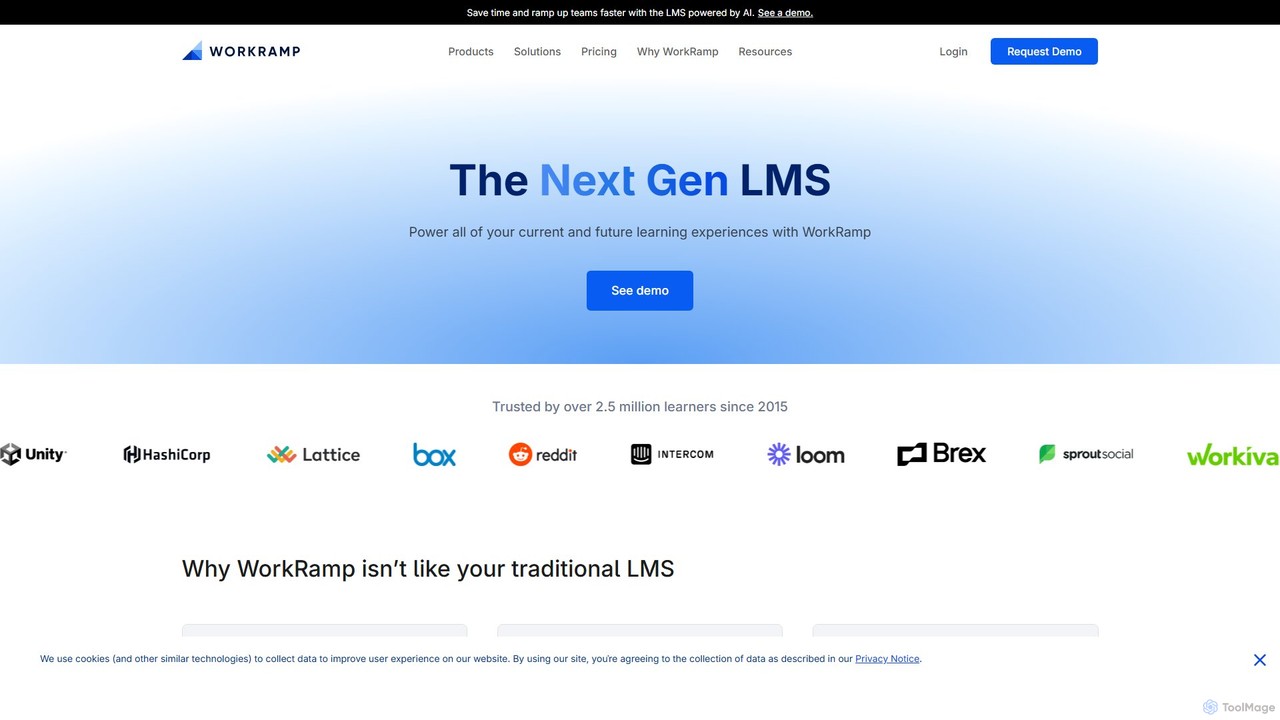
WorkRamp is an AI-powered, all-in-one Learning Management System (LMS) designed for modern businesses. It enables companies to create, deliver, and manage comprehensive training programs for employees, customers, and partners, driving growth and development across the entire organization.

Customer Education
Visits 171.2KFavorites 164Likes 152
Uplimit
Paid

Uplimit

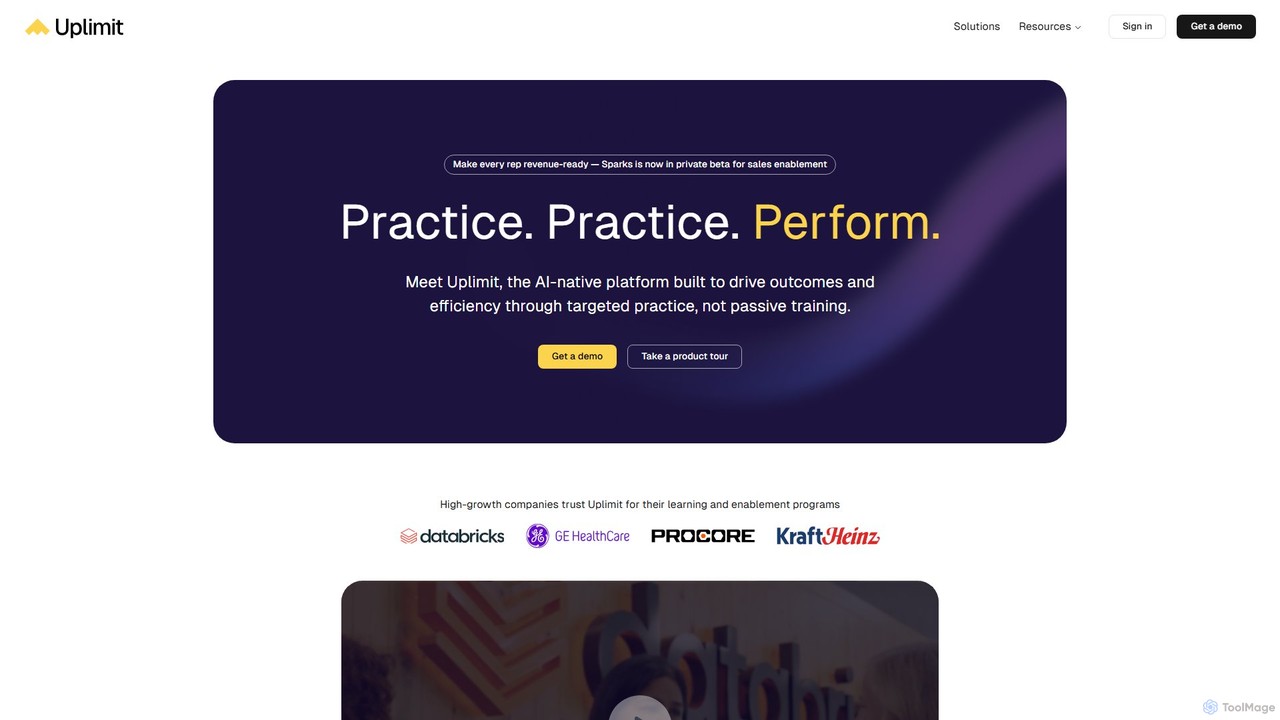
Uplimit is an AI-native learning platform for organizations, designed to drive performance through targeted practice. It replaces passive training with interactive, AI-powered roleplays and cohort-based courses. Ideal for sales enablement, leadership development, and AI upskilling, Uplimit helps teams build real skills, get instant feedback, and apply their knowledge on the job. The platform automates course creation and management, enabling L&D teams to scale impactful training programs efficiently and measure real business outcomes.

Customer Education
Visits 51.7KFavorites 155Likes 155

About Customer Education

AI Customer Education tools are platforms designed to proactively teach users how to derive maximum value from a product or service. Leveraging artificial intelligence, these tools automate the creation and delivery of personalized learning content, such as interactive tutorials, intelligent knowledge bases, and guided onboarding flows. The primary goal is to improve product adoption, reduce the burden on support teams, and increase customer retention by empowering users to self-serve. As a key part of a modern customer support strategy, they shift the focus from reactive problem-solving to proactive user enablement.

Core Features

  • AI Content Generation: Automatically creates help articles, FAQs, and video scripts from existing documentation or product updates.
  • Personalized Learning Paths: Adapts training materials and onboarding sequences to individual user roles, behaviors, or skill levels.
  • Interactive In-App Guidance: Builds contextual walkthroughs, tooltips, and tutorials that guide users directly within the application interface.
  • Intelligent Knowledge Base: Organizes help content with AI-powered search, providing instant, relevant answers and identifying content gaps.
  • User Engagement Analytics: Tracks how users interact with educational content to measure effectiveness and pinpoint areas of confusion.

Use Cases

These tools are widely used by SaaS companies to streamline user onboarding, by enterprises with complex software to train customers at scale, and by customer success teams to boost feature adoption. They are particularly effective for any business aiming to reduce repetitive support inquiries and foster a more self-sufficient user community.

How to Choose

When selecting a tool, consider its integration capabilities with your product, CRM, and helpdesk systems. Evaluate the range of supported content formats (e.g., interactive guides, video, articles) and the sophistication of its AI-driven personalization. Also, assess the quality of its analytics to ensure you can measure the impact on user behavior and support ticket volume.

Customer Education use cases

1

Automating SaaS User Onboarding

A product manager at a SaaS startup needs to reduce early-stage user churn. They use an AI Customer Education tool to build an interactive, in-app onboarding tour. The tool analyzes user roles upon signup and delivers a personalized walkthrough that highlights the most relevant features for that specific user. This guided experience helps new users achieve their first 'aha' moment quickly, leading to a measurable increase in activation rates and a decrease in initial support tickets.

2

Creating an Intelligent Knowledge Base

A support team lead for a complex software product is overwhelmed with repetitive questions. They use an AI education tool to ingest all existing technical documentation, support tickets, and community posts. The AI then structures this information into a user-friendly, searchable knowledge base. When a user types a question, the AI provides a direct answer and suggests related articles, deflecting tickets and empowering users to find solutions instantly, 24/7.

3

Scaling New Feature Training

An enterprise software company is launching a major update with several new features. The customer success team uses an AI education tool to create targeted training materials. The AI analyzes the product update and automatically generates short video tutorials, in-app guides, and knowledge base articles for each new feature. These materials are then delivered to specific user segments based on their past usage patterns, ensuring a smooth and efficient adoption of the new functionalities without overwhelming the support staff.

4

Proactive Issue Deflection for E-commerce

An online retailer's support team is frequently asked about their return policy and order tracking. A customer experience manager implements an AI education tool to create interactive widgets. These widgets are embedded on the order history and product pages. When a user shows intent to contact support, a proactive pop-up offers a guided walkthrough on how to initiate a return or track a package. This preemptive assistance resolves common queries on the spot, improving customer satisfaction and freeing up support agents for more complex issues.

5

Building Partner Certification Programs

A technology company relies on a network of channel partners to sell and implement its products. To ensure quality, the partner manager uses an AI education platform to build a formal certification program. The platform creates personalized learning paths for each partner, combining video lessons, interactive simulations, and automated quizzes. The AI tracks progress and identifies partners who may need additional help, allowing the company to scale its partner ecosystem effectively while maintaining high standards of product knowledge.

6

Reducing Support Load for a Complex API

A developer platform company finds that its support team spends significant time answering basic API integration questions. They deploy an AI customer education tool to generate interactive API documentation. This tool creates code sandboxes, step-by-step tutorials, and an AI-powered chatbot trained on their API specs. Developers can now test endpoints, troubleshoot code, and get instant answers within the documentation itself, drastically reducing the number of support tickets and accelerating their time-to-first-call.

Customer Education FAQ

What are AI Customer Education tools?

AI Customer Education tools are platforms that use artificial intelligence to create, manage, and deliver learning materials to users proactively. Unlike traditional help centers, they personalize the learning experience based on user behavior, create content automatically, and provide interactive, in-app guidance. The main goal is to help users master a product independently, which improves adoption and reduces support requests.

How do AI Customer Education tools differ from traditional Customer Support tools?

The key difference is their approach: proactive vs. reactive. Customer Education tools are proactive; they aim to prevent issues by teaching users how to use a product correctly from the start. Customer Support tools (like helpdesks or live chat) are reactive; they exist to solve problems after they have already occurred. Education tools focus on building user competency, while support tools focus on resolving specific incidents.

Who should use AI Customer Education platforms?

These platforms are highly beneficial for:

  • SaaS Companies: To improve user onboarding, feature adoption, and reduce churn.
  • Companies with Complex Products: To scale training and help users understand sophisticated features without overwhelming support teams.
  • Customer Success Teams: To proactively guide users towards value and identify at-risk accounts based on their engagement with educational content.
  • Support Teams: To deflect common, repetitive questions by empowering users with self-service resources.

What are the key features to look for in an AI Customer Education tool?

When choosing a tool, prioritize these features:

  • In-App Guidance: The ability to create interactive walkthroughs and tooltips directly within your product.
  • AI Content Creation: Features that automatically generate articles, tutorials, or FAQs from existing data to save time.
  • Personalization Engine: The capability to tailor learning paths and content recommendations to different user segments.
  • Robust Analytics: Detailed reporting on content effectiveness, user engagement, and its impact on support ticket reduction.
  • Integrations: Seamless connection with your existing CRM, helpdesk, and product analytics tools.

How does AI improve the customer learning experience?

AI transforms customer learning by making it more personal, relevant, and efficient. It achieves this by:

  • Personalizing Content: AI analyzes user data to deliver the right information to the right user at the right time, avoiding generic, one-size-fits-all training.
  • Automating Content Updates: It can monitor product changes and automatically update or suggest new help content, ensuring accuracy.
  • Providing Instant Answers: AI-powered search and chatbots within knowledge bases offer immediate solutions, improving user satisfaction.
  • Identifying Knowledge Gaps: By analyzing user searches and behavior, AI can identify topics where documentation is weak or missing, helping teams improve their resources.