ToolMage
Sign in

Best 1 Video Communication AI tools for Customer Support

Popular Video Communication AI tools in Customer Support include BHuman, helping you work more efficiently.

BHuman
Freemium

BHuman

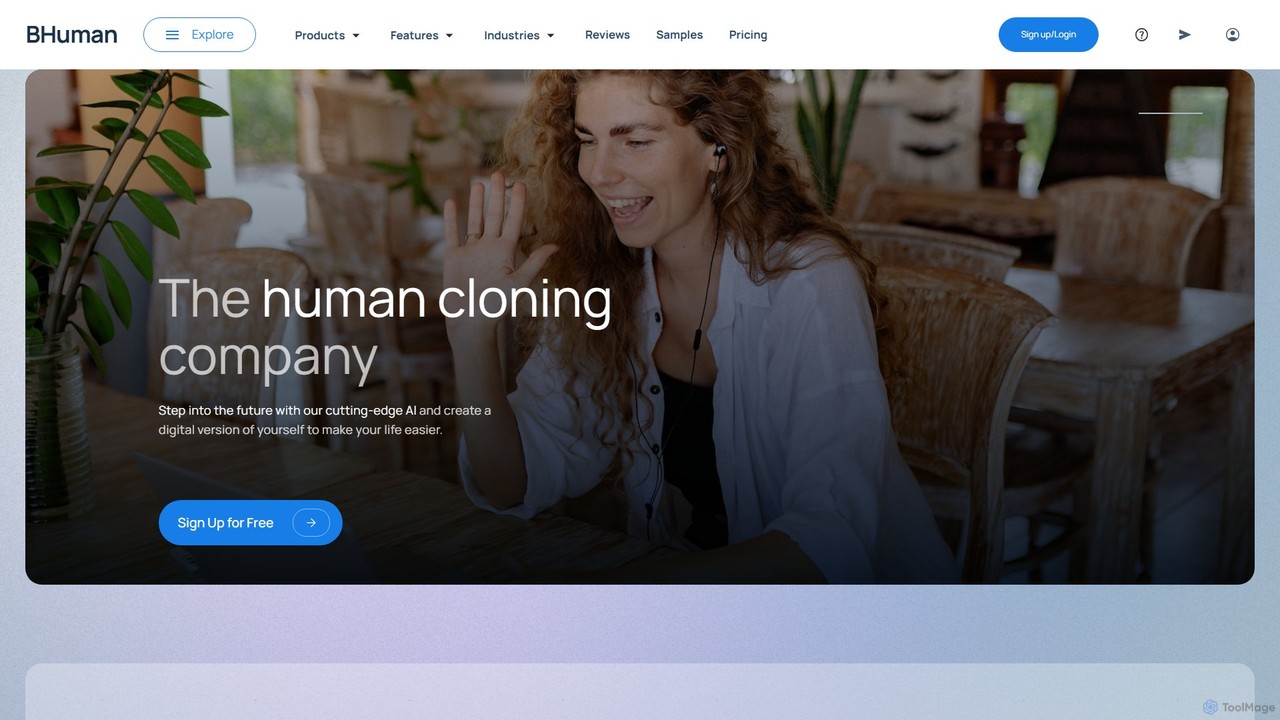
BHuman is an AI-powered platform that enables users to create and send thousands of personalized videos at scale. By creating a digital clone of your face and voice, BHuman transforms a single video recording into unique, one-to-one messages for sales, marketing, and customer support, dramatically increasing engagement and conversion rates.

Video Communication
Visits 18.2KFavorites 147Likes 134

About Video Communication

AI Video Communication tools are a specialized category of software that enhances real-time video interactions for customer support using artificial intelligence. These platforms go beyond standard video calls by integrating features like live transcription, sentiment analysis, and augmented reality (AR) overlays. They are designed to diagnose and resolve complex customer issues more efficiently, provide visual guidance, and capture valuable data from interactions. This approach significantly improves first-call resolution rates and enhances the overall customer experience, especially for technical or product-related support.

Core Features

  • Real-time Transcription & Analysis: Automatically transcribes conversations and analyzes sentiment, keywords, and tone to provide immediate insights.
  • AI-Generated Summaries: Creates concise, structured summaries of support calls, highlighting key issues, resolutions, and action items.
  • Augmented Reality (AR) Guidance: Allows support agents to overlay visual instructions, pointers, and text directly onto the customer's video stream.
  • Automated Data Tagging: Identifies and tags important moments in the video, such as product model mentions or error messages, for easy review.
  • Performance Analytics: Gathers data from video calls to track agent performance, identify common issues, and measure customer satisfaction.

Use Cases

These tools are particularly effective in industries requiring hands-on technical support, such as consumer electronics, manufacturing, and telecommunications. Support teams use them for remote troubleshooting, guiding customers through complex installations, or conducting virtual product demonstrations. They are also valuable for high-touch customer onboarding in SaaS and for remote claim assessments in the insurance sector.

How to Choose

When selecting an AI Video Communication tool, consider its integration capabilities with your existing CRM or helpdesk software. Evaluate the specific AI features offered, such as AR support or detailed analytics, based on your team's needs. Assess the platform's security and compliance standards, especially if handling sensitive data. Finally, consider the user interface's ease of use for both agents and customers to ensure smooth adoption.

Video Communication use cases

1

Remote Technical Support for Hardware

A customer support agent for an electronics company assists a user with a malfunctioning Wi-Fi router. Using an AI Video Communication tool, the agent can see the router through the customer's phone camera. The agent uses AR features to draw a circle around the correct port for the cable and displays on-screen text instructions. The AI simultaneously transcribes the call and tags the product model and reported issue. This visual, interactive guidance helps resolve the issue in under 10 minutes, avoiding a costly technician visit and improving customer satisfaction.

2

High-Touch SaaS Customer Onboarding

An onboarding specialist for a complex enterprise software platform guides a new client's team through the initial setup. The video call is recorded, and the AI automatically generates a summary with action items and timestamps for key configuration steps. This summary is shared with the client for future reference. The platform also analyzes the conversation to gauge client sentiment and identify potential areas of confusion, allowing the specialist to proactively address questions and ensure a smooth onboarding experience, which helps increase product adoption and reduce churn.

3

Virtual Insurance Claim Assessment

An insurance adjuster needs to assess damage to a policyholder's vehicle after an accident. Instead of an in-person visit, the adjuster initiates a secure video call. The policyholder walks around the car, showing the damage. The AI tool automatically captures high-resolution images of the damaged areas, recognizes the vehicle identification number (VIN), and transcribes the conversation. This process reduces assessment time from days to minutes, cuts travel costs for the adjuster, and provides a faster, more convenient experience for the policyholder.

4

Telehealth Patient Consultations

A healthcare provider conducts a follow-up consultation with a patient remotely. The AI Video Communication platform, which is HIPAA compliant, transcribes the entire conversation in real-time. The AI identifies and highlights key medical terms, symptoms described by the patient, and prescribed medications. After the call, an automated summary is generated and can be integrated directly into the patient's Electronic Health Record (EHR). This saves the provider significant administrative time, ensures accurate record-keeping, and allows them to focus more on the patient during the consultation.

5

Agent Training and Quality Assurance

A support manager reviews the performance of a new agent. Instead of listening to hours of call recordings, the manager uses the AI tool's dashboard to view AI-generated summaries and sentiment analysis scores for the agent's recent video calls. The manager quickly identifies a call where the customer's sentiment was consistently negative. They review the automatically tagged key moments and the transcript to understand the context, then use this specific, data-backed example to provide targeted coaching to the agent, improving their skills more effectively.

6

Explaining Complex Financial Products

A financial advisor uses a secure, compliant AI video platform to explain a complex investment portfolio to a client. During the call, the advisor shares their screen to show charts and documents. The AI tool transcribes the entire session for compliance and auditing purposes. After the call, an AI-generated summary outlining the key discussion points, risks mentioned, and the client's verbal confirmations is created and archived. This provides a clear, verifiable record of the advice given, protecting both the client and the firm while ensuring regulatory requirements are met.

Video Communication FAQ

What are AI Video Communication tools for customer support?

AI Video Communication tools are platforms that enhance live video calls between support agents and customers with artificial intelligence. Unlike standard video conferencing, they are specifically designed for support workflows. Key features often include real-time transcription, augmented reality (AR) for on-screen guidance, automated call summaries, and sentiment analysis. Their primary goal is to make remote troubleshooting and support more efficient, accurate, and data-driven.

How do AI Video Communication tools differ from standard tools like Zoom or Google Meet?

The main difference lies in their purpose and features. Standard tools like Zoom are built for general communication. AI Video Communication tools are built for specific workflows, primarily customer support. They integrate AI features directly into the call experience to solve problems, not just to talk. Key differentiators include:

  • Augmented Reality (AR): Overlaying instructions on the user's screen.
  • Workflow Integration: Connecting directly with CRM and helpdesk systems.
  • Automated Analysis: Generating summaries, sentiment scores, and data tags automatically.
  • Compliance & Security: Often built with industry-specific compliance (like HIPAA) in mind.
What are the main benefits of using AI in video support calls?

Using AI in video support calls offers several key benefits. It leads to faster problem resolution by allowing agents to see the issue and provide visual guidance, which increases first-call resolution rates. It improves customer satisfaction (CSAT) by offering a more personal and effective support channel. Furthermore, it provides valuable data insights by analyzing call transcripts and outcomes, which can be used for agent training and product improvement. Finally, it can reduce operational costs by minimizing the need for on-site technician visits and shortening call handling times.

How do I choose the right AI Video Communication tool?

To choose the right tool, start by defining your primary use case (e.g., technical support, sales demos, onboarding). Then, consider these factors:

  • Integration: Does it integrate smoothly with your existing CRM, helpdesk, or other essential software?
  • Key Features: Does it offer the specific AI capabilities you need, such as AR annotations, data tagging, or compliance recording?
  • User Experience: Is the interface intuitive for both your agents and your customers? A complex setup can deter usage.
  • Security & Compliance: Does the platform meet the security standards required for your industry and data (e.g., GDPR, HIPAA)?
  • Scalability & Pricing: Does the pricing model fit your budget and can the platform grow with your team's needs?
Which industries benefit most from AI Video Communication tools?

While many industries can benefit, those that rely on visual problem-solving or complex product support see the most significant impact. Key industries include:

  • Manufacturing & Electronics: For remote diagnostics and repair guidance of machinery and devices.
  • Telecommunications: To help customers set up or troubleshoot home internet and cable services.
  • Insurance: For virtual claims assessment and damage verification.
  • Healthcare (Telehealth): For remote patient consultations and monitoring, where compliance is critical.
  • SaaS & Enterprise Software: For high-touch customer onboarding, training, and support for complex platforms.