Customer Support Best in category 1 results Virtual Assistants AI Tool

Popular AI tools in the Virtual Assistants field of Customer Support include TanyaGPT, etc., helping you quickly improve efficiency.

TanyaGPT

TanyaGPT

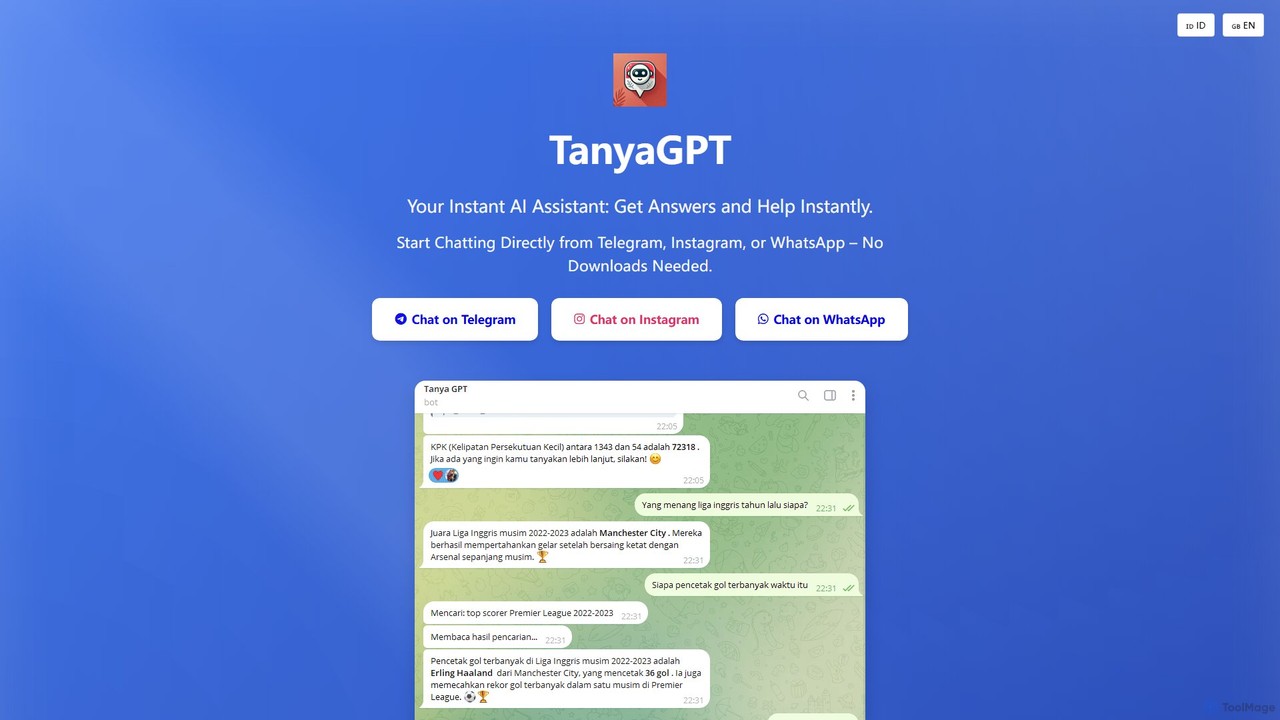
TanyaGPT is a versatile AI assistant integrated directly into WhatsApp, Telegram, and Instagram. It provides 24/7 support, analyzes …

3.1K

About Virtual Assistants

Virtual Assistants are AI-powered applications designed to understand natural language and automate a wide range of administrative, scheduling, and informational tasks. Leveraging technologies like Natural Language Processing (NLP) and machine learning, these assistants can manage calendars, answer queries, and execute commands on behalf of users. They serve as a proactive productivity layer within customer support and internal operations, streamlining workflows and freeing up human resources for more complex activities. Unlike simple chatbots, they often integrate deeply with various business systems to perform multi-step actions.

Core Features

  • Natural Language Understanding (NLU): Accurately interprets user requests in conversational text or voice.
  • Task Automation: Executes tasks such as scheduling meetings, sending emails, and managing to-do lists.
  • System Integration: Connects with calendars, CRMs, email clients, and other business software to retrieve data and perform actions.
  • Proactive Assistance: Anticipates user needs by providing timely reminders and relevant information based on context.

Use Cases

Virtual Assistants are widely used by executives and sales teams for calendar management and lead qualification. In customer support, they act as the first line of response, triaging issues and answering common questions. They are also deployed internally as IT helpdesks or HR assistants to automate employee onboarding and support processes.

How to Choose

When selecting a Virtual Assistant, evaluate its integration capabilities with your existing software stack (e.g., Google Workspace, Microsoft 365, Salesforce). Assess the sophistication of its natural language understanding and its ability to handle complex, multi-step commands. Also, consider the platform's customization options, security protocols for data handling, and the scalability of its pricing model.

Virtual AssistantsUse Cases

1

Automated Meeting and Calendar Management

For busy executives and project managers, a Virtual Assistant can handle the entire scheduling process. It integrates with multiple calendars, identifies open slots based on all attendees' availability, sends out invitations, and automatically finds new times for rescheduled meetings. This eliminates the back-and-forth emails typically required for coordination, saving hours of administrative work each week and reducing scheduling conflicts.

2

Intelligent Customer Support Triage

As a first point of contact in a customer support channel, a Virtual Assistant can engage with customers to understand their issue. Using NLU, it categorizes the request (e.g., billing, technical issue, sales inquiry) and gathers preliminary information. It can then either resolve the issue by pulling information from a knowledge base or route the conversation, along with the collected context, to the appropriate human agent, improving first-response time and agent efficiency.

3

Automated Sales Lead Qualification

Sales teams can deploy a Virtual Assistant on their website to engage with potential leads 24/7. The assistant asks pre-defined qualifying questions about budget, timeline, and company size. Based on the responses, it can schedule a demo with a sales representative directly in their calendar or provide relevant marketing materials. This ensures that the sales team spends their time on high-potential, pre-qualified leads.

4

Streamlining Internal IT Helpdesk Support

An internal Virtual Assistant can serve as an automated IT helpdesk for employees. It can instantly answer common questions like "How do I reset my password?" or "How to connect to the VPN?". For more complex issues, it can guide the employee through a diagnostic process and automatically create a support ticket in systems like Jira or ServiceNow with all the necessary details, reducing the workload on IT staff.

5

Proactive Task and Project Reminders

For teams using project management tools, a Virtual Assistant can monitor deadlines and progress. It can proactively send reminders to team members about upcoming tasks, flag potential bottlenecks, and provide daily or weekly summaries of project status. This helps keep projects on track and improves accountability without requiring a manager to manually check in with every individual.

6

Employee Onboarding and HR Assistance

HR departments can use a Virtual Assistant to automate parts of the new hire onboarding process. The assistant can answer frequently asked questions about company policies, benefits, and IT setup. It can also guide new employees through required paperwork and training modules, ensuring a consistent and efficient onboarding experience while freeing up HR personnel for more strategic tasks.

Virtual AssistantsFrequently Asked Questions