Reducto
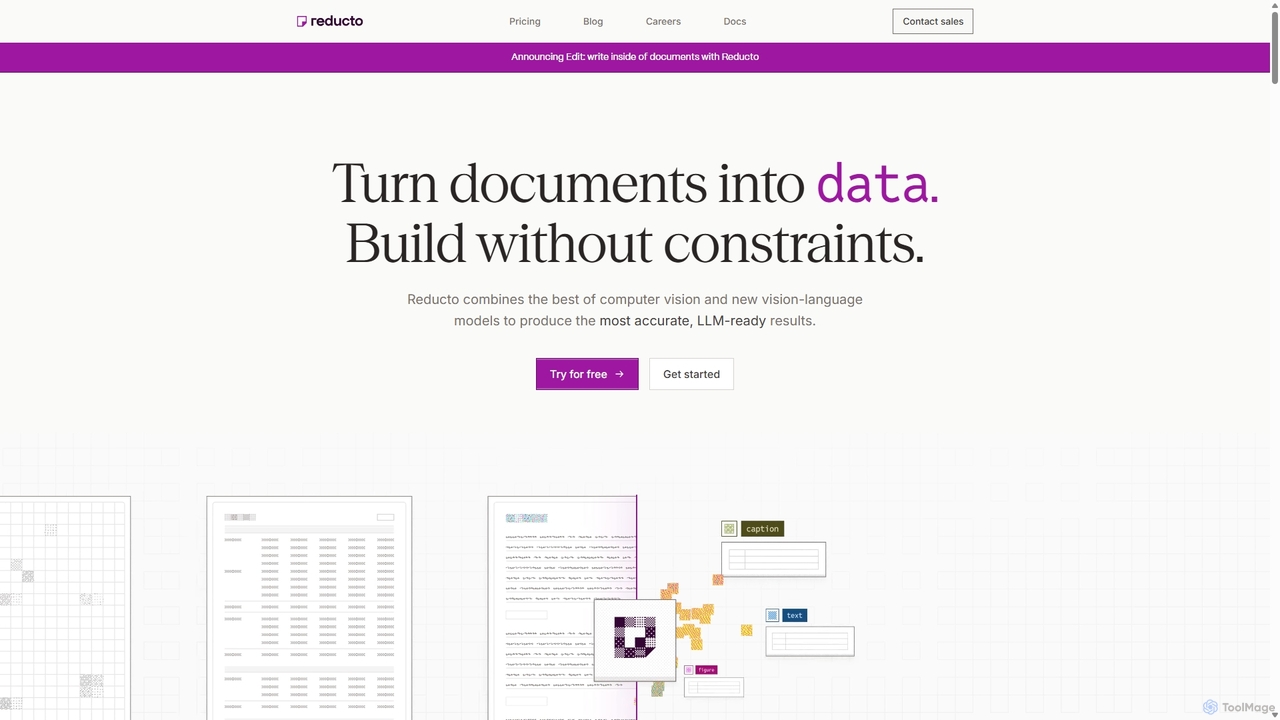
Reducto is an advanced Document Ingestion API for developers and enterprises. It uses Agentic OCR and Vision-Language Models …
Reducto is an advanced Document Ingestion API for developers and enterprises. It uses Agentic OCR and Vision-Language Models to accurately parse, split, extract, and even edit documents. It transforms unstructured data from various file formats into structured, LLM-ready inputs, automating complex document processing workflows with high precision and enterprise-grade security.
About Document Processing
AI Document Processing tools are a specialized category of data processing software designed to automatically extract, interpret, and structure information from various document formats. Leveraging technologies like Optical Character Recognition (OCR), Natural Language Processing (NLP), and computer vision, these tools understand both the content and layout of PDFs, scanned images, and emails. This capability transforms unstructured or semi-structured data into actionable, organized formats, significantly accelerating workflows like invoice processing and contract analysis. Their key advantage lies in handling complex layouts and diverse document types with high accuracy, reducing manual effort and errors.
Core Features
- Intelligent Data Extraction: Accurately identifies and pulls specific fields like names, dates, invoice totals, and contract clauses from documents.
- Document Classification: Automatically sorts incoming documents into predefined categories such as invoices, receipts, or legal agreements based on their content and structure.
- Optical Character Recognition (OCR): Converts text from scanned documents and images into machine-readable, searchable data.
- Layout Analysis: Understands the spatial structure of a document, recognizing tables, columns, headers, and footers to maintain context during extraction.
- Data Validation & Structuring: Verifies extracted information against predefined rules or databases and outputs it in a structured format like JSON, XML, or CSV.
Use Cases
These tools are essential in industries with heavy paperwork. Finance departments use them for automating accounts payable and expense reporting. The legal sector applies them for contract lifecycle management and e-discovery. Healthcare providers utilize them to digitize patient records and process insurance claims, while logistics companies manage bills of lading and customs forms more efficiently.
How to Choose
When selecting a Document Processing tool, evaluate its accuracy on your specific document types and languages. Consider its integration capabilities with your existing software (e.g., ERP, CRM). Assess the user interface—whether it offers a no-code platform for business users or APIs for developers. Finally, analyze the pricing model, which is often based on the number of pages or documents processed.
Document ProcessingUse Cases
Automate Invoice Processing for Accounts Payable
An accounts payable specialist in a mid-sized company handles hundreds of vendor invoices weekly. Manually entering data from each PDF invoice into the ERP system is time-consuming and prone to errors. By implementing an AI Document Processing tool, they can create a workflow that automatically ingests invoices from an email inbox. The AI extracts key fields like invoice number, vendor name, due date, line items, and total amount. The extracted data is then validated against purchase orders and automatically populated into the accounting software, reducing manual data entry time by over 80% and minimizing payment errors.
Streamline Contract Analysis and Risk Management
A legal team needs to review a large portfolio of existing contracts to identify non-standard clauses and assess potential risks. Manually reading through thousands of pages is impractical. Using an AI Document Processing tool, they can upload all contracts in bulk. The tool's NLP capabilities are configured to identify and extract specific clauses related to liability, termination, and confidentiality. The results are exported into a structured database, allowing paralegals to quickly search, filter, and analyze clauses across the entire portfolio. This process turns a months-long project into a matter of days and provides a comprehensive overview of contractual risk.
Digitize Patient Records and Insurance Claims
A healthcare clinic receives patient intake forms, lab results, and insurance claims as faxes or scanned PDFs. A medical records technician is responsible for manually transcribing this information into the Electronic Health Record (EHR) system. This process is slow and can lead to critical data entry errors. An AI Document Processing solution can automate this. The tool classifies each document type, uses OCR to digitize the text, and extracts structured data like patient ID, diagnosis codes, and procedure details. This data is then formatted for direct import into the EHR, ensuring accuracy and freeing up staff to focus on patient care.
Automate Customer Onboarding with ID Verification
A financial institution needs to comply with Know Your Customer (KYC) regulations, which requires verifying customer identities during onboarding. This traditionally involves manual review of submitted documents like passports and driver's licenses. A Document Processing AI can automate this entire flow. A customer uploads a picture of their ID; the AI tool extracts personal information (name, date of birth, document number), verifies the document's authenticity by checking for security features, and cross-references the data with official databases. This reduces onboarding time from days to minutes, improves the customer experience, and ensures regulatory compliance with a high degree of accuracy.
Extract Data from Logistics and Shipping Documents
A logistics company processes thousands of bills of lading, packing lists, and customs declarations daily. A data entry team manually keys in information like container numbers, shipping routes, and item descriptions into their tracking system. This is a bottleneck that delays shipment processing. By deploying an AI document processor, they can automatically scan and extract this data. The tool is trained to recognize the varied formats of documents from different carriers and countries. The structured output is fed directly into the logistics management system, providing real-time shipment visibility, reducing customs clearance delays, and improving overall supply chain efficiency.
Analyze Customer Feedback from Surveys and Forms
A market research analyst needs to process thousands of open-ended responses from customer satisfaction surveys. Manually reading and categorizing each comment is subjective and inefficient. They use an AI Document Processing tool with NLU (Natural Language Understanding) capabilities. The tool ingests the survey results, extracts the text from open-ended questions, and performs sentiment analysis to classify feedback as positive, negative, or neutral. It also identifies recurring themes and keywords, such as 'slow service' or 'user-friendly interface'. This provides the analyst with quantifiable insights into customer sentiment and key areas for improvement, all compiled in an automated report.