PromptlyClear
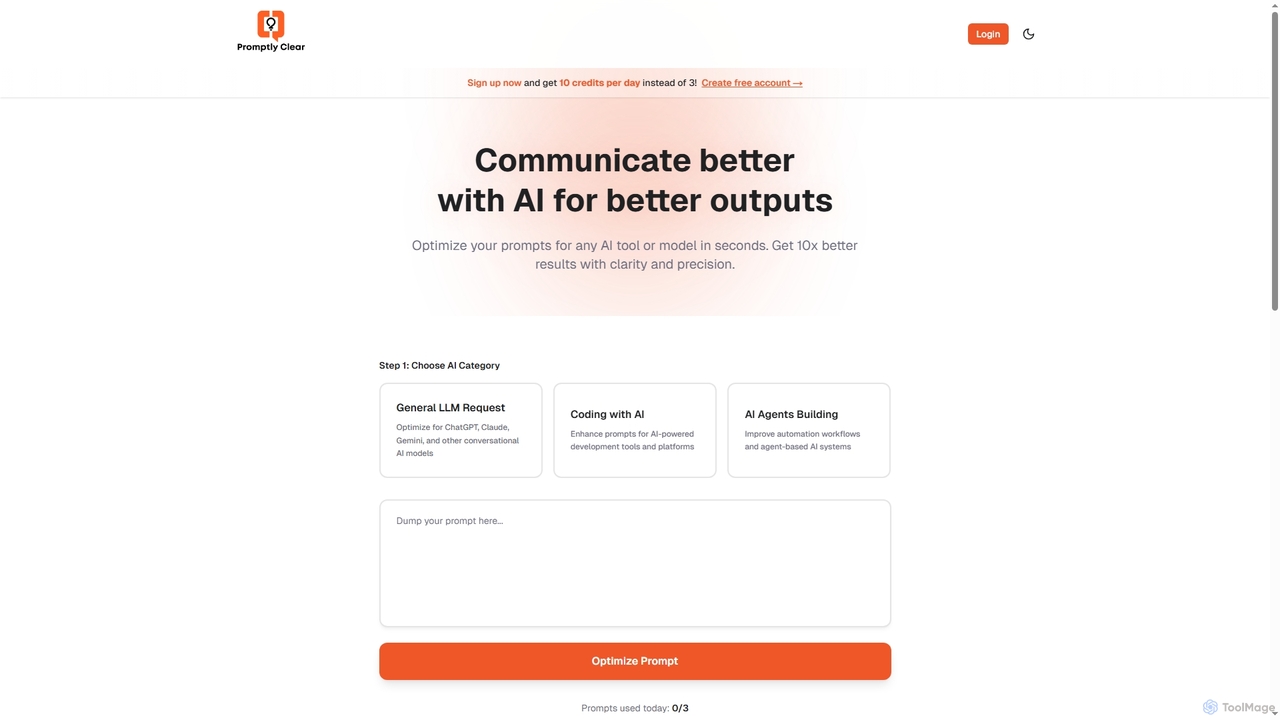
PromptlyClear is an AI prompt optimizer designed to refine user inputs for large language models like ChatGPT, Claude, …
PromptlyClear is an AI prompt optimizer designed to refine user inputs for large language models like ChatGPT, Claude, and Gemini. It enhances clarity and precision, enabling users to achieve significantly better and more detailed AI outputs across various applications, from business research to coding.
AuraText
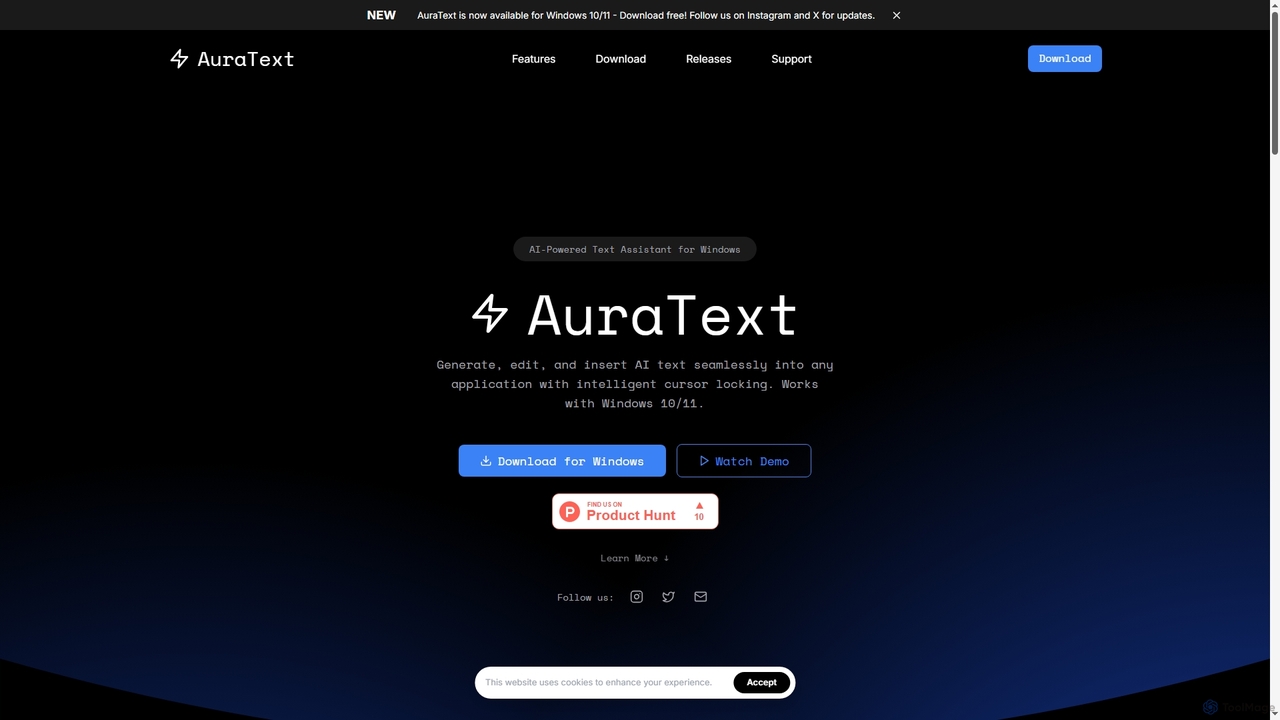
AuraText is an AI-powered text assistant for Windows and browsers, enabling seamless generation, editing, and insertion of AI-generated …
AuraText is an AI-powered text assistant for Windows and browsers, enabling seamless generation, editing, and insertion of AI-generated text into any application. It features intelligent cursor locking, multi-AI provider support (Gemini, Perplexity, OpenAI), real-time text analysis, and a secure, private environment for enhanced productivity.
About Ai Assistant
AI Assistants are intelligent software tools designed to augment and streamline the software development process. Leveraging advanced artificial intelligence and machine learning, these assistants provide real-time support to developers, from writing and debugging code to generating documentation and automating repetitive tasks. They integrate seamlessly into integrated development environments (IDEs) and other developer workflows, significantly enhancing productivity and code quality.
Core Features
- Code Completion & Generation: Intelligently suggests and generates code snippets, functions, or entire blocks based on context and programming patterns.
- Debugging & Error Detection: Identifies potential bugs, suggests fixes, and helps trace issues within the codebase.
- Code Refactoring & Optimization: Recommends improvements for code structure, readability, and performance without altering external behavior.
- Automated Documentation: Generates comments, docstrings, and API documentation from existing code, saving manual effort.
- Test Case Generation: Automatically creates unit tests and integration tests to ensure code reliability and coverage.
Applicable Scenarios
Software developers, data scientists, and DevOps engineers frequently utilize AI Assistants to accelerate their daily tasks. They are particularly valuable in large codebases, complex projects, or when working with unfamiliar APIs, providing instant access to relevant information and automated solutions. From individual contributors seeking to boost personal output to engineering teams aiming for consistent code quality, AI Assistants offer versatile support across the development lifecycle.
How to Choose
When selecting an AI Assistant, consider its compatibility with your preferred programming languages and IDEs, as seamless integration is crucial. Evaluate the breadth and depth of its features, such as code generation accuracy, debugging capabilities, and documentation quality. Look into its performance, security protocols for handling sensitive code, and the level of customization it offers. Finally, assess the pricing model and the quality of community support or enterprise service.
Ai AssistantUse Cases
Accelerating Feature Development with AI Code Generation
A software engineer needs to implement a new feature quickly. Instead of writing boilerplate code from scratch, they use an AI Assistant integrated into their IDE. By providing a natural language description of the desired functionality, the AI generates initial code structures, function definitions, and even basic logic, allowing the engineer to focus on refining the core business logic rather than repetitive coding, significantly reducing development time.
Streamlining Bug Identification and Resolution
During the testing phase, a developer encounters an unexpected error in a complex application. An AI Assistant analyzes the error logs and the surrounding code, pinpointing the likely source of the bug and suggesting potential fixes. This capability drastically cuts down the time spent on manual debugging, especially in large and intricate codebases, enabling faster iteration and higher software reliability.
Automating Documentation for New APIs
A team has just completed a new internal API, and comprehensive documentation is required for other developers to use it effectively. The AI Assistant automatically scans the API's codebase, identifies endpoints, parameters, and return types, and generates detailed docstrings and example usage. This automation ensures consistent, up-to-date documentation without requiring extensive manual effort from the development team.
Enhancing Code Quality through AI-Powered Refactoring
A senior developer is reviewing a junior colleague's code and wants to improve its readability and maintainability. The AI Assistant suggests refactoring opportunities, such as extracting methods, simplifying conditional statements, or renaming variables for clarity. It provides explanations for each suggestion, helping the junior developer learn best practices and ensuring the codebase adheres to team standards.
Generating Comprehensive Unit Tests for Critical Modules
Before deploying a critical module update, a developer needs to ensure robust test coverage. The AI Assistant automatically generates a suite of unit tests for the module's functions, covering various edge cases and input scenarios. This not only saves significant time in writing tests manually but also helps catch potential regressions early, improving the overall stability of the application.
Learning New Frameworks and APIs Faster
A developer is tasked with integrating a new, unfamiliar third-party library into an existing project. The AI Assistant can provide context-aware explanations of library functions, suggest correct usage patterns, and even generate example code snippets for common tasks. This accelerates the learning curve, allowing the developer to become productive with new technologies much more quickly than by solely relying on documentation or trial and error.