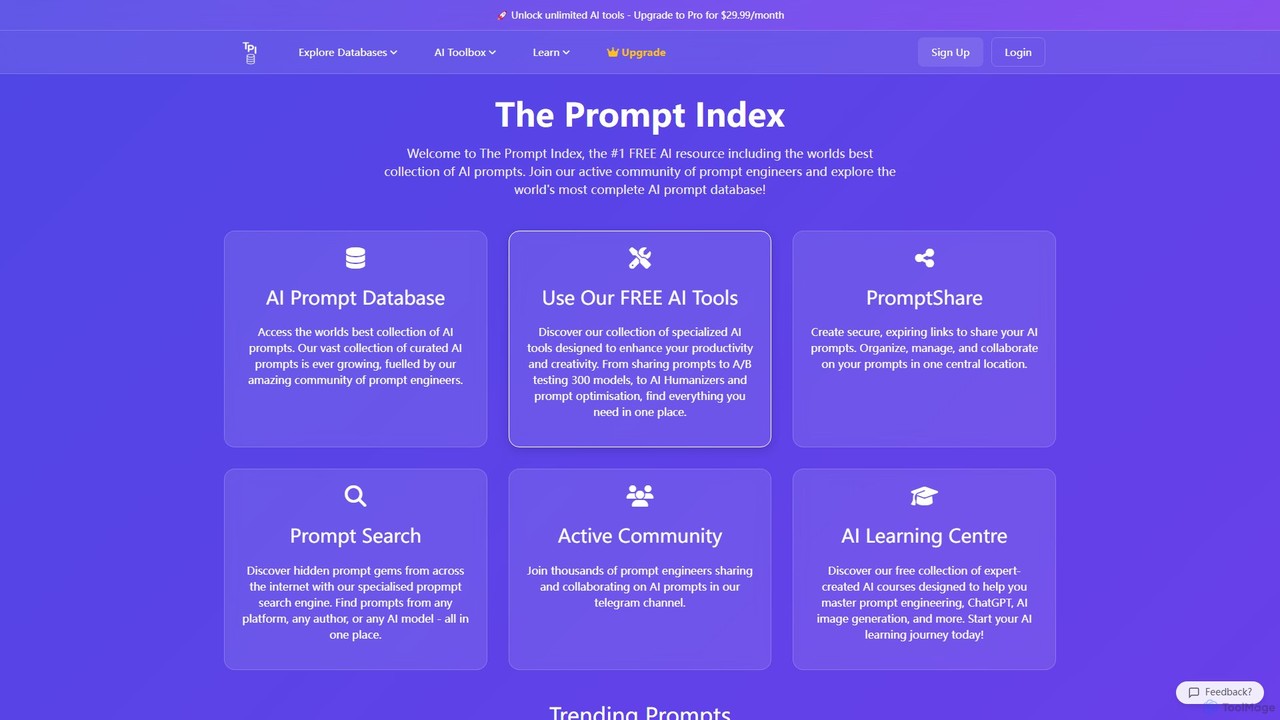
The Prompt Index
A comprehensive, community-driven platform featuring a vast database of AI prompts for models like ChatGPT, Claude, and Grok. …
A comprehensive, community-driven platform featuring a vast database of AI prompts for models like ChatGPT, Claude, and Grok. It offers free tools for prompt searching, secure sharing (PromptShare), and optimization, alongside a rich learning center to help users master prompt engineering.
About Code Assistance
Code Assistance tools are AI-powered applications that act as intelligent pair programmers for developers. They integrate directly into code editors and IDEs to provide real-time, context-aware code completions, generate entire functions from natural language prompts, and identify potential bugs before compilation. By leveraging large language models trained on vast code repositories, these tools significantly accelerate the development process, reduce human error, and lower the barrier to entry for learning new programming languages or frameworks. They go beyond simple syntax highlighting, offering deep semantic understanding of the code being written.
Core Features
- Intelligent Code Completion: Suggests entire lines or blocks of code based on the current context, not just single keywords.
- Natural Language to Code: Generates functional code snippets, functions, or classes from a developer's plain text description.
- Automated Bug Detection: Proactively identifies logical errors, security vulnerabilities, and non-standard patterns in real-time.
- Code Refactoring and Optimization: Suggests improvements to make existing code more efficient, readable, or modern.
- Automated Test Generation: Creates unit tests for functions and methods to ensure code quality and coverage.
Use Cases
These tools are widely used by individual developers, agile software teams, and large enterprises across all sectors. In web development, they speed up the creation of components and APIs. For data scientists, they simplify writing complex data manipulation scripts and machine learning models. They also serve as an invaluable learning aid for students and junior developers trying to understand complex codebases or new technologies.
How to Choose
When selecting a Code Assistance tool, consider its integration support for your preferred IDEs and languages. Evaluate the quality and relevance of its suggestions and its ability to understand project-wide context. For enterprise use, review the security and privacy policies, especially regarding whether code is used for model training. Finally, compare pricing models, from free tiers for individuals to team-based subscriptions with advanced features.
Code AssistanceUse Cases
Accelerate API Endpoint Development
A backend developer is tasked with creating a new set of RESTful API endpoints for a user management module. Instead of writing boilerplate code for each endpoint (e.g., request validation, database queries, response formatting) from scratch, they use a Code Assistance tool. By typing a comment like 'create a POST endpoint to register a new user with email and password', the tool generates a complete, functional code block. This reduces development time for repetitive tasks by over 60%, allowing the developer to focus on complex business logic and ensuring consistency across the API.
Refactor Legacy Code for Modernization
A software architect is leading a project to modernize a legacy application. A critical module is written in an older style of JavaScript and is inefficient. Using a Code Assistance tool, the architect can highlight a complex, outdated function and ask the AI to 'refactor this to use async/await and modern ES6 syntax'. The tool rewrites the code, improving its readability and performance while maintaining the original logic. This process is repeated across the module, saving weeks of manual effort and reducing the risk of introducing new bugs during the rewrite.
Generate Unit Tests to Increase Code Coverage
A quality assurance (QA) team needs to increase the unit test coverage for a new feature before release. Manually writing tests for every possible edge case is time-consuming. A developer uses a Code Assistance tool by right-clicking on a function and selecting 'Generate unit tests'. The AI analyzes the function's logic, inputs, and outputs, then generates a comprehensive test suite covering happy paths, error conditions, and edge cases using the project's testing framework (e.g., Jest, PyTest). This automates up to 80% of the test writing process, ensuring higher quality and faster release cycles.
Understand Complex Code in an Unfamiliar Language
A junior developer joins a team and is assigned a task in a large codebase written in Go, a language they have little experience with. They encounter a complex function with multiple channels and goroutines. Instead of spending hours deciphering it, they highlight the code and use the 'Explain this code' feature of their AI assistant. The tool provides a clear, step-by-step explanation in plain English, detailing what the function does, its inputs/outputs, and how the concurrency is handled. This dramatically shortens their learning curve and allows them to contribute to the project confidently within days instead of weeks.
Rapid Prototyping with Natural Language
A product manager with basic coding skills wants to build a quick prototype for a new web app feature. They need a simple backend server that can handle user authentication and data storage. Using a Code Assistance tool, they write comments describing the required functionality, such as '// Create an Express.js server with a /login route that accepts a JWT'. The AI assistant generates the necessary server setup, route handlers, and database connection code. This allows the product manager to create a working proof-of-concept in a single afternoon, enabling faster feedback from stakeholders without needing to allocate senior developer resources.
Detect and Fix Security Vulnerabilities
During a code review, a security-conscious developer uses an AI Code Assistance tool to scan a new piece of code for potential vulnerabilities. The tool highlights a line of code that constructs a database query using raw string concatenation, flagging it as a potential SQL injection risk. It then suggests a fix, showing how to rewrite the query using parameterized statements, which is the secure industry standard. By catching this vulnerability before the code is even committed, the tool helps the team maintain a high security posture and prevents a potentially serious data breach, saving significant remediation time and cost later on.