FluxAPI
FluxAPI provides developers with programmatic access to the FLUX.1 model family, enabling fast and affordable text-to-image generation and …
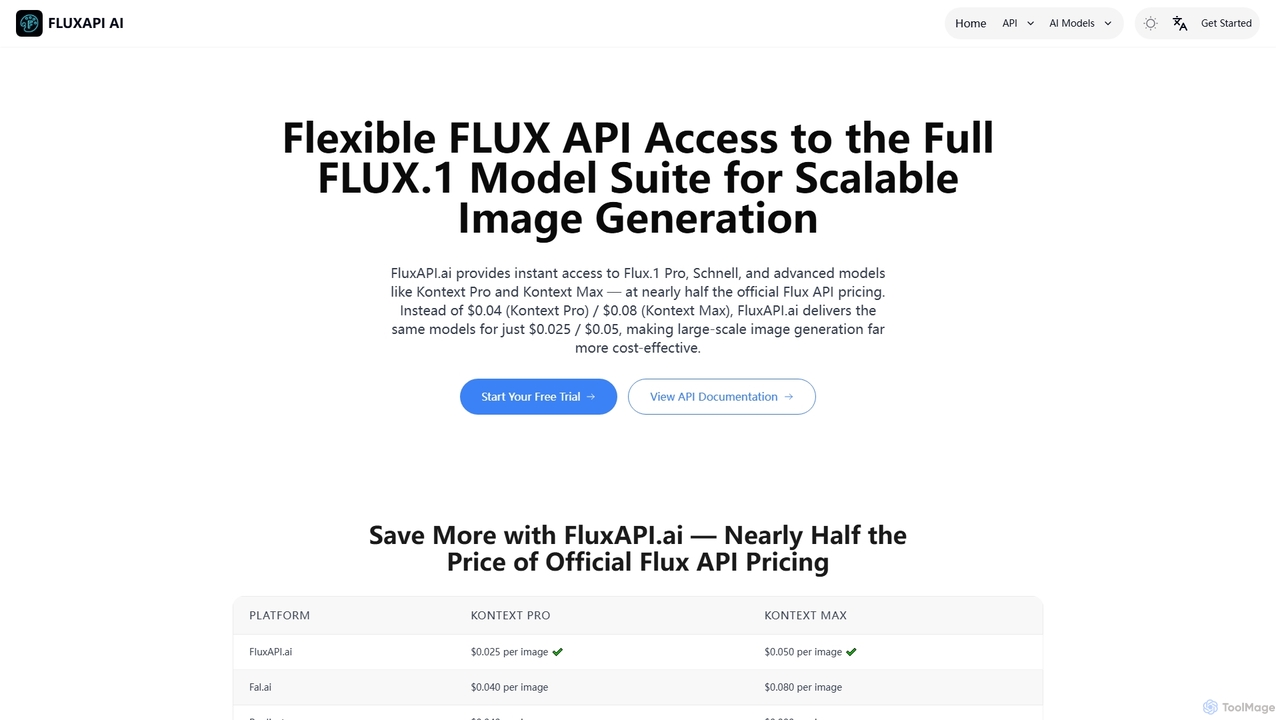
FluxAPI provides developers with programmatic access to the FLUX.1 model family, enabling fast and affordable text-to-image generation and advanced image-to-image editing. It offers a suite of specialized AI models like Kontext Pro and Kontext Max at competitive, credit-based pricing, making large-scale visual content creation efficient and cost-effective.
About Image Processing
AI Image Processing tools are a class of developer-focused services and libraries that use machine learning to programmatically analyze, manipulate, and extract information from visual data. These tools leverage advanced computer vision and deep learning models to perform complex tasks that go beyond simple editing. Their primary value lies in automating visual data workflows at scale, enabling applications to understand image content, identify objects, and extract meaningful insights. As a specialized component within Developer Tools, they provide the visual intelligence layer for modern software.
Core Features
- Object Detection & Recognition: Identifies and classifies specific objects, people, or text within an image.
- Image Segmentation: Partitions an image into multiple segments to isolate objects at the pixel level.
- Feature Extraction: Extracts key data points like colors, textures, or shapes for analysis or machine learning models.
- Image Enhancement & Restoration: Programmatically improves image quality by reducing noise, increasing resolution, or restoring old photos.
- Optical Character Recognition (OCR): Converts text within images into machine-readable text data.
Applicable Scenarios
These tools are primarily used by developers and data scientists in sectors like e-commerce for automated product tagging, healthcare for medical image analysis (e.g., identifying anomalies in scans), and automotive for developing autonomous driving systems. They are also integral to content moderation platforms for automatically flagging inappropriate visual content.
Selection Criteria
When choosing an AI Image Processing tool, developers should evaluate several key factors. Assess the model's accuracy and performance (latency, throughput) for your specific task. Examine the quality of the API documentation and the availability of SDKs for your programming language. Also, consider the pricing model (e.g., per-call, subscription) and its scalability as your application's usage grows.
Image ProcessingUse Cases
Automated Product Tagging for E-commerce
An e-commerce platform developer needs to categorize thousands of new product images daily. By integrating an AI Image Processing API, their system can automatically analyze each image. The API detects the main object (e.g., 'sneaker'), identifies attributes ('color: white', 'material: leather'), and even recognizes brand logos. These attributes are then used to generate descriptive tags and populate product filters, saving hundreds of hours of manual labor and improving product discoverability for customers.
Real-time Content Moderation for Social Platforms
A backend engineer at a social media company is tasked with preventing the spread of inappropriate content. They implement an Image Processing API into their content upload pipeline. As users upload images, the API scans them in real-time for sensitive content, such as violence or adult material, using pre-trained classification models. Images flagged by the API are automatically routed to a human moderation queue for review, significantly reducing moderator workload and improving platform safety.
Automating Data Entry from Scanned Documents
A software developer at a financial services company is building a tool to streamline invoice processing. They use an Image Processing API with Optical Character Recognition (OCR) capabilities. When a user uploads a scanned invoice, the API detects the document's structure, extracts text fields like 'Invoice Number', 'Date', and 'Total Amount', and converts them into a structured JSON format. This automated data extraction eliminates manual data entry, reduces human error, and accelerates the entire accounts payable process.
Analyzing Medical Imagery for Diagnostic Assistance
A data scientist at a health-tech startup is developing a system to assist radiologists. They use an image segmentation API to process medical scans like MRIs or X-rays. The API is trained to identify and outline specific anatomical structures or potential anomalies, such as tumors or fractures. By pre-processing the images and highlighting areas of interest, the system helps radiologists focus their attention more efficiently, potentially leading to faster and more accurate diagnoses. The tool acts as a supportive layer, not a replacement for professional medical judgment.
Enhancing Security with Facial Recognition Systems
A developer at a security firm is building an access control system for a corporate building. They integrate an Image Processing API that specializes in facial recognition. A camera at the entrance captures a video feed, and the API processes frames to detect faces. It then compares the detected faces against a database of authorized personnel. If a match is found, the system grants access. This automates the verification process, providing a secure and seamless entry experience without the need for physical keycards.
Automated Quality Control in Manufacturing
An engineer on a factory floor needs to automate the inspection of parts on an assembly line. They set up a camera system connected to a device running an AI Image Processing model. As each part passes, the system captures an image and the model analyzes it for defects like cracks, scratches, or misalignments. If a defect is detected, the system automatically triggers an alert or diverts the faulty part. This programmatic approach to quality control is faster and often more consistent than manual inspection, improving overall product quality.