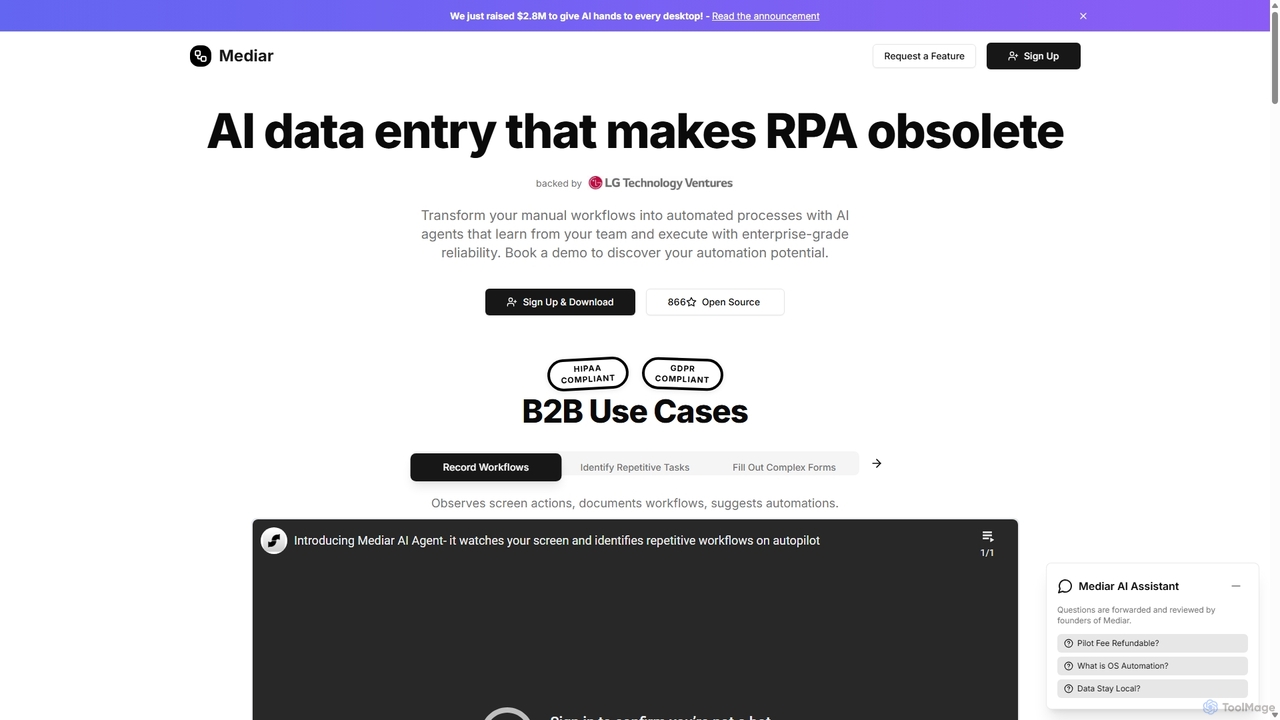
Mediar
Mediar is an AI-native automation platform designed to replace traditional RPA and manual data entry. It employs AI …
Mediar is an AI-native automation platform designed to replace traditional RPA and manual data entry. It employs AI agents that learn directly from your team's screen actions to automate complex, repetitive workflows across any desktop application. Mediar offers enterprise-grade reliability, rapid 24-48 hour deployment, and significant cost savings by turning manual processes into self-healing, intelligent automations.
About No Code & Low Code
No Code & Low Code tools are platforms that enable users to build applications and automate workflows with minimal or no traditional programming. These tools abstract complex coding into visual interfaces, drag-and-drop components, and pre-built templates. They empower business users, entrepreneurs, and developers to rapidly prototype, develop, and deploy software solutions, significantly accelerating digital transformation within the broader developer tools ecosystem.
Core Features
- Visual Development Interface: Drag-and-drop elements and intuitive visual builders for creating applications.
- Pre-built Templates & Components: Ready-to-use modules and designs for common functionalities and industry-specific solutions.
- Workflow Automation: Tools to design and automate business processes and data flows without writing code.
- Database Integration: Seamless connection with various data sources and APIs for dynamic application functionality.
- Deployment & Hosting: Built-in capabilities for publishing applications to web, mobile, or internal systems.
Use Cases
These platforms are widely adopted across various sectors for rapid application development. Small businesses can create custom CRM systems, marketing teams can build landing pages and campaign tools, and large enterprises can automate internal operations or develop specialized departmental applications without relying heavily on IT resources.
How to Choose
When selecting a No Code or Low Code platform, consider the complexity of your desired application, the level of customization required, and the platform's scalability. Evaluate its integration capabilities with existing systems, the availability of pre-built components, and the pricing model. Also, assess the learning curve for your team and the community support available.
No Code & Low CodeUse Cases
Building Custom Internal Tools
Operations managers can use No Code platforms to quickly develop bespoke internal tools, such as project trackers, inventory management systems, or HR onboarding portals. By leveraging visual builders and pre-built components, they can create applications tailored to specific departmental needs, reducing reliance on IT development queues and accelerating process optimization.
Rapid Prototyping and MVP Development
Entrepreneurs and product managers can utilize Low Code tools to rapidly build Minimum Viable Products (MVPs) for new business ideas. This allows for quick market testing and validation without significant upfront investment in traditional coding, enabling faster iteration cycles and gathering early user feedback to refine product features.
Automating Business Workflows
Marketing and sales teams can implement Low Code solutions to automate repetitive tasks like lead nurturing, email campaigns, or data synchronization between CRM and marketing automation platforms. This frees up valuable time for strategic activities, ensures consistent communication, and improves overall operational efficiency by streamlining cross-departmental processes.
Creating Customer-Facing Web Applications
Small business owners can design and launch interactive customer-facing web applications, such as online booking systems, customer portals, or e-commerce storefronts, using No Code platforms. This allows them to enhance customer experience and expand their digital presence without needing a dedicated web development team or extensive coding knowledge.
Developing Mobile Applications for Field Teams
Field service companies can leverage No Code/Low Code tools to build custom mobile applications for their technicians. These apps can facilitate on-site data collection, task management, and real-time reporting, improving accuracy, reducing paperwork, and enhancing communication between field staff and the central office, even with limited mobile development expertise.
Integrating Disparate Systems and Data
IT departments or business analysts can use Low Code platforms to create integration layers between various legacy systems, cloud services, and databases. This enables seamless data flow and synchronization across an organization, breaking down data silos and providing a unified view of information for better decision-making, without extensive API coding.