Browseragent
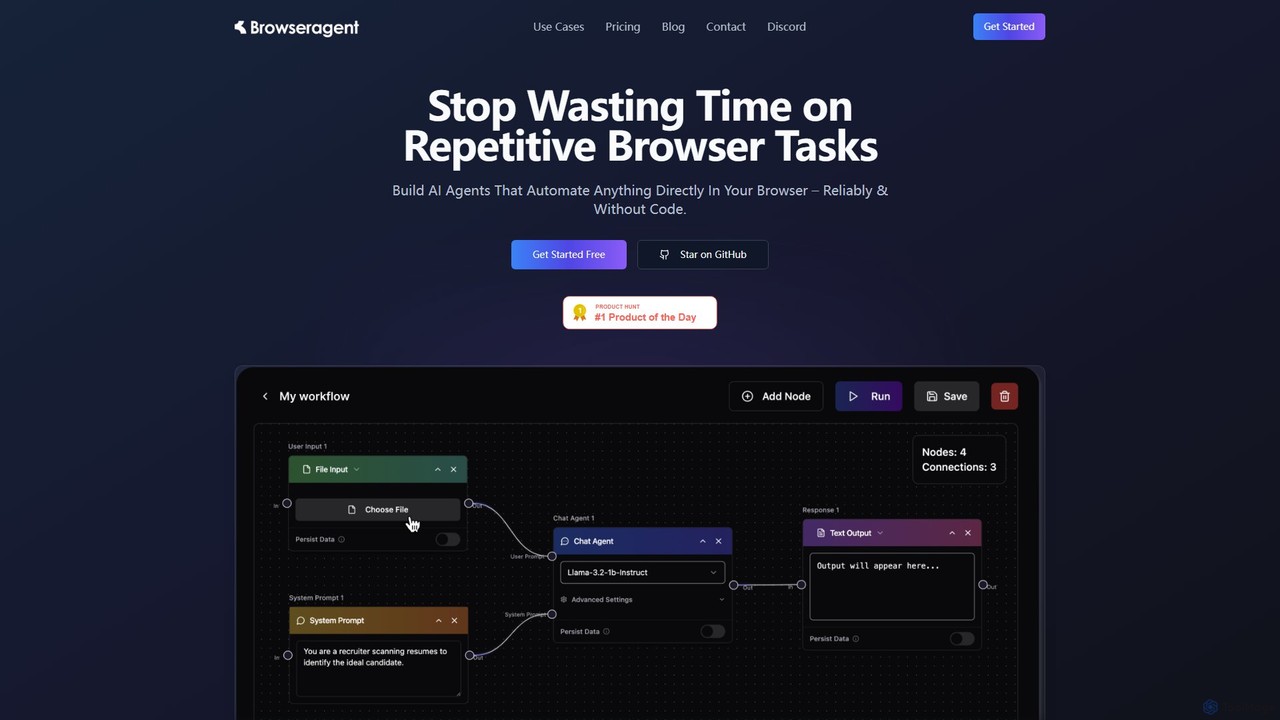
Browseragent is a no-code platform that builds AI agents to automate repetitive browser tasks directly within your browser. …
Browseragent is a no-code platform that builds AI agents to automate repetitive browser tasks directly within your browser. It uses a visual workflow builder and natural language commands to create, manage, and execute complex automations reliably and without coding.
GPT Chain
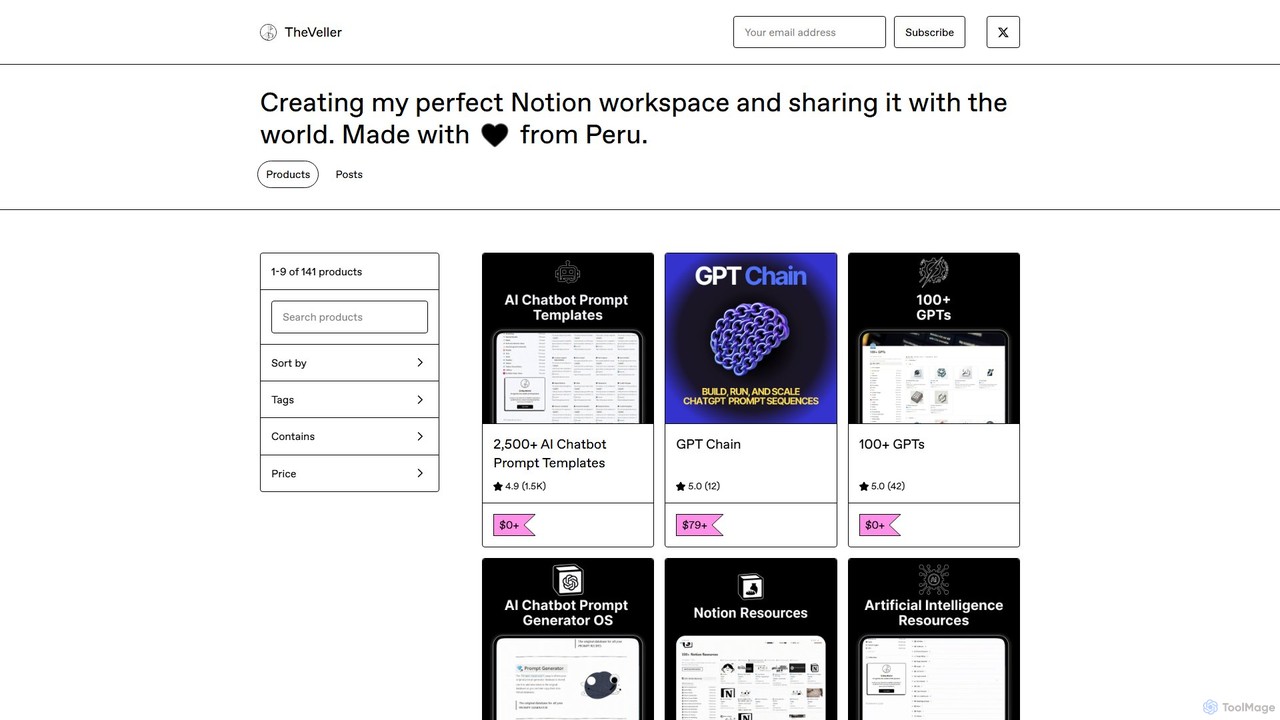
GPT Chain is a powerful browser extension that transforms ChatGPT into a 24/7 automation engine. It allows you …
GPT Chain is a powerful browser extension that transforms ChatGPT into a 24/7 automation engine. It allows you to build, run, and scale complex, multi-step workflows using an intuitive drag-and-drop visual builder. Automate repetitive prompting tasks, generate content at scale, and execute entire prompt sequences with a single click—all without writing code, connecting APIs, or incurring extra costs.
reedr
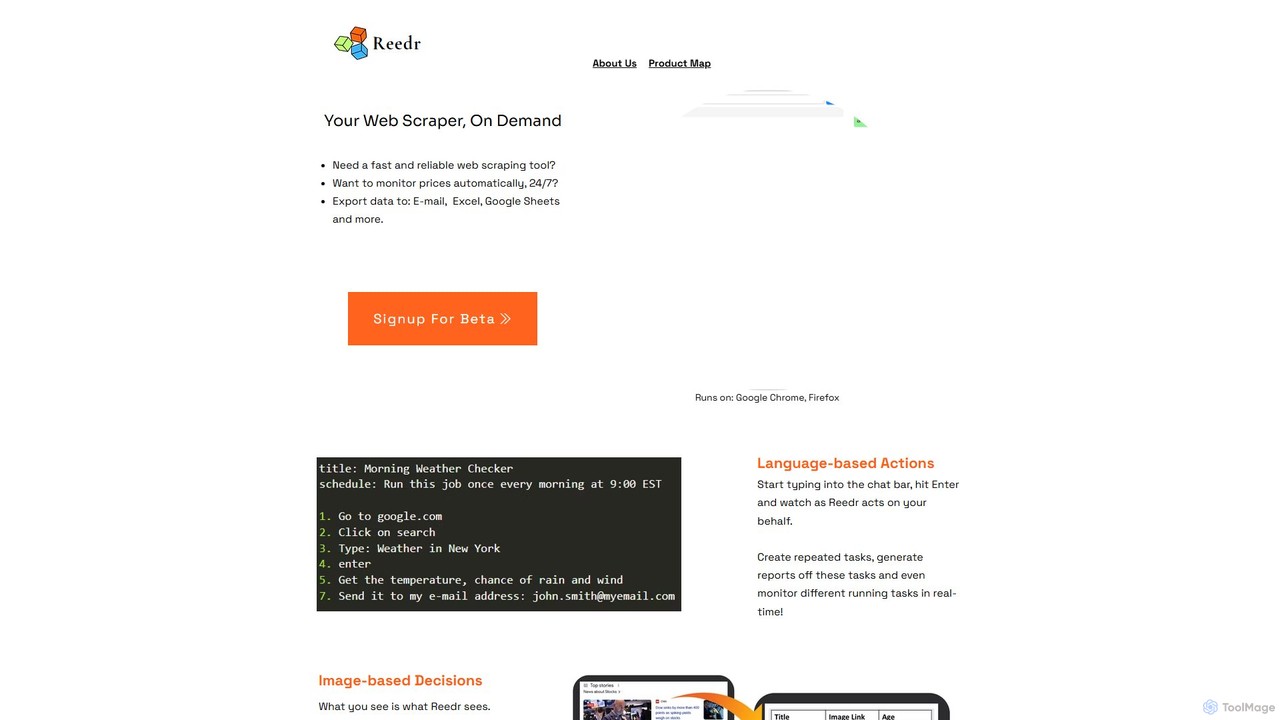
reedr is an AI-powered browser automation and web scraping tool. It uses natural language commands and visual recognition …
reedr is an AI-powered browser automation and web scraping tool. It uses natural language commands and visual recognition to extract data, monitor prices, and automate repetitive tasks directly in your browser, no coding required. It supports Chrome and Firefox.
thunderbit
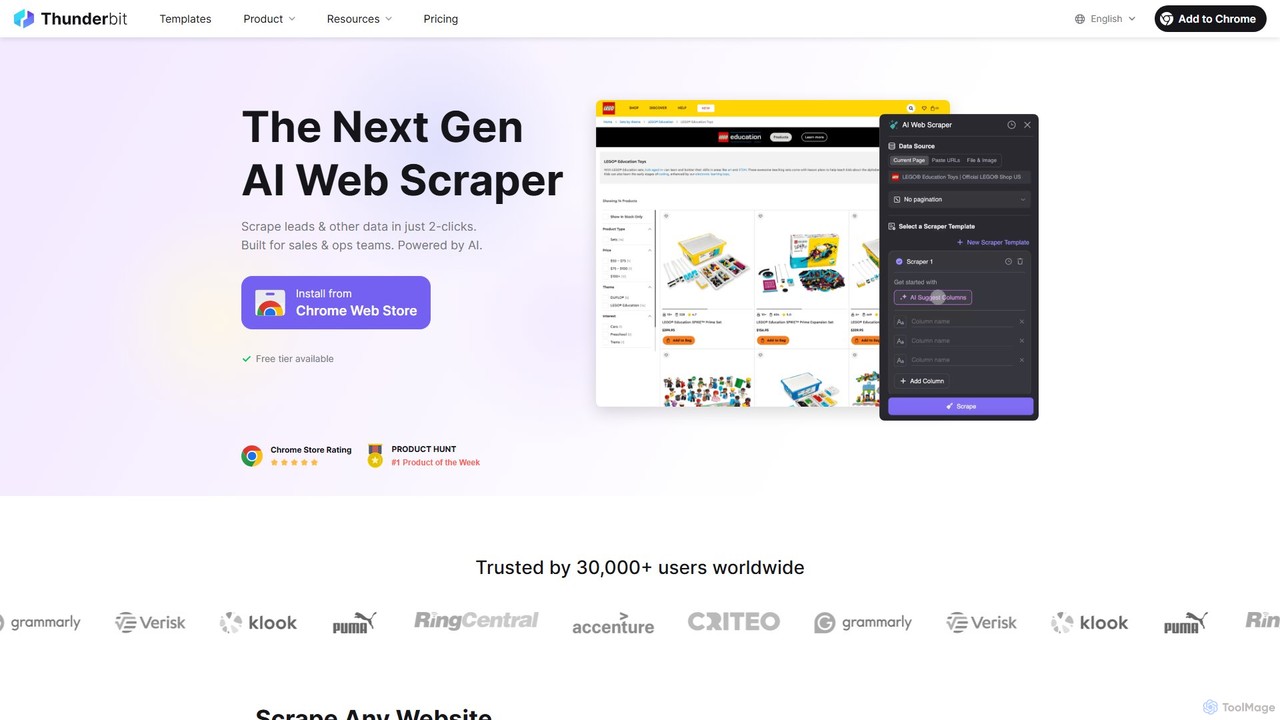
Thunderbit is an AI-powered web scraper designed for simplicity. As a Chrome extension, it allows users to extract …
Thunderbit is an AI-powered web scraper designed for simplicity. As a Chrome extension, it allows users to extract data from any website, PDF, or image in just two clicks using natural language commands. It's built for sales, marketing, and operations teams to automate lead generation, market research, and data collection without any coding.
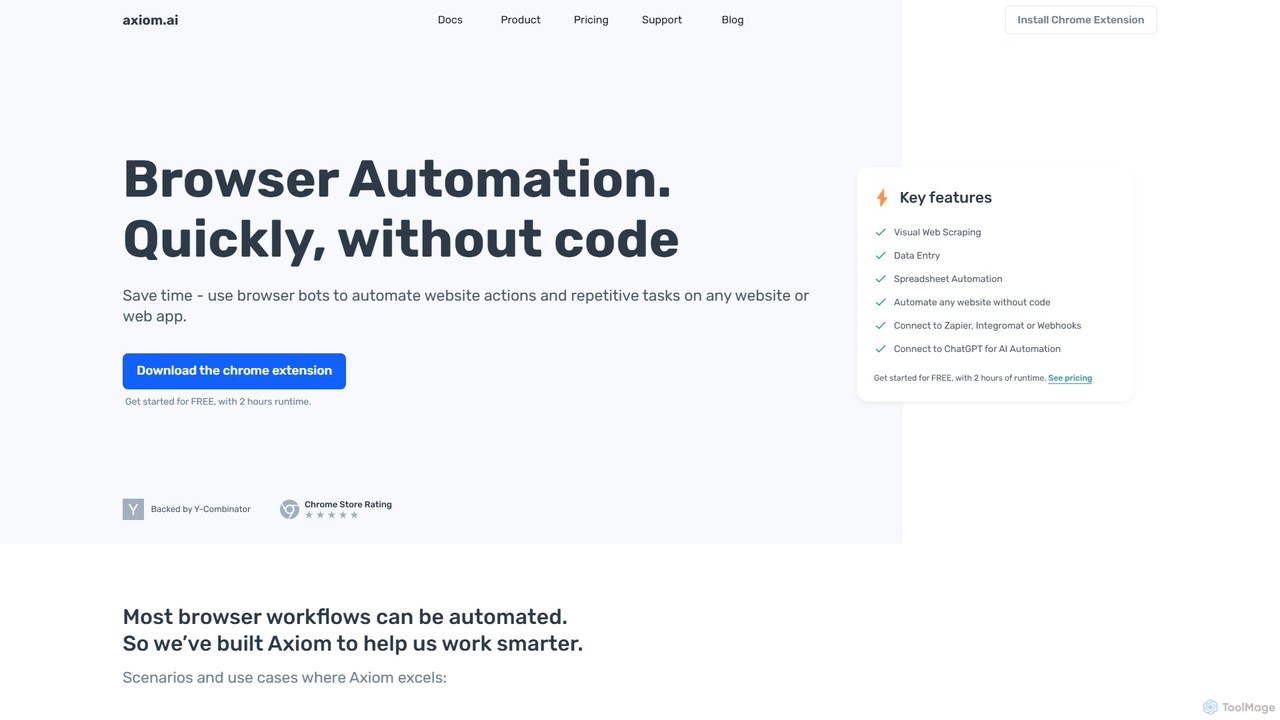
axiom.ai
Axiom.ai is a no-code browser automation and web scraping tool. It allows you to build bots to automate …
Axiom.ai is a no-code browser automation and web scraping tool. It allows you to build bots to automate repetitive tasks, data entry, and data extraction from any website or web app, directly in your browser. It integrates with ChatGPT, Zapier, and Google Sheets to create powerful, time-saving workflows without writing a single line of code.
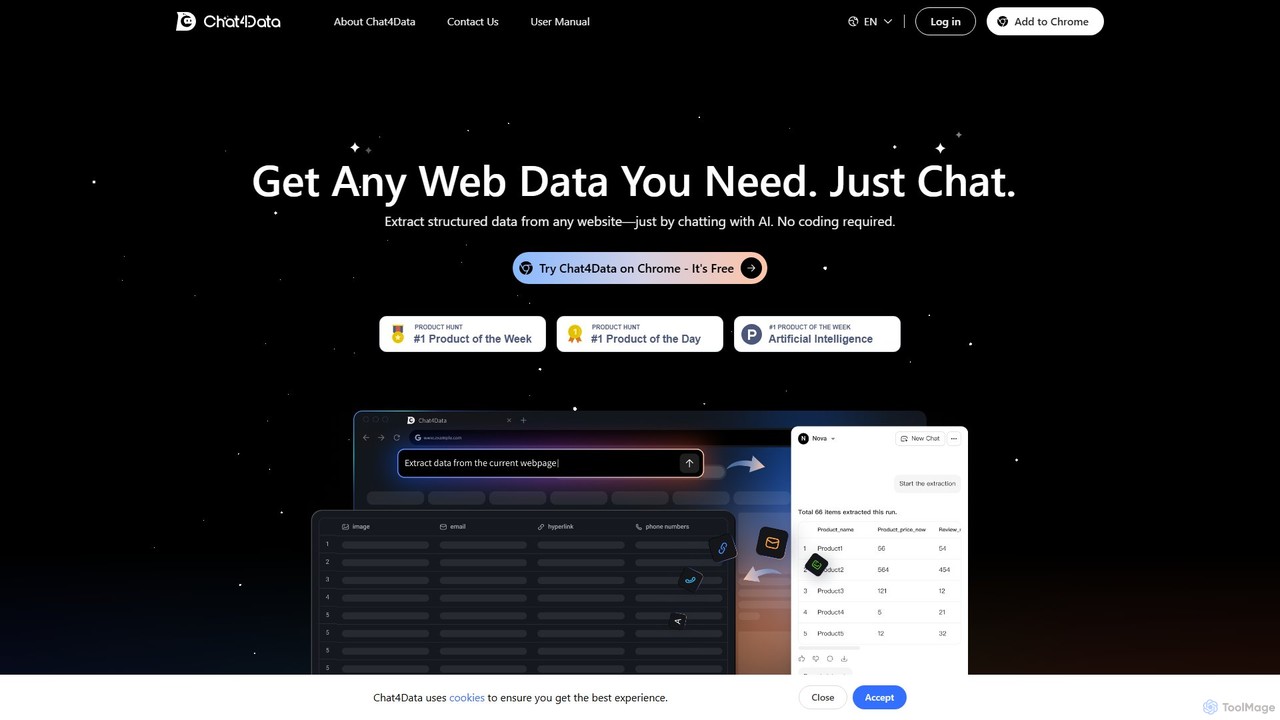
Chat4Data
Chat4Data is an AI-powered Chrome extension that revolutionizes web scraping. Simply chat with the AI using natural language …
Chat4Data is an AI-powered Chrome extension that revolutionizes web scraping. Simply chat with the AI using natural language to extract structured data from any website, including text, images, links, and emails. No coding is required, making data collection 10x faster and accessible to everyone. It features automated pagination and intelligent data detection for comprehensive results.
About No Code
No Code tools are a category of developer tools that enable users to build applications, websites, and automated workflows without writing a single line of code. These platforms utilize intuitive visual interfaces, drag-and-drop functionalities, and pre-built components, democratizing software development. They empower entrepreneurs, business users, and citizen developers to rapidly bring ideas to life, significantly reducing development time and costs.
Core Features
- Visual Interface Builder: Design user interfaces with drag-and-drop elements and real-time previews.
- Workflow Automation: Create complex automated processes and integrations between different services.
- Database Management: Easily structure, store, and manage data without needing SQL knowledge.
- Pre-built Templates & Components: Accelerate development with ready-to-use templates for common applications and UI components.
- Integration Capabilities: Connect with popular third-party services and APIs to extend functionality.
Use Cases
No Code tools are ideal for rapidly prototyping and deploying solutions across various business functions. They are frequently used by small to medium-sized businesses to create custom internal tools, by startups to launch Minimum Viable Products (MVPs) quickly, and by marketing teams to build landing pages or automate campaigns without relying on IT resources.
How to Choose
When selecting a No Code platform, consider the specific type of application you need to build (web, mobile, backend), the complexity of your desired workflows, and its integration ecosystem. Evaluate the platform's scalability for future growth, the learning curve for your team, and the pricing model, ensuring it aligns with your budget and technical capabilities.
No CodeUse Cases
Building Custom Internal Tools
Small business owners or operations managers can design and deploy bespoke CRM systems, project management dashboards, or inventory trackers tailored precisely to their unique workflows, eliminating reliance on off-the-shelf software that may not fit perfectly. This allows for streamlined operations and improved data management without hiring developers.
Launching a Minimum Viable Product (MVP)
Startup founders and entrepreneurs can quickly validate business ideas by building functional web or mobile applications with core features in weeks, not months. This rapid prototyping allows for early user feedback, iterative development, and significant cost savings before committing to extensive traditional coding.
Automating Marketing & Sales Workflows
Marketing specialists and sales teams can create automated lead nurturing sequences, personalized email campaigns, or dynamic landing pages. By integrating with CRM and email marketing tools, they can automate data capture, follow-ups, and reporting, freeing up time for strategic activities and improving conversion rates.
Creating Customer Portals or Community Sites
Customer success managers or community builders can develop interactive portals where users can access support resources, manage their accounts, or engage with a community. This enhances customer experience and reduces support load by providing self-service options and fostering engagement.
Developing Event Registration & Management Apps
Event organizers can build custom mobile or web applications for event registration, agenda display, speaker information, and attendee networking. This provides a seamless experience for participants and simplifies event logistics, from ticketing to post-event feedback collection.
Data Collection and Reporting Dashboards
Analysts or researchers can design custom forms for data collection, integrate with various data sources, and create interactive dashboards for real-time reporting and visualization. This enables quick insights and data-driven decision-making without complex database queries or specialized BI software.