Simular
Simular is an AI-powered platform that creates autonomous agents to operate computers just like humans. It automates complex …
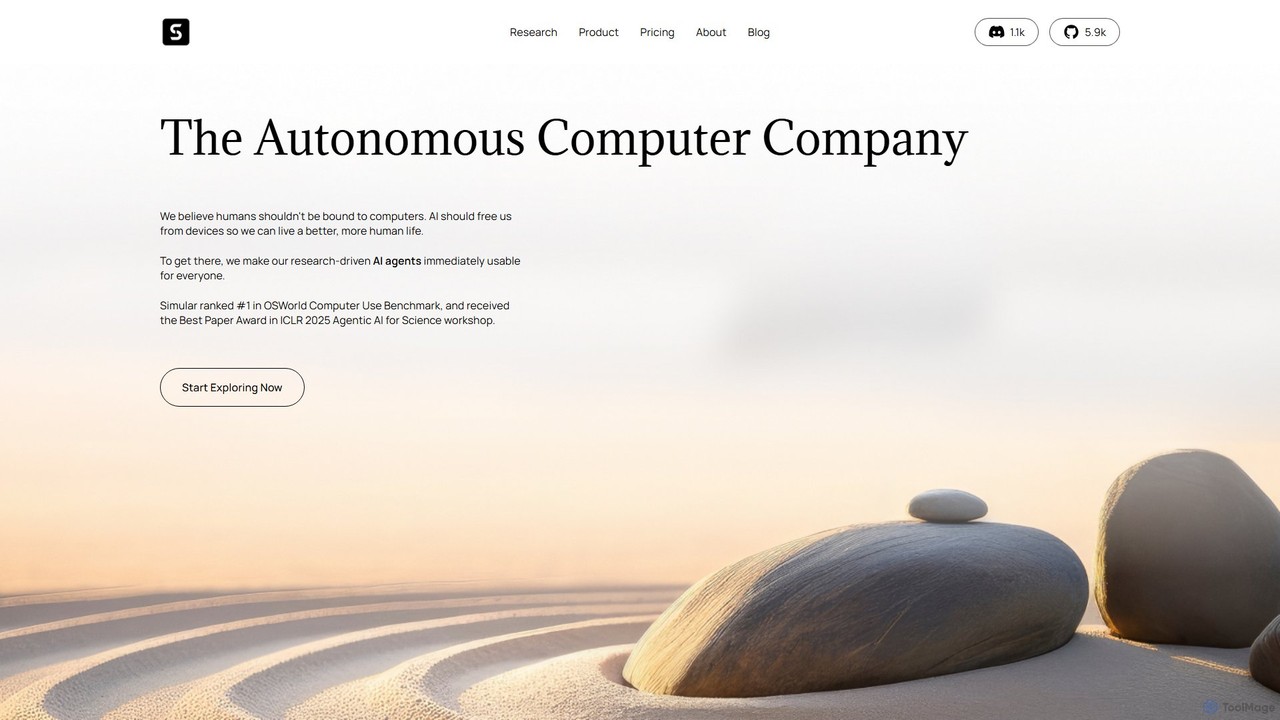
Simular is an AI-powered platform that creates autonomous agents to operate computers just like humans. It automates complex digital tasks across any application on your desktop, browser, or smartphone. By combining the flexibility of LLMs with the precision of symbolic code, Simular aims to free users from repetitive work, handling everything from data research and content creation to personal task management.
About Robotic Process Automation
Robotic Process Automation (RPA) tools are a class of software that automates repetitive, rule-based digital tasks by mimicking human interactions with user interfaces. These tools deploy software 'bots' that can log into applications, enter data, perform calculations, and complete tasks without manual intervention. RPA is primarily used to streamline business processes, reduce human error, and free up employees for more strategic work. Unlike traditional automation that often requires deep API integration, RPA operates on the presentation layer, making it faster to implement for legacy systems.
Core Features
- UI Interaction Automation: Bots can click, type, copy, paste, and navigate across various applications like web browsers, spreadsheets, and ERP systems.
- Visual Workflow Designer: Provides a drag-and-drop interface for building, testing, and managing automation sequences without extensive coding.
- Data Extraction and Processing: Capable of scraping data from screens, documents (PDFs, emails), and web pages, then processing it based on predefined rules.
- Orchestration and Management: A central console to schedule, manage, monitor, and scale the deployment of software bots across an organization.
Use Cases
RPA is widely adopted in industries like finance for invoice processing, healthcare for patient data management, and customer service for automating data entry from support tickets. It is ideal for any high-volume, rule-driven back-office tasks such as data migration, report generation, and system reconciliation.
How to Choose
When selecting an RPA tool, consider its scalability to manage a growing number of bots and complex workflows. Evaluate the ease of use, particularly the intuitiveness of the workflow designer for non-developers. Also, check its integration capabilities with your existing enterprise applications (e.g., SAP, Salesforce) and determine if you need attended bots (working with humans) or unattended bots (running independently).
Robotic Process AutomationUse Cases
Automated Invoice Processing
An Accounts Payable clerk often spends hours manually entering data from hundreds of PDF invoices into an ERP system. Using a Robotic Process Automation tool, a software bot can be configured to monitor an email inbox for new invoices. The bot automatically opens attachments, uses Optical Character Recognition (OCR) to extract key data like vendor name, invoice number, and amount, validates this information against purchase orders, and then enters the verified data directly into the accounting software. This eliminates manual data entry, reduces processing time per invoice from minutes to seconds, and minimizes costly errors.
Automating Customer Service Data Entry
Customer support agents frequently need to copy information from a CRM system to a separate ticketing or logging system after a call. This repetitive task is prone to errors and takes time away from customer interaction. An attended RPA bot can be triggered by the agent with a single click. The bot instantly reads customer details and issue summaries from the active CRM window and accurately populates a new ticket in the support system. This ensures data consistency across platforms and allows agents to focus on resolving customer issues rather than on administrative work, improving overall service quality.
Streamlining Employee Onboarding
An HR specialist is responsible for creating new employee accounts across multiple systems, such as email, HRIS, and project management tools. This manual process is time-consuming and can lead to delays or errors. An RPA bot can automate the entire workflow. Triggered by a new entry in a master spreadsheet, the bot logs into each required application using predefined credentials, creates new user accounts with the correct permissions, and sends standardized welcome emails. This ensures new hires have access to all necessary tools on their first day, reduces the administrative burden on HR, and maintains process consistency.
Generating Daily Business Reports
A business analyst needs to compile a daily sales report by gathering data from multiple sources like Salesforce, Google Analytics, and internal databases. This manual aggregation is tedious and must be completed by a specific time each day. An unattended RPA bot can be scheduled to run automatically every morning. It logs into each data source, extracts the required metrics, consolidates the information into a predefined Excel template, performs calculations, and then emails the final report to key stakeholders. This ensures timely, accurate, and consistent report delivery without any manual effort from the analyst.
IT System Health Checks and Monitoring
An IT operations engineer routinely performs health checks on servers and applications, a process that involves logging into multiple systems, running diagnostic scripts, and checking for error logs. This can be automated with an RPA bot. The bot can be scheduled to run at regular intervals, logging into various servers and monitoring dashboards to check system status and application performance. If it detects an anomaly or error, it can automatically create a high-priority incident ticket in a service management tool and notify the IT team. This proactive monitoring helps identify potential issues before they escalate, freeing up engineers for more complex problem-solving.
Automating Insurance Claim Processing
In the insurance industry, a claims processor manually reviews initial claim forms, extracts key information like policy numbers and incident dates, and enters it into a core claims system. This is a high-volume, rule-based task perfect for RPA. A bot can be designed to read incoming digital claim forms (e.g., PDFs or web submissions), extract the necessary data fields, perform initial validation checks (like verifying policy status), and then accurately input the data into the claims management system. Any claims with missing information or exceptions are automatically flagged for human review. This speeds up the claims intake process, improves data accuracy, and allows processors to focus on more complex assessment and customer interaction.