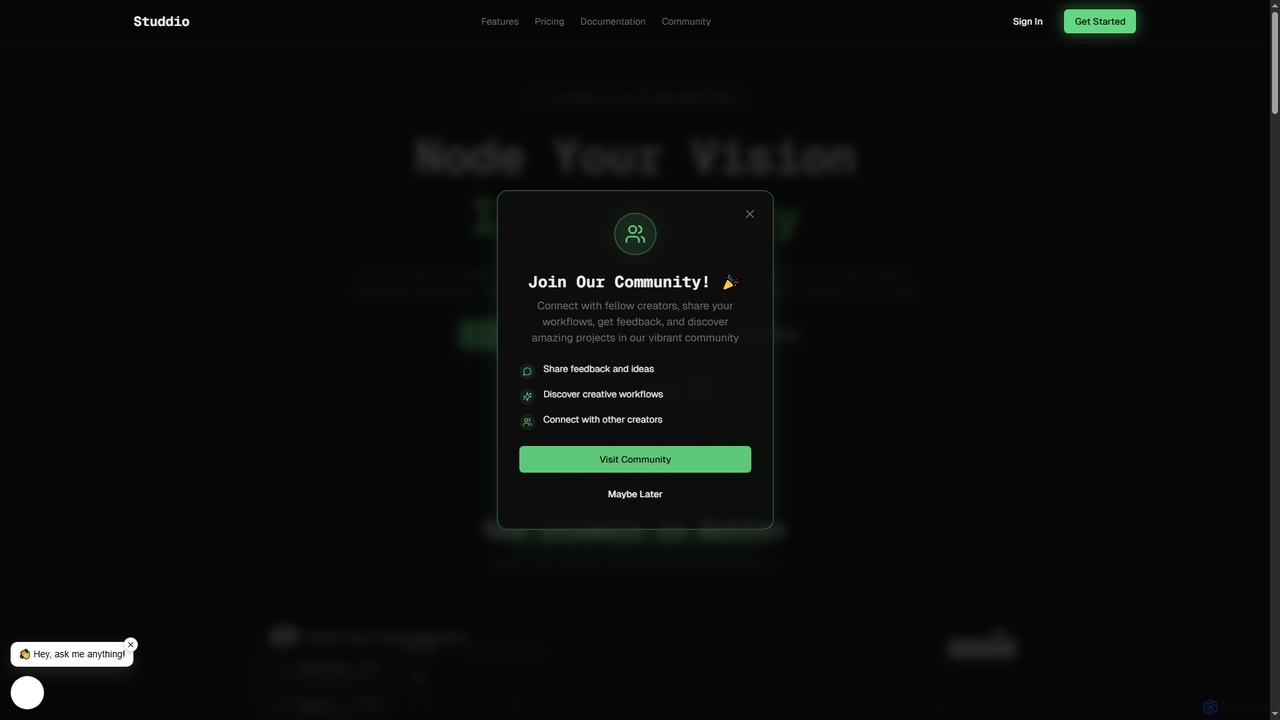
Studdio
Studdio is an intuitive visual scripting IDE that empowers creators to build powerful image and video workflows using …
Studdio is an intuitive visual scripting IDE that empowers creators to build powerful image and video workflows using a drag-and-drop node-based interface. It leverages cutting-edge AI models for generating, editing, and combining visuals, all without requiring any coding. Experience lightning-fast execution and transform your creative ideas into stunning realities with ease.
About Visual Programming
Visual Programming tools are a category of developer tools that enable users to create software applications and systems by manipulating graphical elements rather than writing traditional text-based code. These platforms utilize a drag-and-drop interface with pre-built components, allowing users to design logic, workflows, and user interfaces through visual representations. This approach significantly lowers the barrier to entry for development, accelerating prototyping and automation across various domains.
Core Features
- Graphical Interface: Provides a visual canvas where users connect blocks, nodes, or flowcharts to define program logic.
- Pre-built Components: Offers a library of ready-to-use functions, actions, and data structures as visual blocks.
- Workflow Visualization: Clearly displays the flow of data and control, making complex processes easier to understand and debug.
- Real-time Feedback: Often provides immediate visual feedback on the program's execution or data transformation.
- Code Generation: Automatically translates the visual design into executable code in a target language or platform.
Use Cases
Visual programming is widely adopted in scenarios requiring rapid application development, process automation, and accessible programming for non-developers. It empowers business users to build custom solutions, facilitates educational programming, and supports quick iterations in game development and IoT device configuration.
How to Choose
When selecting a visual programming tool, consider the target application domain (e.g., web, mobile, game, automation), the breadth of its component library, integration capabilities with existing systems, scalability for future growth, and the learning curve for your team. Evaluate its community support and pricing model to ensure long-term viability.
Visual ProgrammingUse Cases
Automate Repetitive Business Processes
Business analysts or operations managers can use visual programming tools to design and automate repetitive tasks like data extraction, report generation, or email notifications. By dragging and connecting blocks representing actions such as "read spreadsheet," "filter data," and "send email," they can create robust automation flows without needing to write any code, significantly reducing manual effort and errors.
Design Game Logic and Interactions
Game designers and indie developers leverage visual programming environments, like those found in game engines, to quickly prototype game mechanics, character behaviors, and level interactions. Instead of writing complex scripts, they can visually link events (e.g., "player jumps") to actions (e.g., "play animation," "apply force"), allowing for faster iteration and testing of gameplay concepts.
Configure Smart Device Behavior
Engineers and hobbyists can program Internet of Things (IoT) devices using visual programming interfaces. They can visually define how sensors collect data, how actuators respond, and how devices communicate with cloud services. This simplifies the development of smart home systems, industrial monitoring solutions, and custom robotics, making complex embedded programming more accessible.
Teach Fundamental Coding Concepts
Educators use visual programming platforms to introduce children and novice learners to fundamental programming concepts such as loops, conditionals, and variables. The block-based approach removes syntax errors and allows students to focus on computational thinking and problem-solving, building a strong foundation before transitioning to text-based languages.
Build Low-Code Web Applications
Citizen developers and small businesses can utilize visual programming tools within low-code/no-code platforms to build functional web applications, internal tools, or customer portals. They can visually design user interfaces, define data models, and implement backend logic through drag-and-drop components, enabling rapid deployment of custom solutions without extensive coding expertise.
Construct Data Processing Pipelines
Data scientists and analysts employ visual programming interfaces to design and manage complex data processing and machine learning workflows. They can visually connect nodes for data ingestion, cleaning, transformation, model training, and evaluation. This approach simplifies the orchestration of multi-step analytical processes, making them easier to understand, modify, and share within a team.