Knapsack
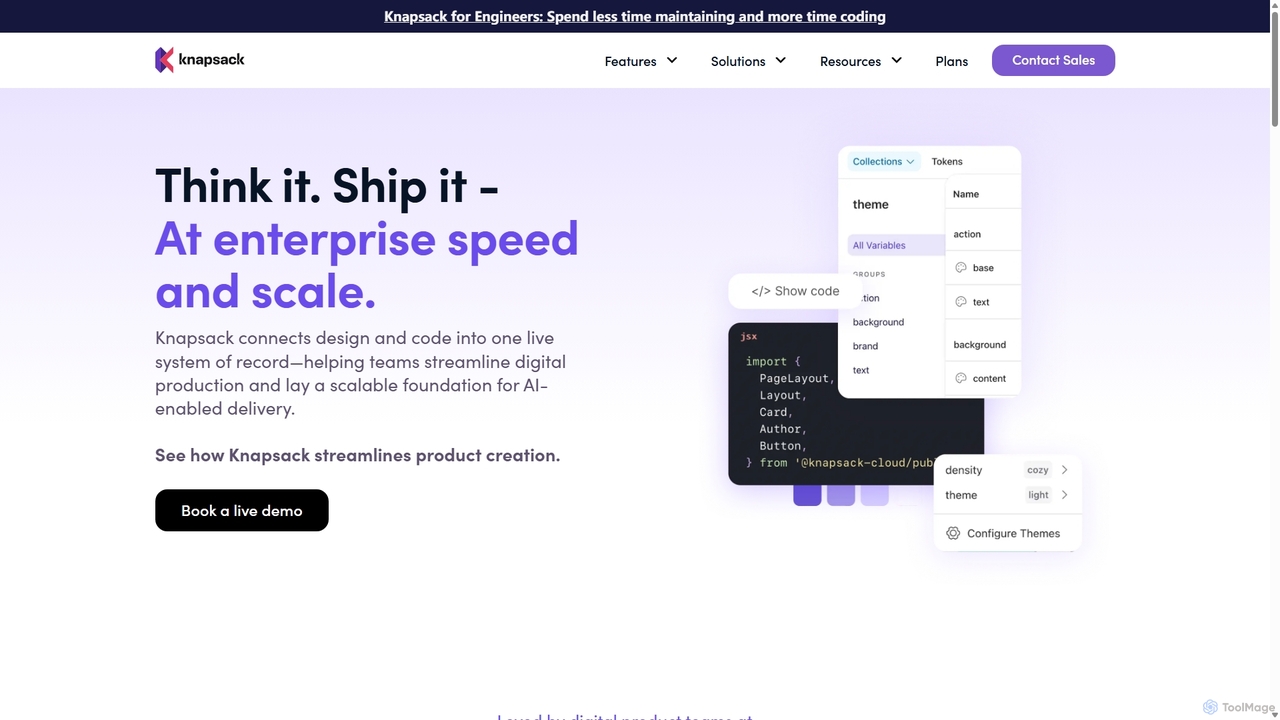
Knapsack is an enterprise-grade digital production platform that connects design, code, and documentation into a unified, AI-ready system …
Knapsack is an enterprise-grade digital production platform that connects design, code, and documentation into a unified, AI-ready system of record. It streamlines workflows, accelerates product delivery, and ensures brand consistency at scale by creating a single source of truth for reusable components and design tokens.
kickstartDS
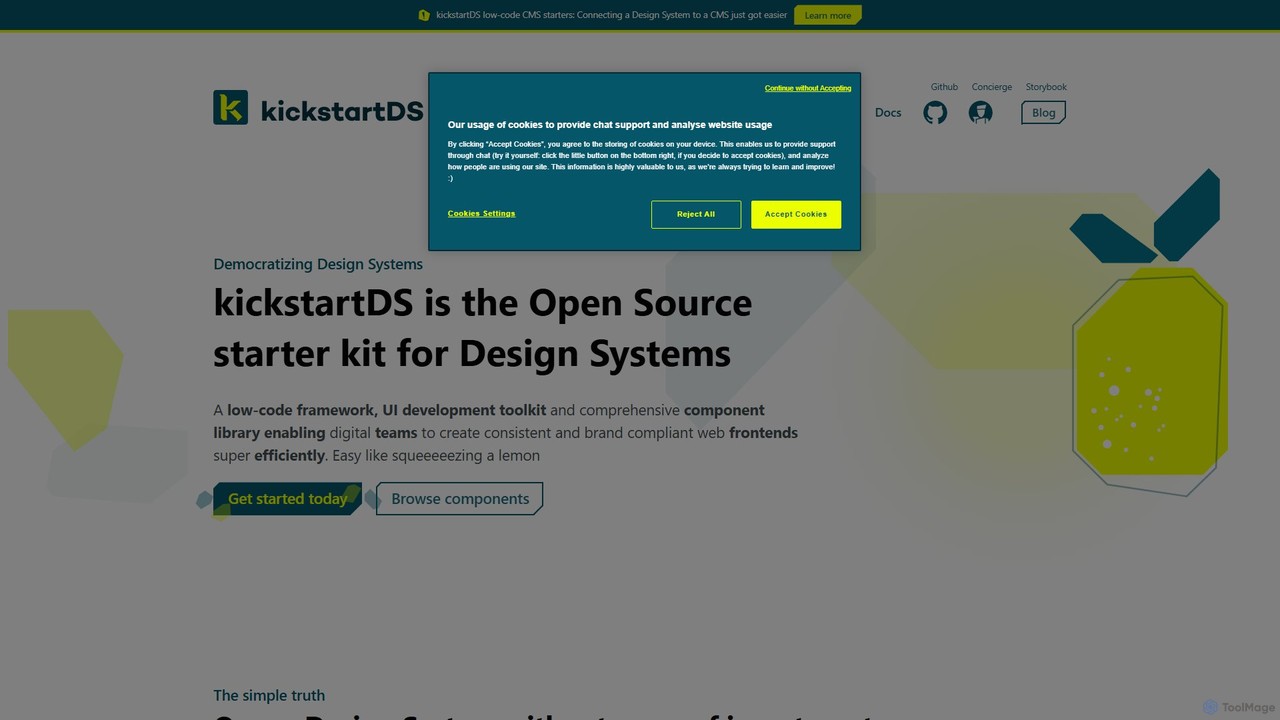
kickstartDS is an open-source starter kit and next-gen UI toolkit for building and maintaining Design Systems. It offers …
kickstartDS is an open-source starter kit and next-gen UI toolkit for building and maintaining Design Systems. It offers a low-code framework, a comprehensive component library, and an AI-powered assistant to help digital teams create consistent, high-performance, and brand-compliant web frontends with maximum efficiency.
Components AI
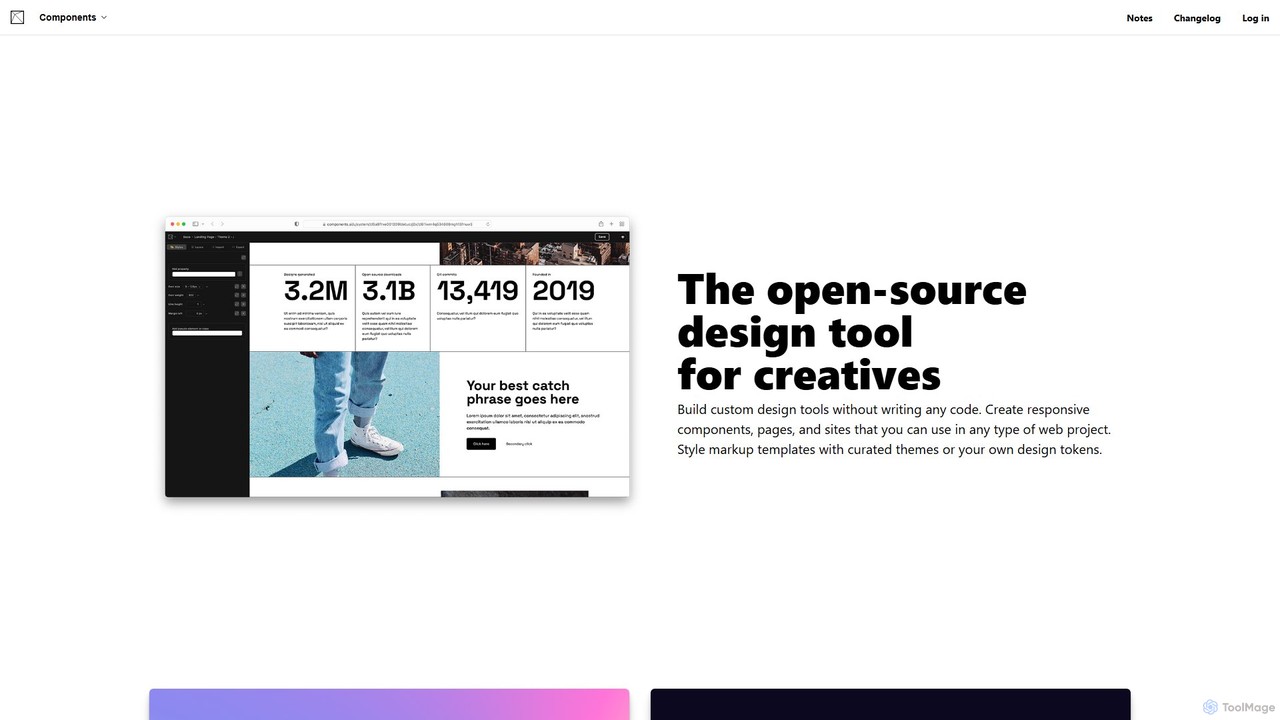
Components AI is a generative design tool for creatives and developers. It enables the creation of custom design …
Components AI is a generative design tool for creatives and developers. It enables the creation of custom design systems, responsive components, and accessible themes without writing any code. Explore visual languages, manage design tokens, and export to multiple formats like React, CSS, and JSON.
About Design System
Design System tools are specialized platforms for creating, managing, and distributing a unified set of design rules, reusable components, and guidelines. These tools act as a single source of truth, bridging the gap between design and development to ensure consistency. They enable teams to build high-quality, scalable user interfaces more efficiently by providing a centralized library of pre-approved UI elements and design tokens. This approach significantly accelerates product development while maintaining brand identity across multiple applications and platforms.
Core Features
- Component Library Management: Centralize, version, and distribute reusable UI components like buttons, forms, and cards.
- Design Token Management: Manage and sync foundational style properties such as colors, typography, and spacing across all platforms.
- Automated Documentation: Automatically generate and host live, interactive documentation for both designers and developers.
- Version Control & Sync: Track changes and synchronize updates between design tools (e.g., Figma) and code repositories.
- Collaboration Workflow: Provide a structured process for proposing, reviewing, and approving changes to the system.
Use Cases
Design System tools are essential for medium to large-scale product teams, including UI/UX designers, front-end developers, and product managers. They are commonly used when scaling a digital product, maintaining brand consistency across a portfolio of applications, or improving the efficiency of designer-developer handoffs. Organizations use them to build complex web applications, mobile apps, and internal software with greater speed and coherence.
How to Choose
When selecting a Design System tool, consider its integration capabilities with your existing design software (like Figma or Sketch) and development frameworks (like React or Vue). Evaluate its version control features, collaboration workflows, and the quality of its automated documentation. Also, assess the platform's scalability to support your team's growth and the complexity of your products. The ease of managing and distributing design tokens is another critical factor.
Design SystemUse Cases
Establishing a Single Source of Truth for a Growing Product
A product team at a rapidly scaling startup faces growing inconsistencies across their web and mobile applications. The Lead Designer uses a Design System tool to create a centralized library of approved UI components (buttons, inputs, modals) and design tokens (colors, fonts). Developers can now pull these pre-built, consistent elements directly into their projects. This eliminates ambiguity, ensures visual and functional uniformity, and reduces redundant design and coding work, accelerating feature releases.
Accelerating Front-End Development Cycles
A large enterprise's front-end development team is tasked with building new user interfaces quickly. Instead of coding components from scratch for each project, they utilize the company's design system. Through a Design System tool, they access a repository of fully coded, tested, and accessible React components. This allows them to assemble new pages and features rapidly, much like using building blocks. As a result, development time for new UIs is reduced by over 50%, and engineers can focus on complex business logic rather than pixel-perfect styling.
Streamlining Designer-Developer Handoff
A UI/UX designer finalizes a new screen layout in Figma. In the past, this required manually creating redlines and specification documents for developers. Now, using an integrated Design System tool, once the designer updates a component in Figma, the changes are automatically synced. The tool generates updated documentation, CSS variables (design tokens), and even code snippets for developers. The developer simply refers to the live design system, eliminating guesswork and reducing communication overhead, ensuring the final product perfectly matches the design.
Maintaining Brand Consistency Across Multiple Products
A corporation with a diverse portfolio of digital products struggles to maintain a consistent brand image. A Design Operations (DesignOps) team implements a global Design System tool. They define the core brand identity—logos, color palettes, and typography—as universal design tokens. Each product team then consumes these tokens in their respective applications. When the brand undergoes a refresh, the DesignOps team updates the tokens in one central place, and the changes automatically propagate across all products, ensuring a unified brand experience with minimal effort.
Automating Documentation for Team Onboarding
An engineering manager needs to onboard new developers and designers efficiently. The company's Design System tool automatically generates a public-facing documentation website. This site includes live, interactive examples of every component, usage guidelines, accessibility notes, and code snippets. Instead of relying on outdated wikis or bothering senior team members, new hires can self-serve and learn the company's UI standards directly from this always-up-to-date resource, significantly reducing their ramp-up time.
Managing Theming and White-Labeling for SaaS Products
A SaaS company offers its product to various enterprise clients, each requiring their own branding (white-labeling). A product owner uses a Design System tool that supports theming. The core application structure and components remain the same, but the tool allows for easy swapping of design token sets (e.g., `client-a-theme.json`, `client-b-theme.json`). By changing the active theme, the entire application's color scheme, logos, and fonts are updated instantly. This enables the company to efficiently deliver customized, branded experiences to multiple clients without maintaining separate codebases.