Replit
Replit is an AI-powered, collaborative, in-browser Integrated Development Environment (IDE) that allows users to build, deploy, and host …
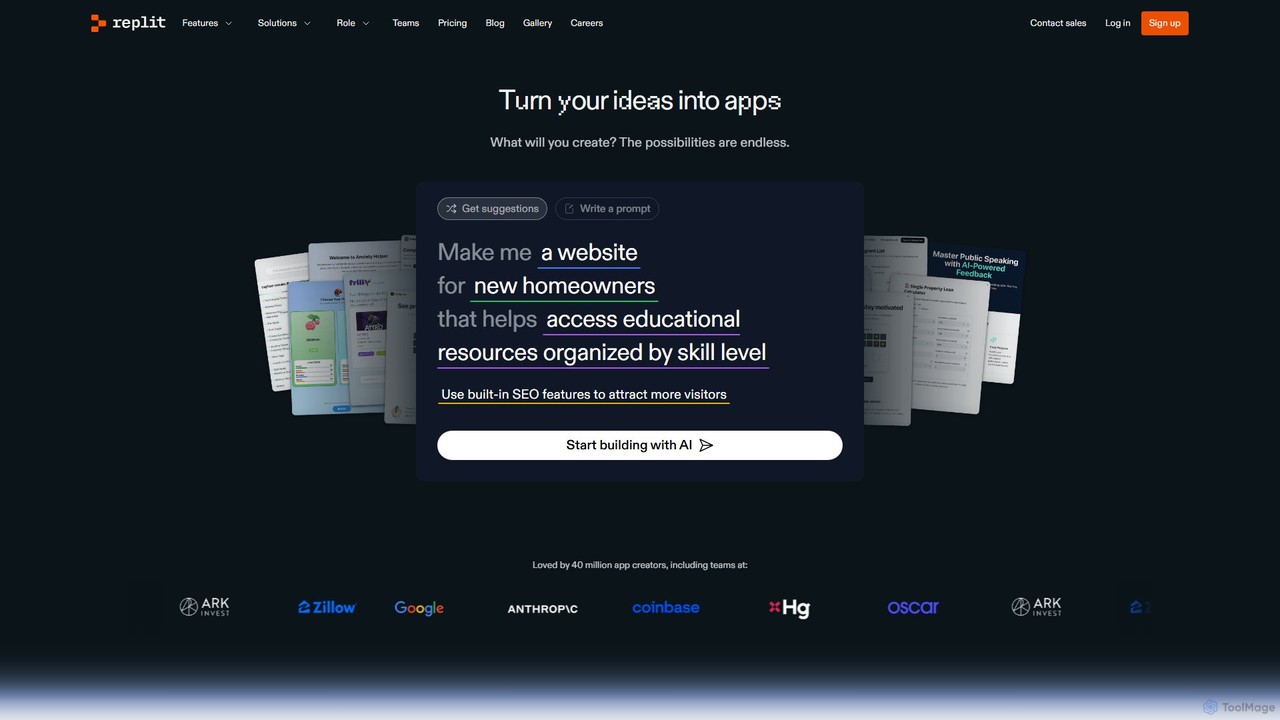
Replit is an AI-powered, collaborative, in-browser Integrated Development Environment (IDE) that allows users to build, deploy, and host applications, websites, and bots. Featuring the Replit Agent, it turns natural language prompts into functional software, making development faster and more accessible for everyone from beginners to enterprise teams.
About Web App Builder
Web App Builders are tools that enable the creation of functional web applications with minimal to no coding, often through a visual interface. They utilize AI-powered features, pre-built components, and drag-and-drop editors to significantly accelerate the development process. This allows users to design, build, and deploy everything from internal tools to customer-facing portals without deep technical expertise. The primary value lies in rapid prototyping, cost reduction, and empowering non-developers to bring their ideas to life.
Core Features
- Visual Drag-and-Drop Editor: Construct user interfaces and workflows by arranging components on a canvas, eliminating the need to write front-end code.
- Pre-built Components & Templates: Access a library of ready-to-use elements like forms, tables, charts, and user authentication systems to speed up development.
- Database & API Integration: Visually connect your application to databases or third-party services via APIs to manage data and extend functionality.
- One-Click Deployment: Publish and host the application on the web with a single action, handling server configuration automatically.
- Responsive Design Automation: Tools automatically adjust the application's layout to ensure it works seamlessly across desktops, tablets, and mobile devices.
Use Cases
These tools are ideal for startups, small businesses, and enterprise departments. Common applications include building custom internal tools (like dashboards or approval workflows), creating customer portals for service management, developing Minimum Viable Products (MVPs) for market testing, and launching simple Software-as-a-Service (SaaS) products.
How to Choose
When selecting a Web App Builder, consider the required technical skill level (no-code for business users vs. low-code for developers). Evaluate its scalability to ensure it can handle future user growth. Check its integration capabilities with your existing systems and APIs. Finally, assess the platform's customization limits and pricing model to ensure it aligns with your project's scope and budget.
Web App BuilderUse Cases
Build a Custom Internal Dashboard
A marketing manager needs to track campaign performance from multiple sources like Google Analytics, Facebook Ads, and their CRM. Instead of waiting for the IT department, they use a Web App Builder to create a custom dashboard. They visually connect to each data source via pre-built API connectors, drag and drop charts and tables to display key metrics, and set up automated email reports. This empowers the marketing team to make data-driven decisions in real-time without writing a single line of code, saving weeks of development time.
Develop a Minimum Viable Product (MVP)
A non-technical founder has an idea for a new SaaS platform but lacks the funds for a full development team. Using a low-code Web App Builder, they can quickly assemble the core features of their product. They create user registration and login flows, build a simple data management interface, and integrate a payment gateway. This allows them to launch an MVP in a fraction of the time and cost, validate their business idea with real users, and secure initial funding before committing to a custom-coded solution.
Create a Customer-Facing Portal
A small consulting firm wants to provide clients with a secure portal to track project progress, access documents, and communicate with the team. Using a no-code Web App Builder, the operations manager builds this portal without hiring a developer. They set up user roles and permissions, create a dashboard for each client, and build forms for submitting support requests. The portal improves client communication and transparency, providing a professional experience that differentiates them from competitors.
Automate an HR Approval Workflow
An HR department spends significant time manually processing leave requests and expense claims via email and spreadsheets. An HR specialist uses a Web App Builder to create an internal application for this process. Employees can now submit requests through a standardized web form. The application automatically routes the request to the correct manager for approval based on predefined rules. All data is stored in a central database, providing a clear audit trail and simplifying reporting. This automation reduces administrative overhead by over 70%.
Launch a Simple E-commerce Storefront
An artist wants to sell their prints online but finds platforms like Shopify too complex or expensive for their small scale. They use a Web App Builder with e-commerce templates to create a simple, beautiful storefront. They can easily upload product images, write descriptions, and set prices. By integrating with a payment processor like Stripe or PayPal, they can securely accept payments. The entire site is built and launched in a single weekend, allowing them to start generating revenue immediately without ongoing subscription fees.
Create an Event Registration and Management App
An event organizer for a local conference needs a simple way for attendees to register, view the schedule, and receive updates. Using a Web App Builder, they create a dedicated web app for the event. It includes a registration form that collects attendee information and processes payments. A dynamic schedule page is built that can be updated in real-time. They also add a feature to send push notifications or email announcements to all registered attendees. This provides a centralized, professional hub for the event, improving the attendee experience.