ToolMage
Sign in

Best 1 Document Tools

Popular Document Tools include Pointer AI, helping you work more efficiently.

Pointer AI
Freemium

Pointer AI

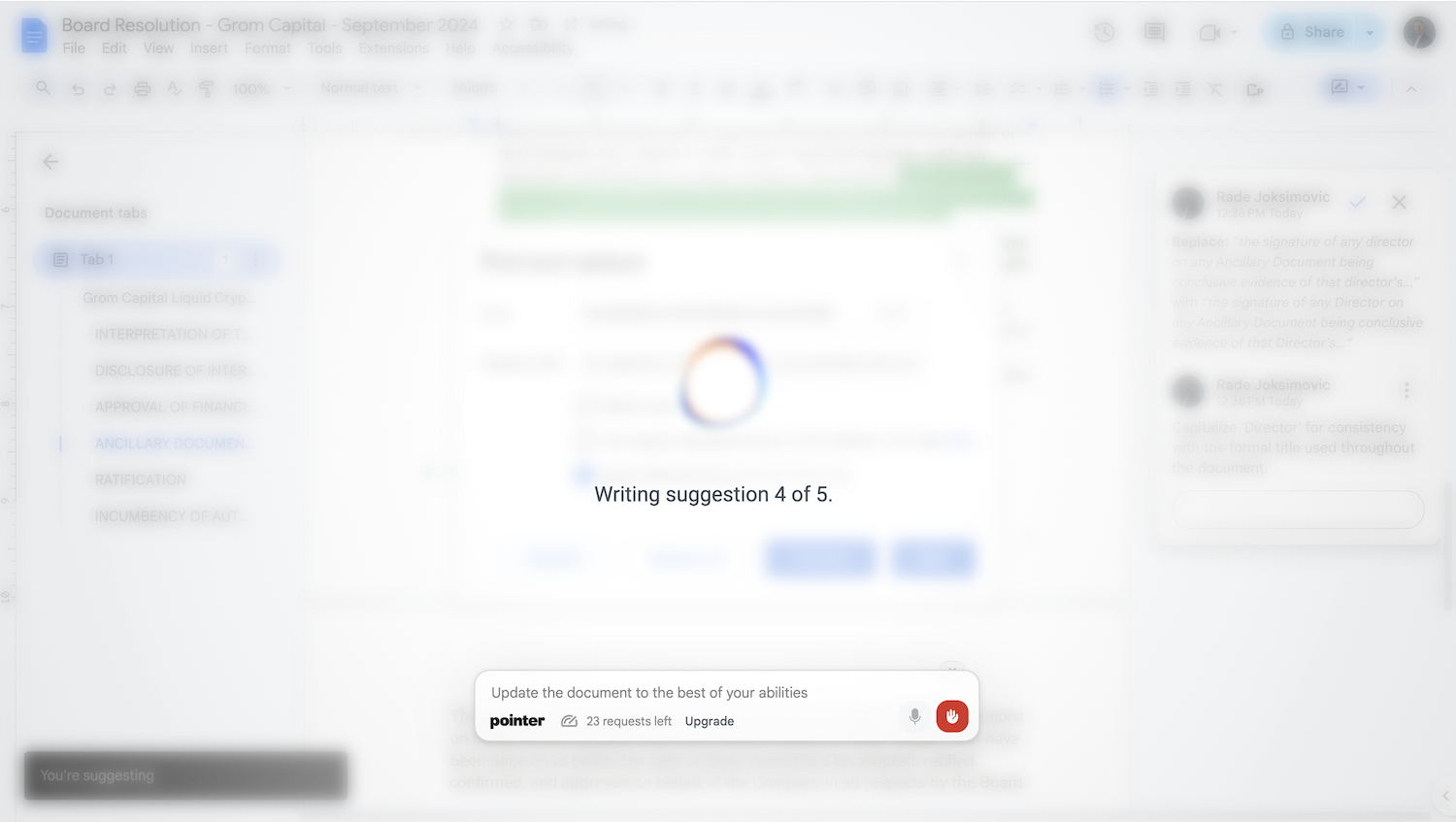
Pointer AI is a powerful Chrome extension that integrates ChatGPT-like capabilities directly into Google Docs. It streamlines your writing and editing process by allowing the AI to make changes directly in your document, eliminating the tedious copy-pasting and reformatting. Watch as it types out suggestions for you to approve, preserving your original document styling.

Chrome Extensions
Visits 7.3KFavorites 117Likes 125

About Document Tools

Document Tools are AI-powered applications designed to streamline and enhance various aspects of document creation, management, and analysis. These tools leverage advanced artificial intelligence, including natural language processing (NLP) and machine learning, to automate tasks that traditionally require significant manual effort. From generating summaries and drafting content to extracting critical information and ensuring linguistic accuracy, AI document tools significantly boost productivity and improve the quality of textual data across diverse industries.

Core Features

  • Content Generation: Automatically drafts summaries, reports, emails, or creative text based on prompts or existing documents.
  • Data Extraction & OCR: Accurately identifies and extracts specific data points (e.g., names, dates, amounts) from unstructured documents, including scanned images.
  • Document Analysis: Provides insights into document content, such as sentiment analysis, topic modeling, or identifying key themes and entities.
  • Automated Proofreading & Editing: Detects and corrects grammatical errors, stylistic inconsistencies, and suggests improvements for clarity and conciseness.
  • Intelligent Search & Retrieval: Enables users to quickly find relevant information within large document repositories using natural language queries.

Use Cases

Professionals across legal, finance, healthcare, and marketing sectors utilize AI document tools to manage vast amounts of information. For instance, legal teams can rapidly review contracts, financial analysts can extract data from quarterly reports, and marketing specialists can generate diverse content variations for campaigns. These tools are invaluable for anyone dealing with high volumes of textual data, aiming to reduce manual processing time and enhance decision-making.

How to Choose

When selecting an AI document tool, consider its core functionalities (e.g., generation vs. extraction), the types of documents you handle, and its integration capabilities with existing workflows. Evaluate the accuracy of its AI models, especially for critical tasks like data extraction, and assess its scalability to meet future demands. Finally, compare pricing models and ensure the tool offers robust security and compliance features for sensitive information.


Featured tool rankings

Document Tools use cases

1

Summarizing Lengthy Research Papers

Academic researchers or business analysts can input extensive reports or scientific articles to quickly generate concise summaries, saving hours of reading and enabling faster comprehension of key findings.

2

Automating Invoice Data Extraction

Finance departments can use AI document tools to automatically extract critical information like vendor names, invoice numbers, dates, and line items from hundreds of invoices daily, streamlining accounts payable processes and reducing manual data entry errors.

3

Translating Legal Contracts for Global Operations

International businesses can leverage these tools to accurately translate complex legal documents, such as contracts or compliance reports, into multiple languages, ensuring clarity and legal adherence across different jurisdictions.

4

Generating Marketing Copy from Product Specifications

Marketing teams can input product features and target audience descriptions to generate various forms of marketing content, including website copy, social media posts, and ad headlines, accelerating content creation cycles.

5

Classifying Customer Feedback Documents

Customer service managers can automatically categorize incoming customer feedback, emails, or support tickets based on sentiment or topic, allowing for quicker routing to relevant departments and faster issue resolution.

6

Enhancing Grant Proposals for Non-Profits

Non-profit organizations can utilize AI document tools to proofread, refine, and improve the clarity and persuasiveness of grant proposals, increasing their chances of securing funding by presenting well-articulated and error-free applications.

Document Tools FAQ

What are AI Document Tools?

AI Document Tools are software applications that use artificial intelligence, primarily natural language processing (NLP) and machine learning, to automate and enhance tasks related to documents. They can generate, analyze, extract data from, translate, and proofread various types of textual content, significantly improving efficiency and accuracy in document-centric workflows.

How do AI Document Tools work?

AI Document Tools typically work by processing text through sophisticated algorithms. For tasks like content generation, they use large language models (LLMs) trained on vast datasets to predict and produce human-like text. For data extraction, they employ optical character recognition (OCR) for scanned documents and NLP to identify and pull specific entities. Analysis tools use machine learning to classify content, detect sentiment, or summarize information based on learned patterns.

What are the main benefits of using AI Document Tools?

The primary benefits include significant time savings by automating repetitive tasks like data entry, summarization, and proofreading. They also enhance accuracy by reducing human error in data extraction and content generation. Furthermore, these tools improve decision-making by quickly surfacing insights from large volumes of documents and enable scalability for businesses dealing with growing document loads.

How do I choose the right AI Document Tool for my business?

To choose the right tool, first identify your specific needs: do you primarily need content generation, data extraction, translation, or analysis? Evaluate the tool's accuracy and reliability for your document types and language requirements. Consider its integration capabilities with your existing software ecosystem, its scalability, and the level of security and compliance it offers, especially for sensitive data. Finally, compare pricing models and user-friendliness.

What's the difference between AI Document Tools and traditional document software?

Traditional document software (like word processors or PDF editors) provides manual control over document creation and editing. AI Document Tools, however, leverage intelligence to automate and augment these processes. For example, while a traditional editor requires manual proofreading, an AI tool can automatically suggest improvements. A traditional tool requires manual data entry from a PDF, whereas an AI tool can extract it automatically. The key difference lies in the AI's ability to understand, interpret, and generate content autonomously.