Copilot
Copilot by Best AI Apps is a comprehensive all-in-one suite of AI-powered tools designed to enhance productivity for …
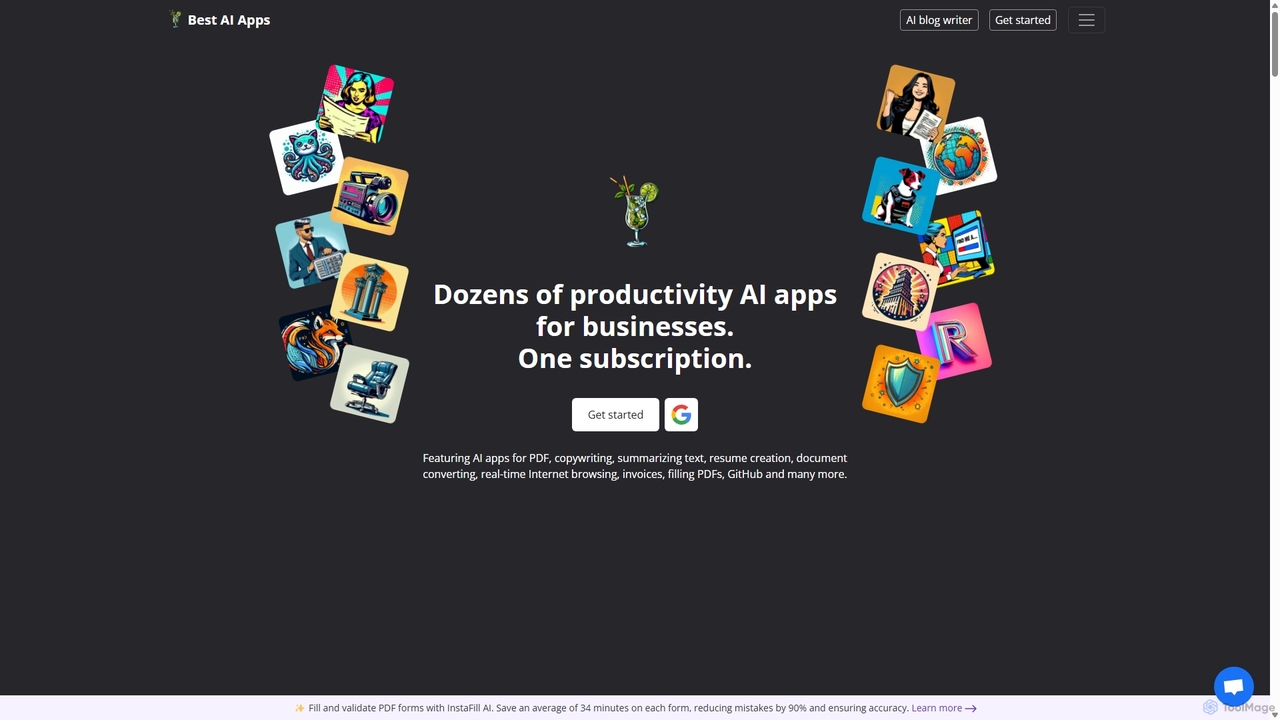
Copilot by Best AI Apps is a comprehensive all-in-one suite of AI-powered tools designed to enhance productivity for individuals and businesses. It offers dozens of applications across various categories, including document analysis, content creation, job search assistance, business management, and image generation, all accessible through a single subscription.
About Document Analysis
Document Analysis tools are a class of AI-powered software designed to automatically extract, interpret, and structure information from various documents. Leveraging technologies like Optical Character Recognition (OCR) and Natural Language Processing (NLP), these tools go beyond simple viewing to understand the context, entities, and data within the content. They are crucial for transforming unstructured data from PDFs, contracts, and reports into actionable, organized insights. Unlike general document editors, their primary function is comprehension and data extraction, not content creation or formatting.
Core Features
- Data Extraction: Automatically pulls specific data points like names, dates, invoice amounts, and contract clauses from text.
- Content Summarization: Generates concise summaries of long reports, legal documents, or academic papers to speed up review.
- Entity Recognition (NER): Identifies and categorizes key entities such as people, organizations, locations, and products within a document.
- Document Classification: Automatically sorts and tags documents based on their content, such as categorizing an email as an 'Invoice' or a 'Complaint'.
- Sentiment Analysis: Determines the underlying emotional tone (positive, negative, neutral) of the text, useful for analyzing customer feedback.
Use Cases
These tools are widely adopted in sectors that handle large volumes of documents, such as legal, finance, healthcare, and research. For instance, law firms use them for rapid e-discovery and contract review, while financial institutions automate the processing of loan applications and invoices. Researchers also leverage them to accelerate literature reviews by extracting key findings from thousands of papers.
How to Choose
When selecting a Document Analysis tool, first consider the types of documents you work with and ensure the tool supports those formats (e.g., PDF, DOCX, scanned images). Evaluate the accuracy of its data extraction for your specific needs. Assess its integration capabilities via APIs to connect with your existing software stack. Finally, consider whether you need to train custom models for industry-specific terminology or unique document layouts.

Document AnalysisUse Cases
Automated Invoice Processing
An accounts payable specialist in a mid-sized company is tasked with processing hundreds of vendor invoices each week. Manually entering data from each PDF invoice into the accounting system is time-consuming and prone to errors. By using a document analysis tool, they can create a workflow that automatically ingests invoices from an email inbox, uses OCR to read the text, and extracts key fields like invoice number, vendor name, amount due, and payment terms. This structured data is then automatically synced with their ERP system, reducing manual data entry by over 90% and ensuring timely, accurate payments.
Legal Contract Review and Risk Analysis
A paralegal at a law firm needs to review a 300-page acquisition agreement to identify all clauses related to liability and termination. Manually reading the entire document is inefficient. Using a document analysis tool, the paralegal can upload the contract and instantly search for specific legal concepts, not just keywords. The AI can highlight relevant clauses, identify non-standard language, and even summarize the obligations for each party. This allows the legal team to assess risks much faster, ensure compliance, and focus their attention on critical negotiation points, reducing review time by up to 70%.
Screening Resumes for Talent Acquisition
A corporate recruiter receives over 200 resumes for a single software engineer position. Manually reviewing each one to find candidates with specific skills (e.g., 'Python', 'AWS', 'Machine Learning') and experience levels is a bottleneck. The recruiter uses a document analysis tool to parse all resumes automatically. The tool extracts and standardizes information like contact details, work history, education, and technical skills into a structured database. The recruiter can then filter and rank candidates based on key criteria in seconds, identifying the top 10 most qualified applicants instantly and significantly speeding up the hiring pipeline.
Analyzing Customer Feedback from Surveys
A product manager wants to understand customer sentiment from thousands of open-ended survey responses. Reading each response is impossible. They upload the survey data (e.g., a CSV or spreadsheet) to a document analysis tool. The tool performs sentiment analysis on each response, classifying it as positive, negative, or neutral. It also uses topic modeling to identify recurring themes, such as 'user interface issues', 'pricing concerns', or 'requests for new features'. This provides the product manager with a quantitative overview of customer feedback, allowing them to prioritize product improvements based on data-driven insights rather than anecdotal evidence.
Extracting Data from Financial Reports
A financial analyst needs to compare the quarterly performance of ten competing companies. This requires extracting specific figures like revenue, net income, and operating expenses from each company's lengthy PDF earnings report. Instead of manually searching each document, the analyst uses a tool to define the data points they need. The AI then processes all ten reports simultaneously, extracting the required figures and organizing them into a structured table. This process reduces days of manual work to minutes, enabling the analyst to spend more time on strategic analysis and modeling rather than data collection.
Accelerating Academic Literature Reviews
A PhD student is conducting a literature review on a specific scientific topic and has gathered over 500 relevant research papers. Reading and summarizing each paper would take months. The student uses a document analysis tool to process the entire collection. The tool can extract key information such as methodologies, sample sizes, and main conclusions from each paper. It can also generate a concise summary for each document and identify thematic connections across the entire corpus. This enables the student to quickly grasp the state of the research, identify gaps in the literature, and build a comprehensive review in a fraction of the time.