ToolMage
Sign in

Best 1 Pdf AI tools for Documents

Popular Pdf AI tools in Documents include PDFgen, helping you work more efficiently.

PDFgen
Freemium

PDFgen

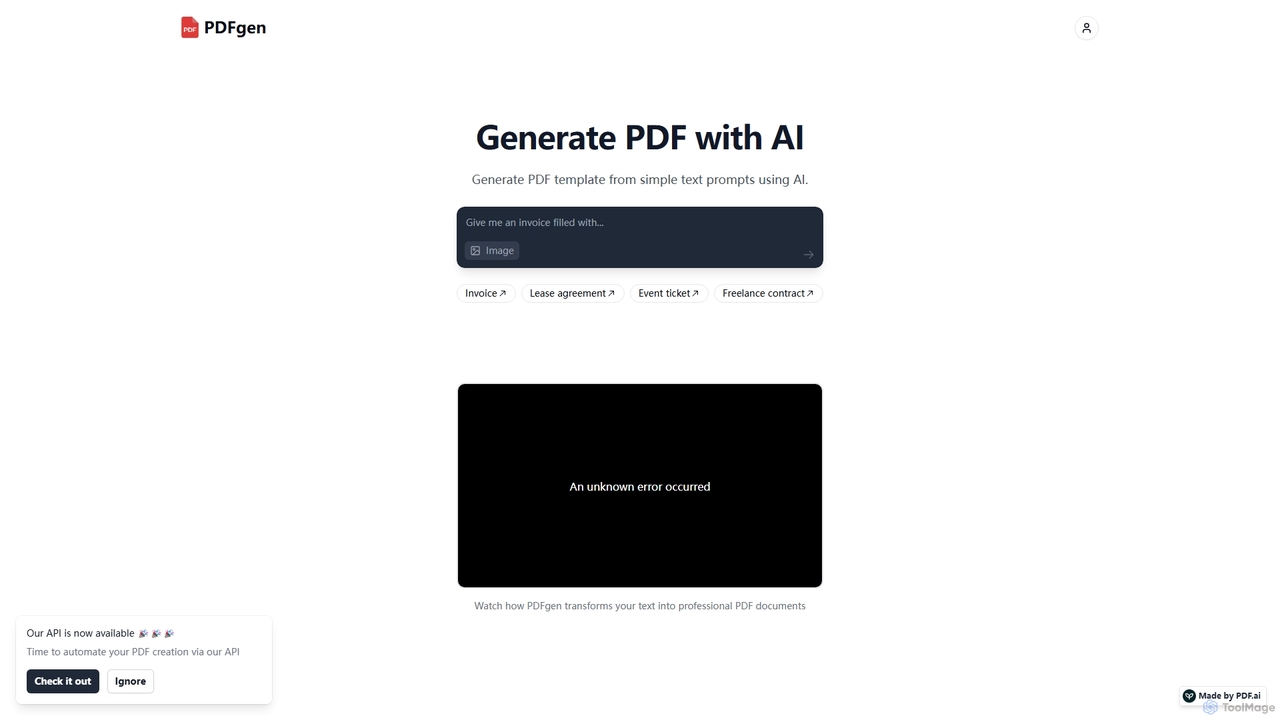
PDFgen is an AI-powered tool that generates professional PDF documents from simple text prompts. It allows users to create various templates like invoices, contracts, and tickets instantly. With a powerful API, it enables developers and businesses to automate their document creation workflows, saving time and effort.

Automation
Visits 8.5KFavorites 111Likes 125

About Pdf

AI PDF tools are specialized applications that use artificial intelligence to interact with, analyze, and extract information from PDF documents. Leveraging Natural Language Processing (NLP) and Optical Character Recognition (OCR), these tools can understand the content and context within a PDF file. This allows users to chat with their documents, get instant summaries of long reports, and pinpoint specific data without manual reading. They transform static PDFs into interactive knowledge bases, significantly improving research and data analysis efficiency.

Core Features

  • Interactive Chat (Chat with PDF): Ask questions directly to your PDF and receive context-aware answers based on its content.
  • AI-Powered Summarization: Automatically generate concise summaries of lengthy documents, reports, or academic papers.
  • Intelligent Data Extraction: Accurately pull specific information like names, dates, figures, or tables from unstructured text.
  • Cross-Document Analysis: Ask questions and synthesize information across multiple PDF files simultaneously.

Use Cases

These tools are invaluable for researchers, students, legal professionals, and financial analysts who regularly handle dense, text-heavy documents. For instance, a lawyer can quickly find all clauses related to a specific term in a 200-page contract, or a student can summarize multiple research papers for a literature review in minutes.

How to Choose

When selecting an AI PDF tool, consider the accuracy of its text recognition and summarization. Evaluate its ability to handle large or complex files, including those with tables and images. Also, check the security and privacy policies, especially for sensitive documents, and consider its integration capabilities with cloud storage or reference management software.

Pdf use cases

1

Accelerate Academic Research and Literature Reviews

A postgraduate researcher is tasked with writing a literature review on a complex scientific topic, requiring them to analyze over 50 academic papers. Instead of spending weeks reading each one, they upload all the PDFs to an AI PDF tool. Using the cross-document analysis feature, they ask questions like 'What are the common methodologies used?' and 'Summarize the key findings related to protein synthesis.' The tool synthesizes answers from all papers, providing a comprehensive overview in minutes. This allows the researcher to quickly identify core themes, contradictions, and gaps in the literature, reducing research time by over 70%.

2

Streamline Legal Contract Review and Analysis

A paralegal at a law firm needs to review a 150-page service agreement to identify potential risks and non-standard clauses. They upload the PDF contract to an AI tool and ask specific questions like, 'Identify all indemnification clauses,' 'What are the termination conditions?' and 'Are there any limitations of liability?' The AI instantly highlights the relevant sections and provides concise summaries for each query. This process transforms a task that would typically take half a day into a 15-minute verification exercise, ensuring no critical details are missed and improving the firm's response time to clients.

3

Extract Key Data from Financial Reports

A financial analyst needs to compare the quarterly performance of several competitor companies. They have downloaded each company's 80-page quarterly earnings report as a PDF. Instead of manually searching for specific figures, they use an AI PDF tool to extract key metrics. They issue commands like 'Extract the net revenue for Q2 2023,' 'Find the CEO's comments on future outlook,' and 'List all figures related to R&D spending.' The tool accurately pulls this data from each report and presents it in a structured format, enabling the analyst to build their comparison model in under an hour, a task that previously took a full day.

4

Create Study Guides from Textbooks and Lecture Notes

A university student is preparing for final exams and has multiple textbook chapters and lecture slides saved as PDFs. To study efficiently, they upload all relevant files into an AI PDF tool. They then ask the tool to 'Summarize the main concepts from Chapter 5,' 'Generate a list of key definitions from all lecture slides,' and 'Explain the theory of relativity in simple terms.' The AI provides organized summaries, definition lists, and simplified explanations. The student uses this output to create a comprehensive study guide, saving dozens of hours of manual note-taking and consolidation.

5

Quickly Understand Technical Manuals and Documentation

An IT support specialist receives a ticket about a complex server issue. They need to consult a 500-page technical manual in PDF format to find the solution. Instead of searching keyword by keyword, they upload the manual to an AI tool. They ask a direct question: 'What are the steps to troubleshoot error code 0x80070057 on a Series 4000 server?' The AI navigates the dense document and provides a precise, step-by-step guide extracted from the relevant section. This allows the specialist to resolve the issue in under 30 minutes, significantly improving first-call resolution rates and customer satisfaction.

6

Synthesize Market Research and Competitor Analysis

A product manager is developing a new feature and needs to understand the market landscape. They gather a dozen PDF reports from market research firms and competitor whitepapers. They upload all documents to an AI PDF tool and use its synthesis capabilities. They ask, 'What are the top three customer pain points mentioned across these reports?' and 'How do competitors A, B, and C position their solutions for this problem?' The tool analyzes all documents and provides a consolidated report with direct quotes and references, giving the product manager a clear, data-driven understanding of the market in a fraction of the time it would take to read everything manually.

Pdf FAQ

What are AI PDF tools?

AI PDF tools are software applications that use artificial intelligence, primarily Natural Language Processing (NLP), to understand and interact with the content of PDF files. Unlike traditional PDF editors that focus on changing the document's appearance, AI PDF tools focus on interpreting its meaning. This allows you to perform advanced tasks such as asking direct questions to the document, generating instant summaries of its content, and extracting specific data points automatically.

How do AI PDF tools differ from standard PDF editors like Adobe Acrobat?

The primary difference lies in their core function. Standard PDF editors (e.g., Adobe Acrobat) are for creation, editing, and management; they let you change text, add signatures, merge files, and fill forms. AI PDF tools are for comprehension and analysis; they don't typically edit the PDF's content but rather 'read' it to answer questions, summarize information, and extract data. In short, editors modify the document itself, while AI tools provide insights about the information within the document.

How should I choose the right AI PDF tool?

To choose the right tool, consider these factors:

  • Primary Use Case: Do you need quick summaries, in-depth Q&A, or data extraction? Some tools excel at one specific function.
  • Accuracy: Test the tool with a sample document to check the quality of its summaries and answers. Accuracy is crucial, especially for technical or legal documents.
  • File Handling: Check limitations on file size, number of pages, and the number of documents you can upload per day or month.
  • Security and Privacy: If you handle sensitive information, review the tool's privacy policy. Choose tools that offer end-to-end encryption and clear data handling practices.
Can AI PDF tools handle scanned documents or images within a PDF?

Yes, many advanced AI PDF tools can. They use Optical Character Recognition (OCR) technology to convert images of text (from scans or embedded images) into machine-readable text. This allows the AI to analyze and interact with the content of scanned documents just as it would with a text-based PDF. However, the accuracy of the OCR can vary depending on the quality of the scan or image, so it's a key feature to test before committing to a tool.

Are my documents secure when using an online AI PDF tool?

Security is a critical consideration. Reputable providers use strong encryption (like AES-256) for data both in transit and at rest. However, policies vary. Before uploading sensitive documents, always check the provider's privacy policy and terms of service. Look for statements about whether they use your data for training their AI models and what their data retention policies are. For highly confidential information, consider tools that offer on-premise deployment or have specific compliance certifications (like GDPR or HIPAA).