ToolMage
Sign in

Best 1 Elderly Care AI tools for Family Support

Popular Elderly Care AI tools in Family Support include CareChart, helping you work more efficiently.

CareChart
Freemium

CareChart

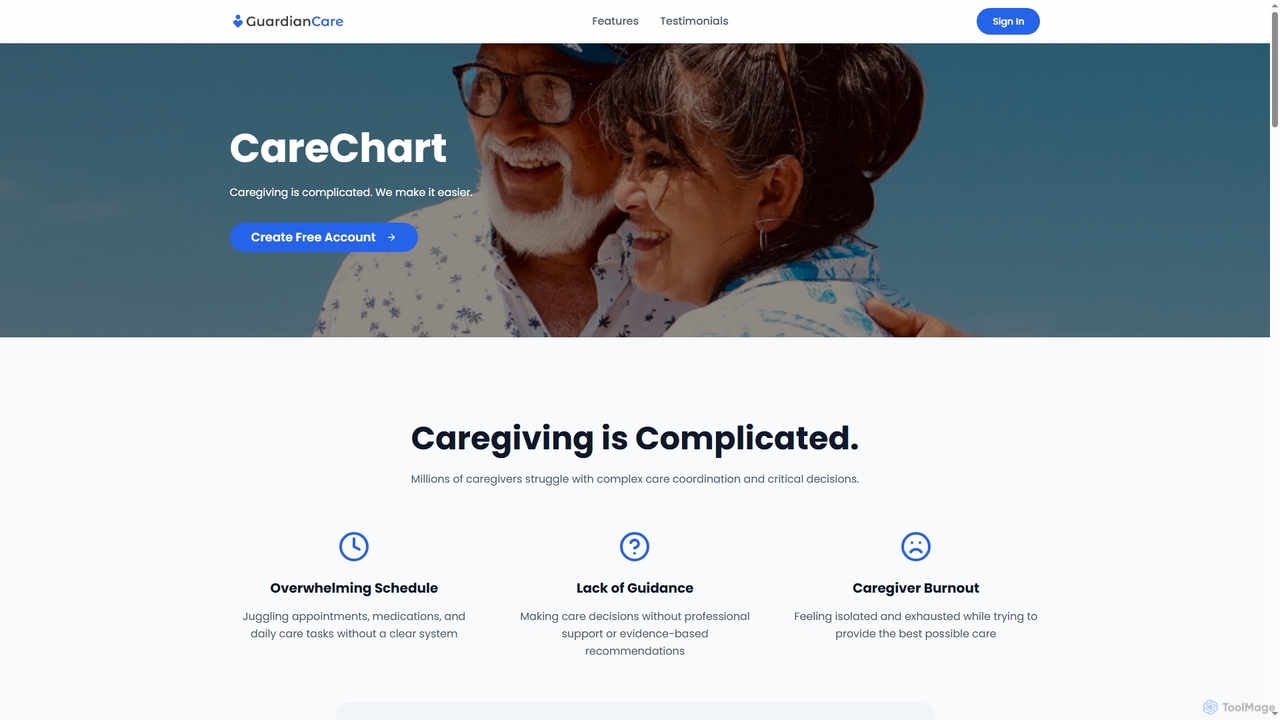
CareChart is an AI-powered care management platform designed to simplify the complexities of caregiving. It offers tools for organized scheduling, medical history tracking, team coordination, and AI-driven guidance to reduce caregiver burden and improve care outcomes.

Elderly Care
Visits 5.7KFavorites 127Likes 115

About Elderly Care

AI Elderly Care tools are a specialized category of technologies designed to support the health, safety, and well-being of seniors. These tools leverage artificial intelligence, sensors, and machine learning to provide proactive monitoring, emergency alerts, and personalized assistance. They empower older adults to live more independently while offering peace of mind to families and caregivers. Unlike general family support apps, these tools focus specifically on age-related challenges like fall risk, medication management, and social isolation.

Core Features

  • Automated Health Monitoring: Passively tracks vital signs, sleep patterns, and activity levels to detect potential health issues early.
  • Emergency & Fall Detection: Uses sensors or computer vision to automatically identify falls or emergencies and alert caregivers or services.
  • Medication Management: Provides intelligent reminders, dispenses pills, and tracks adherence to complex medication schedules.
  • Cognitive & Social Engagement: Offers AI-powered conversational companions, memory games, and personalized content to combat loneliness and stimulate cognitive function.
  • Caregiver Support & Reporting: Generates automated summaries of a senior's daily well-being, simplifying communication and coordination for caregivers.

Use Cases

These tools are primarily used by families caring for aging relatives remotely, in-home care agencies seeking to enhance their services, and assisted living facilities aiming to improve resident safety and operational efficiency. They are particularly valuable for monitoring seniors with chronic conditions, mobility issues, or early-stage cognitive decline.

How to Choose

When selecting an AI Elderly Care tool, consider the primary need: is it for safety (fall detection), health monitoring, or social companionship? Evaluate the tool's ease of use for the senior, as some rely on passive sensors while others require interaction. Also, review data privacy policies, system reliability, and whether it integrates with other medical or smart home devices.

Elderly Care use cases

1

Remote Monitoring for Independent Seniors

A family caregiver lives in a different city from their elderly parent. They install a non-intrusive AI monitoring system with ambient sensors in the parent's home. The AI learns the senior's daily routines, such as waking up times, meal preparation, and activity levels. If the system detects a significant deviation, like prolonged inactivity during the day or not returning home at the usual time, it sends a discreet alert to the caregiver's phone. This allows the family to check in proactively without compromising the parent's sense of independence and privacy.

2

Automated Fall Detection in Assisted Living

An assisted living facility equips resident rooms with AI-powered fall detection sensors. These devices use radar or computer vision to monitor movement without recording video, thus preserving privacy. When a resident falls, the system instantly detects the event and sends an alert to the nurses' station and mobile devices of on-duty staff. The alert includes the specific room number, enabling a response time that is significantly faster than traditional call button systems. This leads to better health outcomes and reduces the burden on staff for constant manual checks.

3

AI Medication Adherence and Management

An elderly individual with a complex daily medication regimen uses an AI-powered smart pill dispenser. The device is pre-loaded with their medications for the week. At the scheduled times, it lights up and provides a voice prompt to take the pills. If a dose is missed, the device sends a notification to both the user and a designated family member. The companion app provides a detailed log of adherence, which can be shared with their doctor. This automates the difficult task of medication tracking, reduces the risk of missed or double doses, and provides a clear record for healthcare professionals.

4

AI Companionship to Combat Social Isolation

A senior living alone who has limited mobility uses a voice-activated AI companion on a smart display. They can initiate conversations with the AI, ask it to read the news, play music from their youth, or tell jokes. The AI can also facilitate video calls with family members through simple voice commands. Furthermore, it provides gentle reminders for appointments and encourages light physical activity. This constant, friendly presence helps alleviate feelings of loneliness and provides mental stimulation, contributing to overall emotional well-being.

5

Cognitive Training for Early-Stage Dementia

A caregiver for a person with early-stage dementia uses an AI-powered tablet application. The app provides a series of personalized games and activities designed to stimulate memory, attention, and problem-solving skills. The AI adjusts the difficulty of the games based on the user's performance, ensuring the tasks are challenging but not frustrating. The caregiver can view progress reports that highlight cognitive strengths and areas needing more support. This provides a structured and engaging way to support brain health and can help slow the progression of cognitive decline.

6

Streamlining Home Caregiver Reporting

A professional home caregiver uses an AI-powered mobile app to document their visits. Instead of writing lengthy notes, they can use voice-to-text to quickly log observations about the client's mood, diet, and activities. The app also integrates with smart health devices to automatically record vitals like blood pressure and glucose levels. At the end of each week, the AI compiles all the data points into a concise, easy-to-read summary report. This report is automatically shared with the client's family and the supervising nurse, saving the caregiver significant administrative time and ensuring consistent, accurate communication.

Elderly Care FAQ

What are AI Elderly Care tools?

AI Elderly Care tools are technologies that use artificial intelligence to enhance the safety, health, and well-being of older adults. They go beyond simple alarms by proactively learning routines, analyzing data, and predicting potential issues. Key functions include automatic fall detection, remote monitoring of vital signs and activity, intelligent medication reminders, and AI companions to reduce loneliness. Their primary goal is to support independent living for seniors while providing reassurance to caregivers.

How to choose the right AI Elderly Care tool?

Choosing the right tool depends on the specific needs of the senior. Consider the following factors:

  • Primary Need: Identify the main concern. Is it safety (fall detection), health management (vitals monitoring), medication adherence, or social connection?
  • User-Friendliness: How comfortable is the senior with technology? Choose passive systems (ambient sensors) for less tech-savvy users, or interactive devices (smart displays) for those who are more comfortable.
  • Privacy: Review the company's data privacy policy. Understand how data is collected, stored, and shared, especially for systems with cameras or microphones.
  • Reliability and Support: Check reviews for system reliability, battery life (for wearables), and the quality of customer support in case of technical issues.
What's the difference between AI Elderly Care tools and standard smart home devices?

The key difference is proactivity and specialization. Standard smart home devices (like smart speakers or lights) are typically reactive; they perform tasks when given a direct command. AI Elderly Care tools are proactive. They are specifically designed to learn a senior's patterns and autonomously detect anomalies that could indicate a problem, such as a fall or a change in health status. They analyze health and safety data to provide insights, whereas standard smart home devices focus on convenience and entertainment.

Are AI Elderly Care tools difficult for seniors to use?

Many of these tools are designed with simplicity in mind. The most effective systems often operate in the background with minimal interaction required from the senior. For example, ambient sensors and fall detectors work passively without any user input. For interactive tools like AI companions or medication dispensers, developers typically use large fonts, simple interfaces, and voice commands to make them accessible. However, the suitability depends on the individual's comfort with technology, so it's important to choose a tool that matches their abilities and willingness to engage.

What are the main privacy concerns with AI elderly care tools?

Privacy is a significant consideration. The main concerns typically revolve around data collection and security. Many systems, especially those with cameras or always-on microphones, collect sensitive personal data. Key questions to ask a provider include:

  • Data Encryption: Is the data encrypted both when it's stored and when it's transmitted?
  • Data Access: Who has access to the data (e.g., family, caregivers, the company's staff)? Can access levels be controlled?
  • Data Usage: How is the data used? Is it sold to third parties or used for advertising?
  • Security Measures: What security protocols are in place to prevent unauthorized access or data breaches?

Choosing reputable providers with transparent privacy policies is crucial.