Brome AI
Brome AI is a comprehensive platform offering advanced AI tools for chat, image generation, and video creation. It …
Brome AI is a comprehensive platform offering advanced AI tools for chat, image generation, and video creation. It integrates an intelligent conversational AI, a powerful image generator for stunning visuals, and a dynamic video creator to bring ideas to life. With a dedicated AI Drive for content management, Brome AI streamlines creative workflows and enhances productivity for various tasks.
PixPunk
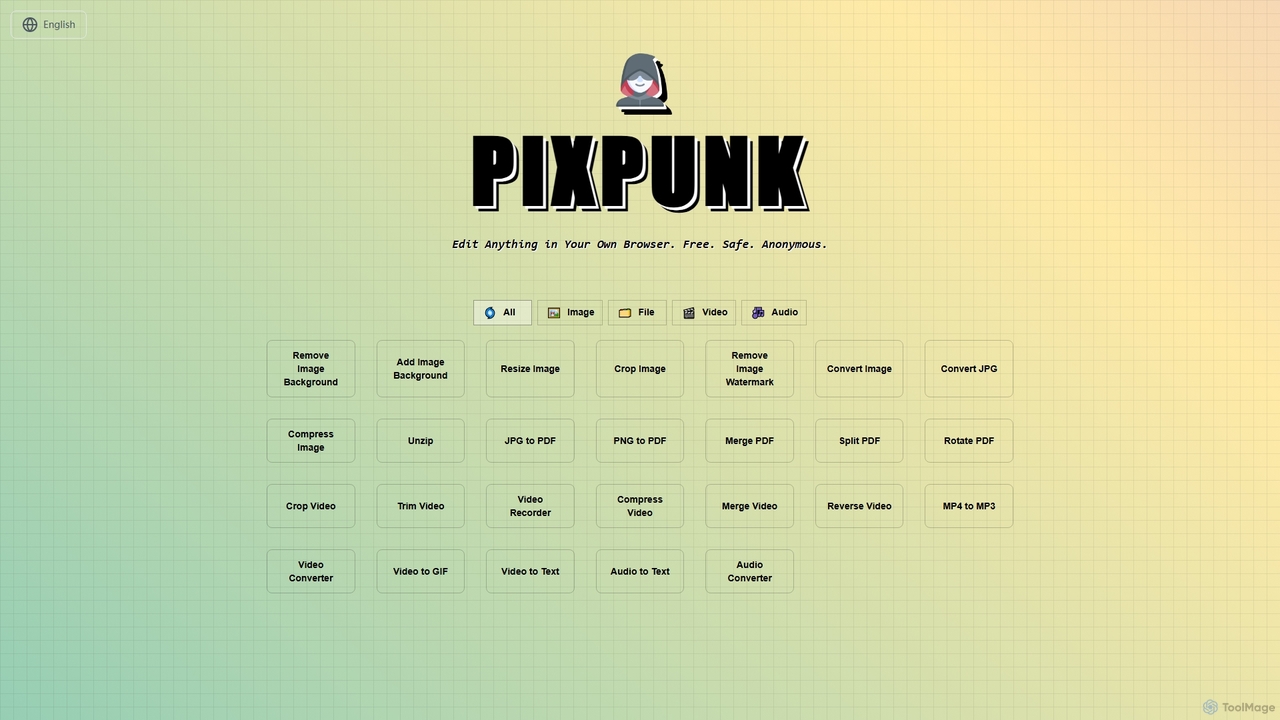
PixPunk is a free, safe, and anonymous online tool that allows users to edit images, convert files, and …
PixPunk is a free, safe, and anonymous online tool that allows users to edit images, convert files, and process videos and audio directly in their browser. It offers a suite of functionalities including background removal, image resizing, cropping, and format conversion, all without uploads or watermarks, ensuring maximum privacy.
myaidrive
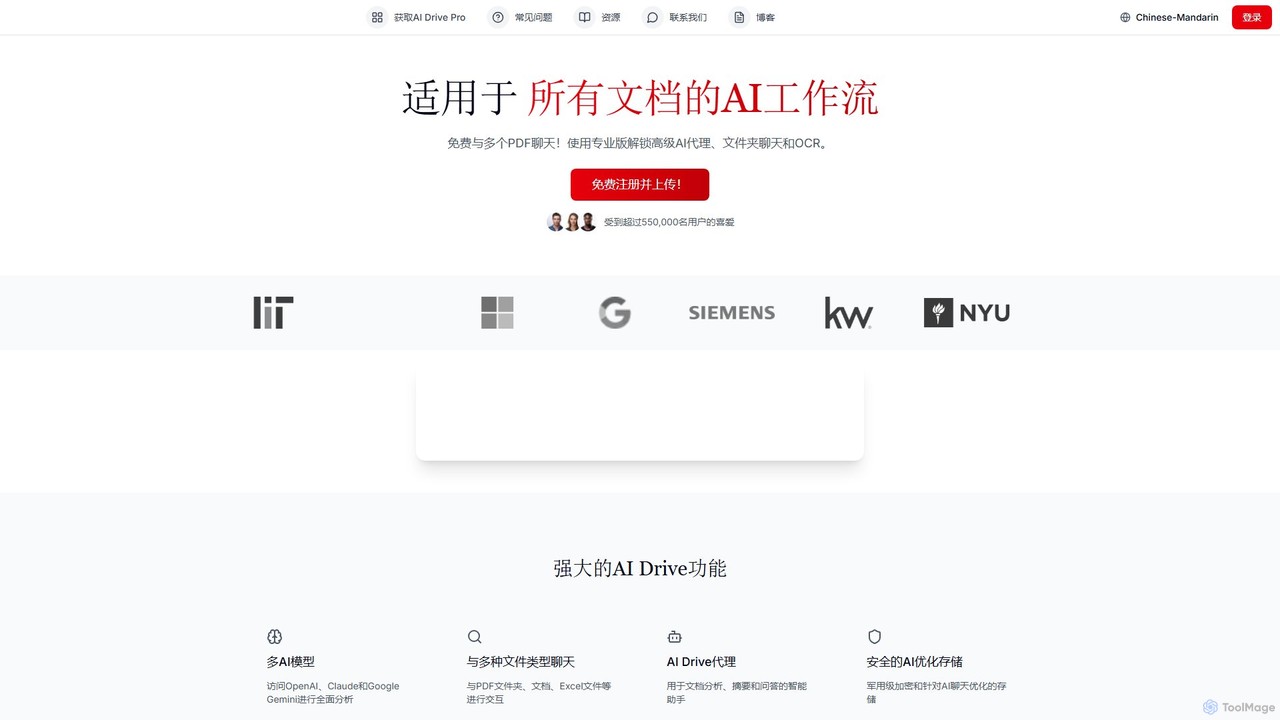
myaidrive is an AI-powered cloud storage platform that allows you to summarize, chat with, and organize your files. …
myaidrive is an AI-powered cloud storage platform that allows you to summarize, chat with, and organize your files. It integrates multiple AI models like GPT, Claude, and Gemini to analyze PDFs, documents, and spreadsheets. Features include secure storage, advanced OCR, and personalized AI memory for enhanced productivity.
About File Management
AI File Management tools are a class of software that leverages artificial intelligence to automate the organization, search, and analysis of digital files. These tools utilize technologies like Natural Language Processing (NLP) and machine learning to understand the content and context of documents, images, and other data, going far beyond simple filename searches. They are designed to transform unstructured data into an organized, accessible knowledge base, significantly improving data discovery and workflow efficiency. This intelligent approach helps users and teams quickly find relevant information, identify duplicates, and extract key insights from vast file repositories.
Core Features
- Intelligent Search: Employs semantic search to find files based on conceptual meaning and context, not just keywords.
- Automated Categorization & Tagging: Automatically analyzes file content to assign relevant tags and sort them into logical folders.
- Content Extraction & Summarization: Pulls key information like dates, names, or invoice details from documents and generates concise summaries.
- Duplicate & Version Detection: Identifies redundant or similar versions of files to help declutter storage and maintain data integrity.
Use Cases
These tools are valuable across various sectors. Legal firms use them for e-discovery and case file management, marketing teams for organizing digital assets (images, videos), and research institutions for managing vast libraries of academic papers and datasets. Enterprises also deploy them to build centralized knowledge bases from internal documents.
How to Choose
When selecting an AI File Management tool, consider its integration capabilities with your existing cloud storage (e.g., Google Drive, Dropbox). Evaluate the range of supported file types, the robustness of its security features like encryption and access control, and its ability to scale with your data volume. Also, assess the user interface's intuitiveness for your team's technical skill level.

File ManagementUse Cases
Automating Legal Document Review and e-Discovery
For legal teams and paralegals, managing thousands of documents for a single case is a significant challenge. An AI File Management tool streamlines this process by automatically ingesting and indexing all case files, from contracts to emails. It uses NLP to identify and tag key entities like names, dates, and locations. During e-discovery, lawyers can perform semantic searches like 'find all correspondence related to the merger in Q4 2022,' and the AI will retrieve relevant documents regardless of keywords, reducing manual review time by hours or even days.
Organizing Marketing Digital Assets Intelligently
Marketing teams manage a vast and growing library of digital assets, including images, videos, logos, and campaign documents. An AI File Management tool acts as a central, intelligent hub. It can automatically tag images based on their visual content (e.g., 'beach,' 'laptop,' 'logo') and analyze documents to categorize them by campaign or product line. This allows a social media manager to quickly find 'all approved images featuring our new product in an outdoor setting' without needing to remember specific filenames, ensuring brand consistency and speeding up content creation.
Building a Centralized Corporate Knowledge Base
In large organizations, valuable information is often siloed in different departments and formats (reports, presentations, spreadsheets). An AI File Management system can connect to various data sources (like SharePoint, Google Drive) to create a unified knowledge base. It indexes the content of every file, allowing any employee to ask natural language questions, such as 'What were our key findings from the Q3 customer survey?' The system can then surface the exact slides in a presentation or paragraphs in a report that contain the answer, breaking down information barriers and fostering collaboration.
Streamlining Academic Research and Literature Review
Researchers and academics deal with hundreds of research papers, datasets, and notes. An AI File Management tool can act as a personal research assistant. It can automatically categorize papers by subject matter, extract key information like methodologies and conclusions, and identify connections between different studies. A researcher can ask, 'Show me all papers that cite Dr. Smith's 2020 work on neural networks,' and the tool will compile a relevant list instantly. This capability dramatically accelerates the literature review process and helps uncover novel research connections.
Automating Financial Document Processing and Data Entry
Finance departments are inundated with invoices, receipts, and purchase orders. Manually entering data from these documents is time-consuming and prone to error. An AI File Management tool with OCR (Optical Character Recognition) capabilities can scan these documents, automatically extract key data fields (e.g., invoice number, amount, due date, vendor), and categorize them. This extracted data can then be automatically synced with accounting software, reducing manual data entry by over 90% and ensuring higher accuracy in financial records.
Decluttering and Organizing Personal Cloud Storage
For individuals, years of accumulating files in cloud storage like Google Drive or Dropbox can lead to chaos. An AI File Management tool can connect to these services and act as a smart organizer. It scans all files to identify duplicates and near-duplicates (e.g., multiple edited versions of the same photo), groups related documents into project folders, and surfaces large, old files that might be candidates for deletion. This helps users reclaim valuable storage space and transform a messy digital archive into a well-organized and easily searchable library.