Financial Services Best in category 1 results Automation AI Tool

Popular AI tools in the Automation field of Financial Services include Moveo.AI, etc., helping you quickly improve efficiency.

Moveo.AI

Moveo.AI

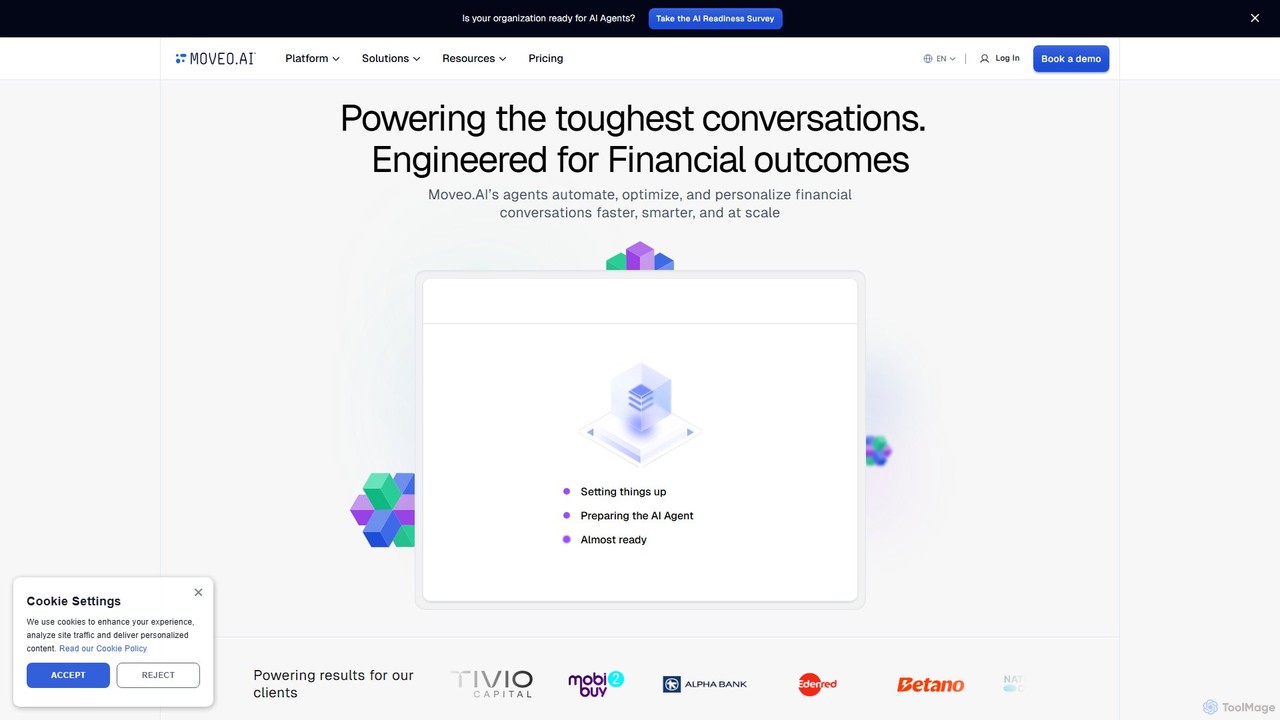
A specialized AI agent platform for financial services, designed to automate and personalize complex customer conversations. Moveo.AI uses …

66.1K

About Automation

Financial Automation tools are AI-powered solutions designed to streamline and manage repetitive financial tasks. These tools leverage technologies like machine learning (ML), optical character recognition (OCR), and robotic process automation (RPA) to process data from invoices, receipts, and bank statements with high accuracy. Their primary value lies in reducing manual errors, accelerating financial cycles like month-end closing, and freeing up finance professionals to focus on strategic analysis rather than data entry. This enhances operational efficiency, improves compliance, and provides real-time visibility into a company's financial health.

Core Features

  • Automated Data Extraction: Uses OCR and AI to accurately capture data from documents like invoices, purchase orders, and receipts, eliminating manual entry.
  • Intelligent Reconciliation: Automatically matches transactions between bank statements, credit card records, and the general ledger, flagging discrepancies for review.
  • Workflow Automation: Creates rule-based or AI-driven workflows for approvals, such as for expense reports and vendor payments.
  • AI-Powered Reporting & Forecasting: Generates real-time financial reports, dashboards, and predictive forecasts based on historical and current data.
  • Compliance Monitoring: Continuously scans transactions to detect anomalies, potential fraud, and ensure adherence to financial regulations.

Use Cases

These tools are essential for accounting departments, financial planning and analysis (FP&A) teams, and chief financial officers (CFOs) in businesses of all sizes. Common applications include automating the entire accounts payable (AP) and accounts receivable (AR) processes, streamlining employee expense management from submission to reimbursement, and significantly speeding up the period-end closing and financial reporting cycle.

How to Choose

When selecting a financial automation tool, consider its integration capabilities with your existing ERP or accounting software (e.g., QuickBooks, SAP, NetSuite). Evaluate the scope of its automation features—does it cover your most time-consuming processes like invoice processing or reconciliation? Assess its security protocols and compliance certifications for handling sensitive financial data. Finally, consider the tool's scalability to handle growing transaction volumes and its ease of use for your finance team.

AutomationUse Cases

1

Automate Invoice Processing for Accounts Payable

An accounts payable (AP) specialist in a mid-sized company spends hours each week manually entering data from hundreds of vendor invoices into their accounting system. By implementing a financial automation tool, the process is transformed. The specialist now simply forwards PDF invoices to a dedicated email address. The AI tool automatically uses OCR to extract key information like vendor name, invoice number, amount, and line items. It then validates this data against purchase orders in the ERP system and routes the invoice for internal approval based on pre-set rules, significantly reducing data entry time and minimizing payment errors.

2

Streamline Employee Expense Reporting

A sales team frequently travels and accumulates numerous receipts, leading to delayed and error-prone expense reports. With an AI automation tool, a salesperson can simply take a photo of a receipt with their smartphone. The app's AI instantly extracts the vendor, date, and amount, automatically categorizes the expense (e.g., 'meals', 'transportation'), and checks it against company policy. The employee just reviews and submits. This accelerates the reimbursement cycle, improves compliance with spending policies, and gives the finance team real-time visibility into travel and entertainment (T&E) expenses.

3

Accelerate Month-End Financial Closing

The month-end closing process is a critical but often stressful period for accounting teams, involving manual bank reconciliations, journal entries, and report generation. A financial automation platform centralizes these tasks. It automatically imports bank feeds and performs reconciliations in minutes, not days. The AI can identify and suggest journal entries for accruals and prepayments. Finally, it generates standardized financial statements like the P&L and Balance Sheet automatically, allowing the finance team to close the books faster and spend more time analyzing performance rather than compiling data.

4

Generate Real-time Financial Dashboards for CFOs

A Chief Financial Officer (CFO) needs up-to-the-minute insights into the company's financial health to make strategic decisions. Instead of waiting for manually compiled weekly or monthly reports, a financial automation tool connects directly to the company's accounting software, bank accounts, and other financial data sources. It continuously updates interactive dashboards that visualize key metrics like cash flow, revenue vs. expenses, and budget variance. The CFO can access these dashboards anytime, drill down into specific data points, and gain immediate insights without needing to request reports from their team.

5

Enhance Financial Compliance and Fraud Detection

A compliance officer in a financial institution is tasked with monitoring thousands of transactions daily to prevent fraud and ensure regulatory adherence. A financial automation tool with AI capabilities can continuously analyze transactional data in real-time. It uses machine learning models to identify unusual patterns, such as duplicate payments, transactions outside of business hours, or deviations from historical spending. The system automatically flags these suspicious activities and generates alerts for the compliance team to investigate, shifting their role from manual spot-checking to targeted, data-driven analysis.

6

Automate Accounts Receivable and Collections

A small business owner struggles with tracking outstanding invoices and sending timely payment reminders, impacting cash flow. An AR automation tool integrates with their invoicing system to monitor the status of all sent invoices. It automatically sends customized, friendly payment reminders to clients based on a pre-set schedule (e.g., 3 days before due date, on due date, 7 days past due). For overdue accounts, it can escalate reminders or even notify the business owner to make a personal call. This systematic approach reduces the average collection period and improves the company's cash flow without requiring constant manual follow-up.

AutomationFrequently Asked Questions