Aiearthzoomout
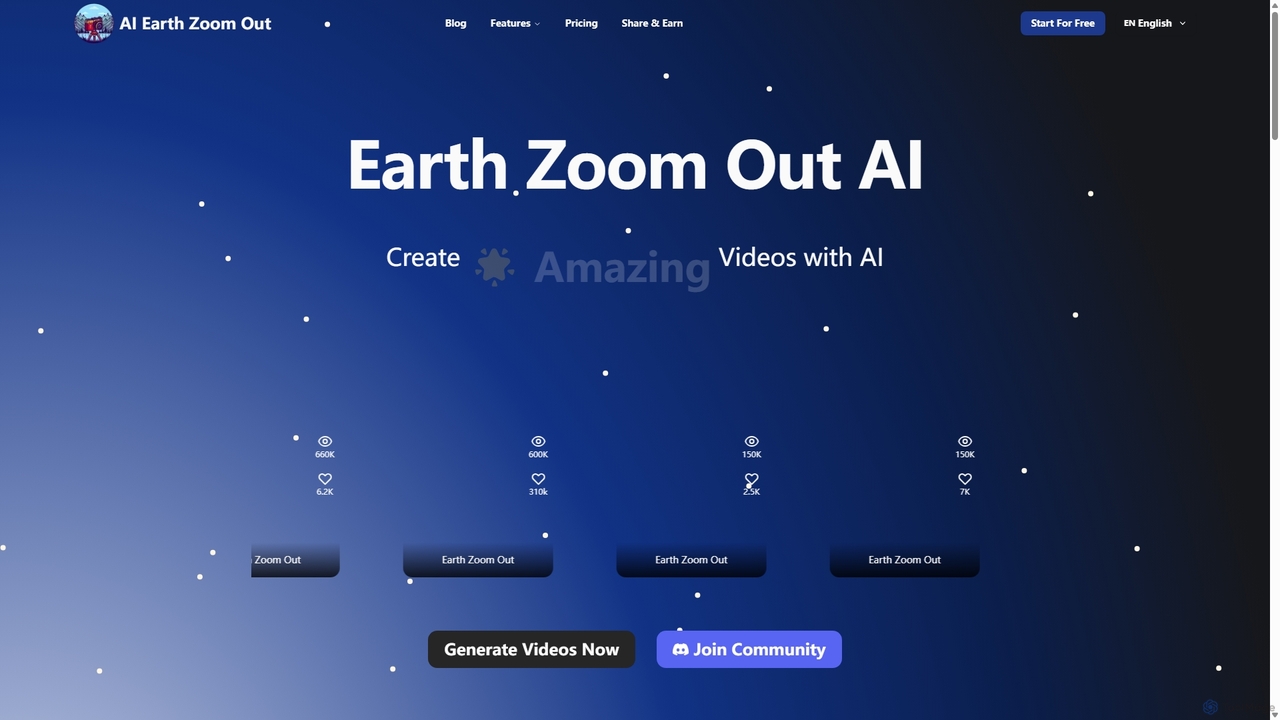
Aiearthzoomout is an AI-powered video generator that transforms any image into a stunning cinematic Earth zoom-out or zoom-in …
Aiearthzoomout is an AI-powered video generator that transforms any image into a stunning cinematic Earth zoom-out or zoom-in effect. Powered by higgsfield.ai, it allows creators to produce professional, planet-scale perspective videos in seconds without editing skills. Ideal for social media, brand storytelling, and educational content.
About Visual Effects
AI Visual Effects tools are a class of software that leverages artificial intelligence to generate, manipulate, and enhance visual effects in videos and images. These tools utilize deep learning models to automate complex tasks like style transfer, object removal, and effect creation from text prompts. They empower creators of all skill levels to produce professional-grade visual effects that were once only achievable with extensive manual effort and specialized software. This accessibility makes them a powerful and engaging subset of creative and fun tools.
Core Features
- Generative Effects: Create dynamic effects like fire, smoke, or magical particles from simple text descriptions or parameters.
- AI Style Transfer: Apply the artistic style of a famous painting or a custom image to your video footage for a unique look.
- Intelligent Object Removal: Seamlessly erase unwanted objects or people from video clips, with the AI intelligently reconstructing the background.
- Automated Rotoscoping: Automatically isolate and mask moving subjects from their background, saving hours of manual frame-by-frame work.
- Video Enhancement & Restoration: Improve video quality by reducing noise, sharpening details, and upscaling resolution using AI algorithms.
Use Cases
These tools are widely used by social media content creators, indie filmmakers, marketing teams, and game developers. For example, a content creator can add dynamic, magical effects to a short video to increase engagement, while a small film production can add realistic weather effects or remove crew mistakes from shots without a large budget.
How to Choose
When selecting an AI Visual Effects tool, consider the specific effects you need (e.g., generative vs. restorative), its integration with your existing video editing workflow, and the processing model (cloud-based or local hardware). Also, evaluate the user interface; some tools offer simple one-click effects perfect for beginners, while others provide granular controls for professional artists.
Visual EffectsUse Cases
Enhancing Social Media Videos
A content creator wants to make their short-form videos for platforms like TikTok or Instagram stand out. Using an AI Visual Effects tool, they can upload a simple dance video and apply a 'glowing energy trail' or 'cartoon animation' style with a few clicks. The AI analyzes the motion in the video and realistically applies the effect to follow the creator's movements. This transforms a standard clip into a highly engaging piece of content, increasing the likelihood of shares and viral reach, all within minutes instead of hours of complex manual animation.
Post-Production Cleanup for Indie Films
An independent filmmaker on a tight budget discovers a boom mic accidentally dipped into the top of a crucial shot. Instead of reshooting, they use an AI Visual Effects tool. They upload the clip, mask the area with the microphone, and let the AI's object removal feature analyze the surrounding frames. The tool intelligently fills in the space with the background ceiling texture, seamlessly erasing the microphone from the entire sequence. This saves significant time and money, allowing the filmmaker to fix production errors that would have previously been too costly to address.
Creating Stylized Marketing Advertisements
A marketing team for a fashion brand wants to create a visually striking video ad. They take standard footage of a model walking and use an AI style transfer tool. They upload a reference image of an abstract watercolor painting. The AI applies the colors, textures, and brushstroke patterns of the painting to the video, transforming the model and background into a living piece of art. The final result is a unique and memorable advertisement that captures attention on social media and differentiates the brand from competitors, achieved without hiring a specialized motion graphics artist.
Prototyping Game Effects Rapidly
A solo game developer needs to visualize a new magic spell for their fantasy game but lacks the time to create complex particle systems from scratch. They use a generative AI effects tool and type in the prompt: 'swirling vortex of purple arcane energy with sparks'. The AI generates several video variations of the effect in different styles. The developer can then choose the best one and use it as a high-quality placeholder in their game engine. This allows them to test gameplay mechanics and visual feedback immediately, accelerating the creative and development cycle significantly.
Automating Rotoscoping for Music Videos
A video editor is working on a music video that requires the lead singer to be isolated from a complex, changing background to apply special effects behind them. Manually rotoscoping this would take days. Instead, they use an AI rotoscoping tool. The tool's algorithm identifies and tracks the singer's silhouette throughout the entire clip, generating a precise mask automatically. The editor can then make minor adjustments if needed. This reduces a multi-day task to under an hour, freeing up the editor to focus on creative aspects like color grading and effect compositing.
Restoring and Enhancing Old Family Videos
An individual finds old, grainy home videos from the 1990s shot on a low-resolution camcorder. They want to share these memories in better quality. Using an AI video enhancement tool, they upload the digitized footage. The AI works to reduce video noise, correct colors that have faded over time, and upscale the resolution from 480p to 1080p. It intelligently adds detail to faces and objects, making the footage look sharper and more vibrant than the original. The result is a beautifully restored collection of family memories, ready to be shared with a new generation in modern high-definition formats.