
ToolMage
Sign in

Best 1 Image Generation AI tools for Generative Tools

Popular Image Generation AI tools in Generative Tools include IndianWeddingAI, helping you work more efficiently.

IndianWeddingAI
Paid

IndianWeddingAI

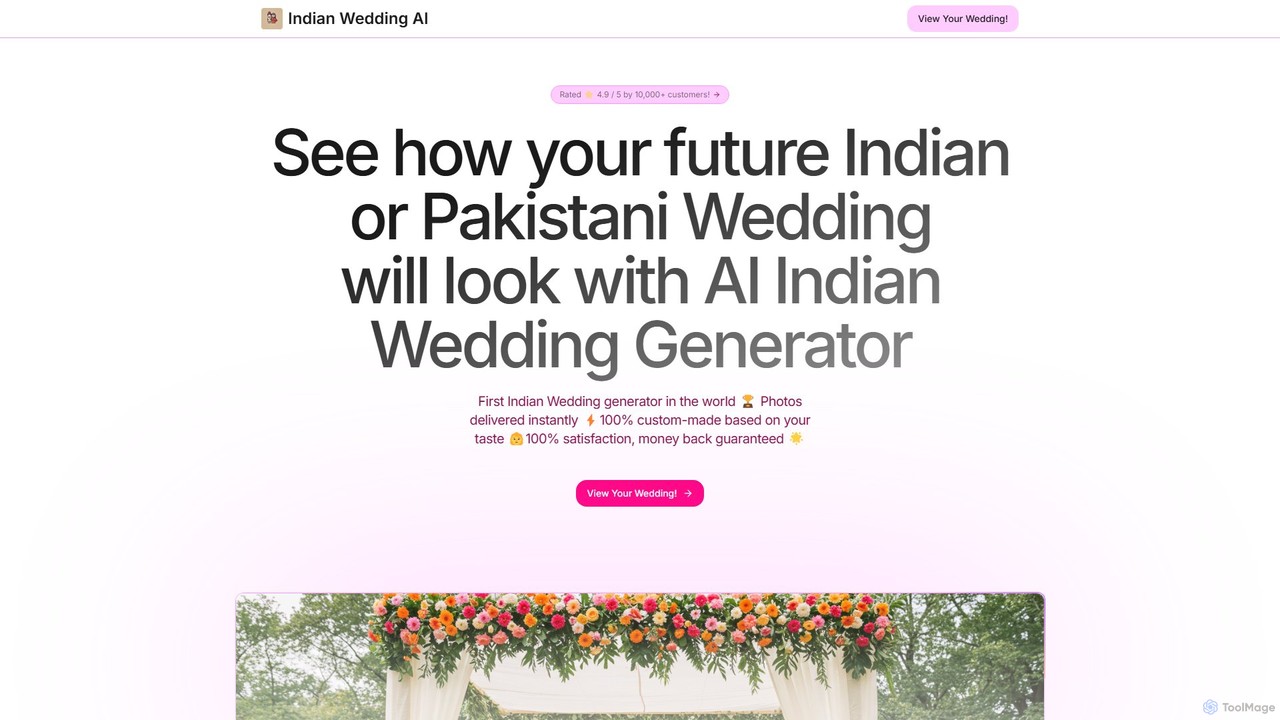
IndianWeddingAI is a specialized AI image generator that helps couples visualize their dream Indian, Pakistani, and South Asian weddings. By inputting preferences like event type, colors, and decor, users receive stunning, personalized images of their celebration, simplifying the planning process and bringing their vision to life.

Inspiration
Visits 4.1KFavorites 107Likes 115

About Image Generation

Image Generation tools are a class of AI applications that create novel visual content from text descriptions or other inputs. They utilize advanced models like diffusion or GANs to translate human language into detailed images, illustrations, and art. This technology empowers creators, marketers, and designers to rapidly visualize concepts, produce unique marketing assets, and explore creative possibilities without manual artistic skill. A key advantage is the ability to generate countless variations from a single prompt, accelerating the creative workflow.

Core Features

  • Text-to-Image Generation: Convert natural language prompts into high-quality images, illustrations, or abstract art.
  • Image-to-Image Transformation: Modify existing images based on text instructions, such as changing styles or adding elements.
  • Style Customization: Control the artistic style of the output, from photorealistic and cinematic to anime, impressionism, or 3D renders.
  • Parameter Control: Fine-tune aspects like aspect ratio, resolution, negative prompts, and generation seed for precise results.
  • Inpainting & Outpainting: Edit specific parts of an image or extend its canvas with contextually aware, AI-generated content.

Use Cases

These tools are widely used in digital marketing for creating ad visuals, in game development for concept art, by content creators for social media posts, and by designers for mood boards and initial mockups. They enable rapid iteration and exploration of visual ideas across various creative industries.

How to Choose

When selecting an Image Generation tool, consider the quality and realism of the output, the range of available styles, and the ease of use of the prompting interface. Also evaluate the pricing model (e.g., subscription vs. credit-based) and advanced features like API access for integration or the ability to train the model on your own images.

Featured tool rankings

Image Generation use cases

1

Creating Unique Marketing Visuals

A social media manager for a startup needs to produce a high volume of engaging visuals for daily posts across different platforms. Instead of relying on generic stock photos, they use an AI image generator. By inputting prompts like 'a minimalist flat lay of a smartphone with our app interface, pastel background, soft lighting', they can generate dozens of on-brand, unique images in minutes. This saves significant budget on photography and graphic design, while ensuring a consistent and fresh visual identity for the brand's online presence.

2

Rapid Prototyping for Game Concept Art

A concept artist at a game studio is tasked with designing a new character for a fantasy RPG. To quickly explore different visual directions, they use an AI image generator. They input detailed prompts like 'female elf rogue, leather armor with intricate silver details, holding two glowing daggers, mystical forest background, artstation concept art style'. The AI generates multiple high-quality variations in minutes. This allows the artist to present a wide range of ideas to the art director for feedback, drastically reducing the time spent on initial sketching and iteration.

3

Visualizing Architectural and Interior Designs

An interior designer is working with a client to remodel a living room. To help the client visualize the final look, the designer uses an AI tool's outpainting feature. They start with a photo of the empty room and use prompts to add elements like 'a plush velvet sofa in emerald green', 'a large abstract painting on the wall', and 'warm afternoon sunlight streaming through the window'. This process creates a photorealistic mockup that is much faster and more flexible to modify than traditional 3D rendering, allowing for real-time collaboration with the client.

4

Generating Custom Illustrations for Blog Posts

A content writer for a tech blog wants to include unique header images for each article to improve engagement, but lacks design skills. They use an AI image generator to create custom illustrations. For an article about cloud computing, they might use the prompt 'abstract representation of data flowing between clouds, digital art, blue and purple color palette, futuristic'. This allows them to produce a perfectly relevant and visually appealing image in a specific style that matches their blog's branding, making their content stand out without hiring an illustrator.

5

Creating Personalized Storybook Illustrations

A parent wants to create a unique, personalized storybook for their child. Using an AI image generator, they can bring their story to life visually. For each scene, they write a descriptive prompt, such as 'a friendly cartoon bear and a clever fox having a picnic in a sunlit meadow, children's book illustration style'. They can ensure character consistency by referencing previous images or using specific seeds. This process empowers anyone to become an illustrator for their own stories, creating a one-of-a-kind gift or family keepsake without needing any artistic drawing ability.

6

Generating Textures and Patterns for 3D Models

A 3D artist is creating assets for a video game and needs a variety of seamless textures. Instead of searching for or manually creating textures, they use an AI image generator with a 'tiling' or 'seamless' feature. They can generate unique textures by prompting 'ancient cobblestone path with moss, photorealistic, 4k texture, seamless'. This allows them to create an infinite variety of high-resolution, tileable textures for floors, walls, and objects, significantly speeding up the texturing workflow and adding a unique visual quality to the game environment.

Image Generation FAQ

What is AI Image Generation?

AI Image Generation is a process where artificial intelligence models create new, original images from text prompts or other inputs. These tools are a subset of generative AI, using complex algorithms like diffusion models or Generative Adversarial Networks (GANs) to interpret descriptions and synthesize corresponding visuals. Key capabilities include creating photorealistic images, artistic illustrations, and abstract designs from scratch. Users can typically control style, composition, and specific elements, making it a powerful tool for artists, designers, and marketers.

How to choose the right AI Image Generation tool?

Choosing the right tool depends on your specific needs. Consider these factors:

  • Output Quality & Style: Does the tool excel at the style you need (e.g., photorealism, anime, fantasy art)? Review its gallery to assess quality.
  • Ease of Use: Is the interface intuitive for beginners, or does it offer advanced controls (like negative prompts, seeds, model weights) for experts?
  • Features: Do you need specific features like inpainting/outpainting, image-to-image transformation, or the ability to train the model on your own data?
  • Pricing Model: Compare subscription plans, pay-per-image (credit) systems, and free tiers. Determine which offers the best value for your expected usage.
  • Community & Support: A strong community can provide inspiration and help with crafting better prompts. Check for official documentation and support channels.
What is the difference between AI Image Generation and AI Image Editing?

The core difference lies in their primary function: creation versus modification. AI Image Generation creates entirely new, original images from scratch based on a user's text prompt. It synthesizes pixels to form a visual that did not exist before. AI Image Editing, on the other hand, uses AI to alter an *existing* image. Common editing tasks include removing backgrounds, upscaling resolution, erasing unwanted objects, or applying smart filters. While some advanced generators include editing features like inpainting, their main purpose is to generate, not just to enhance or fix.

What kind of prompts create the best AI images?

Effective prompts are specific, descriptive, and layered. To get the best results, try to include several of these elements:

  • Subject: Clearly define the main person, object, or creature (e.g., 'a stoic ancient warrior').
  • Setting & Context: Describe the environment and action (e.g., 'standing on a snowy mountain peak at sunrise').
  • Style & Medium: Specify the artistic style (e.g., 'photorealistic', 'oil painting', '3D render', 'anime style').
  • Details & Modifiers: Add details about lighting, color, camera angle, and mood (e.g., 'dramatic lighting, cinematic, wide-angle shot, vibrant colors').
  • Negative Prompts: Use negative prompts to specify what you *don't* want to see (e.g., '-text, -blurry, -extra limbs').

Experimenting by combining these elements is key to mastering prompt engineering.

Is it legal to use AI-generated images for commercial purposes?

The legality of using AI-generated images commercially is a complex and evolving area of law. It largely depends on two factors: the terms of service of the specific AI tool and the copyright laws in your jurisdiction. Many popular AI image generators grant users a broad license, often including commercial use rights, for the images they create. However, some may have restrictions. It is crucial to always read and understand the license agreement of any tool before using its output for commercial projects to ensure compliance and avoid potential legal issues.