Language Tools Best in category 1 results Optical Character Recognition AI Tool

Popular AI tools in the Optical Character Recognition field of Language Tools include Image Translator, etc., helping you quickly improve efficiency.

Free
Image Translator

Image Translator

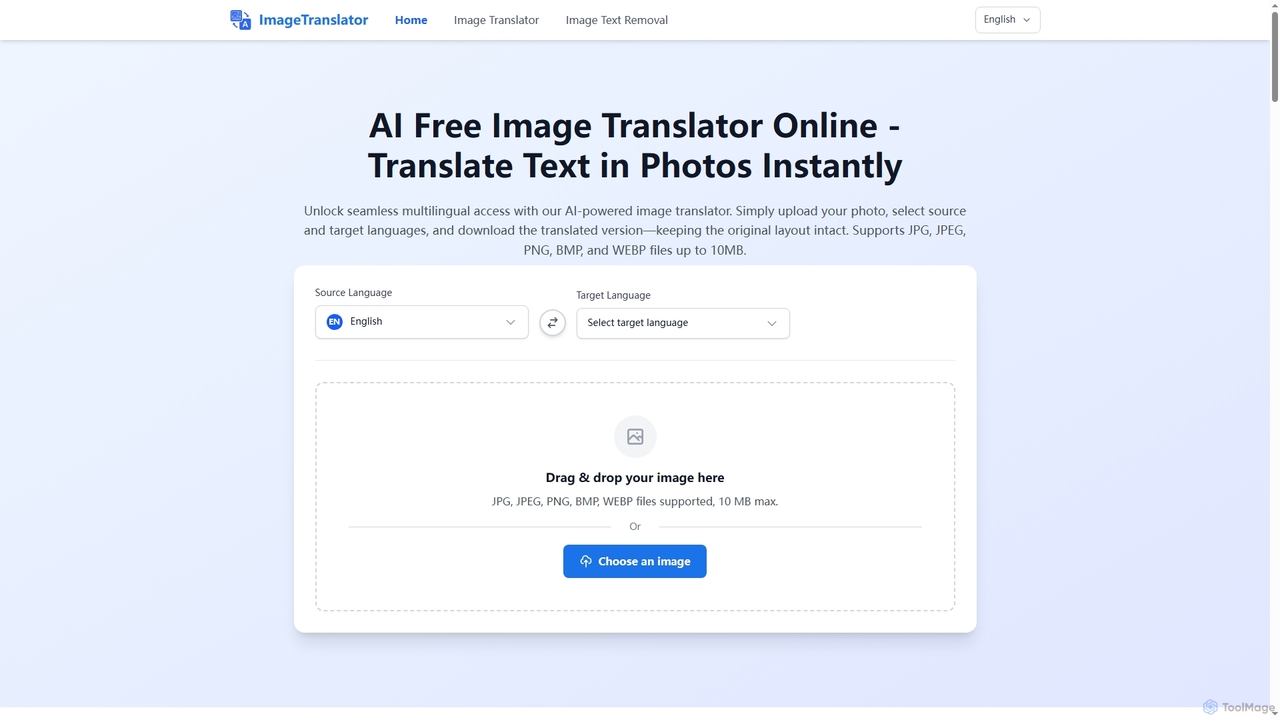
Image Translator is a free, AI-powered online tool designed to instantly translate text within images while preserving the …

161.6K

About Optical Character Recognition

Optical Character Recognition (OCR) tools are AI-powered technologies designed to convert various types of images, such as scanned documents, photos, or PDFs, into editable and searchable text data. These tools leverage advanced machine learning algorithms to identify and extract characters, words, and sentences from visual inputs. By transforming static visual information into digital text, OCR significantly streamlines data entry, document management, and information retrieval processes, making previously inaccessible data readily usable for analysis and editing.

Core Features

  • Text Extraction: Accurately identifies and extracts printed or handwritten text from images.
  • Layout Preservation: Retains the original document structure, including paragraphs, columns, and tables, in the output.
  • Multi-language Support: Recognizes and processes text in a wide array of languages.
  • Handwriting Recognition (HCR): Converts handwritten notes and forms into digital text.
  • Data Field Extraction: Automatically identifies and extracts specific data points like names, dates, and invoice numbers.

Applicable Scenarios

OCR tools are indispensable across various sectors. In finance, they automate the processing of invoices and receipts, reducing manual data entry errors. Legal professionals use OCR to quickly search and analyze vast archives of scanned contracts and case files. Healthcare providers leverage OCR for digitizing patient records and insurance forms, improving accessibility and compliance.

How to Choose

When selecting an OCR tool, consider its accuracy rate, especially for complex layouts or low-quality images. Evaluate the range of supported languages and file formats, and check for integration capabilities with existing document management systems. Assess the processing speed for high-volume tasks and compare pricing models, including per-page or subscription-based options, to match your specific operational needs and budget.

Optical Character RecognitionUse Cases

1

Automating Invoice and Receipt Processing

Financial departments or small businesses use OCR to automatically extract key data like vendor names, invoice numbers, dates, and line items from scanned invoices and receipts. This eliminates manual data entry, significantly speeding up accounting processes, reducing errors, and enabling faster reconciliation and payment processing.

2

Automating Data Entry from Invoices and Receipts

Finance departments and small businesses frequently deal with large volumes of paper invoices and receipts. OCR tools enable them to automatically extract key information such as vendor names, dates, itemized lists, and total amounts directly from scanned images or photos. This significantly reduces manual data entry time, minimizes human errors, and accelerates accounting processes, allowing staff to focus on analysis rather than tedious input tasks.

3

Digitizing Historical Archives and Books

Libraries, museums, and research institutions employ OCR to convert vast collections of scanned historical documents, rare books, and manuscripts into searchable digital text. This makes previously inaccessible content available for academic research, preservation, and public access, allowing full-text searches across entire archives.

4

Digitizing and Archiving Historical Documents

Libraries, archives, and historical societies often possess vast collections of fragile paper documents, manuscripts, and old books. OCR technology allows these institutions to convert these physical assets into searchable digital formats. This not only preserves valuable historical information from decay but also makes it accessible to researchers worldwide, enabling full-text searches and easier analysis of historical texts without handling the originals.

5

Extracting Data from ID Cards and Passports

Hospitality, travel, and banking industries utilize OCR to quickly and accurately extract personal information (name, date of birth, ID number) from scanned identification documents during customer onboarding or check-in. This streamlines verification processes, enhances security, and improves customer experience by minimizing manual input.

6

Extracting Information from Legal Contracts and Case Files

Legal professionals, including lawyers and paralegals, regularly work with extensive scanned legal documents, contracts, and court filings. OCR tools empower them to quickly search for specific clauses, names, or dates within these non-editable image files. This capability drastically cuts down the time spent on document review, enhances the efficiency of legal research, and ensures critical information is not overlooked during due diligence or litigation preparation.

7

Converting Scanned Legal Documents to Editable Text

Legal professionals use OCR to transform scanned contracts, court filings, and discovery documents into editable and searchable text files. This enables efficient keyword searching, text analysis, and easy modification, drastically reducing the time spent on document review and preparation for litigation or compliance.

8

Converting Printed Books and Articles to Editable Text

Researchers, students, and content creators often need to reference or repurpose content from physical books, journals, or printed articles. OCR software provides a solution by converting these printed materials into editable text documents. This allows users to easily copy, paste, edit, and cite passages, integrate information into digital notes, or even convert materials into accessible formats for individuals with visual impairments, streamlining academic and creative workflows.

9

Processing Handwritten Forms and Surveys

Market research firms, healthcare clinics, and government agencies leverage advanced OCR with Handwriting Recognition (HWR) to digitize data from handwritten survey responses, patient intake forms, or application forms. This automates the conversion of diverse handwriting styles into structured data, facilitating analysis and record-keeping.

10

Processing Identity Documents for KYC and Onboarding

Industries like banking, hospitality, and telecommunications require robust Know Your Customer (KYC) processes and efficient client onboarding. OCR tools are crucial for automatically extracting data from identity documents such as passports, driver's licenses, and national ID cards. This automates the verification process, reduces manual transcription errors, speeds up customer registration, and enhances security compliance by ensuring accurate data capture from official documents.

11

Creating Searchable PDF Documents from Images

Any user or organization dealing with image-based documents (e.g., photos of whiteboards, screenshots, scanned reports) can use OCR to embed an invisible text layer within a PDF. This transforms static images into searchable PDFs, allowing users to find specific information within the document using standard search functions, improving document accessibility.

12

Real-time Text Translation from Images and Signs

Travelers, international business professionals, and language learners often encounter foreign text on signs, menus, or product labels. OCR technology, particularly when integrated with translation services, allows users to point their smartphone camera at text and receive an instant, translated overlay or digital text. This breaks down language barriers in real-time, facilitates navigation in foreign environments, and aids in understanding unfamiliar information without manual typing or complex lookups.

Optical Character RecognitionFrequently Asked Questions