Gumdrop
Gumdrop is an AI-powered personal assistant that you can interact with via SMS and email. It helps you …
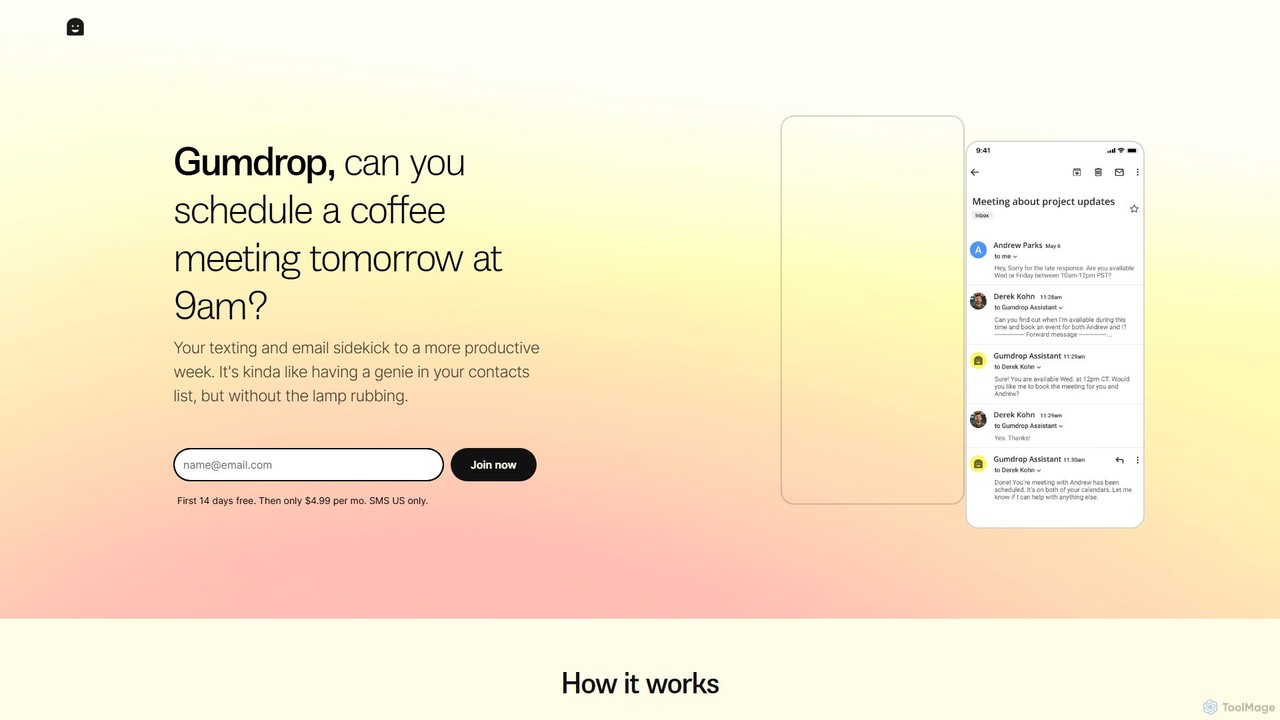
Gumdrop is an AI-powered personal assistant that you can interact with via SMS and email. It helps you manage your schedule, book reservations, set reminders, and get information without needing a separate app. Simply text your requests and let Gumdrop handle the rest.
About Automation
AI Automation tools are applications designed to streamline and manage repetitive personal and digital tasks in your daily life. These tools use artificial intelligence to connect different apps, learn user patterns, and execute multi-step workflows without manual intervention. By setting up triggers and actions, they help save significant time, reduce mental load, and allow users to focus on more creative or important activities. They effectively act as personal assistants for your digital life.
Core Features
- Workflow Builder: Visually create multi-step automation sequences connecting various applications and services.
- App Integration: Connects with a wide range of third-party apps (e.g., social media, email, cloud storage, smart home devices).
- Trigger-Based Execution: Automatically starts workflows based on specific events, such as receiving an email or a new file being added.
- Conditional Logic: Implements 'if-then' rules to create more complex and intelligent automation paths.
- AI-Powered Scheduling: Optimizes the timing of tasks based on user behavior, content engagement, or other data points.
Use Cases
These tools are ideal for busy professionals, content creators, small business owners, and anyone looking to enhance personal productivity. Common applications include automatically posting content across multiple social media platforms, organizing files into cloud storage, managing smart home routines, or even filtering and categorizing emails to achieve 'inbox zero'.
How to Choose
When selecting an AI Automation tool, consider the breadth of its app integrations to ensure it supports the services you use. Evaluate the user interface; some are simple for beginners, while others offer advanced logic for developers. Also, review the pricing model—whether it's based on the number of tasks, workflows, or a flat subscription—and check for a free tier to test its capabilities for your specific needs.
AutomationUse Cases
Automate Social Media Content Posting
A content creator manages multiple social media accounts (Instagram, Twitter, Facebook) and needs to post consistently. Using an AI automation tool, they create a workflow that monitors a specific folder in their cloud storage. When a new image is added, the tool automatically generates a caption using AI, adds relevant hashtags, and schedules the post for optimal engagement times on each platform. This saves several hours of manual work each week and ensures a consistent online presence.
Create Intelligent Smart Home Routines
A homeowner wants to create a 'Good Morning' routine. Using an AI automation tool connected to their smart home devices, they set a trigger for their first alarm. When the alarm goes off, the tool automatically instructs the smart lights to fade in slowly, tells the smart thermostat to adjust to a comfortable temperature, and starts playing a morning news podcast on their smart speaker. This creates a seamless and personalized wake-up experience without needing to interact with multiple apps.
Automatically Organize Digital Receipts and Files
A freelancer receives numerous email receipts and project files daily, cluttering their inbox and download folder. They set up an automation where the tool scans their email for messages with keywords like 'receipt' or 'invoice'. It then automatically saves the PDF attachment to a specific 'Finances' folder in their cloud drive, renaming the file with the date and vendor name. A similar rule organizes project files from clients into dedicated project folders, keeping their digital workspace tidy and searchable.
Streamline Personal Finance Tracking
An individual wants to better manage their budget. They use an automation tool to connect their bank account transactions to a spreadsheet. Every time a new transaction occurs, the tool adds a new row to the spreadsheet, automatically categorizes the expense based on the merchant's name (e.g., 'Groceries', 'Transport'), and updates a chart visualizing their spending. This provides a real-time overview of their financial health without the need for manual data entry in budgeting apps.
Aggregate News and Articles into a Personal Digest
A researcher needs to stay updated on specific topics from various sources like news sites, blogs, and academic journals. They configure an automation to monitor RSS feeds and specific websites for new articles containing their keywords. The tool then compiles all the new findings into a single, formatted email digest and sends it to them every morning. This saves them from manually checking dozens of websites daily and ensures they never miss a critical update in their field of interest.
Automate Workout and Meal Plan Reminders
A fitness enthusiast follows a strict workout and meal plan. They use an automation tool to connect their calendar and a messaging app. Each day, the tool checks the calendar for the scheduled workout (e.g., 'Leg Day') and meal plan. It then sends a personalized reminder to their phone an hour before the workout, including motivational quotes and a link to their playlist. It also sends reminders at meal times with details of what to eat, helping them stay consistent and disciplined with their fitness goals.