
ToolMage
Sign in

Best 1 Language Support AI tools for Meeting & Conference

Popular Language Support AI tools in Meeting & Conference include Doctranslate Live, helping you work more efficiently.

Doctranslate Live

Doctranslate Live

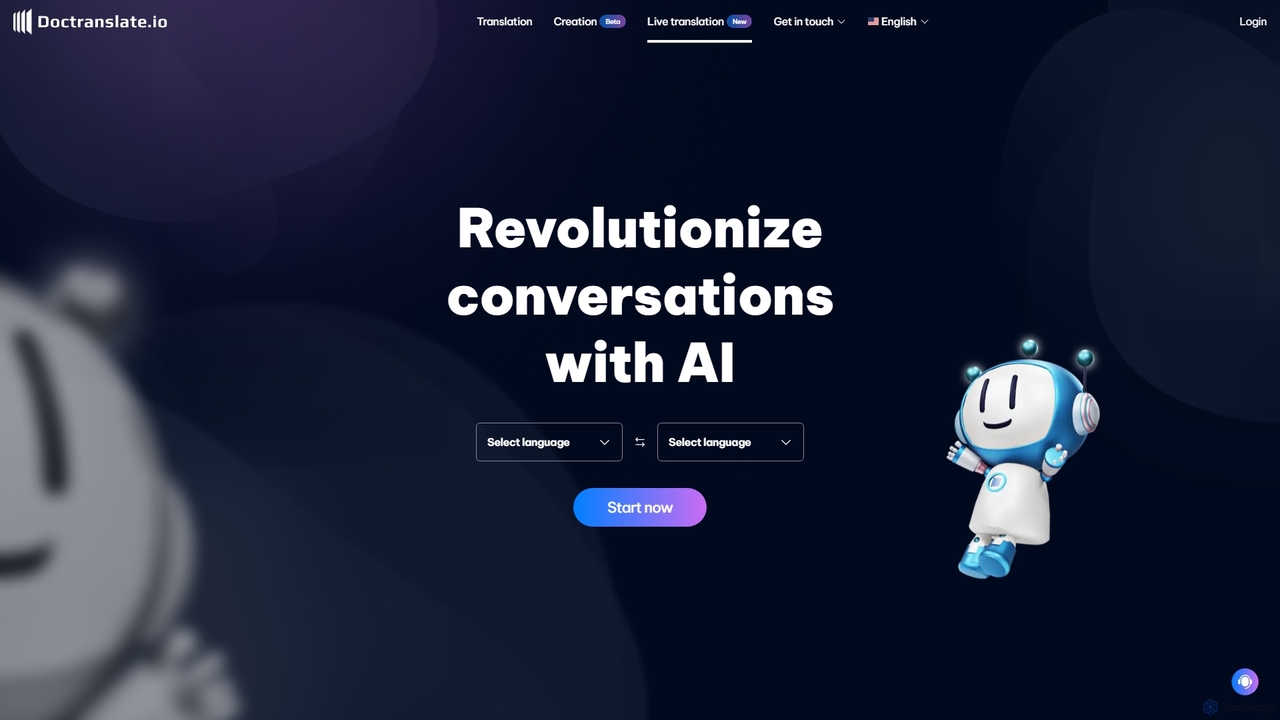
Doctranslate Live is an AI-powered platform designed to revolutionize multilingual communication through real-time simultaneous interpretation and document translation. It supports live conferences, offers fast and accurate translation modes, and can process various file types, providing outputs like subtitles, voice-overs, and transcripts.

Language Support
Visits 5.7KFavorites 113Likes 100

About Language Support

Language Support tools for meetings are AI-powered solutions designed to eliminate language barriers during live events. They utilize advanced speech-to-text, machine translation, and voice synthesis technologies to provide real-time translation and transcription. This enables global audiences to understand and participate in conferences, webinars, and international collaborations, regardless of their native language. By automating multilingual communication, these tools offer a scalable and accessible alternative to traditional interpretation services.

Core Features

  • Real-time Speech Translation: Instantly translates spoken words into multiple languages, delivered as on-screen captions or synthesized audio.
  • Multilingual Transcription: Generates a live, written record of the conversation in various languages simultaneously for review or accessibility.
  • Automated Dubbing: Replaces the original speaker's audio with a translated, AI-generated voice in real-time.
  • Speaker Identification: Distinguishes between different speakers in the transcript, attributing dialogue correctly for clarity.
  • Custom Vocabulary: Allows users to add specific industry jargon, brand names, or acronyms to improve translation accuracy.

Use Cases

These tools are essential for international business conferences, global corporate town halls, multinational team meetings, and online educational webinars. Any event aiming to engage a diverse, multilingual audience can benefit from real-time language support to ensure inclusive and effective communication.

How to Choose

When selecting a Language Support tool, consider its translation accuracy and latency. Evaluate the range of languages it supports and its integration capabilities with your preferred video conferencing platforms like Zoom, Microsoft Teams, or Google Meet. Also, assess its scalability to handle your audience size and the quality of its customer support.

Language Support use cases

1

Enhancing Global Webinars with Real-Time Subtitles

A marketing team hosting a global product launch webinar uses an AI Language Support tool to broadcast real-time subtitles in Spanish, French, German, and Japanese. This allows international attendees to follow the presentation in their native language, significantly increasing engagement and comprehension. The tool integrates directly with their streaming platform, providing a seamless experience for both the hosts and the audience, leading to a higher number of qualified leads from non-English speaking regions.

2

Facilitating Multinational Corporate Town Halls

A multinational corporation conducts its quarterly town hall meeting with employees from offices worldwide. An AI Language Support tool provides real-time audio translation of the CEO's speech. Employees can select their preferred language channel within the conferencing app to hear a synthesized voice translation. This ensures that critical company updates and strategies are communicated clearly and consistently across all regions, fostering a more unified corporate culture.

3

Automating Multilingual Q&A Sessions

During an international academic conference's Q&A session, participants submit questions in their own language via a chat function. The AI tool instantly translates these questions into English for the presenter. The presenter's spoken English response is then simultaneously translated back into multiple languages as text captions for the audience. This process streamlines the Q&A, allowing for a dynamic and inclusive exchange of ideas without the delays of sequential human interpretation.

4

Creating Accessible On-Demand Event Content

After a live conference, the event organizer uses a Language Support tool to process the video recordings. The tool generates accurate, time-stamped transcripts and subtitles in over 10 languages. This repurposed content is then published on the event website, making it accessible to a wider audience, including those who couldn't attend live and individuals with hearing impairments. It also significantly boosts the content's SEO value for international search queries.

5

Streamlining International Client Negotiations

A sales team is negotiating a complex deal with a potential client from another country. They use an AI Language Support tool during their video calls to provide a live transcript of the conversation in both languages. This written record helps prevent misunderstandings regarding technical specifications, pricing, and contract terms. It serves as a reliable reference point for both parties, building trust and accelerating the negotiation process.

6

Conducting Global User Research Interviews

A UX research team needs to gather feedback from users in different countries. Instead of hiring interpreters for each session, they use an AI tool that provides real-time translation during video interviews. This allows the researcher to interact more naturally with participants and capture nuanced feedback directly. The tool's transcription feature also provides a complete, translated record of each interview for later analysis, saving significant time and budget.

Language Support FAQ

What are AI Language Support tools for meetings?

AI Language Support tools are software solutions that provide real-time translation and transcription services for live events like meetings, webinars, and conferences. Unlike general translation apps, they are specifically designed for spoken language in a live setting, focusing on low latency and integration with conferencing platforms. Their primary goal is to enable seamless communication among participants who speak different languages.

How do I choose the right Language Support tool for my event?

To choose the right tool, evaluate these key factors:

  • Accuracy and Latency: Check reviews and demos to assess the quality and speed of the translation.
  • Language Coverage: Ensure it supports all the languages your audience needs.
  • Platform Integration: Verify that it works smoothly with your video conferencing software (e.g., Zoom, Teams).
  • Scalability: Confirm it can handle the number of attendees and concurrent language streams for your event.
  • Customization: Look for features like custom glossaries to improve accuracy for industry-specific terms.
AI interpretation vs. human interpretation: what's the difference?

The main difference lies in scalability, cost, and nuance. AI interpretation is highly scalable, capable of supporting many languages and attendees simultaneously at a lower cost. Human interpreters provide higher accuracy, cultural nuance, and context awareness, which is critical for high-stakes diplomatic or legal settings. AI is an excellent choice for large-scale events and internal meetings, while human interpreters are often preferred for situations requiring perfect accuracy and subtlety.

Can these tools handle technical jargon and accents?

The performance varies by tool. Advanced AI models are trained on vast datasets and can handle a good amount of technical jargon and various accents with reasonable accuracy. However, highly specialized terminology can still be a challenge. Many top-tier tools offer a custom vocabulary or glossary feature, where you can pre-load specific terms, brand names, and acronyms to significantly improve their recognition and translation accuracy during the event.

Are these tools only for live events?

While their primary function is for live events, most AI Language Support tools are also highly effective for post-event content. They can process video or audio recordings to generate accurate transcripts, create subtitles in multiple languages, or produce translated voice-overs. This makes them valuable for creating accessible on-demand content, training materials, and searchable archives from your live sessions.