ToolMage
Sign in

Best 2 Application Development AI tools for Mobile Development

Popular Application Development AI tools in Mobile Development include Trigma and AugurVista, helping you work more efficiently.

Trigma

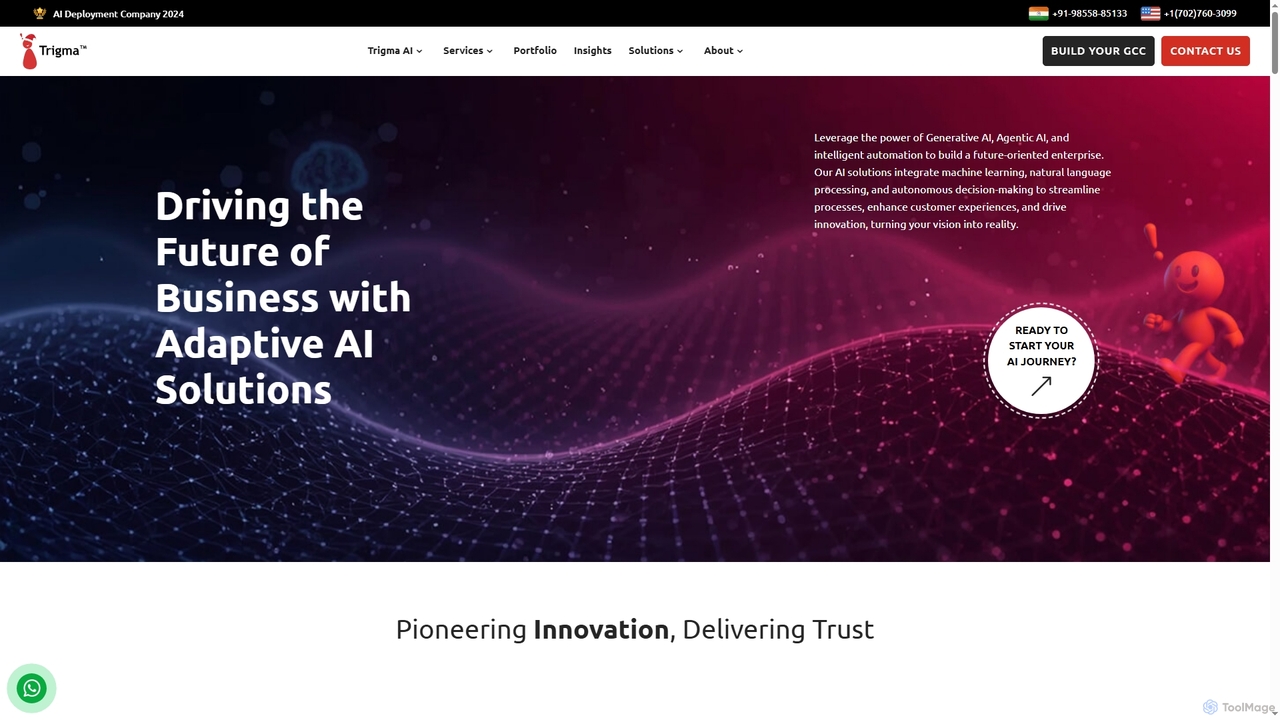
Trigma is a global AI development company specializing in custom AI and tech solutions for businesses. They leverage Generative AI, Agentic AI, machine learning, and natural language processing to create adaptive solutions that streamline processes, enhance customer experiences, and drive innovation across various industries, from healthcare to real estate.

Agentic Ai
Visits 11.4KFavorites 24Likes 21

AugurVista

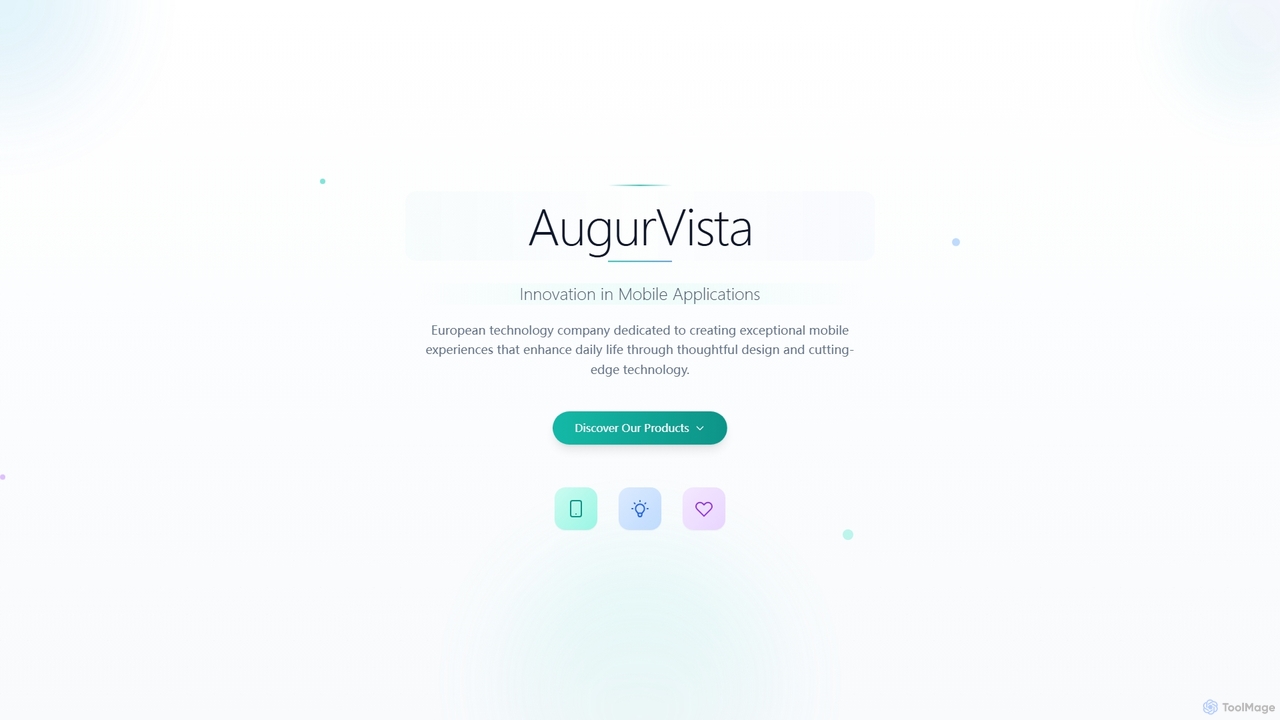
AugurVista is an Estonian technology company dedicated to crafting innovative mobile applications that enhance daily life through thoughtful design and cutting-edge technology. Specializing in user-centered experiences, their products, like the smart alarm app RoosterMe, leverage advanced algorithms to deliver exceptional value and foster healthy habits.

Wellness Tracking
Visits 3.3KFavorites 101Likes 110

About Application Development

AI-powered Application Development tools are designed to streamline and accelerate the creation of software applications, including those for mobile platforms. These tools leverage artificial intelligence to automate various stages of the development lifecycle, from code generation and testing to UI/UX design and deployment. By integrating AI, developers can enhance productivity, reduce manual errors, and build more sophisticated, intelligent applications with greater efficiency. They empower both seasoned developers and citizen developers to bring their ideas to life faster, often with less coding effort.

Core Features

  • AI Code Generation: Automatically generates code snippets, functions, or even entire application modules based on natural language descriptions or design inputs.
  • Intelligent Debugging & Testing: Utilizes AI to identify bugs, suggest fixes, and automate the creation and execution of test cases, improving application reliability.
  • Automated UI/UX Design: Assists in designing user interfaces and experiences by suggesting layouts, components, and optimizing for user engagement based on data.
  • Low-Code/No-Code AI Integration: Provides visual interfaces and pre-built AI components, enabling users to integrate complex AI functionalities without extensive coding.
  • Predictive Analytics for Performance: Employs AI to analyze application performance data, predict potential bottlenecks, and recommend optimizations for scalability and user experience.

Applicable Scenarios

These tools are invaluable for startups rapidly prototyping new mobile apps, enterprises accelerating digital transformation initiatives, and individual developers seeking to enhance their productivity. They are used in scenarios ranging from building custom business applications and intelligent chatbots to developing sophisticated data analysis tools and interactive mobile games, significantly reducing time-to-market.

How to Choose

When selecting an AI Application Development tool, consider its compatibility with your existing tech stack, the breadth of AI capabilities offered (e.g., code generation, testing, design), the ease of integration with other development tools, and the level of customization allowed. Evaluate the learning curve, community support, and pricing model to ensure it aligns with your team's expertise and budget, especially if focusing on mobile application development.

Featured tool rankings

Application Development use cases

1

Accelerating Mobile App Prototyping

Mobile app development teams can leverage AI Application Development tools to rapidly generate initial prototypes. By inputting design specifications or functional requirements in natural language, the AI can automatically create basic UI layouts, integrate core functionalities, and even suggest database schemas. This significantly reduces the time spent on initial setup and allows developers to quickly iterate on concepts, gather early feedback, and move faster from idea to a testable version of a mobile application.

2

Automating Code Generation for Web Services

Backend developers often spend considerable time writing boilerplate code for APIs and microservices. AI Application Development tools can automate this process by generating secure and efficient code based on defined data models and endpoint specifications. This allows developers to focus on complex business logic rather than repetitive coding tasks, ensuring consistency across services and accelerating the deployment of new features for various applications, including those supporting mobile frontends.

3

Enhancing Application Testing and Debugging

Quality Assurance (QA) engineers can utilize AI-powered development tools to create comprehensive test suites and identify potential bugs more efficiently. The AI can analyze existing codebases, predict common failure points, and automatically generate relevant test cases, including edge scenarios. Furthermore, it can suggest optimal debugging strategies and even propose code fixes, drastically reducing the time and effort required to ensure the stability and reliability of both web and mobile applications before release.

4

AI-Driven UI/UX Optimization for Cross-Platform Apps

UI/UX designers can employ AI Application Development tools to optimize user interfaces and experiences across different platforms, including mobile and web. These tools analyze user interaction data, identify pain points, and suggest design improvements such as layout adjustments, color scheme optimizations, and component placements. This ensures a more intuitive and engaging user experience, leading to higher user satisfaction and better conversion rates for applications.

5

Building Intelligent Chatbots and Virtual Assistants

Businesses aiming to integrate conversational AI into their applications can use these tools to build and deploy intelligent chatbots or virtual assistants. The AI assists in designing conversation flows, generating natural language responses, and integrating with backend systems. This enables the creation of sophisticated customer service bots, internal support assistants, or interactive features within mobile applications, providing instant and personalized user engagement without extensive coding expertise.

6

Migrating Legacy Applications to Modern Stacks

Enterprises facing the challenge of modernizing outdated legacy applications can leverage AI Application Development tools. These tools can analyze existing code, identify dependencies, and suggest refactoring strategies or even automatically translate portions of the code to modern programming languages or frameworks. This significantly reduces the manual effort and risks associated with migrating complex systems, allowing for smoother transitions to cloud-native or mobile-first architectures.

Application Development FAQ

What are AI Application Development tools?

AI Application Development tools are software solutions that integrate artificial intelligence to automate and enhance various stages of the software development lifecycle. They leverage AI for tasks like code generation, intelligent testing, UI/UX design, and performance optimization. These tools aim to accelerate development, reduce manual effort, and enable the creation of more intelligent and robust applications, including those for mobile platforms.

How do AI tools assist in mobile application development?

AI tools significantly assist mobile application development by automating repetitive tasks, generating code snippets for specific mobile platforms (iOS/Android), and optimizing UI/UX for diverse screen sizes and user interactions. They can also help with intelligent testing on various devices, performance monitoring, and even suggest personalized features based on user behavior data, making the mobile app development process faster and more efficient.

What are the key benefits of using AI in application development?

The key benefits include increased development speed through automated code generation and task execution, reduced human error in coding and testing, and enhanced application quality and reliability. AI also enables the creation of more intelligent features, such as personalized user experiences or predictive functionalities, and lowers the barrier to entry for non-developers through low-code/no-code platforms, ultimately leading to faster time-to-market and innovation.

How do AI Application Development tools differ from traditional IDEs?

Traditional Integrated Development Environments (IDEs) provide a comprehensive environment for coding, debugging, and compiling, relying heavily on manual developer input. AI Application Development tools, while often integrating with or extending IDEs, go further by actively assisting with intelligent automation. They can generate code, suggest solutions, automate testing, and even design elements, proactively reducing manual effort and enhancing developer productivity beyond what a traditional IDE offers alone.

What should I consider when choosing an AI Application Development platform?

When choosing an AI Application Development platform, consider its specific AI capabilities (e.g., code generation, testing, design assistance), compatibility with your existing technology stack and programming languages, and the level of customization it allows. Evaluate its scalability, security features, pricing model, and the availability of documentation and community support. Also, assess its ease of use for your team's skill level, especially if you plan to involve citizen developers.