Nocode Best in category 1 results Application Development AI Tool

Popular AI tools in the Application Development field of Nocode include Xano, etc., helping you quickly improve efficiency.

Xano

Xano

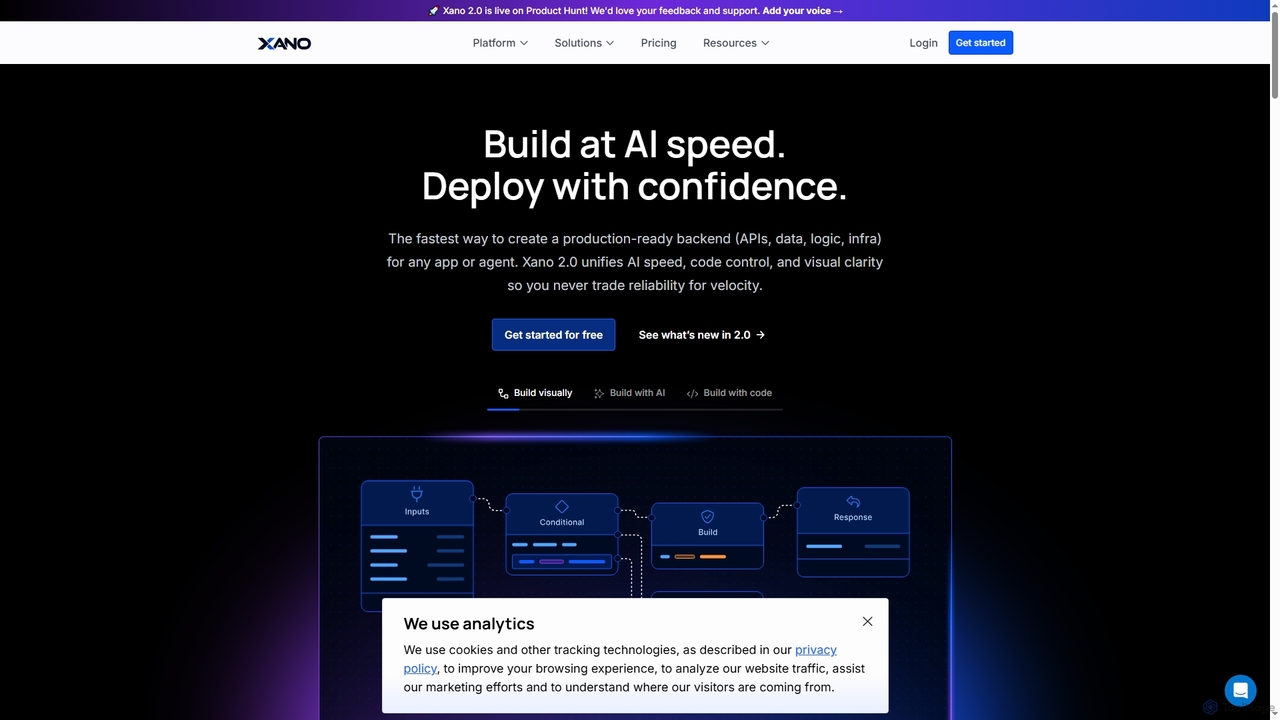
Xano is a scalable no-code backend platform that empowers developers and teams to build production-ready applications and AI …

194.4K

About Application Development

AI Application Development tools are a specialized category of no-code platforms that empower users to build, test, and deploy functional web and mobile applications without writing code. These tools utilize visual interfaces with drag-and-drop components and pre-built logic blocks to construct both the user interface and backend processes. Their primary value lies in dramatically accelerating the development lifecycle, enabling entrepreneurs, designers, and business analysts to transform ideas into working products. Many platforms also integrate AI capabilities, allowing for the creation of smarter applications with features like data analysis, chatbots, or automated decision-making.

Core Features

  • Visual Workflow Builder: Design complex application logic, user journeys, and data processes using a graphical, node-based interface.
  • Drag-and-Drop UI Editor: Construct responsive user interfaces for web and mobile by arranging pre-made components like forms, buttons, and lists.
  • Integrated Database: Visually create and manage data structures and collections directly within the platform, eliminating the need for external database setup.
  • API & Service Integration: Connect to third-party services, APIs, and AI models to extend application functionality with payments, analytics, or advanced AI.
  • One-Click Deployment: Publish and host the finished application on scalable cloud infrastructure with a single click, handling server management automatically.

Use Cases

These tools are ideal for creating internal business applications such as custom CRMs or project management dashboards. They are also widely used by startups to rapidly build and launch a Minimum Viable Product (MVP) to test market fit. Additionally, businesses use them to create customer-facing portals for support, bookings, or information access.

How to Choose

When selecting an AI Application Development tool, first consider the target platform (web, native mobile, or PWA). Evaluate the platform's scalability and performance limits to ensure it can support your expected user load. Assess the richness of its component library and the ease of integrating with external services you rely on. Finally, review the pricing model, as costs can vary based on users, database usage, or workflows.

Application DevelopmentUse Cases

1

Build an Internal CRM for a Small Business

A sales manager at a small company, lacking coding skills, needs a custom tool to track leads and customer interactions. Using an AI application development platform, they visually design a database for contacts and deals. They build user-friendly forms for data entry and create a dashboard with drag-and-drop charts to visualize the sales pipeline. The entire process, from concept to a functional internal tool, is completed in a few days instead of months, empowering the team with a CRM tailored precisely to their workflow without hiring a developer.

2

Launch a Minimum Viable Product (MVP) for a Startup

An entrepreneur has an idea for a new online service but needs to validate it with real users before investing heavily. Using a no-code application builder, they create a functional MVP in two weeks. The app includes user registration, a core feature (e.g., a booking system), and a payment gateway integration. This allows them to launch quickly, gather crucial user feedback, and demonstrate traction to potential investors. The speed of no-code development is critical, enabling rapid iteration based on early market response without the high cost of a traditional development team.

3

Create a Customer-Facing Support Portal

A customer support team wants to reduce ticket volume by empowering users to find answers themselves. A team lead, without IT support, uses a no-code platform to build a support portal. The portal features a searchable knowledge base, an FAQ section powered by an AI chatbot that understands natural language queries, and a form to submit new support tickets. This portal is built and integrated with their existing helpdesk software in under a week, leading to a measurable decrease in repetitive support requests and improving overall customer satisfaction.

4

Automate Inventory Management for E-commerce

An e-commerce store owner struggles with tracking stock levels across multiple products. They use a no-code application builder to create a simple inventory management app. The app connects to their Shopify store's API to pull real-time sales data. They set up automated workflows that send a notification to their supplier via email when a product's stock falls below a predefined threshold. This custom application prevents stockouts, automates a tedious manual task, and provides a centralized dashboard to monitor all inventory levels, directly improving operational efficiency.

5

Develop a Custom Project Management Dashboard

A marketing agency uses multiple tools (Asana, Slack, Google Drive) and struggles to get a unified view of project progress. A project manager uses a no-code platform to build a central dashboard. They use pre-built connectors to pull data from each tool's API into a single interface. The dashboard displays key metrics, task statuses, and recent file uploads in real-time. This custom solution provides immediate, high-level visibility for stakeholders and saves the team hours each week previously spent on manually compiling status reports.

6

Create a Mobile App for a Local Event

An organizer for a local community festival needs a simple mobile app for attendees. With a limited budget and no developers, they turn to a no-code app builder. Using pre-built templates, they create an app featuring the event schedule, a map of the venue, speaker profiles, and a push notification system for important announcements. The app is built and published to app stores in less than a month. This provides a professional and convenient experience for attendees, improving engagement and communication without the cost and complexity of traditional app development.

Application DevelopmentFrequently Asked Questions