Xano
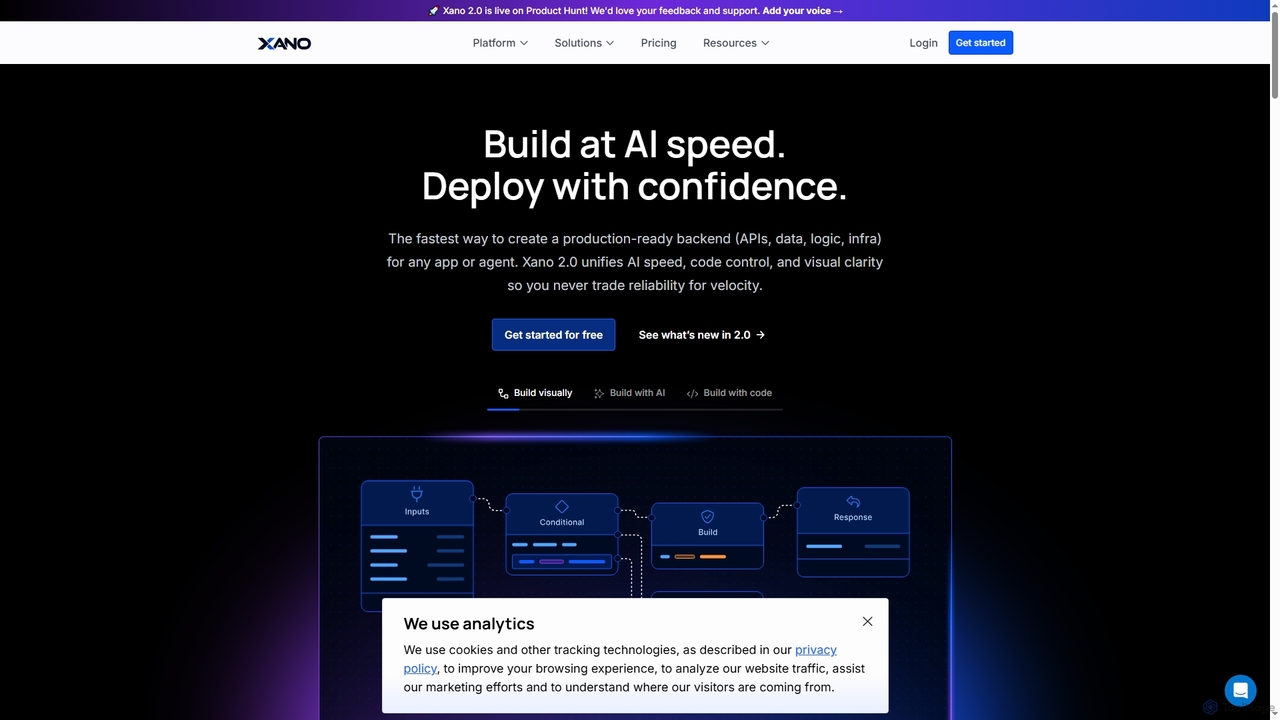
Xano is a scalable no-code backend platform that empowers developers and teams to build production-ready applications and AI …
Xano is a scalable no-code backend platform that empowers developers and teams to build production-ready applications and AI agents at speed. It provides a unified solution for APIs, a managed Postgres database, visual logic, and auto-scaling infrastructure, eliminating the need for complex DevOps.
About Nocode
Nocode tools are platforms that enable users to build applications, automate workflows, and create digital solutions without writing any code. These tools utilize visual development interfaces with drag-and-drop components and pre-built templates, making software development accessible to non-technical users. They empower entrepreneurs, marketers, and business operators to bring ideas to life quickly, create internal tools, and launch products. Many modern nocode platforms also integrate AI capabilities, allowing for the creation of more intelligent and automated systems.
Core Features
- Visual Interface Builder: Design user interfaces and application layouts using drag-and-drop editors.
- Workflow Automation: Create complex business logic and automated processes by visually connecting actions and triggers.
- Database and Data Management: Manage application data through built-in databases or seamless integrations with external sources like Google Sheets or Airtable.
- API Integration: Connect to third-party services and other applications through pre-built connectors without writing integration code.
Use Cases
Nocode tools are widely used by startup founders to build Minimum Viable Products (MVPs), marketing teams to create landing pages and campaign automations, and operations managers to develop custom internal tools for process management. They are particularly valuable in small to medium-sized businesses and corporate departments that need to rapidly deploy solutions without relying on dedicated development teams.
How to Choose
When selecting a nocode tool, consider the type of project you are building (e.g., web app, mobile app, automation). Evaluate the platform's scalability to ensure it can handle future growth in users and data. Check its integration capabilities with your existing software stack. Finally, assess the learning curve and the availability of community support and tutorials to accelerate your development process.
NocodeUse Cases
Build a Minimum Viable Product (MVP) for a Startup
An entrepreneur with a new app idea can use a nocode platform to build and launch a functional prototype without hiring a development team. By using a visual drag-and-drop interface, they can design the user interface, set up a user database, and implement core features like login and data submission. This approach allows them to launch an MVP in weeks instead of months, enabling them to gather real user feedback and validate their business concept with minimal initial investment.
Automate Internal Business Processes
An operations manager can create custom workflows to streamline repetitive tasks like employee onboarding or expense reporting. For example, they can build an automation where a new entry in an HR spreadsheet automatically triggers a series of actions: creating user accounts in various systems, sending a welcome email, and assigning introductory tasks in a project management tool. This eliminates manual data entry, reduces errors, and frees up the HR team to focus on more strategic initiatives.
Create a Custom CRM for a Small Business
A small business owner finds that off-the-shelf CRM solutions are either too expensive or overly complex for their needs. Using a nocode platform with database capabilities, they can build a simple, tailored CRM. They can create forms to capture leads from their website, a database to store and manage customer information, and automated email reminders for sales follow-ups. The result is a fully customized CRM that perfectly fits their specific sales process at a fraction of the cost of enterprise software.
Launch a Marketing Landing Page with Dynamic Content
A marketing manager needs to quickly create and test multiple landing pages for a new campaign without waiting for the development team. Using a nocode website builder, they can design a high-converting page in hours. They can also integrate it with a data source or an AI tool to personalize content, such as displaying different headlines or offers based on the visitor's location or referral source. This agility allows for faster A/B testing cycles and can lead to significantly improved campaign conversion rates.
Build a Client Portal or Membership Site
A consultant or content creator wants to provide clients or members with a secure, private area to access project files, reports, or exclusive content. Using a nocode platform, they can build a password-protected portal with user authentication. They can set up pages that dynamically display specific data for each logged-in user, such as their project status or course progress. This enhances the client experience, creates a professional image, and can open up new revenue streams through paid memberships.
Develop AI-Powered Internal Tools
A business analyst needs to leverage AI for tasks like sentiment analysis of customer feedback but lacks AI development expertise. Using a nocode platform that integrates with AI services (like OpenAI or Google AI), they can build a simple application. This app could take text input from a form, send it to an AI API for analysis, and display the sentiment score (positive, negative, neutral) in a dashboard. This democratizes access to AI, allowing non-technical teams to build smart tools that improve decision-making.