ToolMage
Sign in

Best 2 Office & Productivity AI tools

Popular Office & Productivity AI tools include Toolidx and SeekMoreAI, helping you work more efficiently.

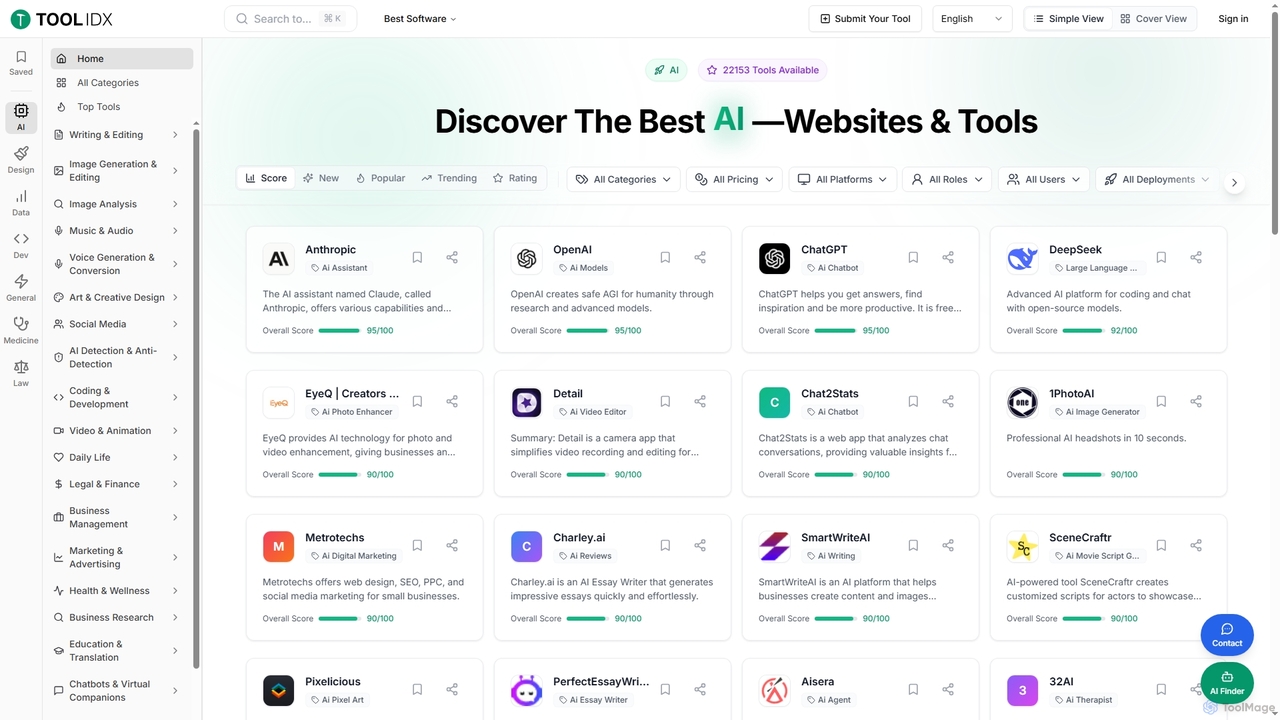
Toolidx
Freemium

Toolidx

Toolidx is a comprehensive directory and discovery platform designed to help individuals and businesses find, review, and utilize the best AI tools and software for various workflows. It offers an extensive collection of over 40,000 live tools across diverse categories, providing detailed insights and user ratings to facilitate informed decision-making.

Discovery Platform
Visits 4.8KFavorites 33Likes 31
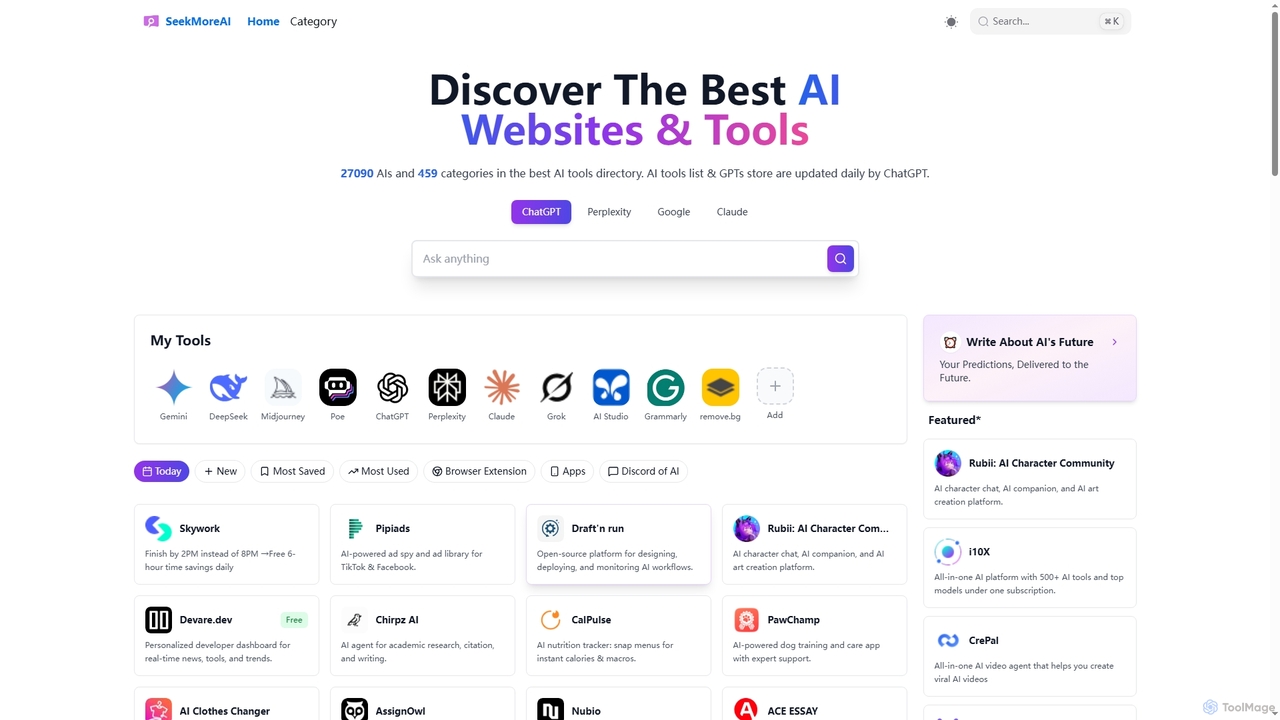
SeekMoreAI

SeekMoreAI

SeekMoreAI is a comprehensive online directory designed to help users discover and explore a vast collection of AI websites and tools. Featuring over 27,000 AI tools across 450+ categories, it's updated daily to ensure users find the most current and relevant AI solutions for various needs, from content creation to data analysis and business management.

Ai Assistant
Visits 4.8KFavorites 88Likes 85

About Office & Productivity

Office & Productivity AI tools are a category of AI-powered applications designed to streamline daily tasks, automate repetitive processes, and enhance overall workplace efficiency. These tools leverage artificial intelligence, machine learning, and natural language processing to transform how individuals and teams manage documents, communications, data, and time. By intelligently assisting with everything from content generation to data analysis, they empower users to focus on strategic work, reduce manual effort, and achieve higher output with fewer resources.

Core Features

  • Document Automation: AI-driven creation, summarization, translation, and analysis of documents.
  • Intelligent Task Management: Prioritization, scheduling, and delegation of tasks based on AI insights.
  • Communication Enhancement: AI assistance for drafting emails, transcribing meetings, and summarizing conversations.
  • Data Analysis & Reporting: Automated extraction, interpretation, and visualization of data for informed decision-making.
  • Workflow Optimization: Identifying bottlenecks and suggesting improvements in business processes.

Use Cases

These tools are widely adopted across various professional settings, from individual freelancers and small businesses to large enterprises. They are particularly valuable for content creators automating report generation, marketing teams personalizing outreach campaigns, and administrative staff streamlining scheduling and data entry. Professionals in finance, HR, and project management also utilize these AI solutions to enhance accuracy and accelerate complex operations.

How to Choose

When selecting Office & Productivity AI tools, consider their integration capabilities with existing software, the specific features that address your core pain points, and the scalability to grow with your team's needs. Evaluate the user interface for ease of adoption, data security protocols, and the pricing model to ensure it aligns with your budget and usage requirements. Prioritize tools offering robust support and continuous updates.

Office & Productivity use cases

1

Automating Email Drafting and Response

Sales professionals and customer service agents frequently spend hours crafting personalized emails. AI tools can analyze incoming emails, suggest relevant responses, and even draft full replies based on previous interactions and company knowledge bases. This significantly reduces response times, ensures consistent messaging, and frees up staff to handle more complex inquiries, leading to improved customer satisfaction and higher conversion rates.

2

Summarizing Long Documents and Meetings

For project managers and executives, sifting through lengthy reports, research papers, or meeting transcripts is time-consuming. AI productivity tools can automatically summarize key points, action items, and decisions from various text and audio sources. This allows stakeholders to quickly grasp essential information, make informed decisions faster, and ensures that no critical details are missed, enhancing overall team alignment and efficiency.

3

Generating Marketing Content and Copy

Marketing teams often need to produce a high volume of diverse content, from social media posts to ad copy and blog outlines. AI writing assistants within this category can generate multiple variations of text based on prompts, optimize headlines for SEO, and even adapt tone for different platforms. This accelerates content creation cycles, maintains brand consistency, and allows marketers to experiment with more campaigns without increasing workload.

4

Streamlining Data Entry and Analysis

Administrative staff and data analysts frequently deal with repetitive data entry and basic analysis tasks. AI tools can automate data extraction from invoices, forms, and spreadsheets, categorize information, and identify trends. This reduces human error, saves countless hours of manual work, and provides quicker access to actionable insights, enabling businesses to make data-driven decisions more rapidly and accurately.

5

Intelligent Scheduling and Calendar Management

Coordinating meetings across multiple time zones and busy schedules can be a logistical nightmare for executive assistants and team leads. AI scheduling assistants can analyze calendars, suggest optimal meeting times, send invitations, and even reschedule based on participant availability and preferences. This eliminates back-and-forth emails, minimizes scheduling conflicts, and ensures that valuable time is spent on productive discussions rather than coordination.

6

Enhancing Presentation Creation

Professionals across all sectors often need to create compelling presentations, which can be time-consuming. AI presentation tools can assist by generating slide outlines, suggesting relevant images and layouts, and even drafting content based on a given topic or document. This accelerates the design process, ensures visual consistency, and helps users create more impactful and engaging presentations with less effort, allowing them to focus on delivery.

Office & Productivity FAQ

What are Office & Productivity AI tools?

Office & Productivity AI tools are software applications that leverage artificial intelligence to automate, optimize, and enhance various workplace tasks and processes. They are designed to boost efficiency by handling repetitive work, assisting with complex data analysis, and improving communication. Key characteristics include machine learning capabilities for personalization, natural language processing for understanding human input, and automation features to streamline workflows across different business functions.

How do Office & Productivity AI tools enhance efficiency?

These tools enhance efficiency by automating time-consuming, repetitive tasks such as data entry, scheduling, and document processing, freeing up human employees for more strategic work. They also provide intelligent assistance for complex tasks like content generation, data analysis, and decision-making, reducing errors and accelerating outcomes. By optimizing workflows and offering personalized insights, AI productivity tools enable individuals and teams to accomplish more in less time with greater accuracy.

What are the core functionalities of AI productivity tools?

The core functionalities of AI productivity tools typically include intelligent document management (summarization, generation, translation), advanced communication assistance (email drafting, meeting transcription), automated task and project management (prioritization, scheduling), and sophisticated data analysis and reporting. Many also offer workflow automation, personalized recommendations, and integration capabilities with existing office suites, making them versatile solutions for diverse business needs.

How should I choose the right Office & Productivity AI tool for my team?

When selecting an Office & Productivity AI tool, consider your team's specific pain points and the tasks you aim to automate or enhance. Evaluate the tool's core features against your needs, its ease of integration with your current software ecosystem (e.g., CRM, project management tools), and its scalability to accommodate future growth. Also, assess the user-friendliness, data security measures, and the vendor's support and update policies to ensure a reliable and effective long-term solution.

What are the main benefits of integrating AI into office workflows?

Integrating AI into office workflows offers several significant benefits. Firstly, it leads to substantial time savings by automating mundane tasks, allowing employees to focus on higher-value activities. Secondly, it improves accuracy and reduces human error in data processing and content creation. Thirdly, AI provides deeper insights from data, enabling more informed and faster decision-making. Lastly, it enhances overall productivity, fosters innovation, and can lead to cost reductions by optimizing resource allocation and operational efficiency.