Xtractpdfai
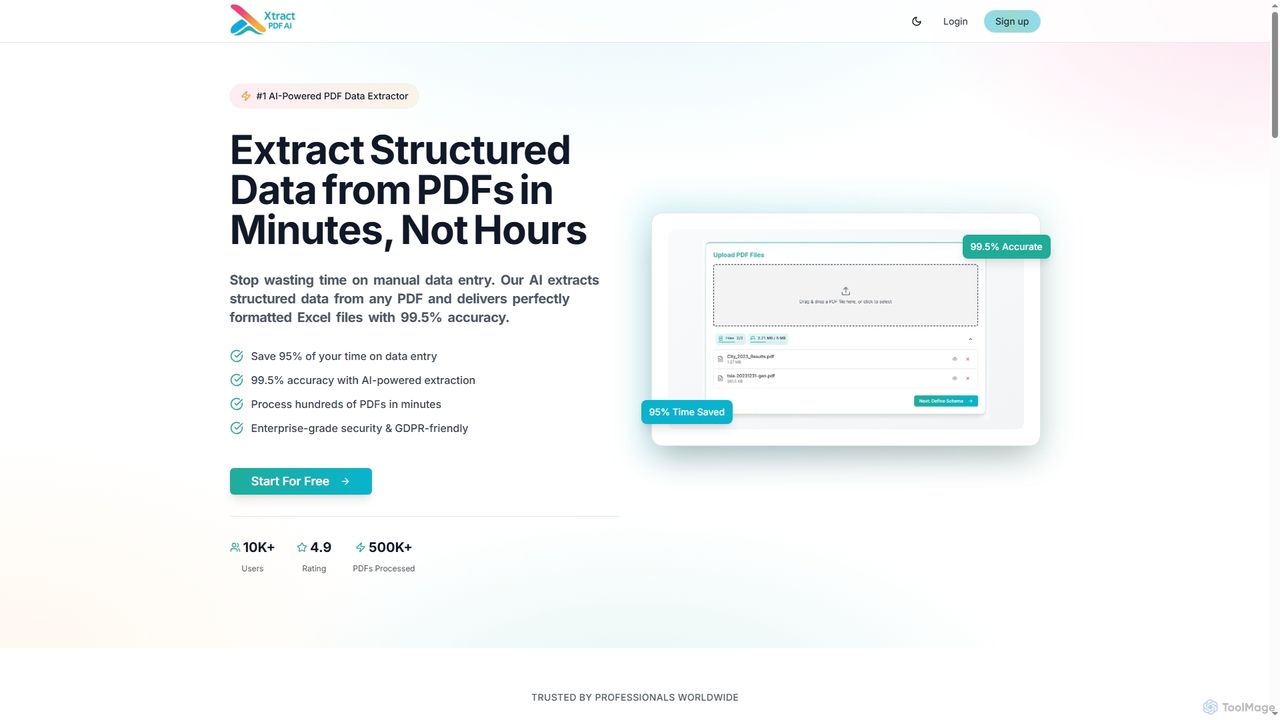
Xtractpdfai is an AI-powered tool designed to extract structured data from PDF documents and convert them into perfectly …
Xtractpdfai is an AI-powered tool designed to extract structured data from PDF documents and convert them into perfectly formatted Excel, CSV, or JSON files. It boasts 99.5% accuracy and significantly reduces manual data entry time, making document processing efficient and secure for professionals.
About Pdf Tools
AI PDF Tools are applications that use artificial intelligence to intelligently analyze, interact with, and extract information from PDF documents. They leverage Natural Language Processing (NLP) and Optical Character Recognition (OCR) to understand the content and context, not just the visual layout. This allows users to chat with their documents, get instant summaries of long reports, and automatically extract structured data. As a specialized category within Office Software, these tools transform static PDFs into dynamic, interactive knowledge bases.
Core Features
- Conversational Q&A: Ask questions directly to your PDF in natural language and receive precise, context-aware answers.
- Automated Summarization: Generate concise summaries of lengthy documents like research papers, legal contracts, or financial reports.
- Intelligent Data Extraction: Automatically identify and extract tables, text, and figures into structured formats like CSV or JSON.
- Content Analysis: Identify key themes, topics, and entities within a document to provide high-level insights quickly.
Use Cases
These tools are widely used by researchers for literature reviews, legal professionals for contract analysis, financial analysts for extracting data from reports, and students for studying textbooks. Any role that involves digesting large volumes of information from PDFs can benefit significantly from the intelligent processing capabilities of these tools.
How to Choose
When selecting an AI PDF Tool, consider the accuracy of its text recognition and data extraction. Evaluate the quality of its summarization and Q&A features. Also, check for security protocols for handling sensitive documents, integration options with cloud storage, and whether the pricing model (e.g., per-page or subscription) aligns with your usage volume.
Pdf ToolsUse Cases
Accelerate Academic Research and Literature Reviews
A postgraduate researcher is working on a literature review involving over 50 academic papers. Instead of reading each paper from start to finish, they upload the entire collection to an AI PDF Tool. Using the conversational Q&A feature, they ask specific questions like 'Which papers discuss the impact of X on Y?' or 'Summarize the methodology of this paper.' The tool instantly scans all documents, providing synthesized answers and direct quotes with source citations. This process reduces the initial screening time by over 80%, allowing the researcher to focus on in-depth analysis of the most relevant papers.
Streamline Legal Contract Analysis
A paralegal needs to review a 150-page service agreement to identify all clauses related to liability, termination, and data privacy. Manually, this task is tedious and prone to error. By uploading the PDF to an AI tool, they can simply ask, 'What are the termination conditions?' or 'Extract all clauses mentioning indemnification.' The AI highlights the relevant sections and provides a summarized list in seconds. This not only saves hours of work but also reduces the risk of overlooking critical clauses, enabling the legal team to assess contract risks more efficiently.
Automate Data Extraction from Financial Reports
A financial analyst needs to compile key performance indicators (KPIs) from a dozen quarterly earnings reports in PDF format. Manually finding and copying data like revenue, net income, and EPS from each report is time-consuming. Using an AI PDF tool with data extraction capabilities, the analyst can define the data points they need. The tool then automatically scans all documents, extracts the specified figures and tables, and consolidates them into a single CSV file. This automation eliminates manual data entry, reduces errors, and allows the analyst to spend more time on analysis rather than data collection.
Create Interactive Study Guides from Textbooks
A college student is preparing for final exams and has several dense textbooks in PDF format. To study more effectively, they upload a textbook to an AI PDF tool. They use it to generate summaries for each chapter, creating a high-level overview. Then, they ask the AI to create a list of key terms and definitions from a specific section. Finally, they use the chat feature to ask clarifying questions about complex concepts as if they were talking to a tutor. This transforms a static textbook into an interactive study partner, improving comprehension and retention.
Digest Market Research Reports for Business Strategy
A marketing manager receives a 200-page market research report on industry trends. To quickly prepare for a strategy meeting, they upload the PDF to an AI tool. They ask the AI to 'Summarize the key findings in five bullet points,' 'Identify all mentions of our top three competitors,' and 'What is the projected market growth rate for the next five years?' The tool provides a concise brief within minutes, extracting the most critical information. This allows the manager to quickly grasp the report's essence and formulate strategic points for their meeting without spending a full day reading.
Automate Invoice and Receipt Processing
An accounts payable department receives hundreds of invoices as PDFs each month. Manually entering data from each invoice into the accounting system is repetitive and error-prone. By implementing an AI PDF tool, they create a workflow that automatically processes incoming PDFs. The tool's AI identifies and extracts key fields like invoice number, vendor name, date, and total amount. This structured data is then exported and directly imported into the accounting software, reducing manual processing time by up to 90% and significantly improving data accuracy.