ToolMage
Sign in

Best 1 Repair AI tools for Photo Restoration

Popular Repair AI tools in Photo Restoration include AIEnhancer, helping you work more efficiently.

AIEnhancer
Freemium

AIEnhancer

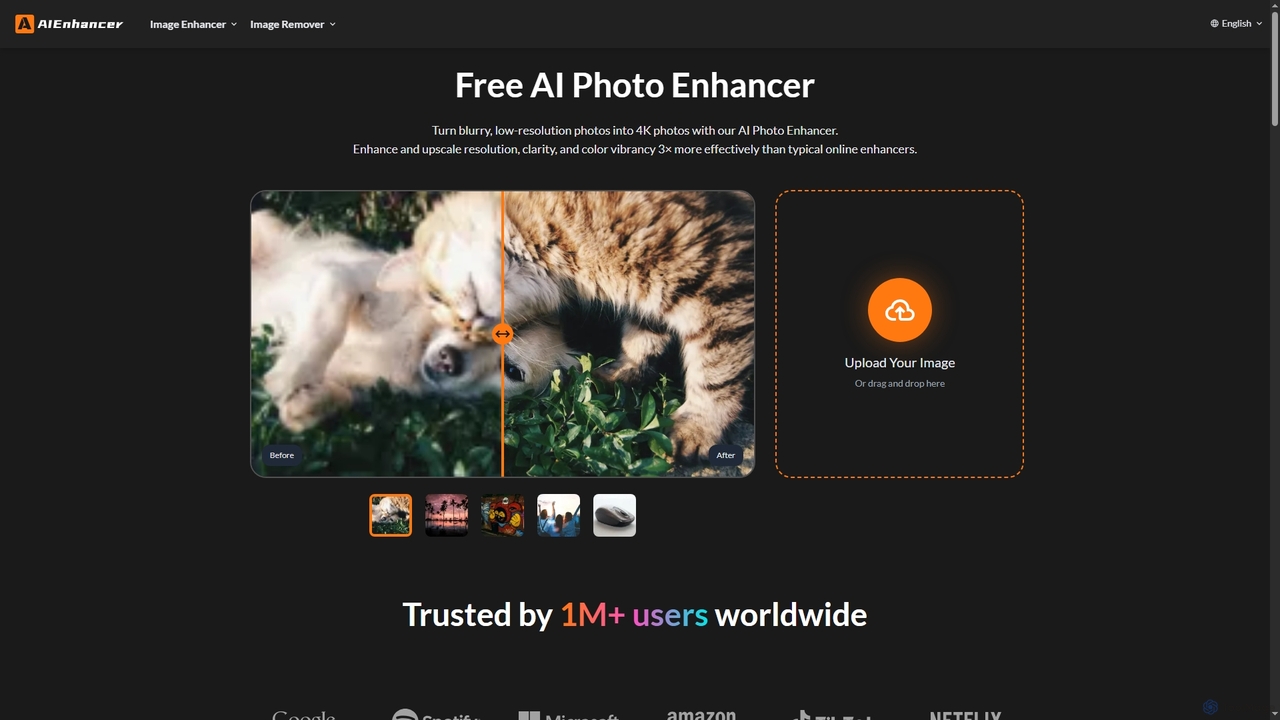
AIEnhancer is a powerful online AI tool that transforms and perfects images. It enhances resolution, restores old photos, removes blur and noise, sharpens details, converts to HD, and precisely removes backgrounds, making professional-grade photo editing accessible and effortless for everyone.

Background Removal
Visits 798KFavorites 150Likes 143

About Repair

AI Repair tools are specialized AI-powered solutions designed to automatically detect and correct specific damages in images, such as scratches, dust, tears, and color imperfections. Leveraging advanced computer vision and generative AI, these tools efficiently restore visual integrity, making them crucial for preserving historical photos and perfecting modern digital captures. They streamline the process of fixing flaws that would otherwise require tedious manual work, offering precise and often imperceptible corrections.

Core Features

  • Scratch & Tear Removal: Automatically identifies and seamlessly fills in scratches, creases, and tears on photographic surfaces.
  • Dust & Spot Correction: Eliminates sensor dust, unwanted blemishes, and minor imperfections from images.
  • Color Restoration & Correction: Repairs faded colors, corrects color casts, and restores the original vibrancy and accuracy of hues.
  • Noise Reduction: Intelligently reduces digital noise and grain in photos while preserving essential details and textures.
  • Missing Area Reconstruction: Reconstructs small, damaged, or missing sections of an image by intelligently inferring content from surrounding pixels.

Applicable Scenarios

AI Repair tools are invaluable for archivists digitizing old family photos, professional photographers needing to fix minor imperfections in new shots, and e-commerce businesses cleaning up product images. They are also widely used by graphic designers and content creators to enhance the quality of visual assets for various platforms.

How to Choose

When selecting an AI Repair tool, consider its ability to handle specific damage types (e.g., scratches vs. color fading), the level of automation versus manual control offered, and its effectiveness in preserving fine details. Evaluate batch processing capabilities for large collections and assess the output quality to ensure natural-looking, artifact-free results.

Repair use cases

1

Repairing Scratches and Stains on Old Family Photos

Individuals digitizing family archives can use AI Repair tools to automatically remove common damages like deep scratches, creases, and age-related stains from scanned old photographs. This process saves hours of manual retouching, ensuring precious memories are preserved with improved clarity and visual integrity for future generations.

2

Removing Dust and Blemishes from Product Images

E-commerce businesses and marketing teams can leverage AI Repair tools to quickly clean up product photographs. By automatically detecting and eliminating dust particles, minor scratches, or unwanted reflections, these tools ensure product images are pristine and professional, enhancing customer perception and potentially boosting sales conversion rates without extensive studio reshoots.

3

Correcting Faded Colors and Color Casts in Archival Photos

Historians and archivists often deal with old photographs that have suffered from significant color fading or severe color casts due to improper storage or aging. AI Repair tools can analyze these images to intelligently restore original color balance, vibrancy, and accuracy, making historical records more legible and visually appealing for research and public display.

4

Eliminating Digital Noise from Low-Light or High-ISO Photographs

Photographers often encounter digital noise in images captured under low-light conditions or with high ISO settings. AI Repair tools can intelligently differentiate between actual image detail and unwanted noise, effectively reducing graininess and improving image clarity without sacrificing sharpness. This allows for cleaner, more professional-looking photos even from challenging shooting environments.

5

Reconstructing Small Missing or Damaged Photo Sections

When dealing with partially damaged photos, such as those with small tears, creases, or missing corners, AI Repair tools can intelligently reconstruct these areas. By analyzing surrounding pixels and patterns, the AI can infer and generate plausible content to seamlessly fill in the gaps, restoring the completeness of the image without requiring extensive manual cloning or drawing.

6

Batch Processing Damaged Images for Digital Archiving

Institutions and large organizations with extensive physical photo archives can utilize AI Repair tools for efficient batch processing. Instead of individually repairing thousands of images, these tools can automate the detection and correction of common damages across an entire collection, significantly accelerating the digitization and preservation efforts while maintaining consistent quality standards.

Repair FAQ

What are AI Repair tools for photos?

AI Repair tools for photos are specialized software solutions that use artificial intelligence to automatically detect and fix specific imperfections or damages in images. They focus on correcting flaws like scratches, dust spots, tears, color fading, and digital noise, aiming to restore the original quality and integrity of a photograph with minimal manual intervention. These tools are a subset of photo restoration, specifically targeting defect removal.

How do AI photo repair tools differ from general photo editing software?

AI photo repair tools are highly specialized, focusing primarily on the automated detection and correction of specific damages. General photo editing software, like Photoshop, offers a broad range of manual manipulation tools for creative enhancements, adjustments, and basic retouching. While general editors can perform some repair tasks manually, AI repair tools excel in efficiency and precision for defect removal, often achieving results that are difficult or time-consuming for human editors, especially with complex patterns or textures.

What types of damage can AI photo repair tools typically fix?

AI photo repair tools are adept at fixing a variety of common image damages. These include physical imperfections like scratches, creases, tears, and dust spots, as well as digital flaws such as excessive noise or grain. They can also address color-related issues like fading, discoloration, and color casts, intelligently restoring the original hues. Some advanced tools can even reconstruct small missing sections of an image by inferring content from surrounding areas.

How to choose the best AI repair tool for my needs?

To choose the best AI repair tool, first identify the specific types of damage you need to fix most often. Look for tools that specialize in those areas, whether it's scratch removal, color restoration, or noise reduction. Consider the level of automation versus manual control you prefer, the tool's ability to preserve fine details, and its batch processing capabilities if you have many images. Finally, evaluate the output quality through trials and compare pricing models to find a solution that fits your budget and workflow.

Can AI repair tools reconstruct severely damaged or missing photo parts?

While AI repair tools are highly effective for minor to moderate damage, their ability to reconstruct severely damaged or entirely missing photo parts is limited. They excel at intelligently filling small gaps and blending repairs seamlessly by inferring content from surrounding pixels. However, for large missing areas or extremely complex damage where there's insufficient contextual information, even advanced AI may struggle to generate plausible and accurate content, often requiring some degree of manual intervention or more extensive restoration techniques.