
Gloww
Gloww was a web-based platform for creating and delivering highly interactive live presentations, workshops, and virtual classes. It …
Gloww was a web-based platform for creating and delivering highly interactive live presentations, workshops, and virtual classes. It was designed to boost audience engagement through features like live polls, Q&A, and collaborative activities. Please note: The Gloww service has been discontinued.
SlidesOrator
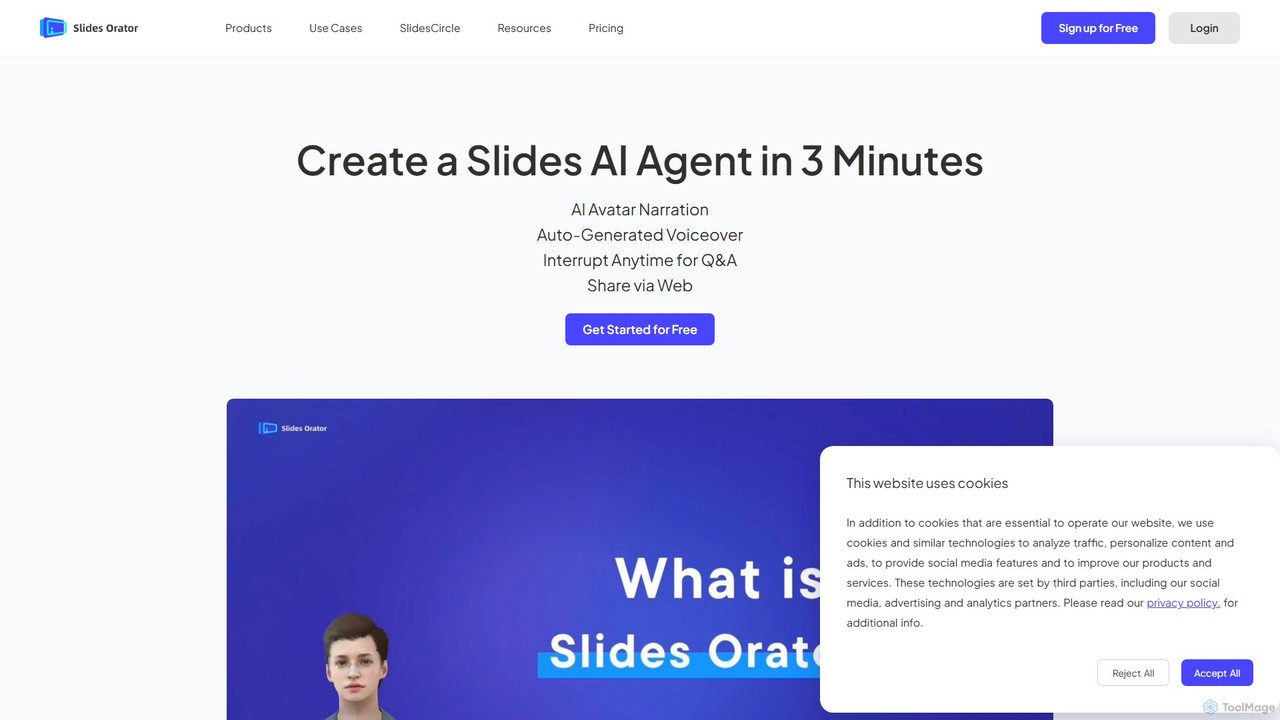
SlidesOrator is an AI-powered platform that transforms standard presentations into interactive experiences led by 3D avatars. It enables …
SlidesOrator is an AI-powered platform that transforms standard presentations into interactive experiences led by 3D avatars. It enables users to create engaging, multilingual presentations with real-time Q&A, making it ideal for education, corporate training, and sales demonstrations. Enhance audience participation and comprehension with lifelike digital presenters.
About Interactive
Interactive presentation tools are a specialized category of software designed to transform static slideshows into dynamic, two-way conversations with an audience. They leverage real-time technology to embed elements like live polls, Q&A sessions, quizzes, and word clouds directly into presentation slides. This approach shifts the audience from passive observers to active participants, significantly increasing engagement, comprehension, and feedback collection. Unlike traditional presentation software, these tools focus on creating a responsive experience that can adapt based on live audience input.
Core Features
- Live Polling & Surveys: Gather instant audience opinions and feedback through multiple-choice questions, word clouds, and ratings.
- Real-time Q&A Sessions: Allow audience members to submit and upvote questions digitally, creating an organized and inclusive discussion.
- Interactive Quizzes & Gamification: Boost engagement and test knowledge retention by incorporating competitive quizzes and games into the presentation.
- Audience Response Analytics: Capture and analyze participation data to gain insights into audience understanding and sentiment.
- Integration with Presentation Software: Seamlessly work as add-ins for popular platforms like PowerPoint, Google Slides, and Keynote.
Use Cases
These tools are widely used in educational settings to make lectures more engaging, in corporate training to assess comprehension, and in marketing webinars to gather real-time audience insights. Sales teams also use them to create personalized pitches that adapt to client feedback during a meeting.
How to Choose
When selecting an interactive presentation tool, consider the maximum audience size it supports, the variety of interactive elements offered, and its integration capabilities with your existing presentation software. Also, evaluate the depth of its analytics and reporting features to ensure you can effectively measure engagement and gather valuable data.
InteractiveUse Cases
Enhancing Corporate Training and Workshops
A corporate trainer is tasked with delivering a compliance workshop to 100 employees. Instead of a one-way lecture, the trainer uses an interactive presentation tool to embed quizzes after each module to check for understanding. They launch live polls to gauge opinions on workplace scenarios and use an anonymous Q&A feature to encourage candid questions. This transforms the session from a passive listening experience into an active learning environment, resulting in a 40% increase in knowledge retention scores compared to previous static presentations.
Boosting Student Engagement in University Lectures
A university professor needs to keep 200+ students engaged during a complex science lecture. Using an interactive presentation tool, they insert 'check-in' polls every 15 minutes to ensure students are following along. Complex diagrams are made interactive, allowing students to click on different parts to reveal more information. A live, upvoted Q&A session at the end allows the most popular questions to be addressed, ensuring the lecture clarifies common points of confusion for the majority of the class.
Creating Dynamic and Persuasive Sales Pitches
A sales executive is presenting a software solution to a potential high-value client. They prepare a presentation with branching paths. Early in the meeting, they use a poll to ask the client about their biggest pain point. Based on the response, they navigate to a specific section of the presentation that directly addresses that need. This tailored approach makes the client feel heard and demonstrates the solution's direct relevance, increasing the likelihood of closing the deal.
Gathering Audience Insights at Large-Scale Webinars
A marketing manager is hosting a webinar for over 1,000 attendees to launch a new product. Throughout the webinar, they use interactive polls to collect demographic data, understand user needs, and gauge interest in different product features. A word cloud feature is used to visualize what attendees associate with their brand. The collected data provides immediate, actionable insights for post-webinar marketing campaigns and future product development.
Facilitating Audience-Driven Conference Keynotes
A keynote speaker at a major industry conference wants to deliver a memorable and relevant talk. They structure their presentation around three potential deep-dive topics. After an introduction, they launch a live poll asking the audience of 500+ people to vote on which topic they are most interested in. The rest of the presentation is then dynamically tailored to the audience's choice, ensuring maximum relevance and engagement throughout the session.
Making All-Hands Meetings More Inclusive
A CEO of a remote-first company is conducting a quarterly all-hands meeting. To ensure all voices are heard, not just the most outspoken ones, they use an anonymous Q&A tool. Employees can submit and upvote questions throughout the presentation. This allows leadership to address the most pressing concerns of the entire company, fostering a culture of transparency and inclusivity, even in a virtual setting.