AI Doc Suite
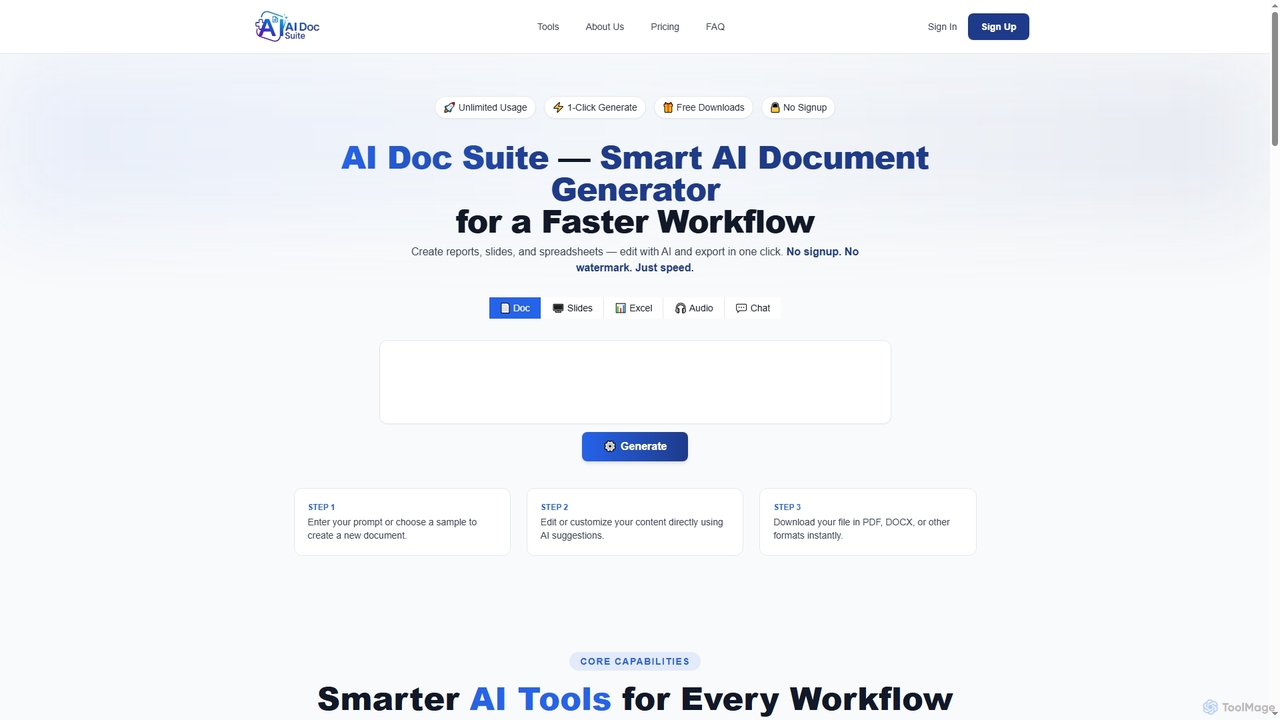
AI Doc Suite is an advanced, browser-based AI workspace for creating, editing, and converting professional documents, slides, spreadsheets, …
AI Doc Suite is an advanced, browser-based AI workspace for creating, editing, and converting professional documents, slides, spreadsheets, audio, images, and videos. It streamlines content generation with intelligent automation and customizable templates, offering a comprehensive solution for various creative and business needs.
About Slide Creation
AI Slide Creation tools are applications that use artificial intelligence to automatically generate complete, well-designed presentations from a simple text prompt or document. These tools leverage large language models (LLMs) to structure content, generate text, and select relevant images, while using design algorithms to ensure visual consistency. This dramatically reduces the time spent on manual design and content organization, enabling users to create compelling presentations in minutes. Unlike traditional presentation software, these tools focus on content-first creation, transforming raw ideas into polished slides with minimal manual formatting.
Core Features
- Prompt-to-Presentation Generation: Creates an entire slide deck from a single text description, topic, or uploaded document.
- Automated Layout & Design: AI automatically arranges text and images, selects color palettes, and applies consistent visual themes.
- Content Summarization & Structuring: Extracts key points from long documents or articles and organizes them into a logical slide sequence.
- AI-Powered Visual Selection: Automatically finds and suggests relevant, royalty-free images and icons to match the slide's content.
Use Cases
These tools are widely used by business professionals, marketers, educators, and students for the rapid creation of reports, sales pitches, lectures, and project updates. They are particularly valuable in situations with tight deadlines where a professional visual quality is required without extensive design effort.
How to Choose
When selecting an AI Slide Creation tool, consider its input flexibility (text, document, URL), the level of design customization and branding control it offers, its integration and export options (PPTX, PDF), and the overall quality and coherence of the AI-generated content and visuals.

Slide CreationUse Cases
Rapid Business Proposal Generation
A sales manager needs to create a customized sales pitch for a new client within an hour. They input the client's website URL and key requirements into the AI tool. The AI analyzes the information and generates a 10-slide proposal covering the company overview, problem statement, proposed solution, and pricing. The result is a professional, client-specific presentation ready in under 10 minutes, freeing up valuable time for personalization and rehearsal before the meeting.
Academic Lecture & Course Material Creation
An educator is preparing a new lecture on a complex topic. They upload a research paper or detailed notes into the AI slide creator. The tool summarizes the key concepts, structures them into a logical flow (e.g., Introduction, Key Theories, Case Study, Conclusion), and suggests relevant diagrams and charts to visualize data. This process reduces lecture preparation time significantly, allowing the educator to focus on refining the content and delivery rather than on slide design.
Visualizing Marketing Campaign Reports
A marketing analyst needs to present quarterly campaign performance to stakeholders. Instead of manually creating charts and summaries, they paste raw data and key findings into the AI tool with a prompt like 'Create a Q3 marketing report'. The AI organizes the data into clear charts, graphs, and bullet points, highlighting key metrics like conversion rates and ROI. This transforms dense data into a digestible visual story, making it easier for non-technical stakeholders to understand the campaign's impact.
Drafting a Startup Investor Pitch Deck
A startup founder needs to quickly create a compelling pitch deck for an investor meeting. They provide a brief description of their business idea, target market, and problem-solution fit. The AI generates a standard 10-slide pitch deck structure (e.g., Problem, Solution, Market Size, Team) with professionally designed layouts and placeholder content. This provides a solid first draft in minutes, establishing a strong foundation that the founder can then refine with specific metrics and a detailed narrative.
Streamlining Internal Team Meeting Updates
A project manager is preparing for a weekly project status update. Instead of spending time on formatting in traditional software, they input a list of bullet points covering progress, roadblocks, and next steps into an AI tool. The AI instantly converts this raw text into a clean, organized presentation with a consistent visual theme. This eliminates the manual formatting overhead, allowing the manager to focus entirely on the substance of the update and facilitating a more efficient meeting.
Developing Conference & Webinar Content
A public speaker is developing a presentation for a 30-minute webinar. They enter the webinar title and a brief outline into the AI tool. The AI expands on each outline point, generating draft text for each slide and suggesting relevant visuals to maintain audience engagement. It can also generate speaker notes to ensure a cohesive flow. This process accelerates content creation, helping the speaker overcome the 'blank page' problem and focus on refining their message and delivery for the event.