Best of the Year 2 results Presentations AI Tools

Popular AI tools in the Presentations field include Genspark、DeckChat, etc., helping you quickly improve efficiency.

DeckChat

DeckChat

DeckChat transforms your static pitch deck into an intelligent AI assistant, providing instant answers to investor and sales …

3.3K
Genspark

Genspark

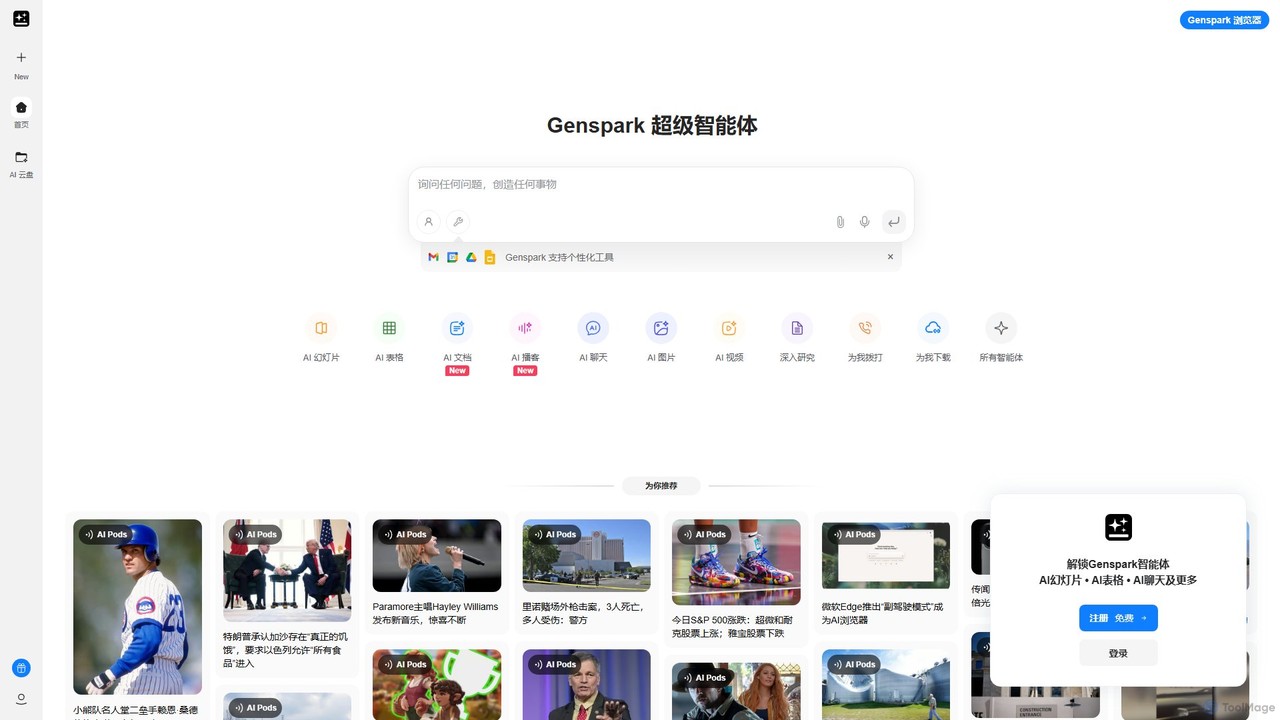
Genspark is an all-in-one AI workspace that integrates a next-generation search engine with a suite of content creation …

15.4M

About Presentations

AI Presentation tools are applications that leverage artificial intelligence to automate and enhance the creation of slide decks. These tools analyze user inputs, such as text prompts, documents, or outlines, to automatically generate structured slides with relevant content and professional designs. They significantly reduce the time and effort required for slide creation, allowing users to focus on the core message rather than manual formatting. Many also offer smart suggestions for layouts, imagery, and color schemes to ensure visual consistency and impact.

Core Features

  • Automated Slide Generation: Creates a full presentation from a simple text prompt, document upload, or topic outline.
  • Smart Design & Layout: Intelligently suggests or applies professional templates, color palettes, and font pairings for a cohesive look.
  • Content Summarization & Restructuring: Condenses long documents or articles into key bullet points and organizes them logically across slides.
  • AI-Powered Visuals: Recommends or generates relevant images, icons, and charts based on the slide's content.
  • Brand Consistency Control: Allows users to upload brand assets (logos, colors) to ensure all generated presentations align with corporate identity.

Use Cases

These tools are widely used by business professionals for creating sales pitches, internal reports, and project updates. Marketers utilize them to quickly develop webinar content and product launch presentations. In academia, educators and students use them to build engaging lecture materials and project presentations, streamlining the research-to-presentation workflow.

How to Choose

When selecting an AI Presentation tool, consider the input flexibility—whether it accepts text, documents, or URLs. Evaluate the level of design customization and brand control available. Check for integration capabilities with standard software like PowerPoint or Google Slides, and verify the available output formats, such as PPTX, PDF, or a shareable web link.


PresentationsUse Cases

1

Rapidly Create a Business Sales Pitch

A sales manager needs to prepare a customized pitch for a potential client on short notice. Instead of starting from scratch in PowerPoint, they input a prompt into an AI presentation tool, including the client's industry, pain points, and the proposed solution's key benefits. The AI instantly generates a 10-slide deck with a professional design, relevant stock imagery, and structured content covering the introduction, problem, solution, and call to action. The manager then spends a few minutes refining the text and adding specific data, reducing preparation time from hours to under 30 minutes.

2

Develop Educational Lecture Materials

A university professor needs to create a lecture on a complex topic. They upload a 20-page research paper or their detailed lecture notes into an AI presentation tool. The AI analyzes the document, identifies key themes, summaries, and data points, and structures them into a logical slide sequence. It suggests visuals like diagrams and charts to explain difficult concepts and ensures a consistent, academic-friendly layout. This transforms a dense document into an engaging and digestible visual aid for students, saving the professor significant time on design and content organization.

3

Generate Marketing Webinar Slides

A marketing team is planning a webinar on a new product feature. They provide the AI tool with a blog post announcing the feature and a list of target audience personas. The AI generates a complete slide deck, starting with a hook to grab attention, followed by slides explaining the problem the feature solves, how it works, its key benefits, and a concluding slide with a strong call-to-action. The tool automatically applies the company's branding (logo and colors) and suggests visuals that align with the marketing message, enabling the team to produce a polished, on-brand presentation in a fraction of the usual time.

4

Visualize Data for Internal Reports

An analyst needs to present quarterly performance findings to stakeholders. They have a spreadsheet with raw data and a short text summary of key insights. By inputting this summary into an AI presentation tool, the AI drafts slides for each key finding. It suggests appropriate chart types (e.g., bar charts for comparison, line charts for trends) and helps visualize the data in a clear, easy-to-understand format. This automates the often tedious process of creating charts and placing them into a presentation, allowing the analyst to focus more on interpreting the data and crafting the narrative.

5

Brainstorm and Outline a Startup Pitch Deck

A startup founder has a great idea but struggles with structuring a compelling pitch deck. They use an AI presentation tool as a brainstorming partner. By inputting their core business concept, target market, and value proposition, the AI suggests a standard 10-slide pitch deck structure (e.g., Problem, Solution, Market Size, Team). For each section, it generates initial talking points and content ideas. This provides a solid framework, overcoming the 'blank page' problem and allowing the founder to focus on refining the narrative and adding their unique insights, rather than worrying about the fundamental structure.

6

Convert Existing Documents into Presentations

A consultant has just completed a comprehensive 30-page report in a Word document for a client. To present the key findings, they need to create a summary presentation. Instead of manually copying and pasting text, they upload the entire document to an AI presentation tool. The AI scans the report, identifies headings, key paragraphs, and data, and automatically converts this information into a structured slide deck. It creates a title slide, an executive summary slide, and individual slides for each major section of the report. This process transforms a text-heavy document into a visual presentation in minutes, ready for final review.

PresentationsFrequently Asked Questions