WhatTheCV
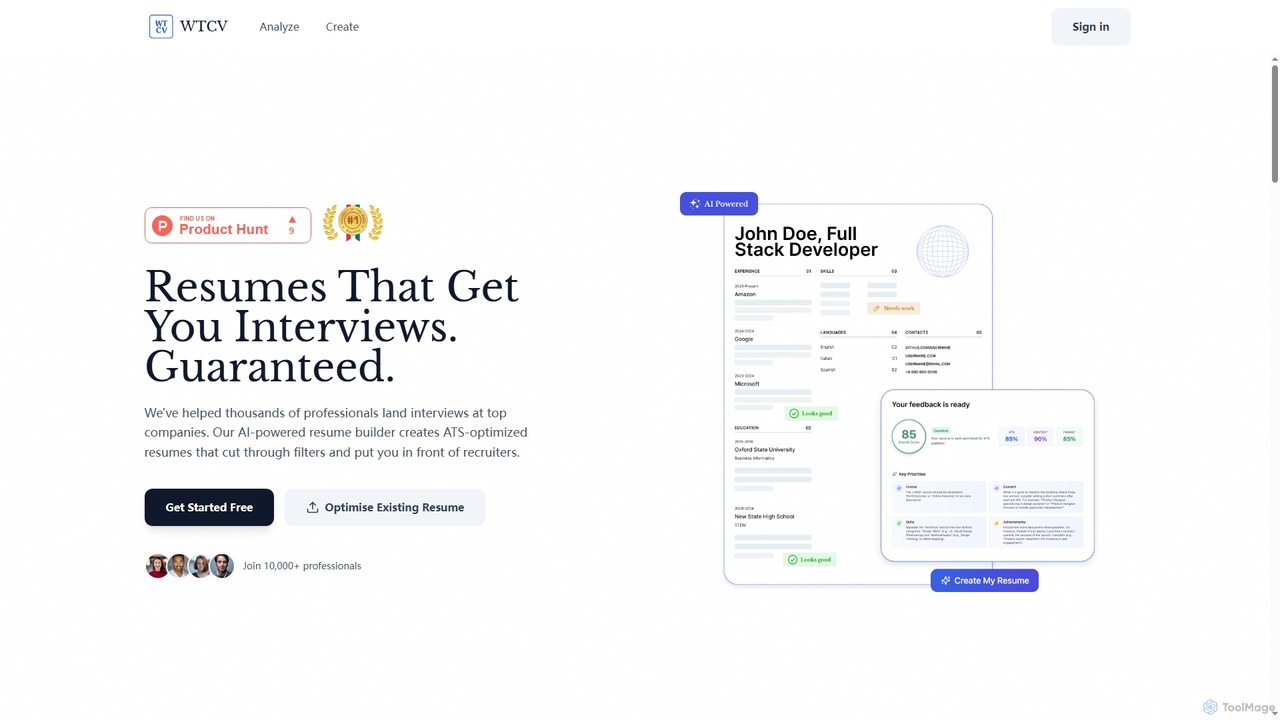
WhatTheCV is an AI-powered resume builder designed to help job seekers create ATS-optimized resumes that stand out to …
WhatTheCV is an AI-powered resume builder designed to help job seekers create ATS-optimized resumes that stand out to recruiters. It offers real-time analysis, keyword optimization, and actionable feedback to significantly improve interview chances, ensuring your application passes Applicant Tracking Systems.
About Document Editor
Document Editor are AI-powered tools designed to enhance the creation, editing, and management of text-based documents. These tools leverage advanced natural language processing (NLP) and machine learning to automate tasks, improve content quality, and streamline workflows. They provide intelligent assistance for everything from drafting reports and articles to refining legal documents and marketing copy, significantly boosting productivity for individuals and teams.
Core Features
- AI-powered Writing Assistance: Offers real-time suggestions for grammar, style, clarity, and conciseness, helping users produce high-quality text.
- Automated Summarization: Quickly generates concise summaries of long documents, saving time on reading and comprehension.
- Content Generation & Expansion: Assists in drafting initial content, expanding on ideas, or generating variations of sentences and paragraphs.
- Smart Editing & Proofreading: Beyond basic spell check, it identifies complex grammatical errors, stylistic inconsistencies, and suggests rephrasing for better impact.
- Version Control & Collaboration: Integrates features for tracking changes, managing document versions, and facilitating collaborative editing among multiple users.
Use Cases
Document Editor tools are invaluable for professionals across various sectors. Content creators use them to accelerate article drafting and refine blog posts. Business analysts leverage them for summarizing lengthy reports and ensuring clarity in proposals. Legal professionals benefit from precise language suggestions and automated contract review, while students can improve the quality and structure of their academic papers.
How to Choose
When selecting an AI Document Editor, consider its core functionalities, such as writing assistance, summarization, and content generation capabilities. Evaluate its integration with existing productivity suites (e.g., Microsoft Office, Google Docs) and its ease of use. Assess the accuracy and relevance of its AI suggestions, as well as its pricing model and data privacy policies to ensure it meets your specific needs and security requirements.
Document EditorUse Cases
Streamlining Report Generation for Business Analysts
Business analysts frequently compile extensive reports. An AI Document Editor helps by automatically summarizing research papers and data analyses, suggesting clearer phrasing for complex findings, and ensuring consistent terminology throughout the document, significantly reducing drafting and review time.
Enhancing Academic Writing for Students
Students often struggle with structuring essays, refining arguments, and adhering to academic style guides. These tools provide real-time feedback on grammar, syntax, and coherence, offer suggestions for stronger vocabulary, and help in organizing thoughts, leading to higher quality submissions.
Accelerating Content Creation for Marketers
Marketing teams need to produce a high volume of diverse content, from blog posts to social media updates. An AI Document Editor can assist in generating initial drafts, rephrasing content for different target audiences, and optimizing copy for SEO, allowing marketers to scale their output efficiently.
Improving Legal Document Precision for Lawyers
Legal documents demand extreme precision and adherence to specific terminology. AI Document Editors can identify ambiguities, suggest more precise legal phrasing, check for consistency in clauses, and even help in drafting standard contract sections, minimizing errors and saving valuable time.
Optimizing Technical Documentation for Developers
Developers and technical writers create detailed documentation that must be clear and accurate. These tools can help simplify complex technical jargon, ensure logical flow, and maintain a consistent tone across user manuals, API documentation, and internal guides, making information more accessible.
Personalizing Customer Communications for Support Teams
Customer support agents often write numerous emails and chat responses. An AI Document Editor can help personalize standard templates, suggest empathetic language, and ensure clarity and conciseness in communications, improving customer satisfaction and agent efficiency.