Conversational Demos
Conversational Demos is a sales software platform designed to create interactive, automated, and personalized product demonstrations. It helps …
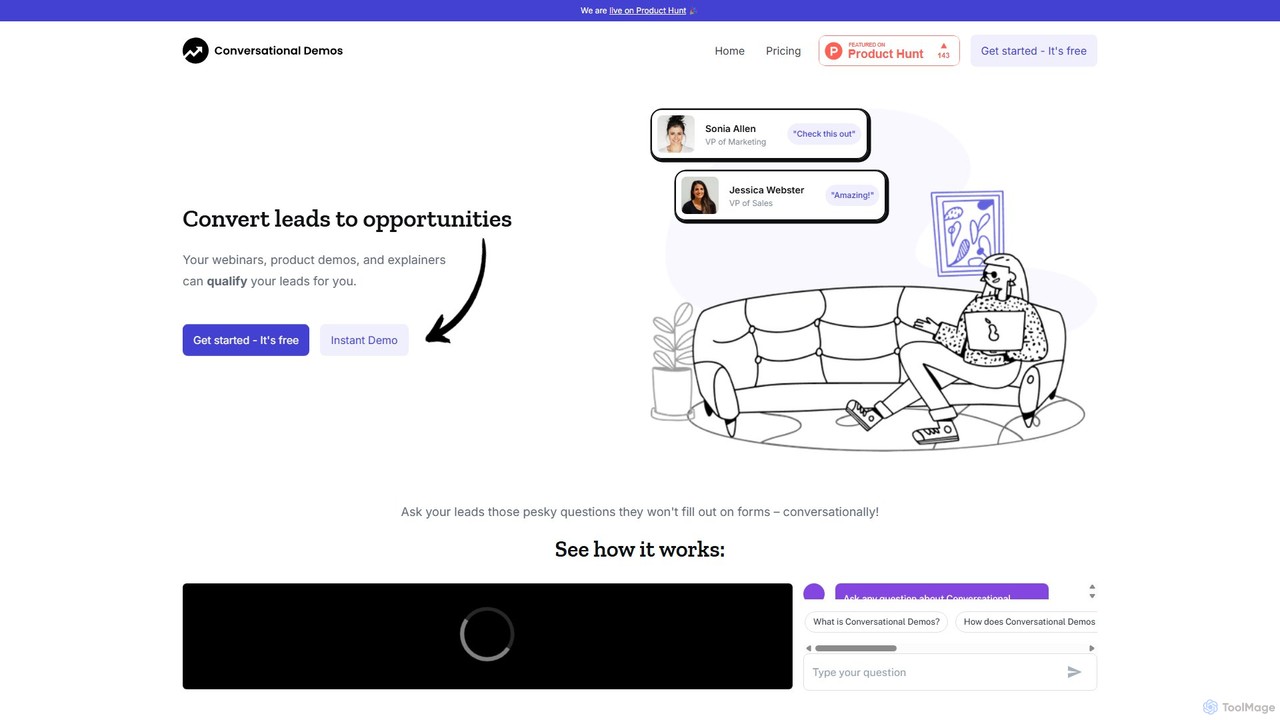
Conversational Demos is a sales software platform designed to create interactive, automated, and personalized product demonstrations. It helps sales and marketing teams to qualify leads, shorten the sales cycle, and scale their demo efforts by allowing prospects to engage with a product tour on-demand, 24/7.
About Product Tours
AI Product Tours are tools designed to create interactive, step-by-step guides directly within a web application or software. They leverage no-code editors and user behavior analysis to build contextual walkthroughs, tooltips, and announcements. The primary goal is to improve user onboarding, accelerate feature adoption, and reduce the burden on support teams by providing proactive, in-app guidance. These tools are a key component of the Productivity suite, focusing specifically on enhancing user proficiency and engagement with digital products.
Core Features
- No-Code Visual Editor: Build and deploy interactive guides, tooltips, and hotspots by simply pointing and clicking, without writing any code.
- User Segmentation & Targeting: Deliver personalized tours based on user attributes, in-app behavior, or lifecycle stage.
- In-App Messaging: Announce new features, updates, or promotions using modals, banners, and slideouts.
- Analytics & Feedback: Track tour completion rates, user drop-off points, and collect qualitative feedback to optimize the onboarding experience.
Use Cases
These tools are essential for SaaS companies, product managers, and customer success teams. They are used to create automated onboarding flows for new users, announce and explain new features to existing customers, and provide contextual help to reduce support queries. They are also valuable for training employees on internal software systems, ensuring consistent and efficient adoption.
How to Choose
When selecting a Product Tour tool, consider its integration capabilities with your application (e.g., JS snippet, Segment). Evaluate the level of customization available to match your brand's look and feel. Assess the sophistication of its segmentation and targeting engine to ensure you can deliver relevant experiences. Finally, examine the depth of its analytics to measure the impact on user activation and retention.

Product ToursUse Cases
Automating New User Onboarding for SaaS
A product manager at a SaaS company needs to increase the user activation rate for new sign-ups. They use a Product Tour tool to create a multi-step welcome tour. The tour automatically triggers for new users, guiding them through essential first actions like setting up their profile, creating their first project, and inviting team members. By providing this interactive guidance, the company sees a 30% increase in users completing key activation milestones within their first session.
Announcing and Driving Adoption of New Features
A marketing team is launching a major new feature. To ensure existing users are aware of it and know how to use it, they create a targeted in-app announcement using a Product Tour tool. The announcement modal appears for all active users, offering a short, optional tour of the new functionality. This proactive approach leads to a 50% higher adoption rate for the new feature in its first week compared to previous launches that relied solely on email announcements.
Reducing Support Tickets with Contextual Help
A customer support team notices a high volume of tickets related to a complex settings page. Instead of writing a lengthy help article, they use a Product Tour tool to place small, contextual help icons next to confusing options. When a user clicks an icon, a tooltip appears with a brief explanation. This in-context guidance helps users self-serve, resulting in a 40% reduction in support tickets for that specific area of the application.
Training Employees on New Internal Software
An enterprise company is rolling out a new internal CRM system to its sales team. The IT department uses a Product Tour tool to build a series of mandatory training walkthroughs. Each tour covers a specific workflow, such as creating a new lead or logging a sales call. The tool tracks completion, allowing managers to ensure their entire team is proficient before the old system is decommissioned. This approach significantly reduces the need for in-person training sessions and accelerates company-wide adoption.
Driving Upsells by Highlighting Premium Features
A product marketing manager wants to encourage users on a free plan to upgrade. They use a Product Tour tool to create tours that are only shown to free users. These tours highlight valuable premium features that are locked on their current plan. For example, when a free user visits the 'Reports' section, a tooltip appears showcasing the advanced analytics available in the paid plan. This targeted, in-context promotion demonstrates clear value and increases the free-to-paid conversion rate.
Collecting In-Context User Feedback
A UX researcher wants to understand why users are dropping off during a specific multi-step process. They use a Product Tour tool to deploy a micro-survey. The survey is configured to appear as a small pop-up only to users who abandon the process midway. It asks a single question: 'What prevented you from completing this task?'. This method provides highly relevant, in-the-moment feedback that is far more insightful than generic surveys, allowing the team to quickly identify and fix usability issues.