
Productivity Best in category 1 results Quality Assurance AI Tool

Popular AI tools in the Quality Assurance field of Productivity include Giskard, etc., helping you quickly improve efficiency.

Giskard

Giskard

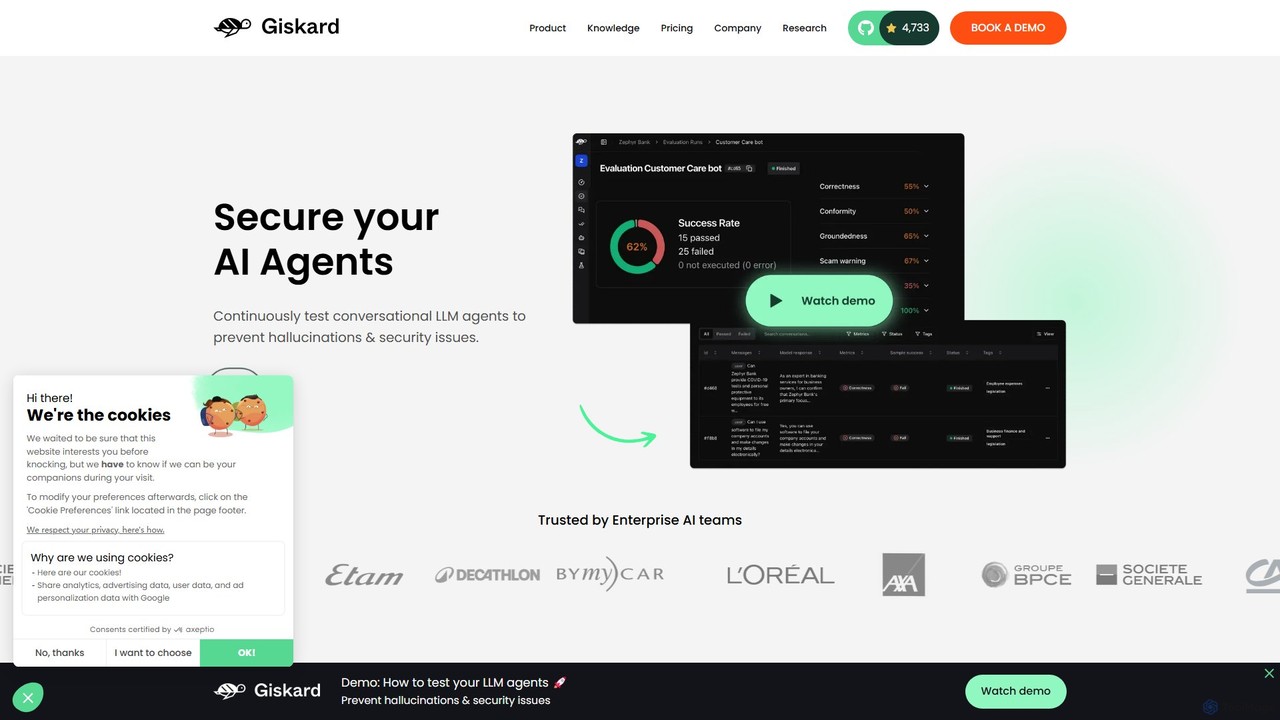
Giskard is an AI testing platform designed to secure and validate LLM-based applications. It helps enterprise teams detect …

55.4K

About Quality Assurance

AI Quality Assurance tools are a specialized category of software designed to automate and enhance the software testing lifecycle using artificial intelligence. These tools leverage machine learning and computer vision to create, execute, and maintain tests more intelligently than traditional automation scripts. They significantly accelerate release cycles, improve test coverage, and identify defects that manual or script-based methods might miss. By automating repetitive tasks and providing predictive insights, these tools empower QA teams to focus on complex, strategic testing efforts.

Core Features

  • AI-Powered Test Generation: Automatically creates test cases by analyzing application requirements or user behavior data.
  • Visual Validation: Uses computer vision to detect UI bugs, layout inconsistencies, and rendering issues across different devices.
  • Self-Healing Tests: Intelligently adapts test scripts to UI changes, automatically updating locators and reducing maintenance time.
  • Predictive Bug Analysis: Analyzes code repositories and historical data to predict high-risk areas and prioritize testing efforts.
  • Smart Test Execution: Optimizes which tests to run in a CI/CD pipeline based on recent code changes, saving significant time.

Use Cases

These tools are primarily used by software development teams, QA engineers, and DevOps professionals. They are crucial in agile and DevOps environments for continuous integration and delivery (CI/CD), mobile application testing, and large-scale web application regression testing. For example, an e-commerce platform can use them to ensure a seamless user experience across all devices after every update.

How to Choose

When selecting an AI QA tool, consider its integration capabilities with your existing CI/CD pipeline and bug tracking systems. Evaluate the strength of its self-healing capabilities and the accuracy of its visual testing engine. Also, assess the learning curve for your team and whether the pricing model aligns with your project scale and testing frequency.

Quality AssuranceUse Cases

1

Automate UI Regression Testing for Web Applications

A QA team for a large e-commerce site uses an AI tool to manage their regression suite. After each new code deployment, the tool automatically crawls the application, visually compares hundreds of pages against their baselines, and flags any unintended changes, from broken buttons to misaligned text. This replaces thousands of manual checks, reduces the testing cycle from days to hours, and allows engineers to focus on testing new features. The tool's self-healing capability automatically updates test scripts when developers intentionally change a button's ID, preventing false failures.

2

Ensure Cross-Device Mobile App Consistency

A mobile development studio is preparing to launch a new app on both iOS and Android. They use an AI-powered testing platform to execute their test suite across a cloud of real devices. The tool's visual AI engine checks for layout inconsistencies, font rendering errors, and functionality issues specific to certain screen sizes or operating system versions. This process identifies critical bugs, such as an off-screen 'Submit' button on smaller Android devices, before the app reaches users, ensuring a consistent and high-quality user experience for everyone.

3

Accelerate API Testing with Auto-Generated Cases

A backend development team building a microservices architecture needs to ensure robust API functionality. They use an AI QA tool that ingests their OpenAPI specification. The tool automatically generates a comprehensive suite of API tests, including positive tests for valid data, negative tests for error handling, and edge-case scenarios that a human might overlook. This automates the creation of hundreds of tests, ensures full endpoint coverage, and integrates directly into their CI pipeline to validate every build, drastically improving API reliability and development speed.

4

Prioritize Tests in CI/CD with Predictive Analytics

A company with a complex enterprise application struggles with long CI/CD pipeline times, as their full regression suite takes over four hours to run. They implement an AI QA tool that integrates with their code repository (e.g., Git). For each new pull request, the tool analyzes the code changes and uses a machine learning model to predict which existing tests are most likely to be affected. It then runs only this high-priority subset of tests, providing feedback to developers in under 15 minutes while maintaining over 95% bug detection accuracy. The full suite runs nightly.

5

Automate Web Accessibility Compliance Checks

A government agency is required to make its public-facing website compliant with WCAG 2.1 AA standards. Their development team integrates an AI-powered accessibility testing tool into their workflow. The tool automatically scans every page during development and in the CI pipeline, identifying issues like insufficient color contrast, missing ARIA labels for dynamic components, and improper heading structures. It provides developers with specific code-level recommendations for fixes, turning accessibility from a manual, post-development audit into a continuous, automated part of the development process.

6

Detect Performance Anomalies in Production

A SaaS company uses an AI-powered monitoring and QA tool to ensure application performance and stability. The tool continuously analyzes production performance metrics like response time, CPU usage, and error rates. It learns the application's normal behavior patterns, including daily and weekly cycles. When it detects an anomaly—such as a gradual memory leak or a sudden spike in API latency that doesn't trigger standard threshold alerts—it automatically notifies the DevOps team with detailed context, allowing them to investigate and resolve potential issues before they impact a large number of users.

Quality AssuranceFrequently Asked Questions