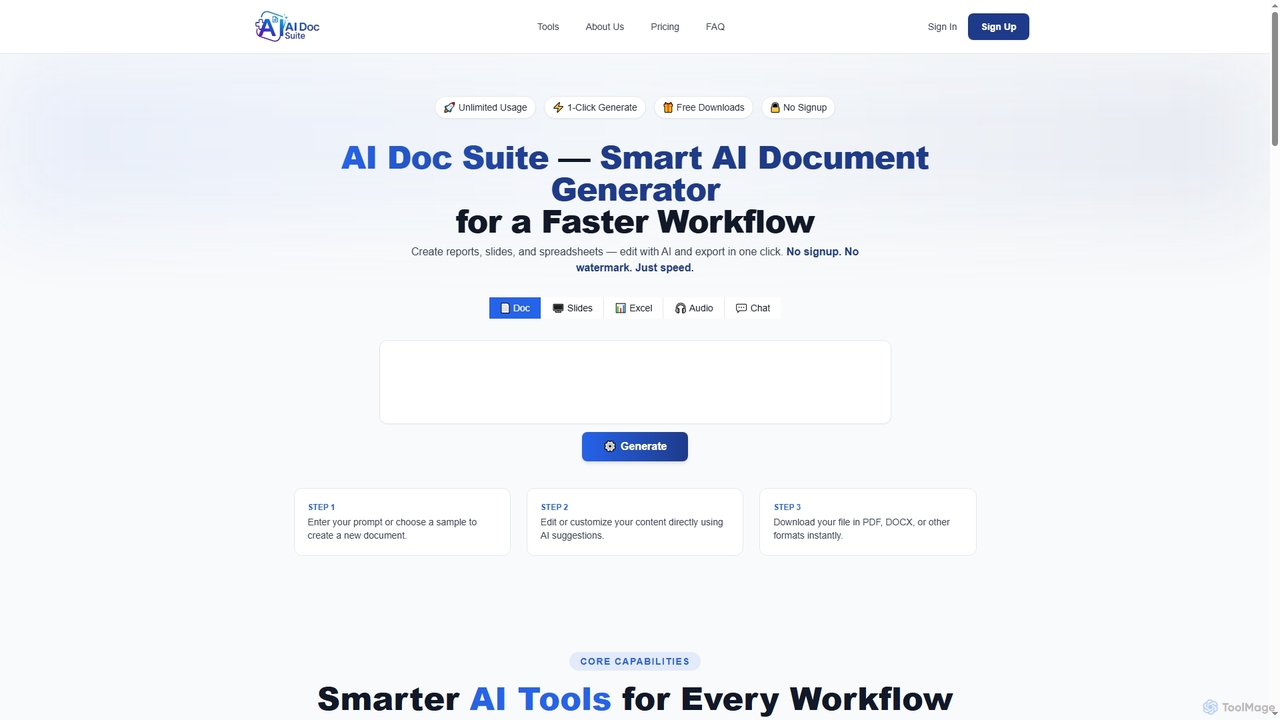
AI Doc Suite
AI Doc Suite is an advanced, browser-based AI workspace for creating, editing, and converting professional documents, slides, spreadsheets, …
AI Doc Suite is an advanced, browser-based AI workspace for creating, editing, and converting professional documents, slides, spreadsheets, audio, images, and videos. It streamlines content generation with intelligent automation and customizable templates, offering a comprehensive solution for various creative and business needs.
About Productivity Suite
Productivity Suites are integrated collections of tools that leverage artificial intelligence to automate tasks, streamline workflows, and enhance workplace efficiency. These suites combine functionalities like intelligent document editing, automated scheduling, data analysis, and project management into a single, cohesive platform. They are designed to reduce manual effort, improve team collaboration, and provide data-driven insights for better decision-making. A key advantage is their ability to learn from user behavior and context to offer personalized assistance and proactive suggestions.
Core Features
- Intelligent Automation: Automates repetitive tasks such as data entry, report generation, and email sorting.
- Unified Workspace: Integrates various tools like documents, spreadsheets, and communication channels into a single interface.
- AI-Powered Assistance: Provides contextual suggestions, content generation, and data analysis directly within workflows.
- Collaborative Intelligence: Enhances teamwork with features like automated meeting summaries and shared task tracking.
Use Cases
These suites are valuable for project managers, marketing teams, business analysts, and executive assistants. Common applications include managing complex projects with automated status updates, streamlining content creation pipelines from ideation to analysis, and generating business performance reports with AI-driven insights, all within one environment.
How to Choose
When selecting a Productivity Suite, consider its integration capabilities with your existing software stack. Evaluate the scope of tools offered to ensure they cover your core needs. Assess the platform's collaboration features for team-based workflows and review its security policies and data privacy compliance to protect sensitive information.
Productivity SuiteUse Cases
Automated Project Management and Reporting
A project manager overseeing multiple complex projects uses an AI Productivity Suite to streamline operations. The suite automatically tracks task progress from integrated apps, identifies potential bottlenecks, and suggests resource reallocation. Each week, it generates a comprehensive progress report with key metrics and predictive analysis on project completion dates. This eliminates hours of manual data collection and report creation, allowing the manager to focus on strategic decision-making and team leadership rather than administrative tasks.
Streamlined Content Creation Workflow
A marketing team uses a productivity suite to manage their entire content lifecycle. The AI assistant helps brainstorm blog post ideas and generate initial drafts. The integrated document editor allows for collaborative writing and editing. Once approved, the suite's automation features schedule the content for publication across multiple social media platforms and analyze its performance, providing insights for future content strategy. This unified workflow reduces context switching between different tools and accelerates content delivery.
Intelligent Meeting Management
A team leader uses the productivity suite to make meetings more effective. Before a meeting, the AI helps draft an agenda based on project priorities. During the virtual meeting, the tool provides real-time transcription. After the meeting, it automatically generates a concise summary, identifies key decisions, and creates a list of action items with assigned owners and due dates. These action items are then automatically added to the team's shared task board within the suite, ensuring clear accountability and follow-through.
Data-Driven Business Analysis
A business analyst uses the suite's integrated tools to perform quarterly performance reviews. They connect the suite to various data sources like sales CRM and marketing analytics. The AI can then process this data, identify trends, and generate visualizations within a spreadsheet or report document. The analyst can query the data using natural language, asking questions like "What was our top-performing product in Europe last quarter?" The suite provides instant answers and charts, significantly reducing the time required for data compilation and analysis.
Personalized Daily Task Organization
An individual professional uses their productivity suite as a personal assistant. Each morning, the AI analyzes their calendar, emails, and task list to suggest a prioritized schedule for the day. It flags urgent emails that require a response and drafts potential replies. It also reminds them of upcoming deadlines and automatically blocks out focus time in their calendar for deep work. This proactive organization helps the user stay on top of their workload and manage their time more effectively without constant manual planning.
Enterprise Knowledge Management
A large organization implements a productivity suite to create a centralized knowledge base. All internal documents, meeting notes, and project plans are stored within the suite's secure cloud environment. When an employee needs information, they can use the AI-powered search function to ask questions in natural language, such as "Find the marketing budget presentation from Q3." The AI understands the context and retrieves the most relevant documents, not just those with keyword matches. This improves information accessibility and reduces time wasted searching for files across disparate systems.