
Prototyping Best in category 1 results Ux AI Tool

Popular AI tools in the Ux field of Prototyping include Sleek, etc., helping you quickly improve efficiency.

Sleek

Sleek

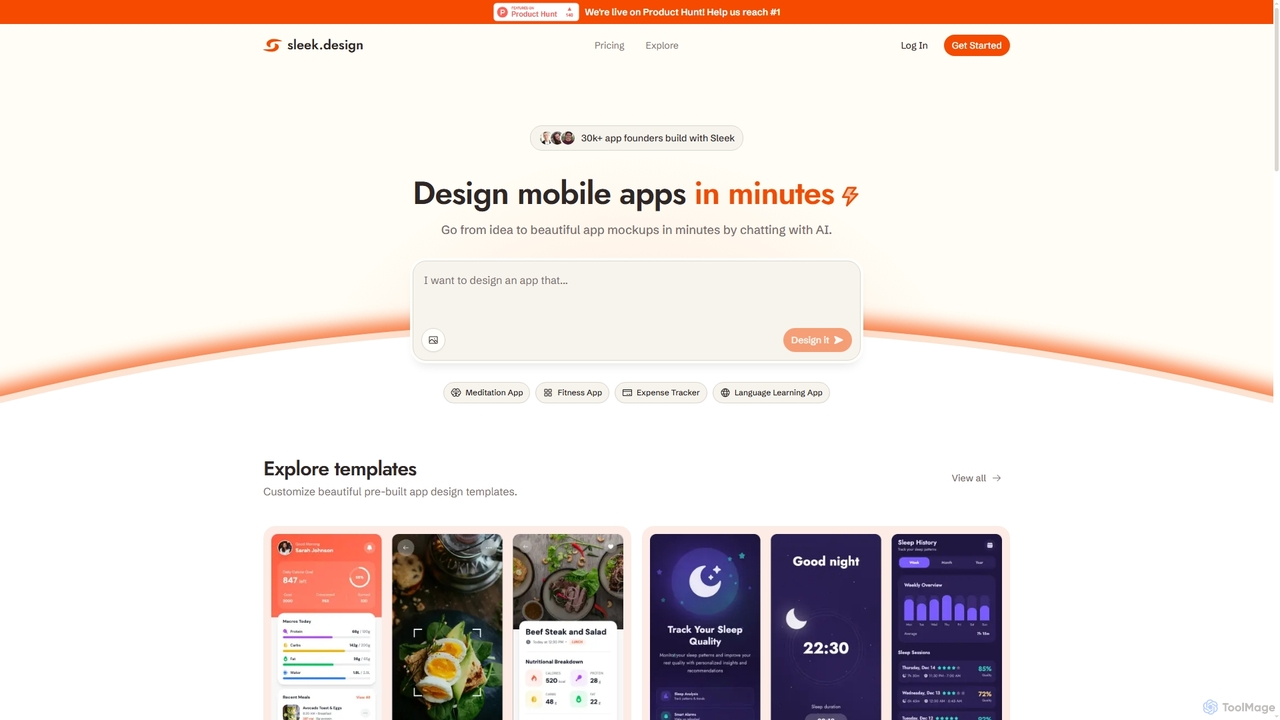
Sleek is an AI-powered mobile app designer that enables founders and entrepreneurs to create professional app mockups in …

198.8K

About Ux

UX (User Experience) tools are AI-powered solutions designed to enhance the overall satisfaction and usability of products by optimizing their interaction with users. These tools leverage AI to analyze user behavior, gather feedback, and prototype designs, ensuring intuitive and efficient digital experiences. They play a crucial role within the broader field of UI/UX design by focusing specifically on the emotional and functional aspects of user interaction, leading to more engaging and effective products.

Core Features

  • User Behavior Analysis: AI-driven insights into user interactions, click paths, and engagement patterns.
  • Automated Usability Testing: AI simulates user scenarios and identifies potential friction points in designs.
  • Personalized Experience Design: Tools suggest tailored UI elements and content based on individual user data.
  • Sentiment Analysis: AI processes user feedback (text, voice) to gauge emotional responses and satisfaction levels.
  • Prototyping & Wireframing Assistance: AI helps generate initial design concepts and optimize layouts for better usability.

Applicable Scenarios

Product managers and UX designers use these tools to validate design hypotheses and iterate on features based on data-driven insights. Marketing teams leverage AI-powered UX analysis to understand customer journeys and optimize conversion funnels. Developers integrate UX tools to ensure their applications are not only functional but also delightful and easy to use for the end-user.

How to Choose

When selecting UX tools, consider their AI capabilities for data analysis and automation, ensuring they align with your specific research and design needs. Evaluate integration with existing design and development workflows, as well as the depth of user feedback and behavior analytics offered. Scalability, pricing models, and the level of support for different platforms (web, mobile, VR) are also critical factors for long-term effectiveness.

UxUse Cases

1

Optimizing E-commerce Checkout Flows

An e-commerce UX designer uses AI-powered UX tools to analyze customer drop-off points during the checkout process. The tool identifies specific form fields or steps causing friction, suggests A/B test variations for button placement or text, and predicts which changes will lead to higher conversion rates. This allows the designer to make data-backed improvements, reducing cart abandonment and increasing sales efficiency.

2

Personalizing Mobile App Onboarding

A mobile app development team employs UX AI to tailor the onboarding experience for new users. Based on initial user demographics and stated preferences, the tool dynamically adjusts tutorial content, feature highlights, and initial settings. This personalized approach ensures users quickly understand the app's value proposition and reduces early churn, leading to higher user retention.

3

Conducting Automated Usability Audits

A large enterprise with multiple digital products utilizes AI UX tools to perform continuous usability audits. The AI simulates thousands of user interactions across various devices and scenarios, automatically flagging accessibility issues, broken links, or confusing navigation paths. This proactive monitoring helps maintain a high standard of user experience across all platforms without extensive manual testing.

4

Analyzing User Feedback for Product Iteration

A SaaS product team uses AI-driven sentiment analysis within their UX platform to process thousands of customer reviews and support tickets. The tool categorizes feedback by topic, identifies recurring pain points, and quantifies user sentiment towards specific features. This enables the team to prioritize product backlog items based on actual user needs and emotional responses, accelerating user-centric development.

5

Generating A/B Test Hypotheses for Landing Pages

A digital marketing specialist leverages AI UX tools to generate hypotheses for A/B testing landing page designs. The AI analyzes historical user engagement data, heatmaps, and eye-tracking simulations to suggest optimal layouts, call-to-action placements, and content variations. This automates the ideation phase, allowing marketers to run more effective tests that significantly improve conversion rates.

6

Designing Accessible Interfaces for Diverse Users

A UX designer focuses on inclusivity uses AI tools to ensure digital products are accessible to users with diverse needs. The AI analyzes design mockups against accessibility guidelines (WCAG), identifies potential color contrast issues, font legibility problems, or navigation complexities for screen readers. This helps designers proactively build interfaces that are usable and enjoyable for everyone, enhancing brand reputation and market reach.

UxFrequently Asked Questions